
First Layer
Printable
First Layer Checklist
A printable first-layer workflow for adhesion, Z offset, mesh, plate cleaning, and baseline settings.
Before printing
- Clean build plate with the correct method for the surface.
- Heat bed and nozzle to normal printing temperature.
- Confirm the correct material/profile is selected.
- Check that the bed mesh or leveling state is active.
- Use a simple test model, not a complex print.
Notes:
During first layer
- Watch the first 2–3 lines print.
- Look for gaps between lines.
- Look for nozzle scraping or transparent over-squish.
- Check all corners, not just the center.
- Adjust Z offset in tiny steps only.
Notes:
After correction
- Record working Z offset/profile notes.
- Save settings to Profile Vault.
- Do one repeat test before a long print.
- Move to AI Doctor if the same issue keeps returning.
Notes:
Related tools and guides
Matched next step
Fix the first layer, then print something worth keeping.
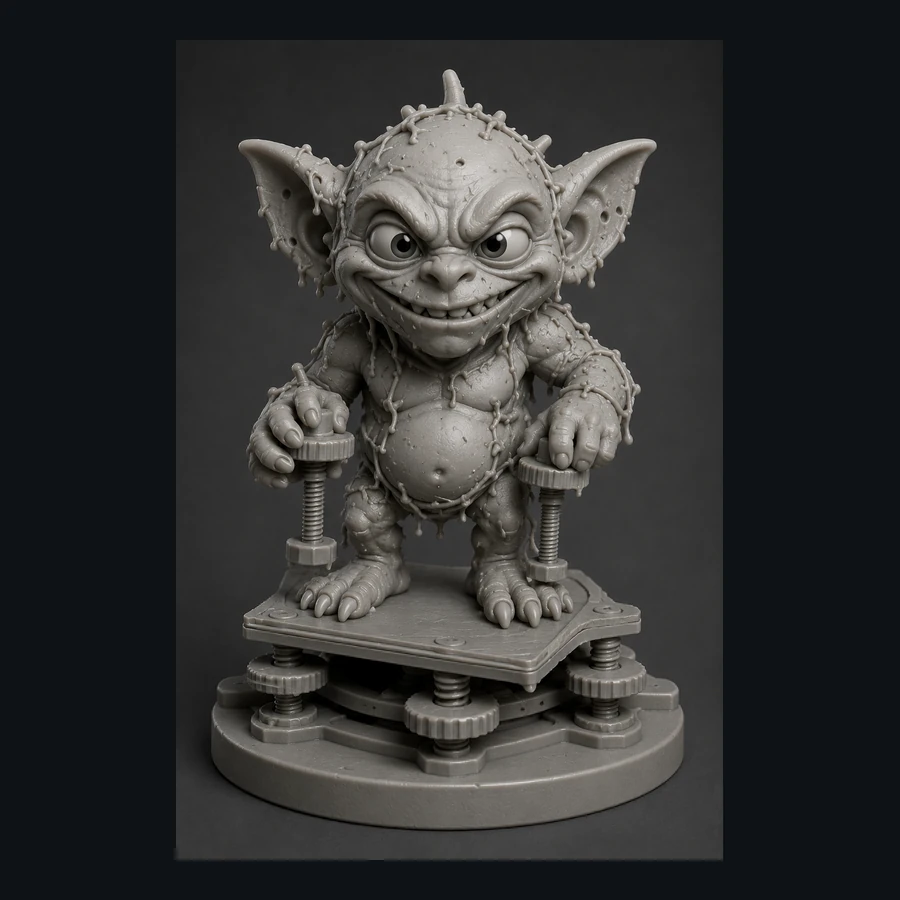
Use the free calibration path, save the settings that worked, and explore the Characters & Creatures collection that includes Bed Leveling Gremlin.