
Stringing
Printable
Stringing and Filament Checklist
A printable workflow for stringing, wet filament, PETG wisps, fuzzy surfaces, popping, and retraction tuning.
Filament condition first
- Check how long the spool has been open.
- Check for popping/sizzling at the nozzle.
- Look for fuzzy or rough extrusion texture.
- Run the Filament Condition Advisor.
- Dry/store the material if symptoms suggest moisture.
Notes:
Slicer tuning second
- Lower temperature in small safe steps.
- Run a small retraction test.
- Check travel speed and combing/wipe behavior.
- Avoid changing flow, temperature, and retraction all at once.
Notes:
After correction
- Save the working material profile.
- Label the spool if it was wet or suspect.
- Store spool sealed with desiccant.
- Use AI Doctor if stringing remains after drying/tuning.
Notes:
Related tools and guides
Matched next step
Turn the failure into a repeatable repair.
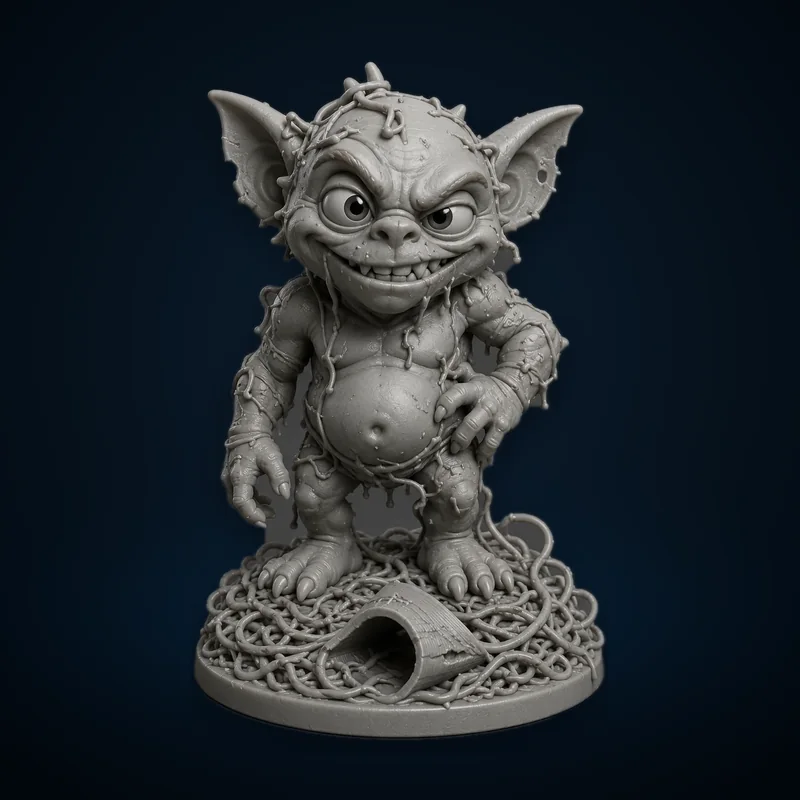
Continue the diagnosis, save the repair settings that worked, and explore the Characters & Creatures collection that includes Failed Print Gremlin.