
Warping
Printable
Warping and Corner Lift Checklist
A printable workflow for warping, lifted corners, large flat prints, ASA/ABS cracking, drafts, brim strategy, and adhesion.
Environment checks
- Check for drafts, fans, vents, windows, and cold surfaces.
- Confirm bed temperature and material selection.
- Use an enclosure when appropriate and safe.
- Let ASA/ABS cool gradually before removal.
Notes:
Adhesion checks
- Clean the plate.
- Check first-layer squish.
- Use brim for high-risk shapes.
- Round sharp model corners when possible.
- Avoid overcooling warp-prone materials.
Notes:
After correction
- Document environment and bed settings.
- Save material-specific profile.
- Use AI Doctor for repeat corner lift.
- Review Recommended Tools if enclosure/plate/drying is needed.
Notes:
Related tools and guides
Matched next step
Fix the first layer, then print something worth keeping.
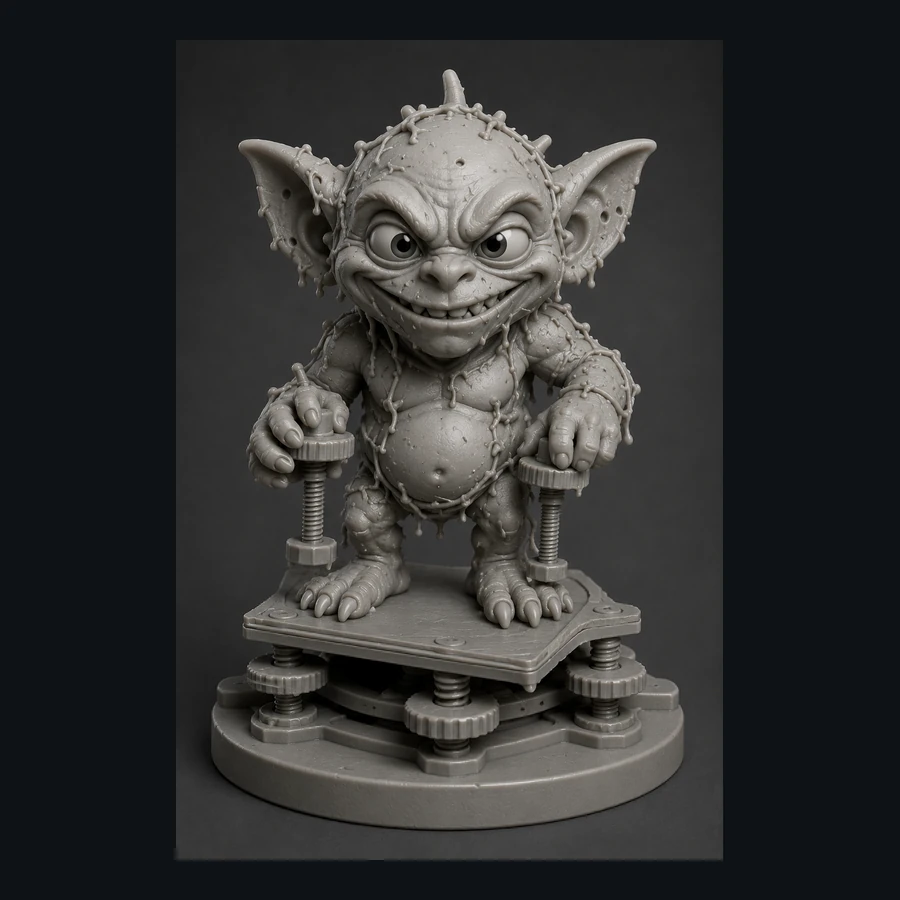
Use the free calibration path, save the settings that worked, and explore the Characters & Creatures collection that includes Bed Leveling Gremlin.