
Private on-device repair evidence
How to Dry Filament Safely
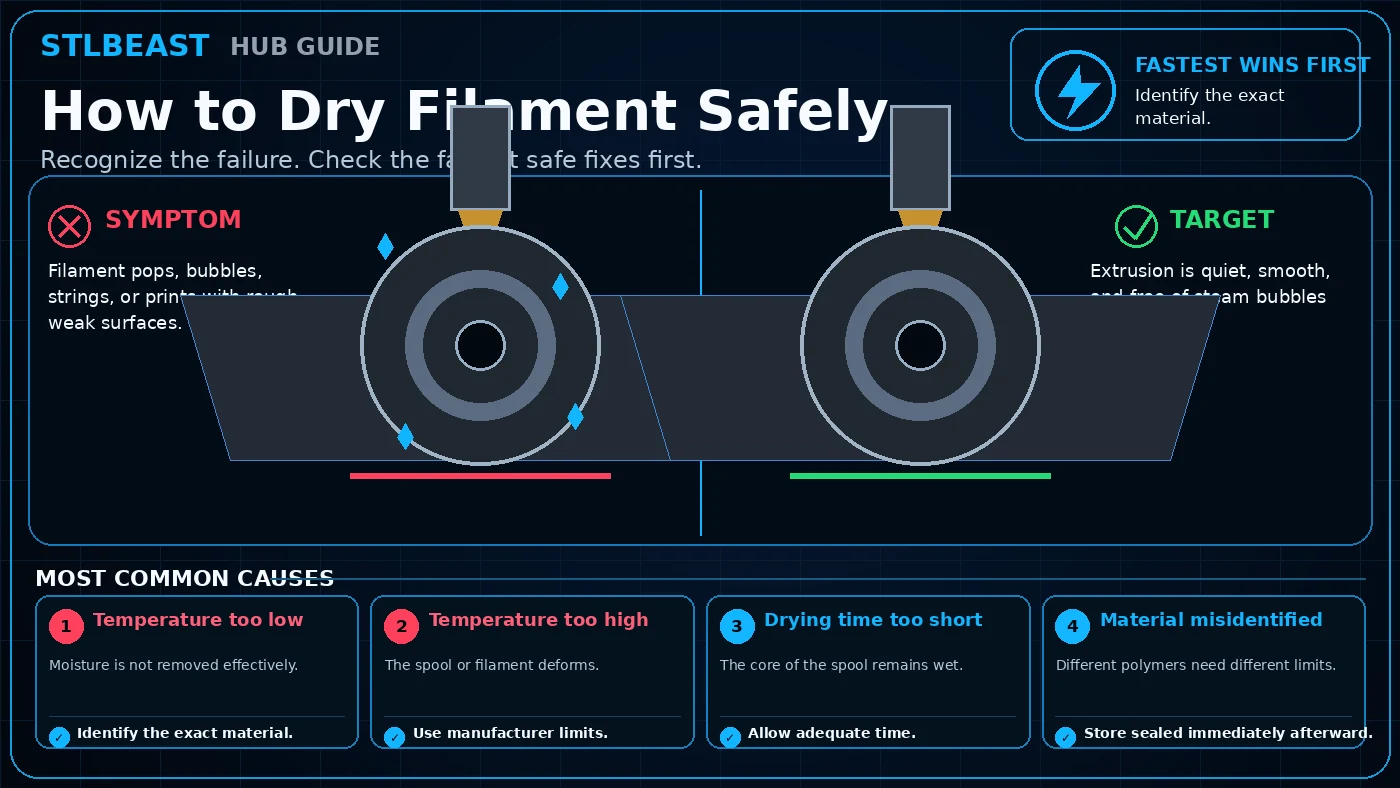
A detailed STLBEAST repair guide to remove absorbed moisture without deforming the spool or polymer. Learn how to recognize the symptom, rank the likely causes, apply safe fixes in order, verify the result, and prevent the failure from returning.
Not started0 of 8 stepsNot yet saved
Record the setup that produced this result
Saved only in this browser with the repair. Nothing is uploaded.
Add before and after photos for this report
Photos stay in this open page only and are never stored or uploaded. They appear in the printed report while the page remains open.
Controlled test history
No controlled tests have been logged yet. Return to Workshop Mode and record each change before running another test.
Step completion
- 1Document the failure and confirm that it matches this guide: Filament pops, bubbles, strings, or prints with rough weak surfaces.Not completed
- 2Return extreme overrides to a known printer, nozzle, material, and slicer profile so the diagnosis starts from a stable baseline.Not completed
- 3Check temperature too low. Identify the exact material.Not completed
- 4Check temperature too high. Use manufacturer limits.Not completed
- 5Inspect drying time too short. Allow adequate time.Not completed
- 6Rule out material misidentified. Store sealed immediately afterward.Not completed
- 7Change only the single setting or hardware condition supported by the evidence, then run a small test that reproduces the original failure.Not completed
- 8Compare the test against the target condition, record the successful value, and save it in a printer/material profile before repeating the full print.Not completed
Observations and winning values
No notes recorded.
Verification test
- Model
- Small representative test print
- Setup
- Use the same printer, material, slicer and key settings as the failed model.
- Pass
- The original symptom is absent and the target feature is repeatable.
- If unchanged
- The symptom remains in the same location or stage.

Matched next step
Keep the useful workflow going.
Pair practical Hub guidance with Caffeine Monster and the clear three-product Character Collectibles Starter Pack.