
Current, legacy and custom variants
- X-Smart
- X-Plus
- X-Max
- Q1 Pro
- Plus4
- X-Max4
- X-Plus4
- Q2C
- Q2
- X-Max 3
- X-Plus 3
- X-Smart 3
Use the custom-printer field in Printer Settings when an exact model is not listed.
Troubleshooting and settings guidance for QIDI.
Use the custom-printer field in Printer Settings when an exact model is not listed.
A detailed STLBEAST repair guide to balance paired belts without introducing racking. Learn how to recognize the symptom, rank the likely causes, apply safe fixes in order, verify the result, and prevent the failure from returning.
A detailed STLBEAST repair guide to tune the two most important first-layer process settings. Learn how to recognize the symptom, rank the likely causes, apply safe fixes in order, verify the result, and prevent the failure from returning.
A detailed STLBEAST repair guide to stabilize heater control before tuning print quality. Learn how to recognize the symptom, rank the likely causes, apply safe fixes in order, verify the result, and prevent the failure from returning.
A detailed STLBEAST repair guide to choose the lowest temperature that gives clean flow and strong bonding. Learn how to recognize the symptom, rank the likely causes, apply safe fixes in order, verify the result, and prevent the failure from returning.
A detailed STLBEAST repair guide to keep viscosity and cure response within the resin maker range. Learn how to recognize the symptom, rank the likely causes, apply safe fixes in order, verify the result, and prevent the failure from returning.
Treat sudden temperature jumps as a sensor or wiring fault: stop heating, inspect the sensor, connector, cable path, and configured thermistor type.
Run the printer manufacturer’s PID or heater calibration only after the heater, sensor, wiring, fans, and hotend assembly are confirmed healthy.
A detailed STLBEAST repair guide to print high-temperature material within machine limits. Learn how to recognize the symptom, rank the likely causes, apply safe fixes in order, verify the result, and prevent the failure from returning.
Build a reliable PLA baseline for temperature, cooling, speed, retraction, first layer, and strength.
Tune enclosure, bed adhesion, temperature, cooling, and ventilation for high-shrink materials.
A detailed STLBEAST repair guide to stabilize extrusion and nozzle height across the plate. Learn how to recognize the symptom, rank the likely causes, apply safe fixes in order, verify the result, and prevent the failure from returning.
A detailed STLBEAST repair guide to close visible gaps without crushing the first layer. Learn how to recognize the symptom, rank the likely causes, apply safe fixes in order, verify the result, and prevent the failure from returning.
Explore a useful STL for your next project.
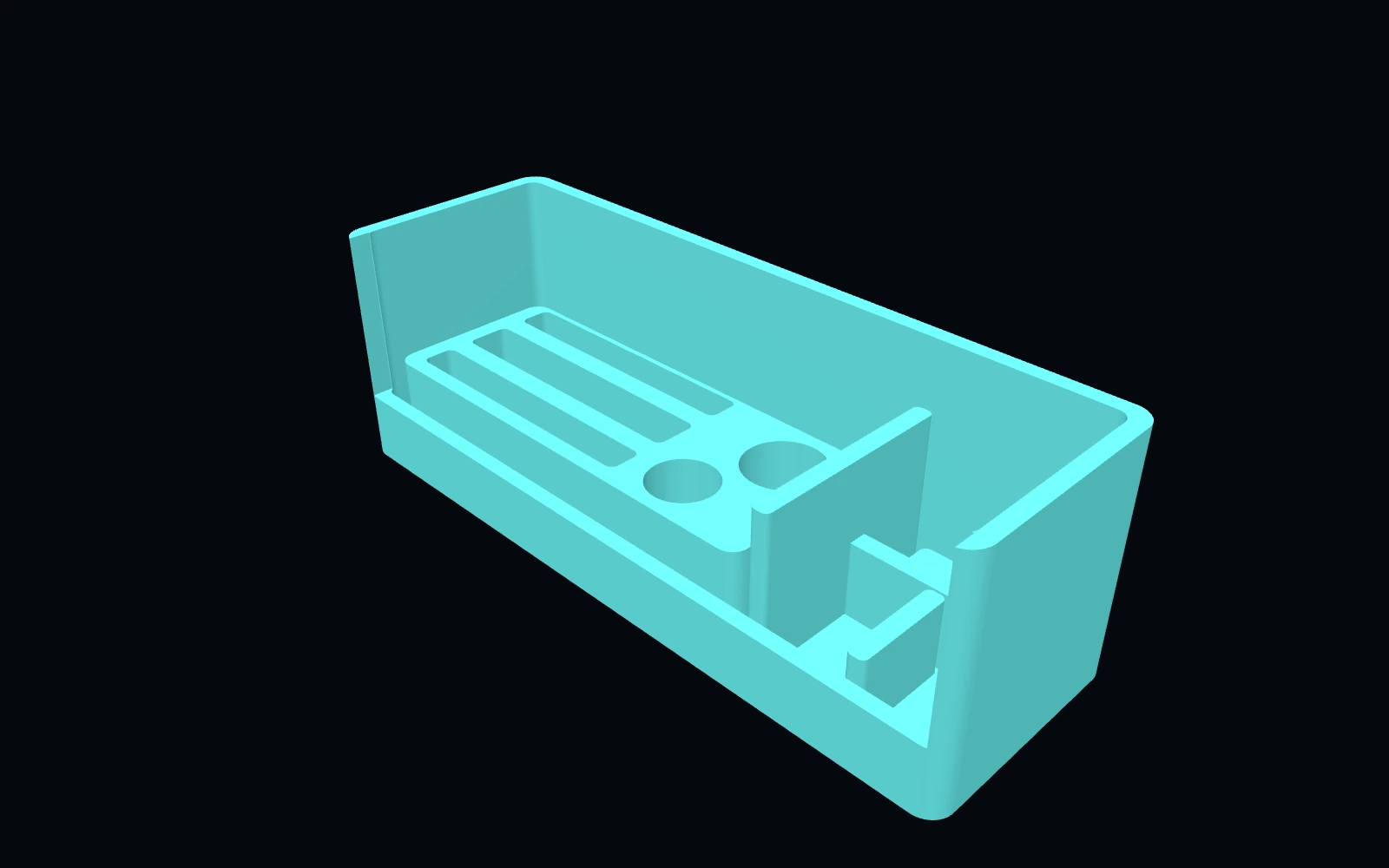 Original digital STLSTLBEAST Belt Tension & Motion Service Station V5
A motion-system work deck for belt inspection, pulley and bearing staging, and tensioner hardware service.
$9.99 CAD · View product →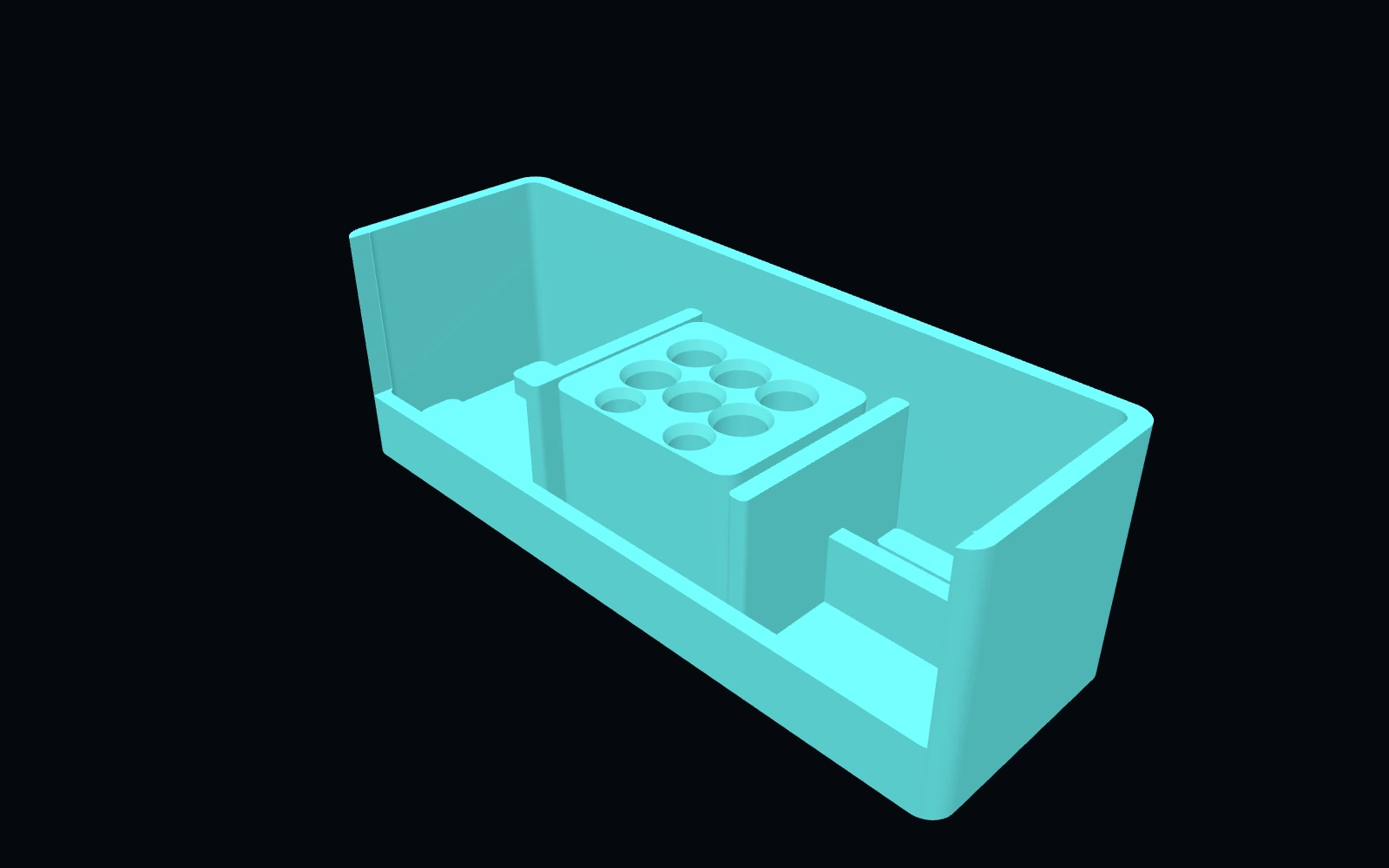 Original digital STLSTLBEAST Hotend Rebuild Station V1
A compact hotend maintenance station for nozzles, heater hardware, thermistors, spacers and rebuild tools.
$8.99 CAD · View product →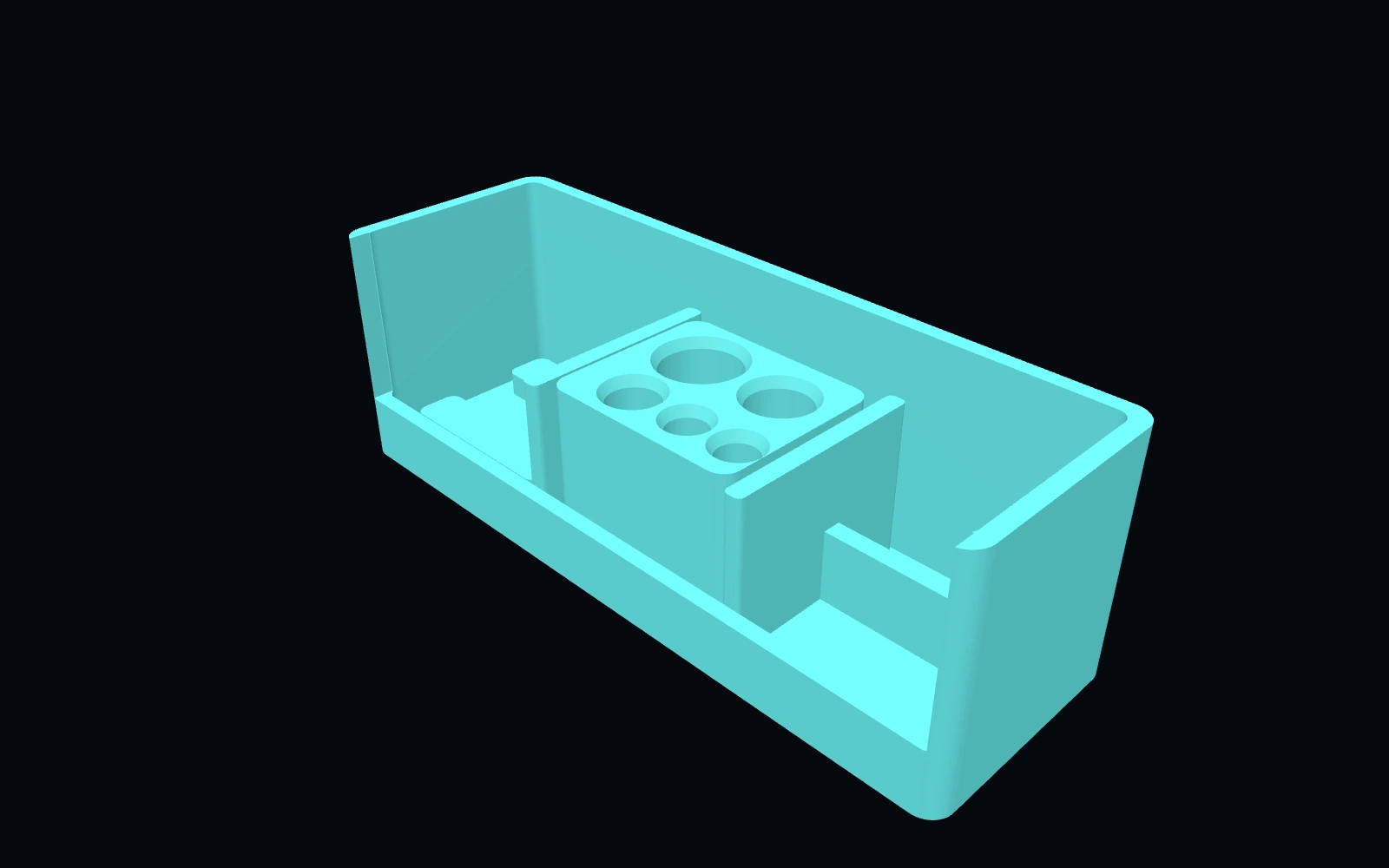 Original digital STLSTLBEAST Filament Path Rescue Station V5
A modular service station for clearing filament paths, staging cutters and picks, and organizing feed-system maintenance tools.
$8.99 CAD · View product →
Pair practical Hub guidance with Caffeine Monster and the clear three-product Character Collectibles Starter Pack.