
Private on-device repair evidence
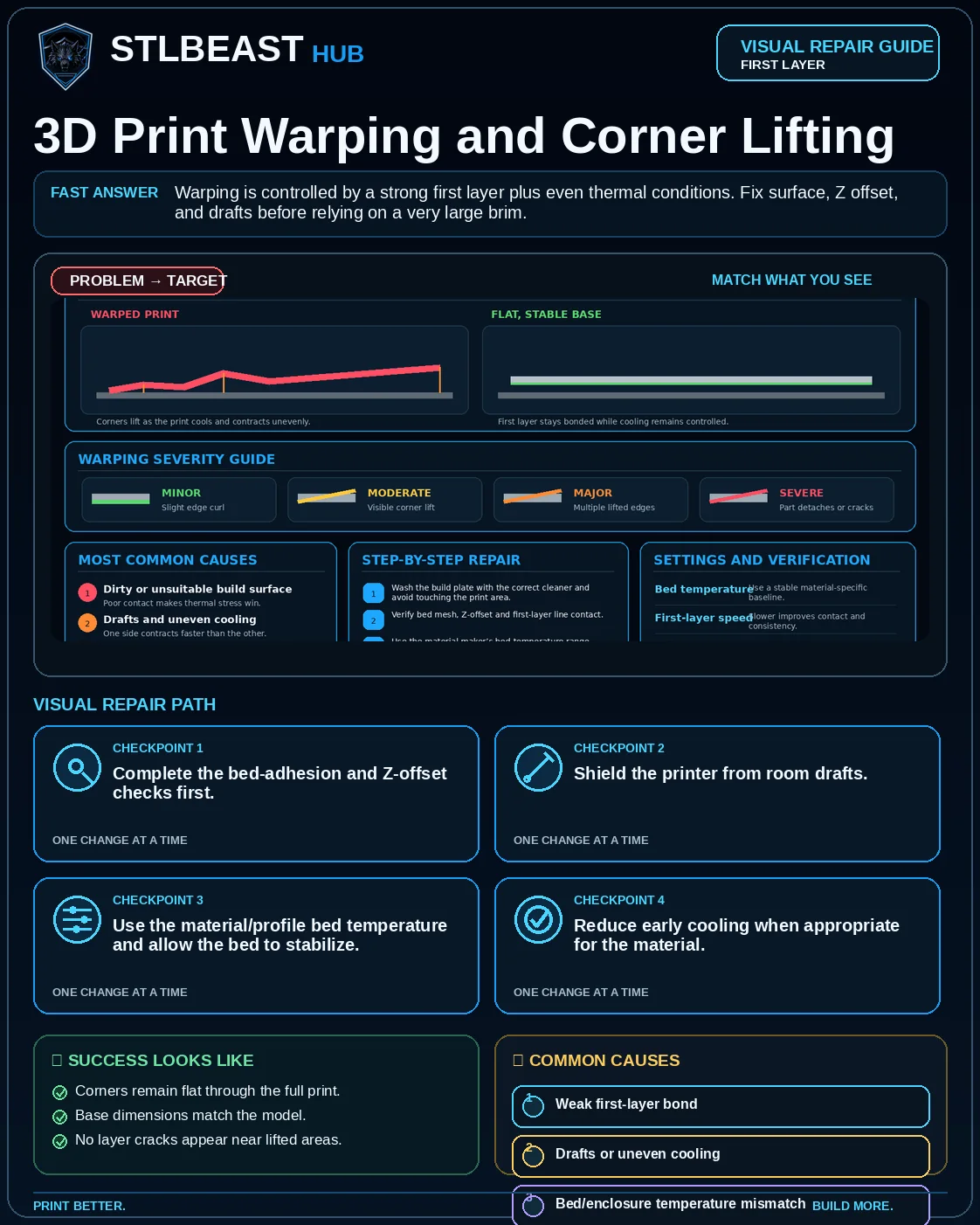
3D Print Warping and Corner Lifting
Fix corners curling off the bed, base distortion, and large parts shrinking during printing.
Not started0 of 7 stepsNot yet saved
Record the setup that produced this result
Saved only in this browser with the repair. Nothing is uploaded.
Add before and after photos for this report
Photos stay in this open page only and are never stored or uploaded. They appear in the printed report while the page remains open.
Controlled test history
No controlled tests have been logged yet. Return to Workshop Mode and record each change before running another test.
Step completion
- 1Complete the bed-adhesion and Z-offset checks first.Not completed
- 2Shield the printer from room drafts.Not completed
- 3Use the material/profile bed temperature and allow the bed to stabilize.Not completed
- 4Reduce early cooling when appropriate for the material.Not completed
- 5Add a brim or mouse ears to high-stress corners.Not completed
- 6For ABS/ASA, use an enclosure and follow ventilation guidance.Not completed
- 7Consider orientation or splitting very large flat parts.Not completed
Observations and winning values
No notes recorded.
Verification test
- Model
- Single-layer five-zone test
- Setup
- Use the final plate, material, mesh and first-layer profile.
- Pass
- Lines join evenly in the centre and corners, with no scraping, gaps or lifting.
- If unchanged
- One or more zones remain loose, transparent, ridged or detached.
Matched next step
Fix the first layer, then print something worth keeping.
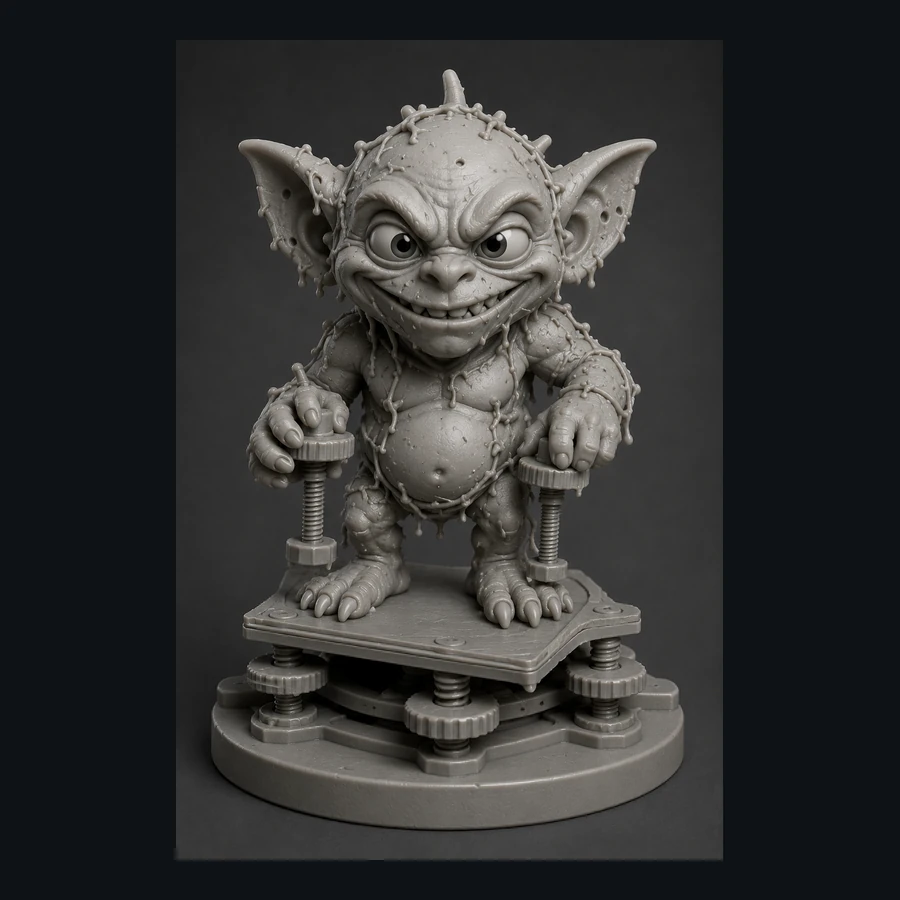
Use the free calibration path, save the settings that worked, and explore the Characters & Creatures collection that includes Bed Leveling Gremlin.