3D Print Warping and Corner Lifting
Fix corners curling off the bed, base distortion, and large parts shrinking during printing.
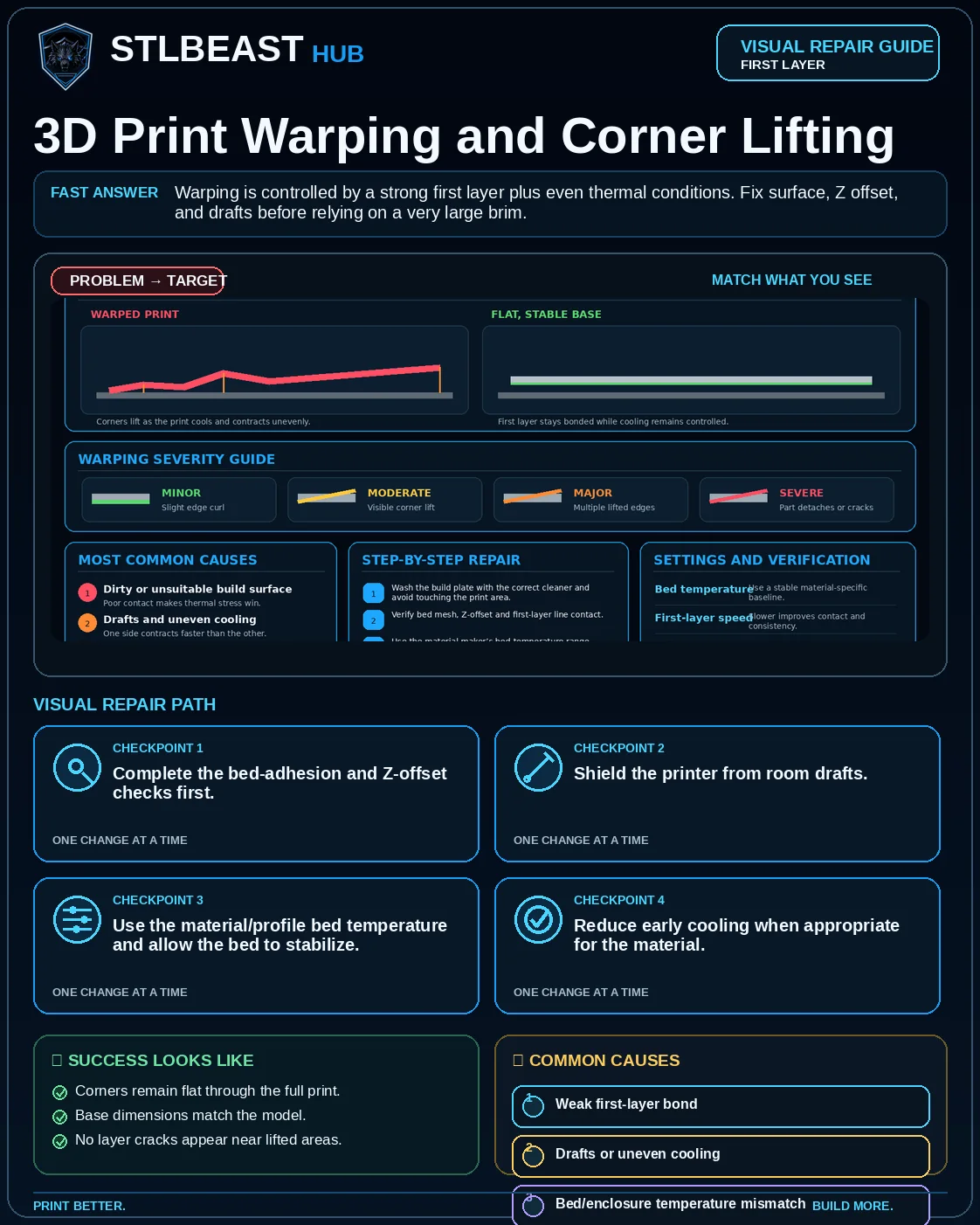
Warping is controlled by a strong first layer plus even thermal conditions. Fix surface, Z offset, and drafts before relying on a very large brim.
See the sequence before you start
Match the visible symptom, work through the four visual checkpoints, and prove the result with a small test.
Start fast or open every detail
Quick Fix keeps the safest first checks and proof steps in view. Full Guide reveals the complete settings, printer context, advanced tests, sources and FAQs.
Quick Fix mode is active.
The base cannot resist material shrinkage.
- Corners remain flat through the full print.
- Base dimensions match the model.
Use the smallest useful test, keep the winning change, and record the result.
Make this guide easier to apply to your setup
Select what you use. The page highlights relevant material, slicer and printer notes without hiding the complete source-backed guide.
Choose any setup details above to emphasize matching notes and produce a safer starting summary.
Know what to do now—and what comes next
Follow one controlled path. Do not stack unrelated changes before the proof test.
- 1Confirm the visual clue
Compare the failed area with the problem and target visuals.
- 2Run the safest first checks
Run the first safe check and change one variable at a time.
- 3Print the proof test
A small representative test no longer shows the original symptom.
- 4Escalate only if needed
Use the next-route guides only when the original symptom remains.
Which description is closest to what you see?
Select the closest match. This does not replace inspection; it moves the most relevant starting point to the front.
The base cannot resist material shrinkage.
See the failure, understand the cause, and follow the correct repair order
This consistent visual story combines the issue-specific comparison, four repair checkpoints, verification criteria, and common causes. Open it full size, then use the source-backed guide below.
Select the image to open the full-resolution guide. Numeric values are safe starting ranges only; follow the detailed instructions and manufacturer limits for your equipment.
Responsive WebP delivery keeps the mobile guide readable without loading the full desktop image unnecessarily.
Before you change settings
- Confirm the exact printer, material, nozzle or resin, slicer, and recent hardware changes.
- Clean and correctly seat the build plate before adjusting Z offset or flow.
- Return extreme overrides to a known profile and change one variable at a time.
- Use a small calibration object or representative section before repeating a long print.
What it looks like
- Corners curl upward
- A long edge bows away from the plate
- Cracks appear as the base lifts
- The part is distorted even if it finishes
Most likely causes
- Weak first-layer bondThe base cannot resist material shrinkage.
- Drafts or uneven coolingOne region contracts faster.
- Bed/enclosure temperature mismatchHigh-shrink materials need thermal control.
- Sharp corners and large flat baseGeometry concentrates stress.
- Dirty or wrong build surfaceThe adhesive system does not match the material.
Repair sequence
Work from top to bottom. Stop when the failure is resolved, verify it with a small test and record the successful setup.
- Step 1Complete the bed-adhesion and Z-offset checks first.
- Step 2Shield the printer from room drafts.
- Step 3Use the material/profile bed temperature and allow the bed to stabilize.
- Step 4Reduce early cooling when appropriate for the material.
- Step 5Add a brim or mouse ears to high-stress corners.
- Step 6For ABS/ASA, use an enclosure and follow ventilation guidance.
- Step 7Consider orientation or splitting very large flat parts.
Settings to review
| Setting | How to use it |
|---|---|
| Brim width | Increase only enough to stabilize the geometry. |
| Fan | Use material-specific cooling; too much early cooling increases stress. |
| Bed temperature | Keep within plate and filament limits. |
| Chamber temperature | Follow printer/material safety guidance. |
Material notes
Often indicates contamination, poor Z offset, or a draft.
Can still warp on large parts; avoid over-squish.
Enclosure and draft control are commonly essential.
Printer context
Check bed seating, gantry alignment, belts, wheels and first-layer consistency across the plate.
Start with the official profile; inspect belt balance, input shaping, flow, pressure advance and chamber conditions.
Confirm delta calibration, tower movement, belt tension, effector stability and full-bed mapping.
Use resin-specific exposure, lift, support, temperature, wash, cure and protective procedures.
Where to look in the slicer
Quality, Strength, Speed, Support and Filament; use built-in calibration for temperature, flow and pressure advance.
Print, Filament and Printer Settings; inspect the layer preview before export.
Quality, Walls, Top/Bottom, Material, Speed, Travel, Cooling, Support and Adhesion.
Printer/resin profile, exposure, lift/retract, support contact, raft, hollowing and drain settings.
Controlled test method
Do not repeat the full print while guessing. Use a small test that reproduces the same feature and record the result.
- Save the current profile or photograph every relevant setting.
- Choose one suspected cause from the ranked list and change only the matching variable.
- Print the smallest useful test with the same material, nozzle, plate, and environment.
- Compare the result with the target visual, keep the winning change, and then test the real model.
Confirm the repair before repeating the full print
Use the final plate, material, mesh and first-layer profile.
Lines join evenly in the centre and corners, with no scraping, gaps or lifting.
One or more zones remain loose, transparent, ridged or detached.
Recheck plate cleanliness, mesh, Z offset and first-layer flow in that order.
Recheck the visual diagnosis →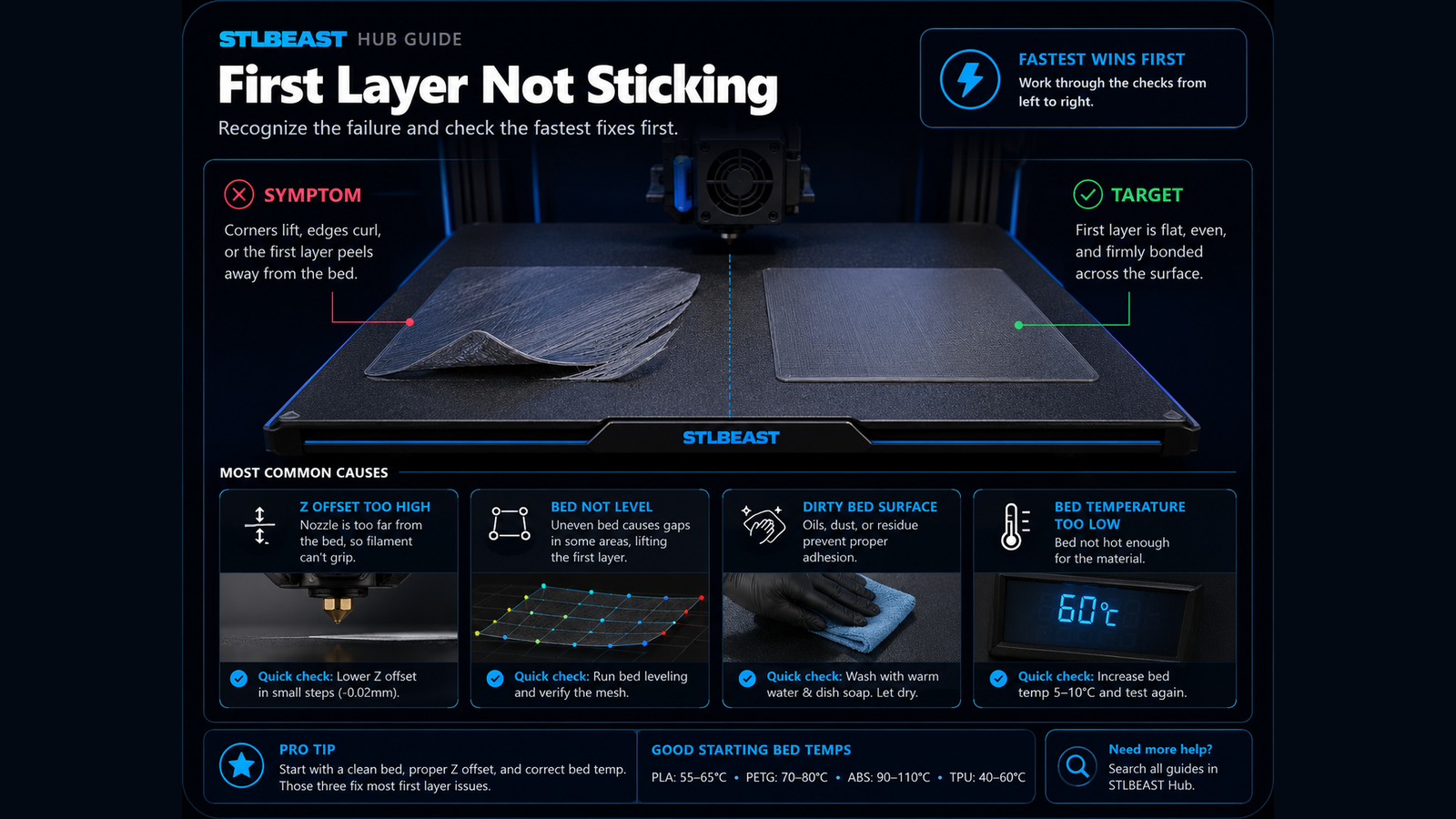 Next path 13D Print Not Sticking to the Bed
Open this related First Layer guide when the first repair path does not fully explain the remaining symptom.
Open this guide →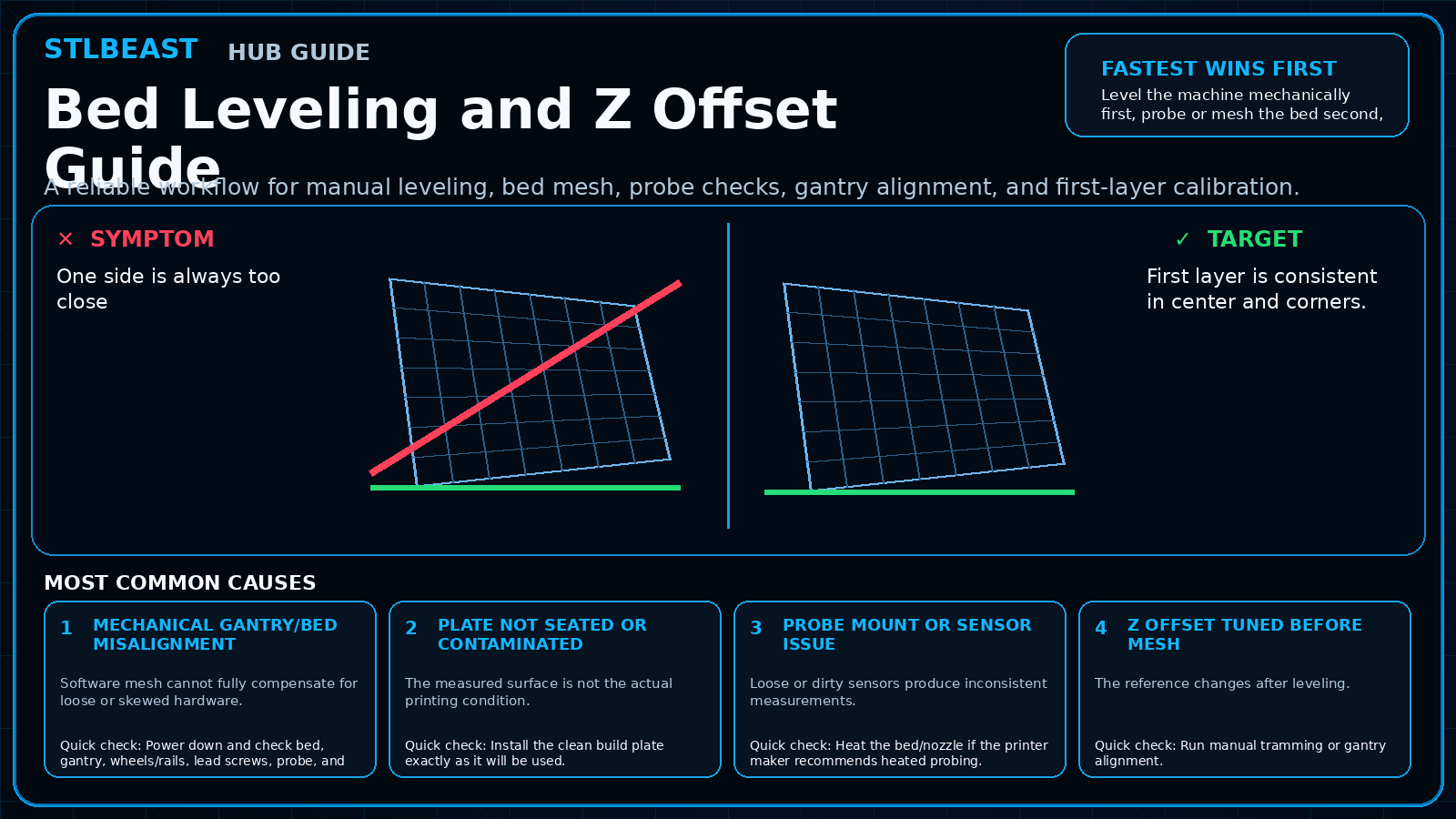 Next path 2Bed Leveling and Z Offset Guide
Use this next when first-layer quality varies across the build plate.
Open this guide →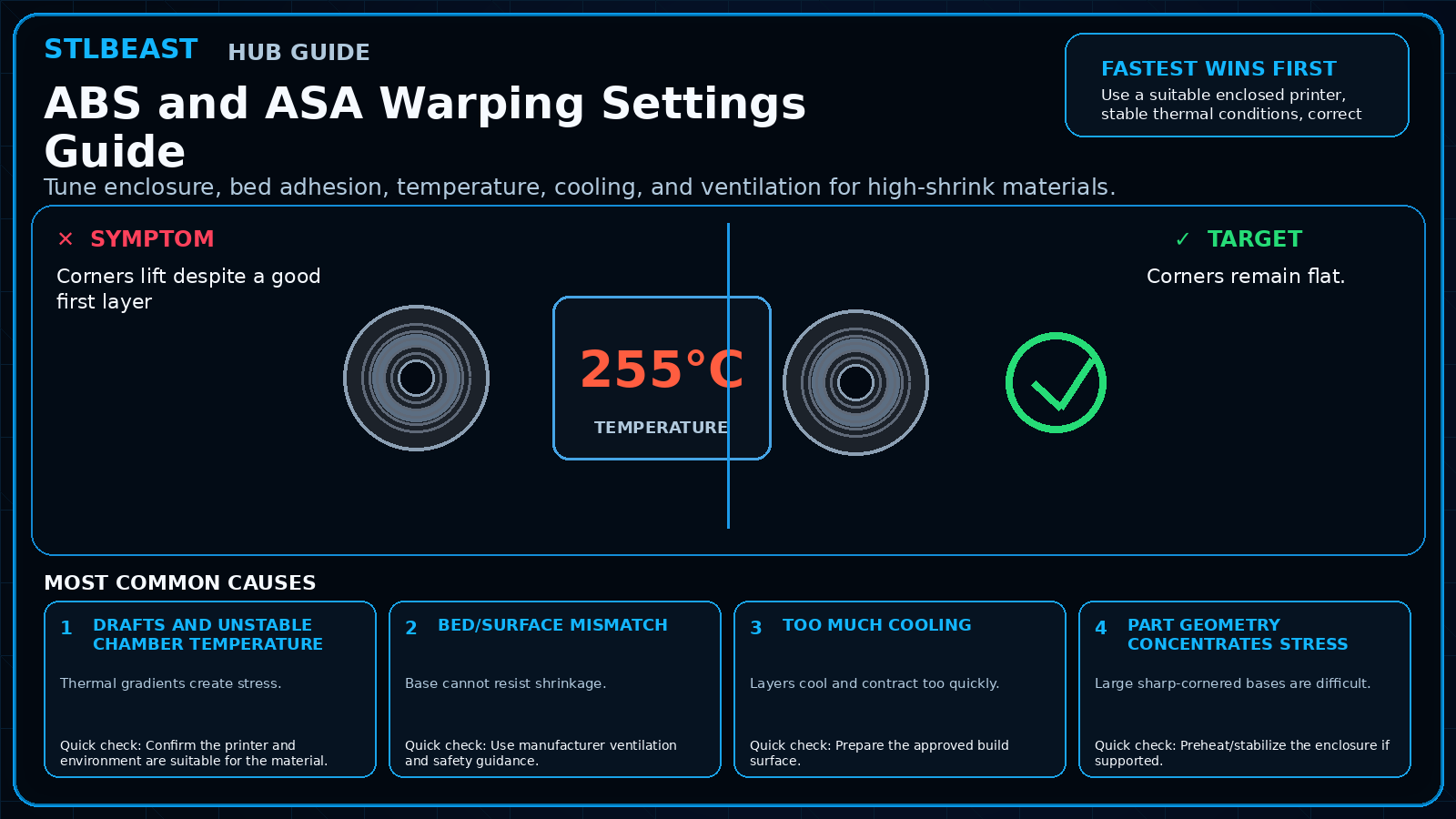 Next path 3ABS and ASA Warping Settings Guide
Open this related Material Settings guide when the first repair path does not fully explain the remaining symptom.
Open this guide →How to verify the fix
- Corners remain flat through the full print.
- Base dimensions match the model.
- No layer cracks appear near lifted areas.
- Part releases normally after cooling.
Choose a result after the print so the guide can point you to the correct next action.
Prevent it next time
- Use rounded corners or stress-relief geometry when designing.
- Preheat/stabilize enclosure for high-shrink materials.
- Keep plates clean.
- Save material-specific cooling profiles.
Useful public sample. Complete personalized profile for members.
Everyone can use the full guide and receive a safe starting sample. Members unlock all machine/material values, adjustment order, saved Profile Vault history and deeper AI Doctor linkage.
Sources and further reading
These references support the troubleshooting sequence. Follow the printer, slicer, filament, resin, and build-surface manufacturer limits for your exact equipment.
Frequently asked questions
Will a hotter bed always stop warping?
No. Excess heat can worsen elephant foot and still cannot compensate for drafts or poor adhesion.
Is a raft necessary?
Usually not as a first step. Correct surface, Z offset, thermal control, and brim strategy first.
Why does warping start late?
Stress accumulates as the part grows and thermal gradients increase.
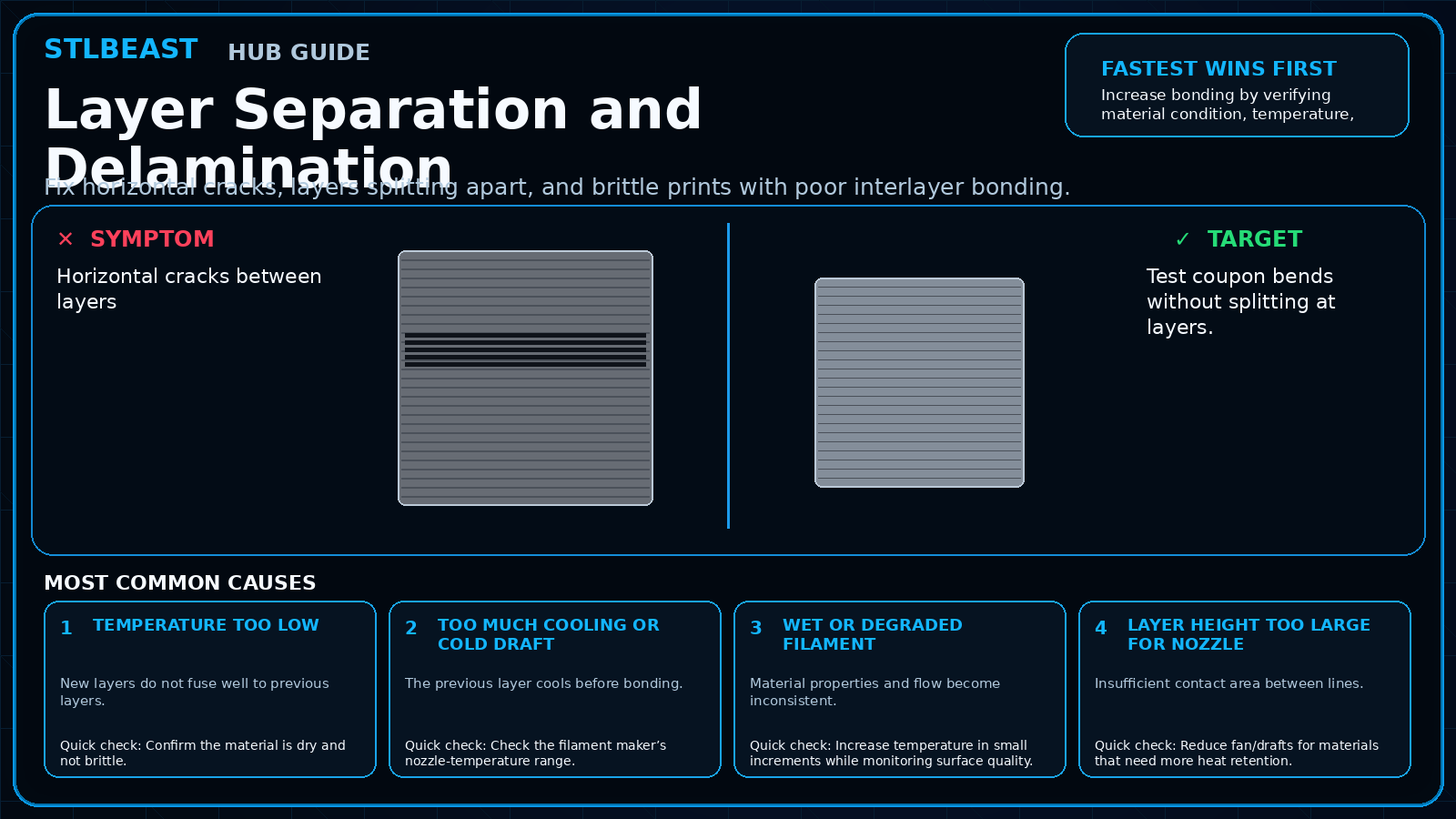
Related fixes
Tools matched to this repair path
Explore a useful STL for your next project.
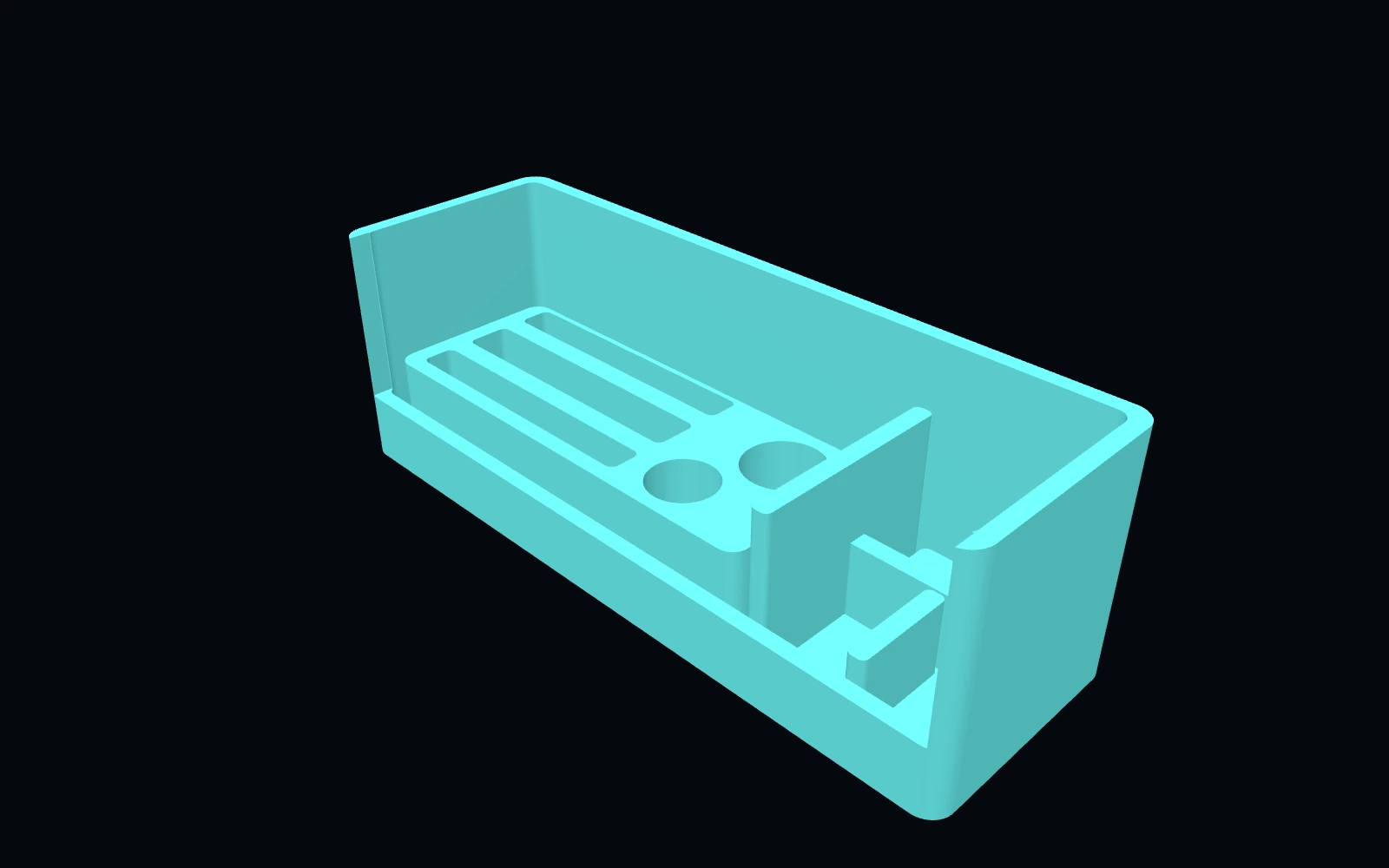 Original digital STLSTLBEAST Belt Tension & Motion Service Station V5
A motion-system work deck for belt inspection, pulley and bearing staging, and tensioner hardware service.
$9.99 CAD · View product →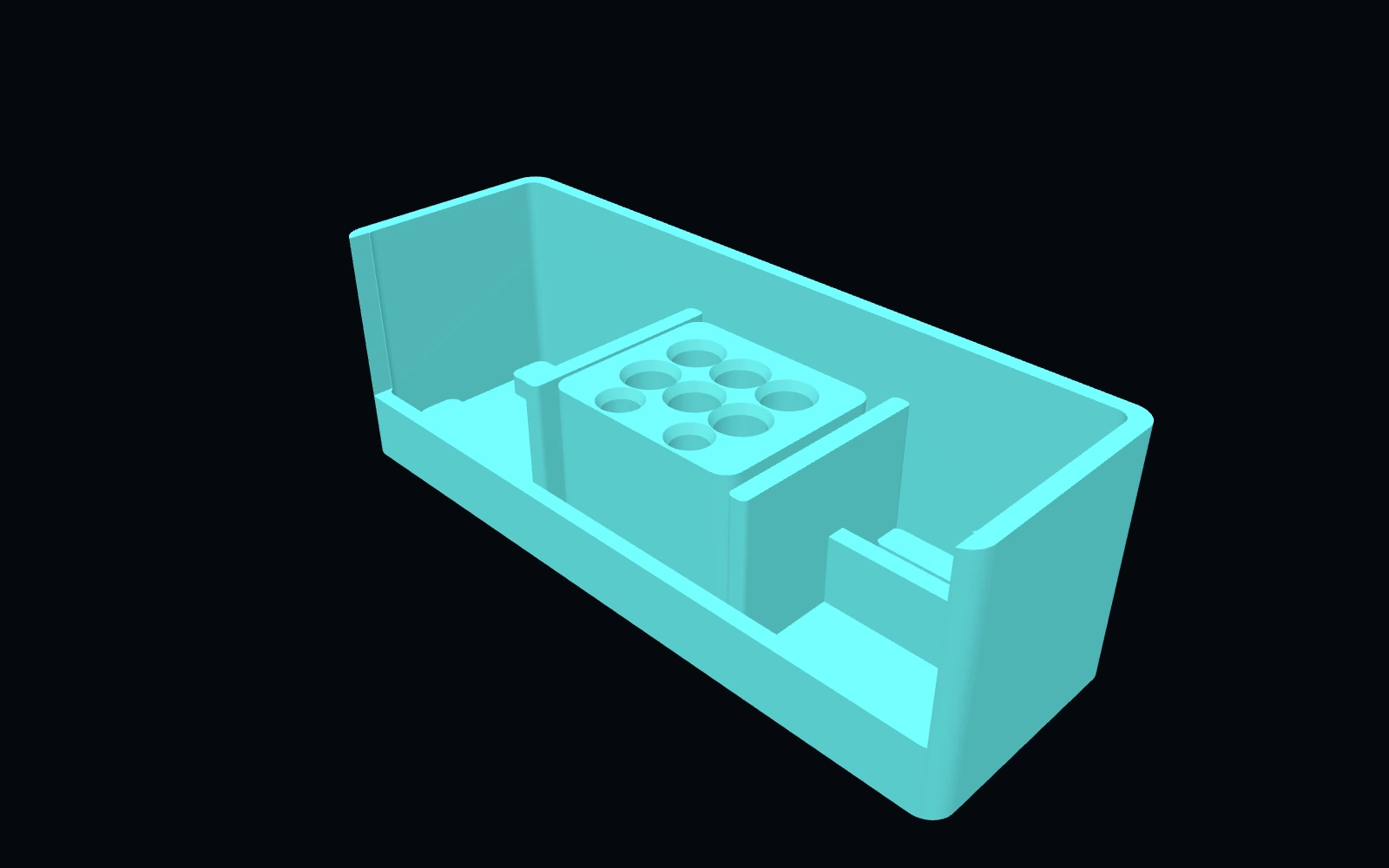 Original digital STLSTLBEAST Hotend Rebuild Station V1
A compact hotend maintenance station for nozzles, heater hardware, thermistors, spacers and rebuild tools.
$8.99 CAD · View product →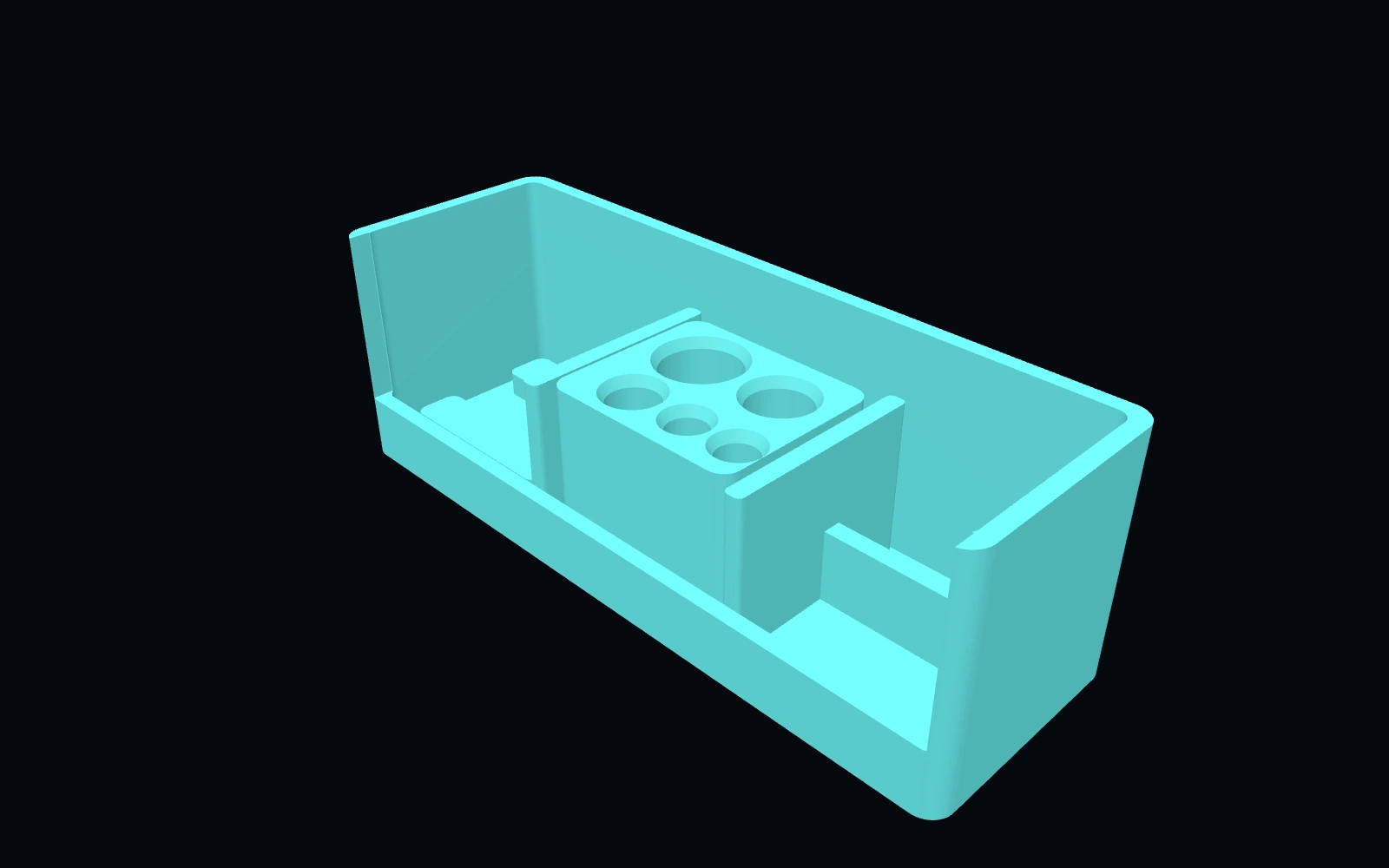 Original digital STLSTLBEAST Filament Path Rescue Station V5
A modular service station for clearing filament paths, staging cutters and picks, and organizing feed-system maintenance tools.
$8.99 CAD · View product →Did this fix your print?
Your anonymous answer improves the guide order and AI Doctor paths.