
Private on-device repair evidence
Bed Leveling and Z Offset Guide
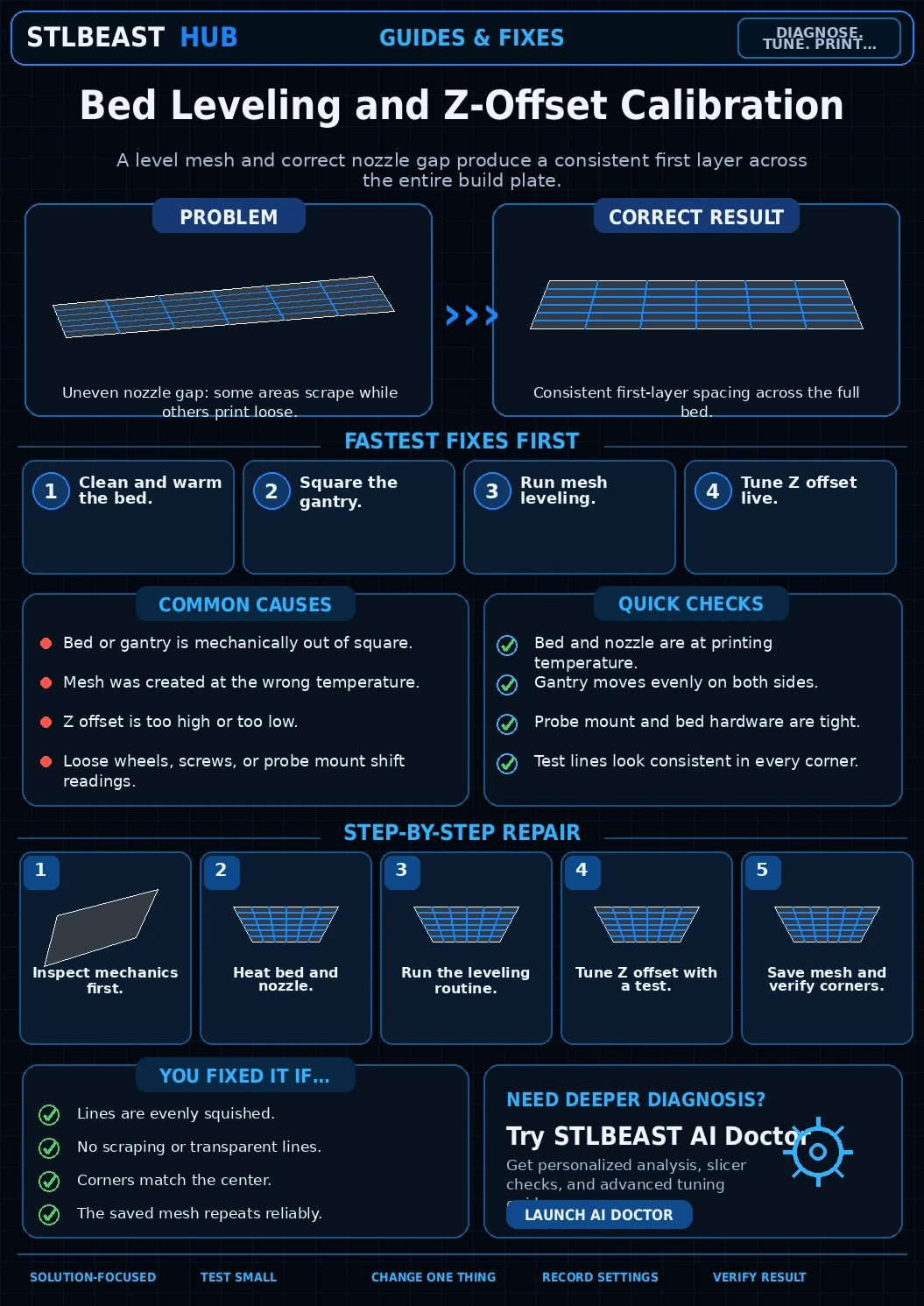
A reliable workflow for manual leveling, bed mesh, probe checks, gantry alignment, and first-layer calibration.
Not started0 of 7 stepsNot yet saved
Record the setup that produced this result
Saved only in this browser with the repair. Nothing is uploaded.
Add before and after photos for this report
Photos stay in this open page only and are never stored or uploaded. They appear in the printed report while the page remains open.
Controlled test history
No controlled tests have been logged yet. Return to Workshop Mode and record each change before running another test.
Step completion
- 1Power down and check bed, gantry, wheels/rails, lead screws, probe, and hotend for play.Not completed
- 2Install the clean build plate exactly as it will be used.Not completed
- 3Heat the bed/nozzle if the printer maker recommends heated probing.Not completed
- 4Run manual tramming or gantry alignment.Not completed
- 5Create a fresh mesh with the nozzle clean.Not completed
- 6Load/save the correct mesh according to the printer firmware.Not completed
- 7Tune Z offset with a large one-layer test and save the verified profile.Not completed
Observations and winning values
No notes recorded.
Verification test
- Model
- Small representative test print
- Setup
- Use the same printer, material, slicer and key settings as the failed model.
- Pass
- The original symptom is absent and the target feature is repeatable.
- If unchanged
- The symptom remains in the same location or stage.

Matched next step
Fix the first layer, then print something worth keeping.
Use the free calibration path, save the settings that worked, and explore the Characters & Creatures collection that includes Bed Leveling Gremlin.