
Private on-device repair evidence
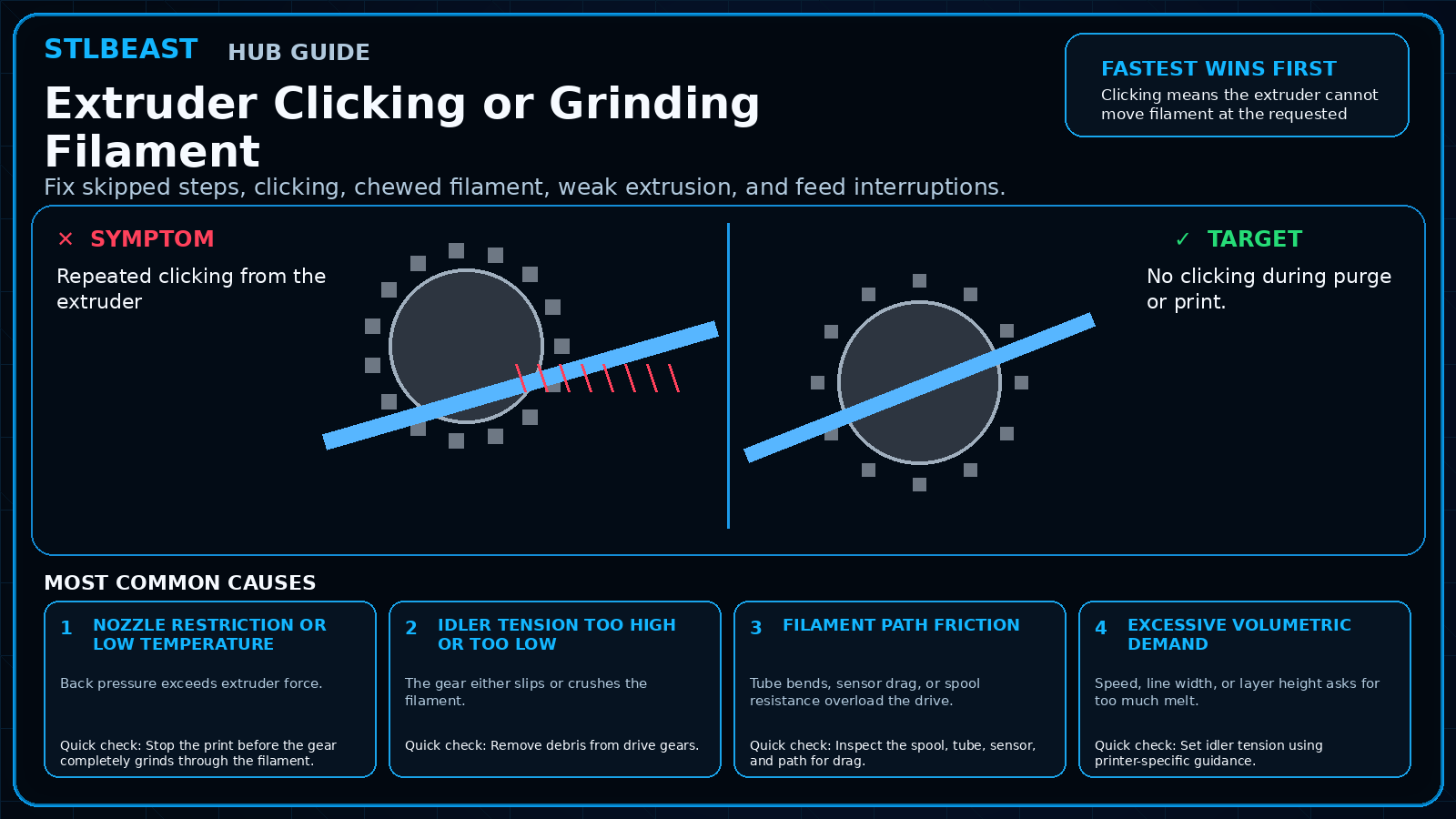
Extruder Clicking or Grinding Filament
Fix skipped steps, clicking, chewed filament, weak extrusion, and feed interruptions.
Not started0 of 7 stepsNot yet saved
Record the setup that produced this result
Saved only in this browser with the repair. Nothing is uploaded.
Add before and after photos for this report
Photos stay in this open page only and are never stored or uploaded. They appear in the printed report while the page remains open.
Controlled test history
No controlled tests have been logged yet. Return to Workshop Mode and record each change before running another test.
Step completion
- 1Stop the print before the gear completely grinds through the filament.Not completed
- 2Remove debris from drive gears.Not completed
- 3Inspect the spool, tube, sensor, and path for drag.Not completed
- 4Set idler tension using printer-specific guidance.Not completed
- 5Check for a partial clog and verify temperature.Not completed
- 6Reduce speed/volumetric demand to the proven profile.Not completed
- 7For TPU, reduce speed and keep the path constrained.Not completed
Observations and winning values
No notes recorded.
Verification test
- Model
- 100 mm extrusion and thin-wall test
- Setup
- Use the same nozzle, material and hotend temperature planned for the print.
- Pass
- Flow is smooth and the wall is continuous with stable width.
- If unchanged
- Clicking, gaps, pulsing or inconsistent line width remains.

Matched next step
Keep the useful workflow going.
Pair practical Hub guidance with Caffeine Monster and the clear three-product Character Collectibles Starter Pack.