
Private on-device repair evidence
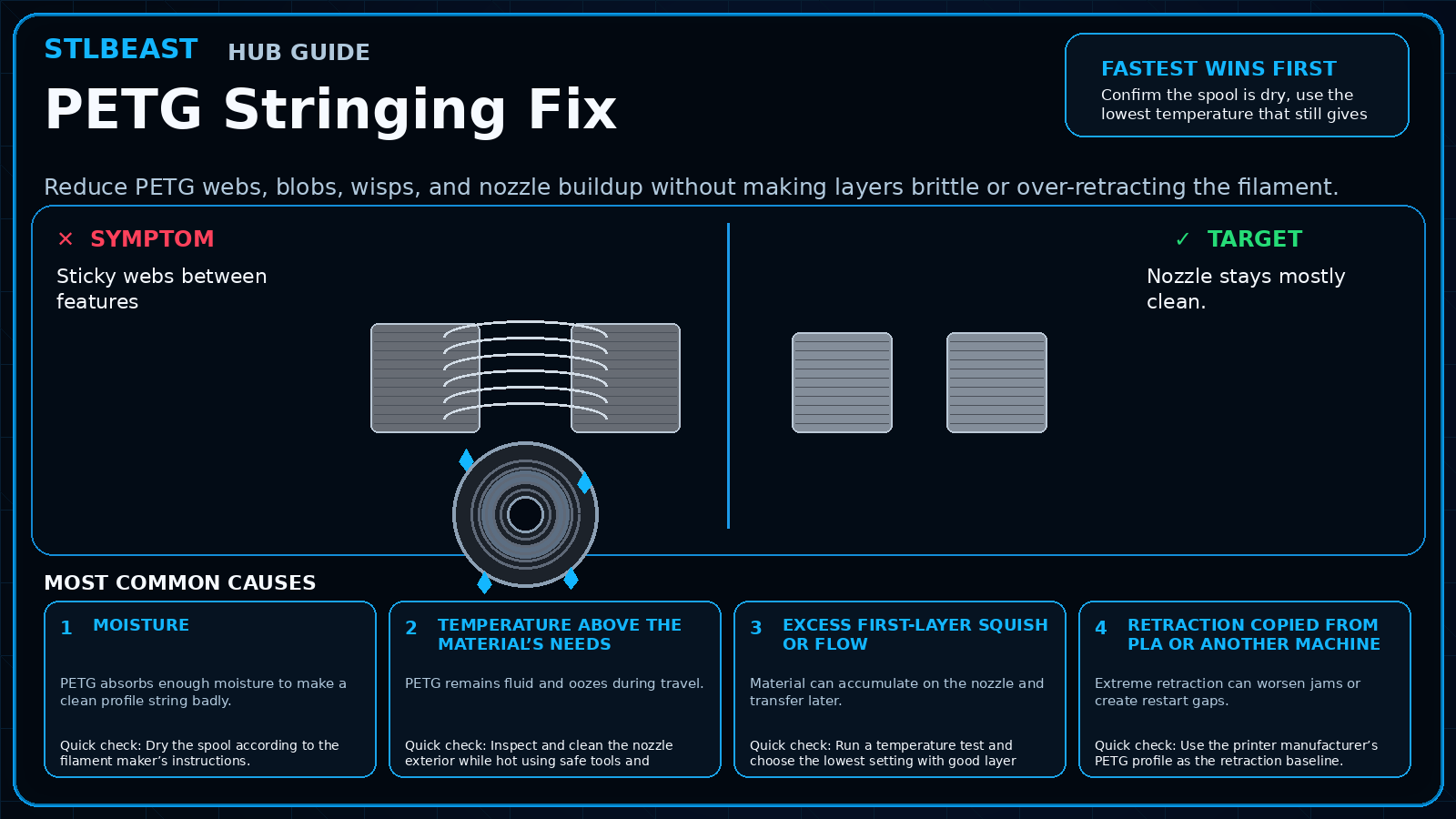
PETG Stringing Fix
Reduce PETG webs, blobs, wisps, and nozzle buildup without making layers brittle or over-retracting the filament.
Not started0 of 7 stepsNot yet saved
Record the setup that produced this result
Saved only in this browser with the repair. Nothing is uploaded.
Add before and after photos for this report
Photos stay in this open page only and are never stored or uploaded. They appear in the printed report while the page remains open.
Controlled test history
No controlled tests have been logged yet. Return to Workshop Mode and record each change before running another test.
Step completion
- 1Dry the spool according to the filament maker’s instructions.Not completed
- 2Inspect and clean the nozzle exterior while hot using safe tools and procedures.Not completed
- 3Run a temperature test and choose the lowest setting with good layer bonding.Not completed
- 4Use the printer manufacturer’s PETG profile as the retraction baseline.Not completed
- 5Tune distance and speed separately in small steps.Not completed
- 6Reduce excessive first-layer squish and confirm flow.Not completed
- 7Use wipe/travel-avoidance only after the core settings are stable.Not completed
Observations and winning values
No notes recorded.
Verification test
- Model
- Small representative test print
- Setup
- Use the same printer, material, slicer and key settings as the failed model.
- Pass
- The original symptom is absent and the target feature is repeatable.
- If unchanged
- The symptom remains in the same location or stage.
Matched next step
Turn the failure into a repeatable repair.
Continue the diagnosis, save the repair settings that worked, and explore the Characters & Creatures collection that includes Failed Print Gremlin.