STLBEAST workshop mode
PLA Settings Guide
Build a reliable PLA baseline for temperature, cooling, speed, retraction, first layer, and strength.
Start hereStart from the printer and filament manufacturer profiles, then tune first layer, temperature, flow, and retraction in that order.
First safe actionRun the first safe check and change one variable at a time.
Proof targetA small representative test no longer shows the original symptom.
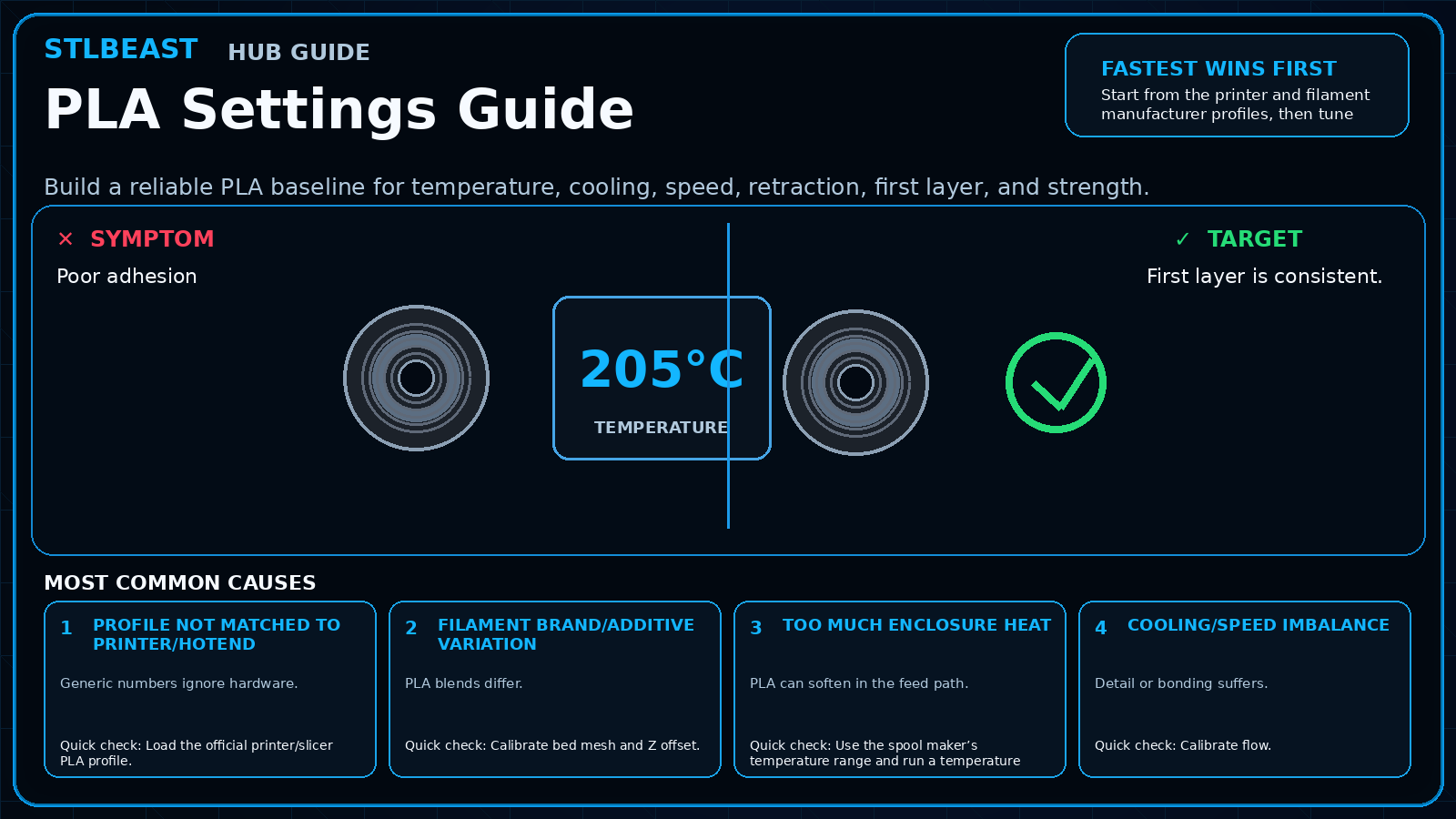 Match the failed area to the visual before changing a setting.
Repair progress0 of 7 complete
Keep the problem and target visual open while you make this change.
Why this mattersGeneric numbers ignore hardware.
Setting or checkNozzle temperatureUse manufacturer range; tune in small steps.
Expected resultFirst layer is consistent.
Keep the problem and target visual open while you make this change.
Why this mattersPLA blends differ.
Setting or checkBed temperatureCommon profiles use moderate heat; follow plate/filament guidance.
Expected resultWalls are smooth and strong.
Keep the problem and target visual open while you make this change.
Why this mattersPLA can soften in the feed path.
Setting or checkFanPLA often uses strong cooling after initial layers.
Expected resultStringing is controlled.
Keep the problem and target visual open while you make this change.
Why this mattersDetail or bonding suffers.
Setting or checkEnclosureAvoid excessive chamber heat unless the printer maker specifies otherwise.
Expected resultLong print has no heat-creep starvation.
Keep the problem and target visual open while you make this change.
Why this mattersGeneric numbers ignore hardware.
Setting or checkNozzle temperatureUse manufacturer range; tune in small steps.
Expected resultFirst layer is consistent.
Keep the problem and target visual open while you make this change.
Why this mattersPLA blends differ.
Setting or checkBed temperatureCommon profiles use moderate heat; follow plate/filament guidance.
Expected resultWalls are smooth and strong.
Keep the problem and target visual open while you make this change.
Why this mattersPLA can soften in the feed path.
Setting or checkFanPLA often uses strong cooling after initial layers.
Expected resultStringing is controlled.
Controlled test logChange one variable, then record what happened
This keeps temperature, retraction, speed, mechanical, and material tests from blending together. The history stays private in this browser.
Open proof report →No controlled tests logged yet. Record the first change before adjusting a second variable.
Do not repeat the full print yet
Prove the repair with a small test
Test modelSmall representative test print
SetupUse the same printer, material, slicer and key settings as the failed model.
Pass conditionThe original symptom is absent and the target feature is repeatable.
If it still failsThe symptom remains in the same location or stage.
Complete the repair steps, run the proof test, and record the result.
Only if the proof test still failsNext strongest repair paths
Do not stack these changes. Open one related guide based on the evidence that remains.

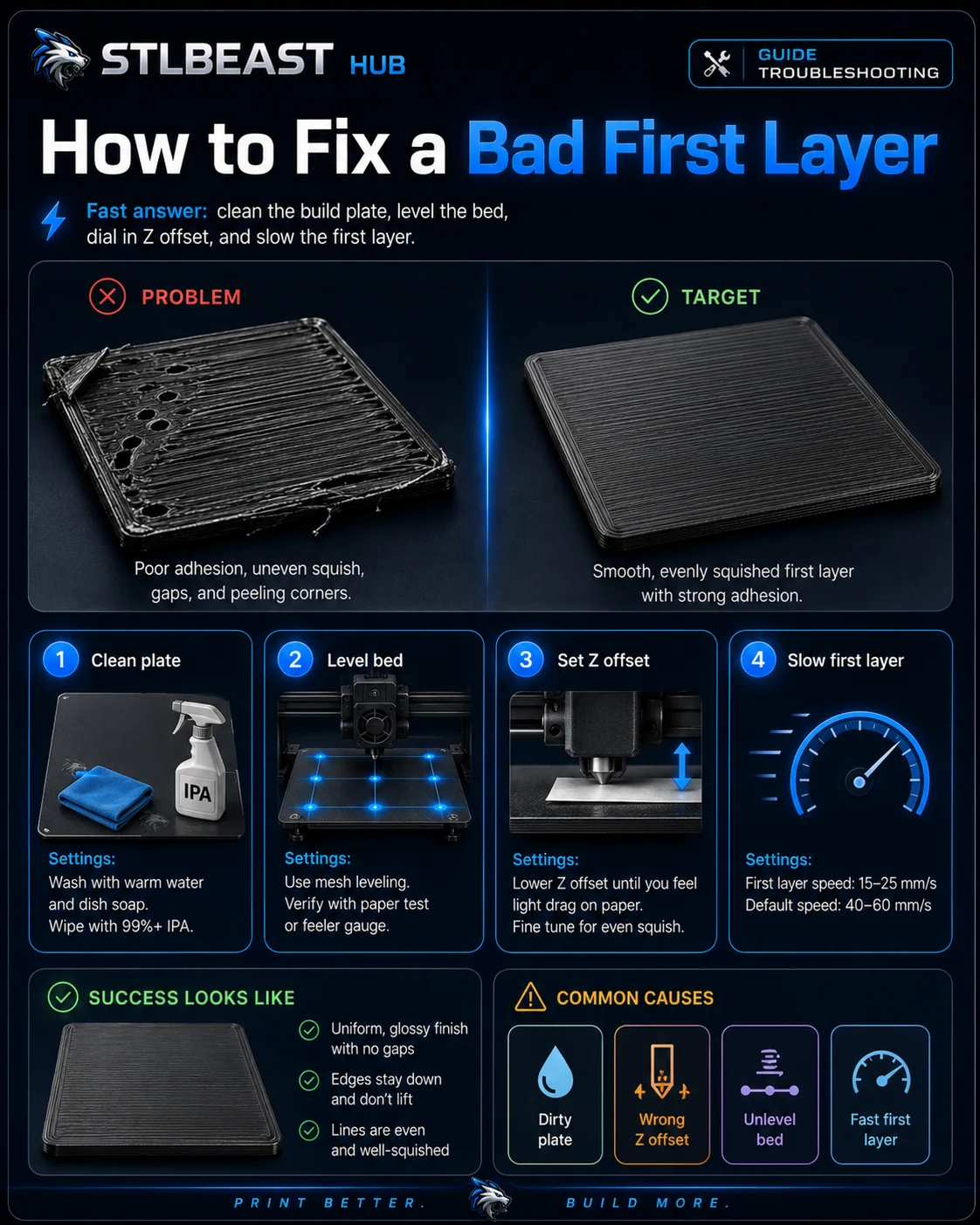 First Layer3D Print Not Sticking to the Bed
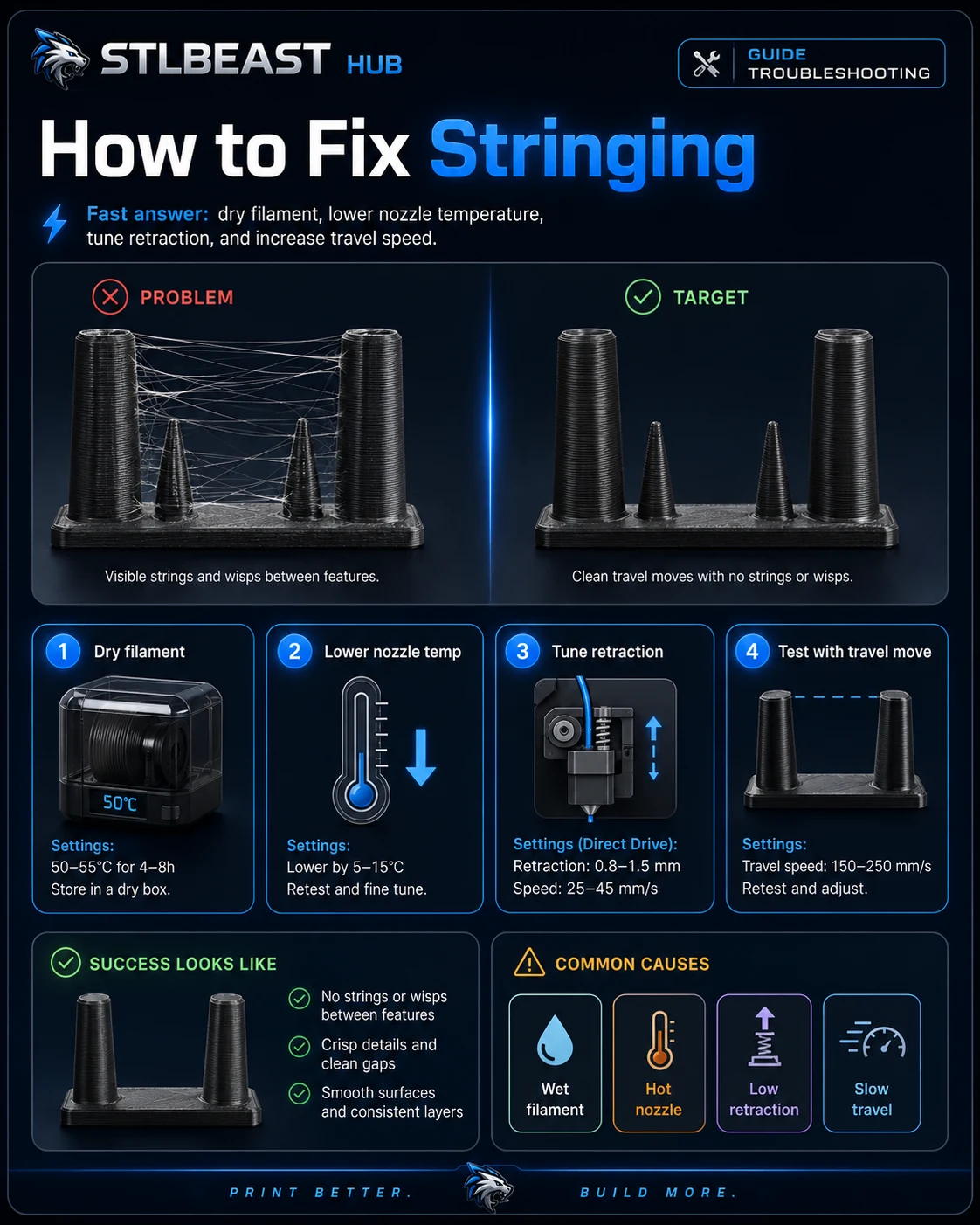 StringingHow to Fix Stringing in 3D Prints
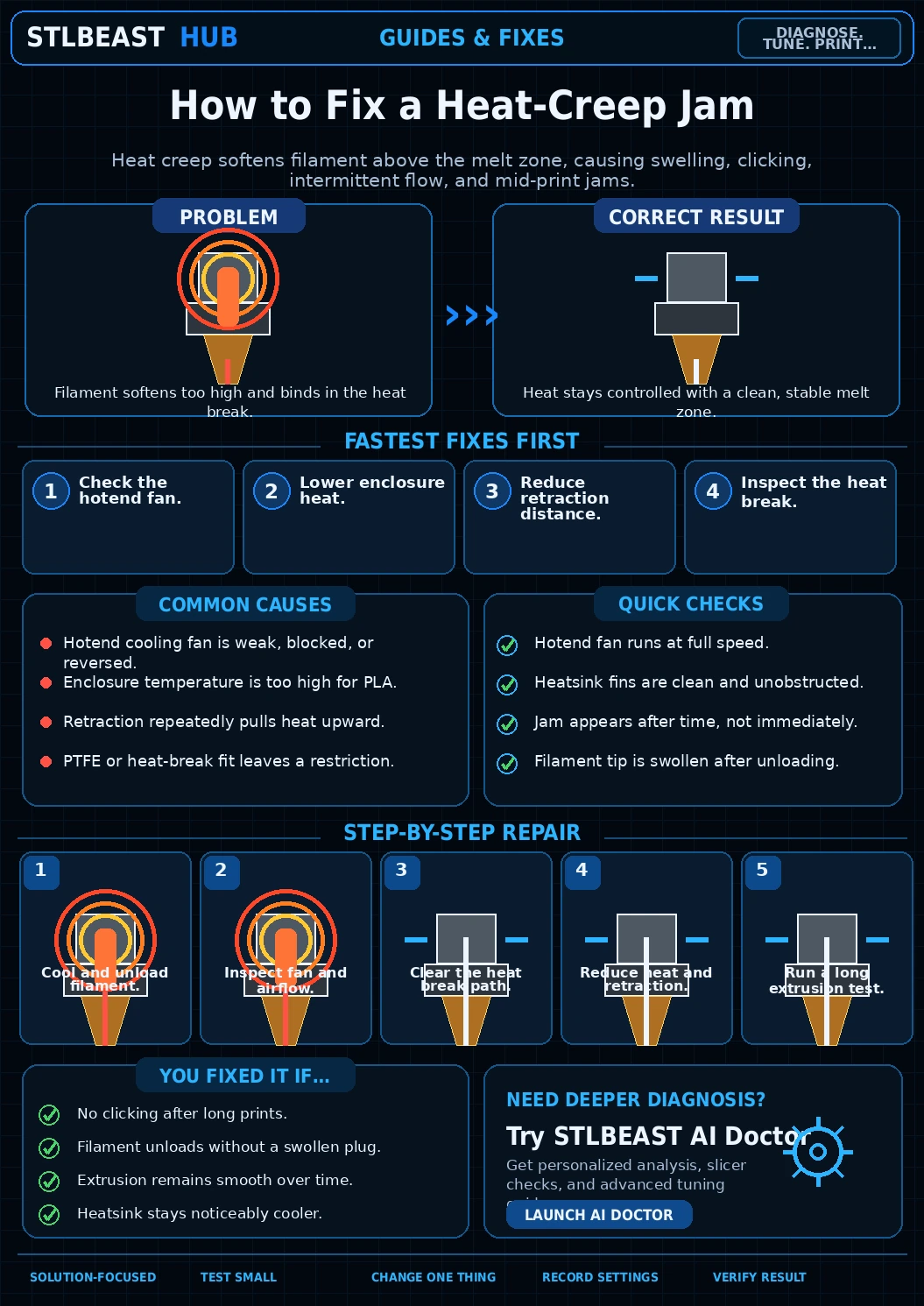 ExtrusionHeat Creep Jam Fix