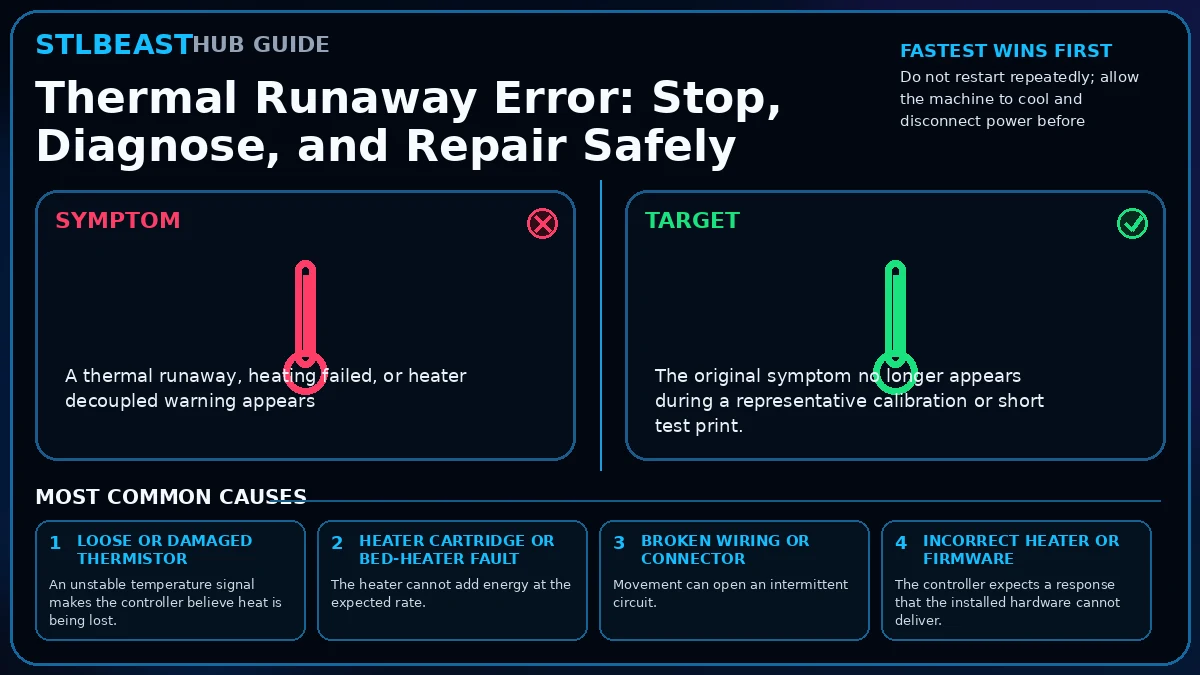
Repair workspace Thermal Runaway Error: Stop, Diagnose, and Repair Safely Free visitors can keep progress on this device. Members can move proven settings and notes into Profile Vault for account-level history.
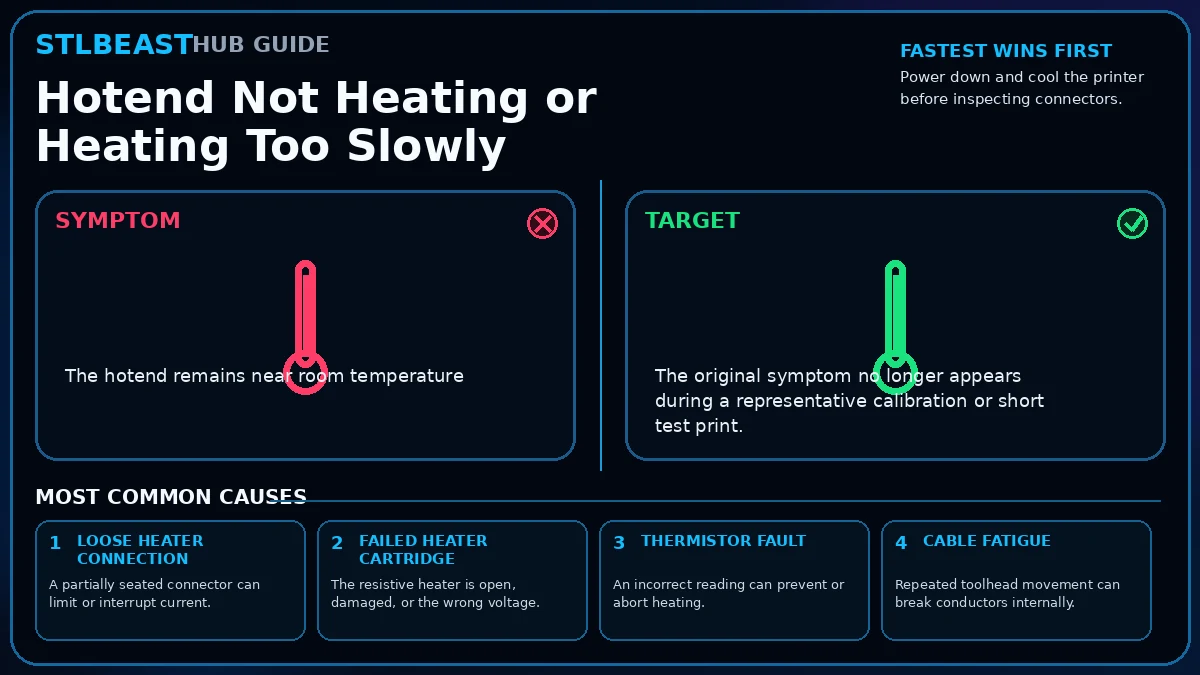
Fast answer Start here Stop the machine, disconnect power after it cools, and inspect the heater, thermistor, wiring, connectors, hotend assembly, and firmware limits before attempting another heat cycle.
Hardware & Safety Advanced 18 min
Progress 0 of 8 completeProgress is stored only in this browser unless you deliberately save a member profile.
Reset progress Ordered repair sequence Step 1 Do not restart repeatedly; allow the machine to cool and disconnect power before touching wiring.
Step 2 Inspect the hotend, bed, heater cartridge, thermistor, strain relief, connectors, and cable chains for looseness, pinching, discoloration, or broken insulation.
Step 3 Confirm the thermistor is seated correctly and mechanically retained without crushing its leads.
Step 4 Confirm the heater cartridge or bed connector is fully seated and matches the machine specification.
Step 5 Watch a controlled heat-up from room temperature while remaining beside the printer; stop for erratic readings, smell, smoke, or abnormal heat.
Step 6 After hardware is confirmed, run the manufacturer-approved PID or heater calibration procedure.
Step 7 Do not bypass thermal protection or widen limits merely to suppress the warning.
Step 8 Complete a short monitored test print before returning to unattended operation.
Private notes on this device