LIMITED PREVIEW RESULTStringing and oozingMedium preview confidence
STLBEAST DIAGNOSTIC SYSTEM
FIND THE FAILURE. FIX IT IN THE RIGHT ORDER.
Start with a useful public preview that identifies likely cause categories and one safe first check. Members can continue into ranked causes, printer-specific settings, complete repair steps, saved history, and Profile Vault workflows.
01DESCRIBESymptom, printer, material, and slicer
02DIAGNOSERank the most likely failure paths
03VERIFYConfirm the repair before changing more
 AI-ASSISTED PRINT SUPPORT
Creating a free STLBEAST account is separate from paid membership. It does not automatically unlock paid AI Doctor features, and you can decide about membership later.
CREATE FREE ACCOUNT →FREE DIAGNOSTIC PREVIEW
START WITH THE FAILURE YOU CAN SEE.
The preview gives a useful first direction without exposing the complete member diagnosis.
THE STLBEAST METHOD
CONFIRM. REPAIR. VERIFY. SAVE.
Change the highest-probability cause first, verify the result, and preserve what worked.
CONFIRM THE SYMPTOM
Compare the print against the matching visual guide before changing settings.
REPAIR IN ORDER
Start with the safest, fastest checks and avoid changing several variables at once.
VERIFY THE RESULT
Run a small controlled test and confirm the defect is actually reduced.
SAVE THE WORKFLOW
Members can retain the diagnosis, settings, and successful repair in Profile Vault.
FASTEST FIX PATHS
VIEW ALL GUIDES →OPEN THE GUIDE THAT MATCHES THE FAILURE.
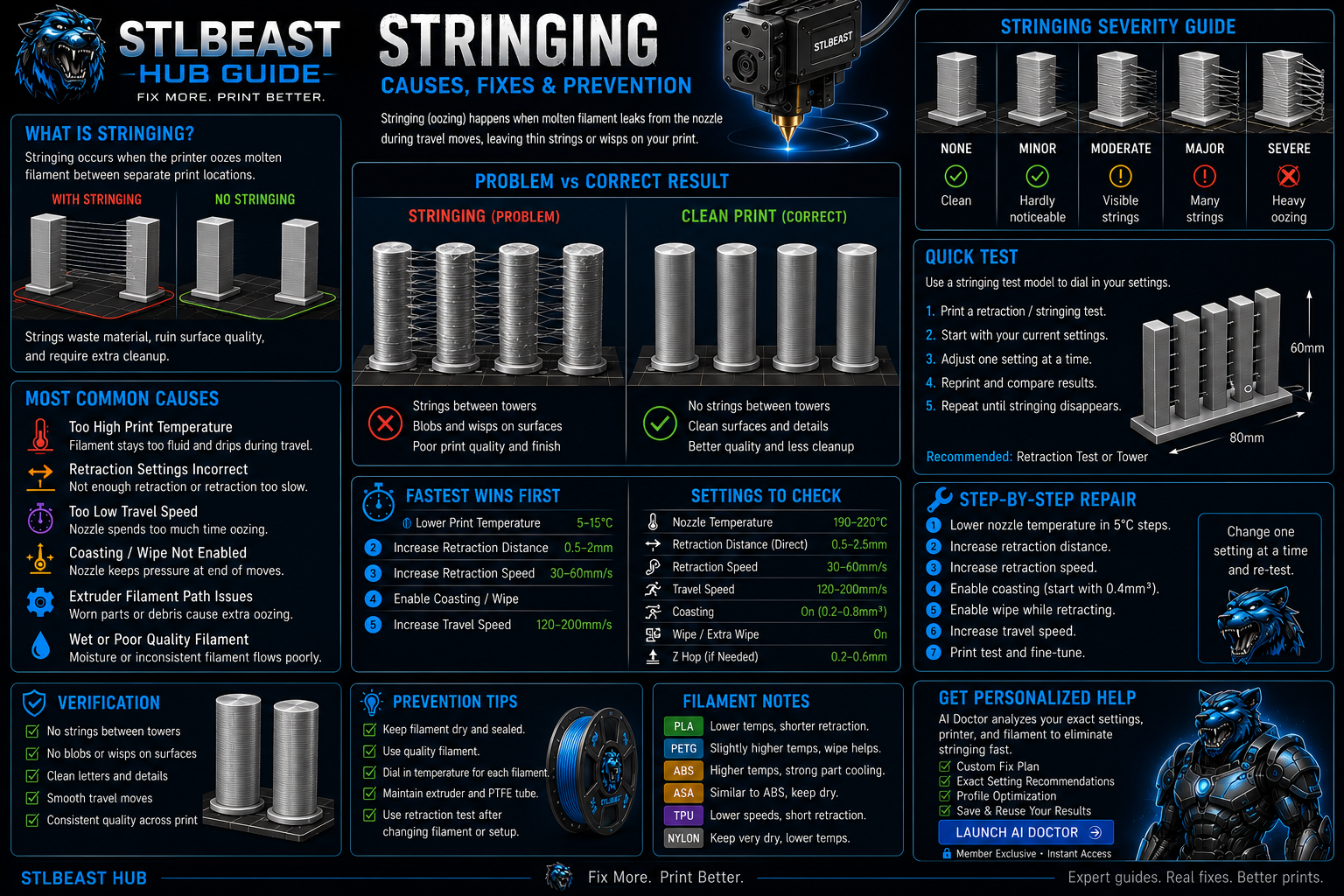
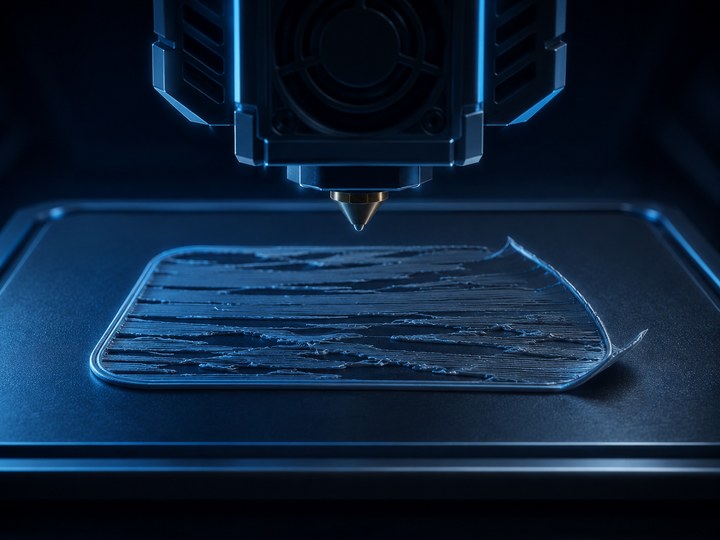
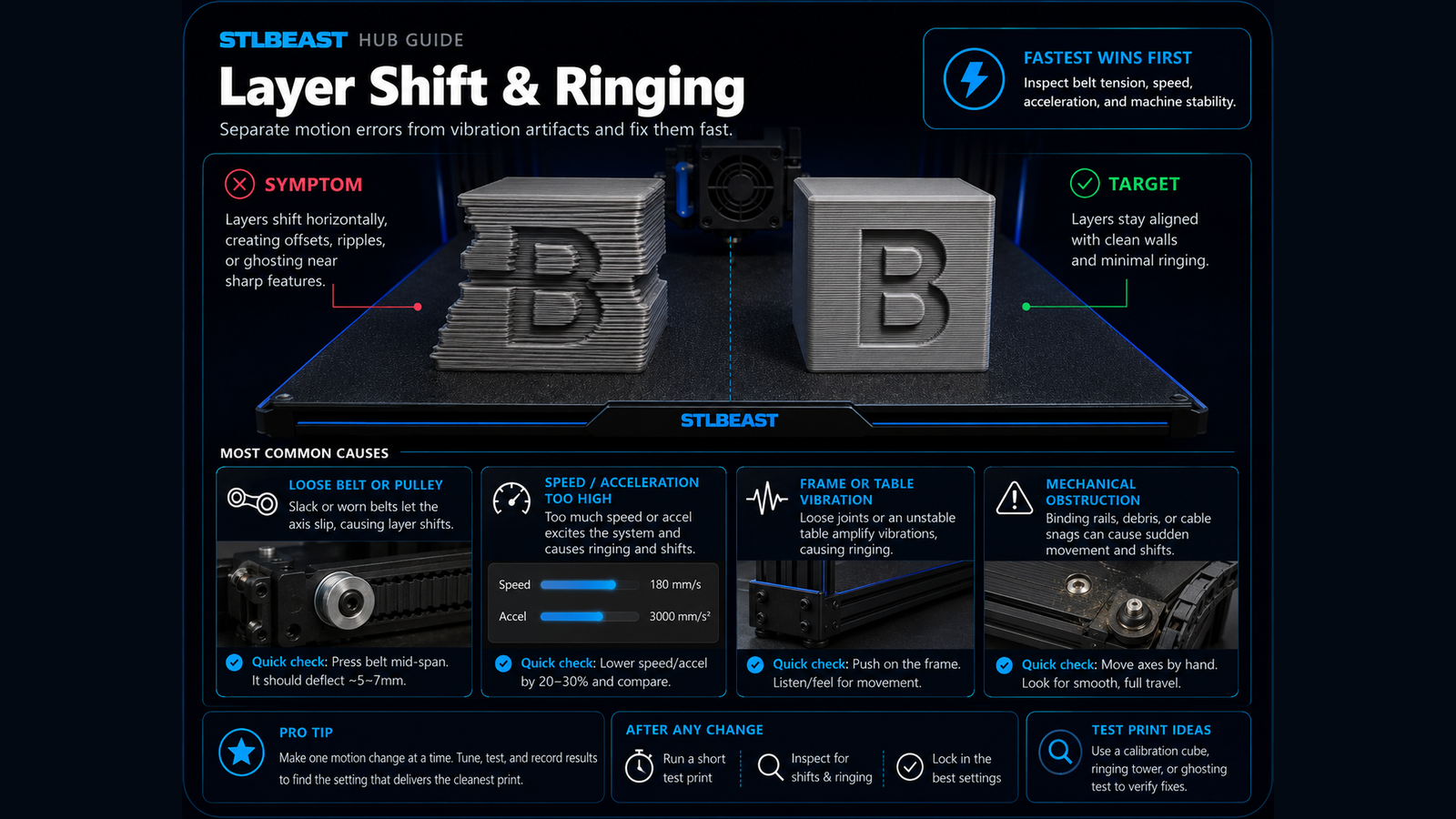
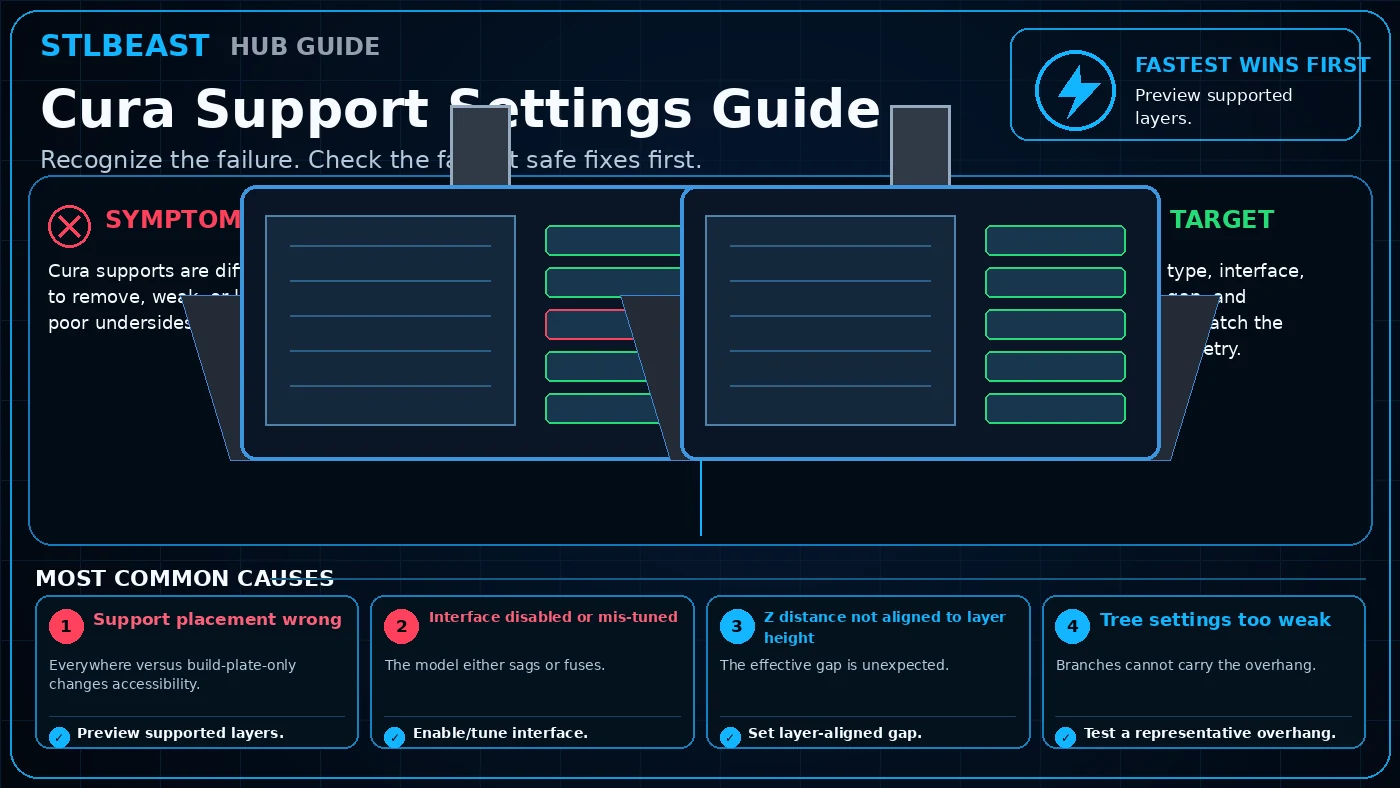

STLBEAST MEMBER SYSTEM
CONTINUE FROM A CLUE TO A COMPLETE REPAIR WORKFLOW.
Full AI Doctor results connect diagnosis, Printer Settings, saved repair history, Profile Vault, and deeper member-only guidance.