
Private on-device repair evidence
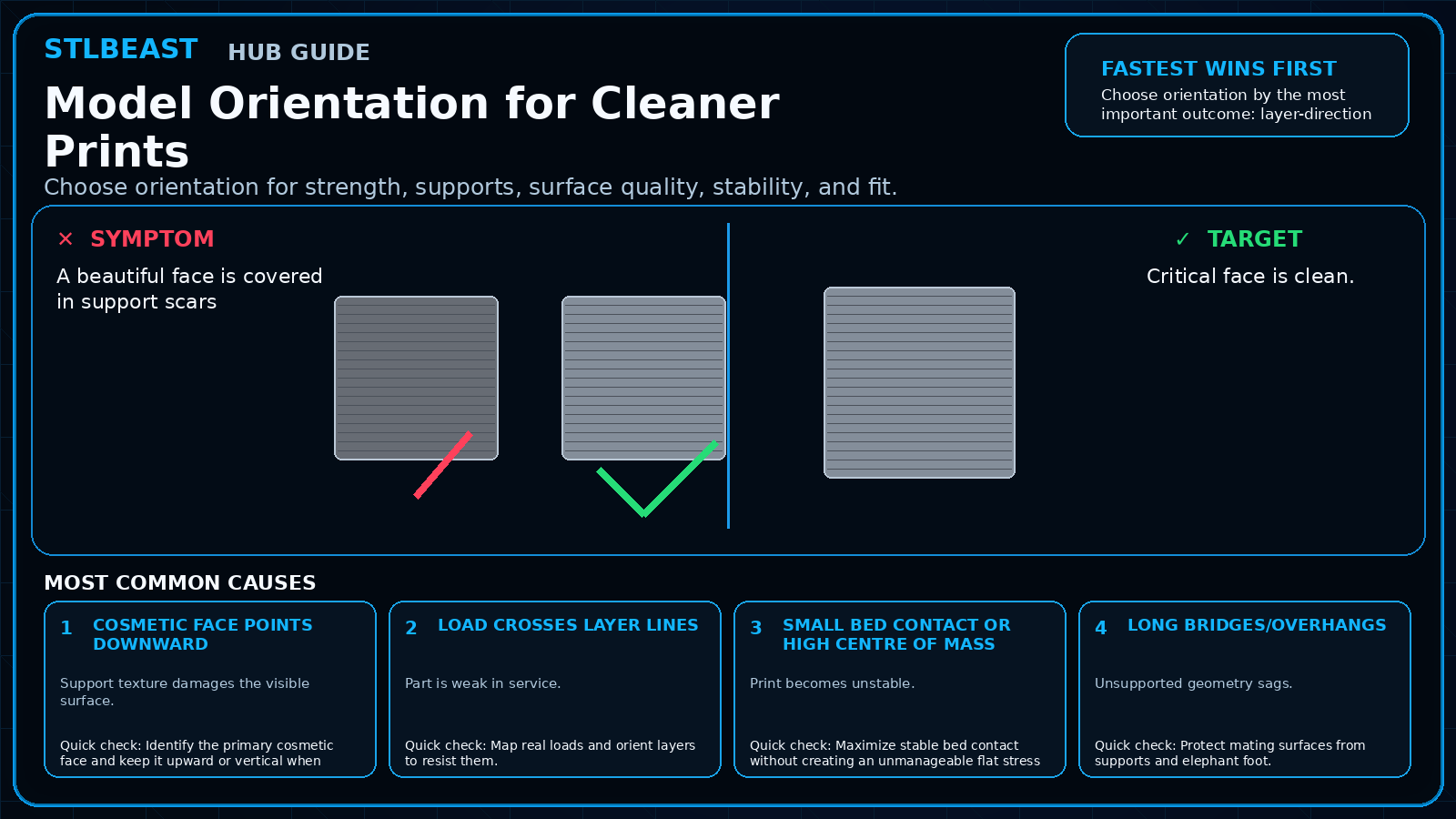
Model Orientation for Cleaner Prints
Choose orientation for strength, supports, surface quality, stability, and fit.
Not started0 of 7 stepsNot yet saved
Record the setup that produced this result
Saved only in this browser with the repair. Nothing is uploaded.
Add before and after photos for this report
Photos stay in this open page only and are never stored or uploaded. They appear in the printed report while the page remains open.
Controlled test history
No controlled tests have been logged yet. Return to Workshop Mode and record each change before running another test.
Step completion
- 1Identify the primary cosmetic face and keep it upward or vertical when possible.Not completed
- 2Map real loads and orient layers to resist them.Not completed
- 3Maximize stable bed contact without creating an unmanageable flat stress area.Not completed
- 4Protect mating surfaces from supports and elephant foot.Not completed
- 5Use slicer preview to inspect seams, bridges, and support contact.Not completed
- 6Split the model if two orientations are better than one compromise.Not completed
- 7Print a small fit or support test before the full model.Not completed
Observations and winning values
No notes recorded.
Verification test
- Model
- Small representative test print
- Setup
- Use the same printer, material, slicer and key settings as the failed model.
- Pass
- The original symptom is absent and the target feature is repeatable.
- If unchanged
- The symptom remains in the same location or stage.

Matched next step
Keep the useful workflow going.
Pair practical Hub guidance with Caffeine Monster and the clear three-product Character Collectibles Starter Pack.