Choose orientation for strength, supports, surface quality, stability, and fit.
Start hereChoose orientation by the most important outcome: layer-direction strength, protected cosmetic surfaces, stable bed contact, minimal support, and accurate mating features.
First safe actionRun the first safe check and change one variable at a time.
Proof targetA small representative test no longer shows the original symptom.
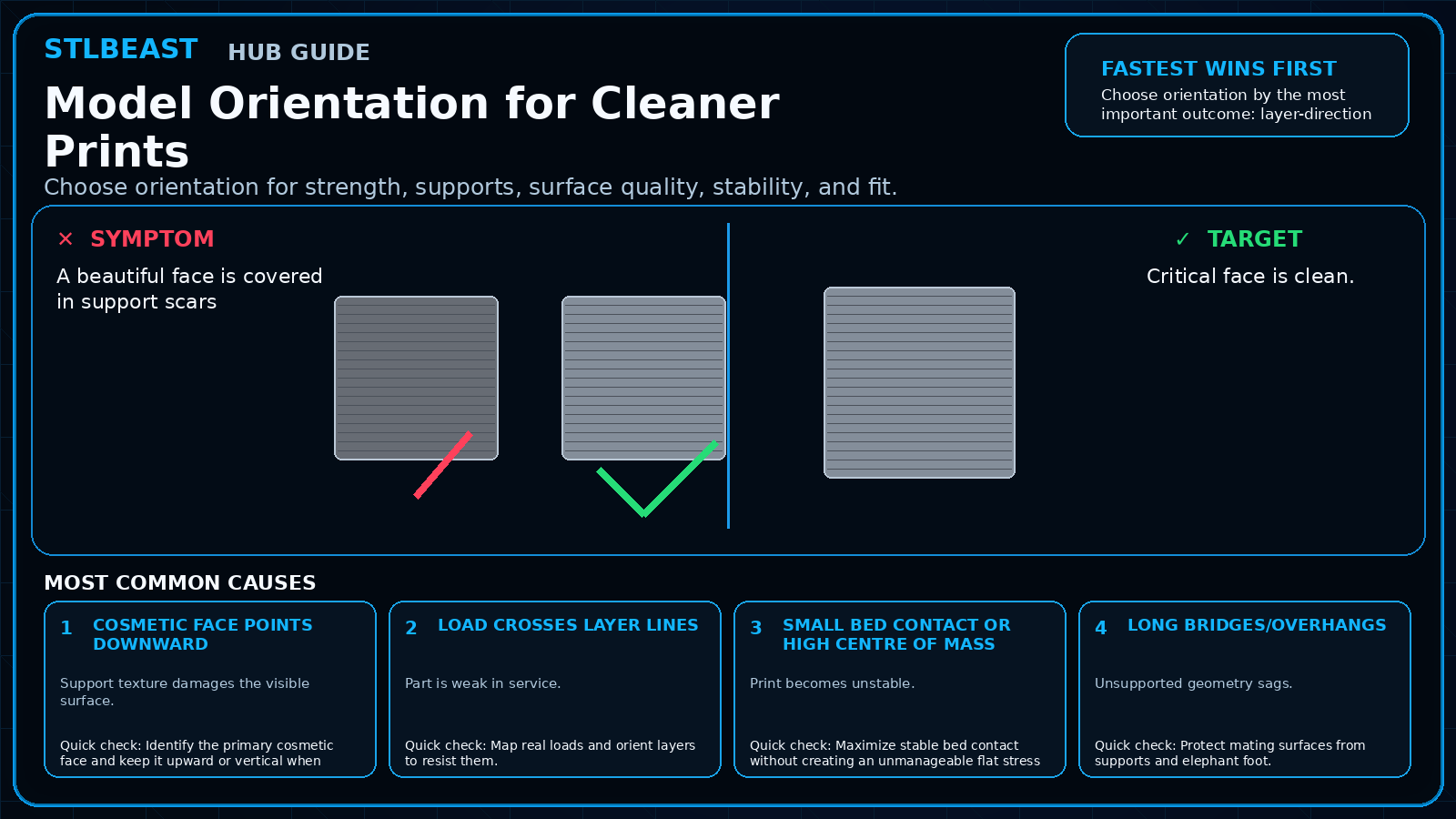
Match the failed area to the visual before changing a setting.
Repair progress0 of 7 complete
Step 1 of 7
Identify the primary cosmetic face and keep it upward or vertical when possible.
Keep the problem and target visual open while you make this change.
Why this matters
Support texture damages the visible surface.
Setting or checkSeam position
Place away from primary view/fit surfaces.
Expected result
Critical face is clean.
Step 2 of 7
Map real loads and orient layers to resist them.
Keep the problem and target visual open while you make this change.
Why this matters
Part is weak in service.
Setting or checkSupport painting
Use targeted support.
Expected result
Supports are reachable.
Step 3 of 7
Maximize stable bed contact without creating an unmanageable flat stress area.
Keep the problem and target visual open while you make this change.
Why this matters
Print becomes unstable.
Setting or checkBrim
Stabilizes tall or narrow orientation.
Expected result
Part is stable on the bed.
Step 4 of 7
Protect mating surfaces from supports and elephant foot.
Keep the problem and target visual open while you make this change.
Why this matters
Unsupported geometry sags.
Setting or checkAdaptive layers
Can improve curves but inspect transitions.
Expected result
Load direction and fit are appropriate.
Step 5 of 7
Use slicer preview to inspect seams, bridges, and support contact.
Keep the problem and target visual open while you make this change.
Why this matters
Roundness and support affect fit.
Setting or checkSeam position
Place away from primary view/fit surfaces.
Expected result
Critical face is clean.
Step 6 of 7
Split the model if two orientations are better than one compromise.
Keep the problem and target visual open while you make this change.
Why this matters
Support texture damages the visible surface.
Setting or checkSupport painting
Use targeted support.
Expected result
Supports are reachable.
Step 7 of 7
Print a small fit or support test before the full model.
Keep the problem and target visual open while you make this change.
Why this matters
Part is weak in service.
Setting or checkBrim
Stabilizes tall or narrow orientation.
Expected result
Part is stable on the bed.
Controlled test log
Change one variable, then record what happened
This keeps temperature, retraction, speed, mechanical, and material tests from blending together. The history stays private in this browser.

 SupportsSupports Hard to Remove
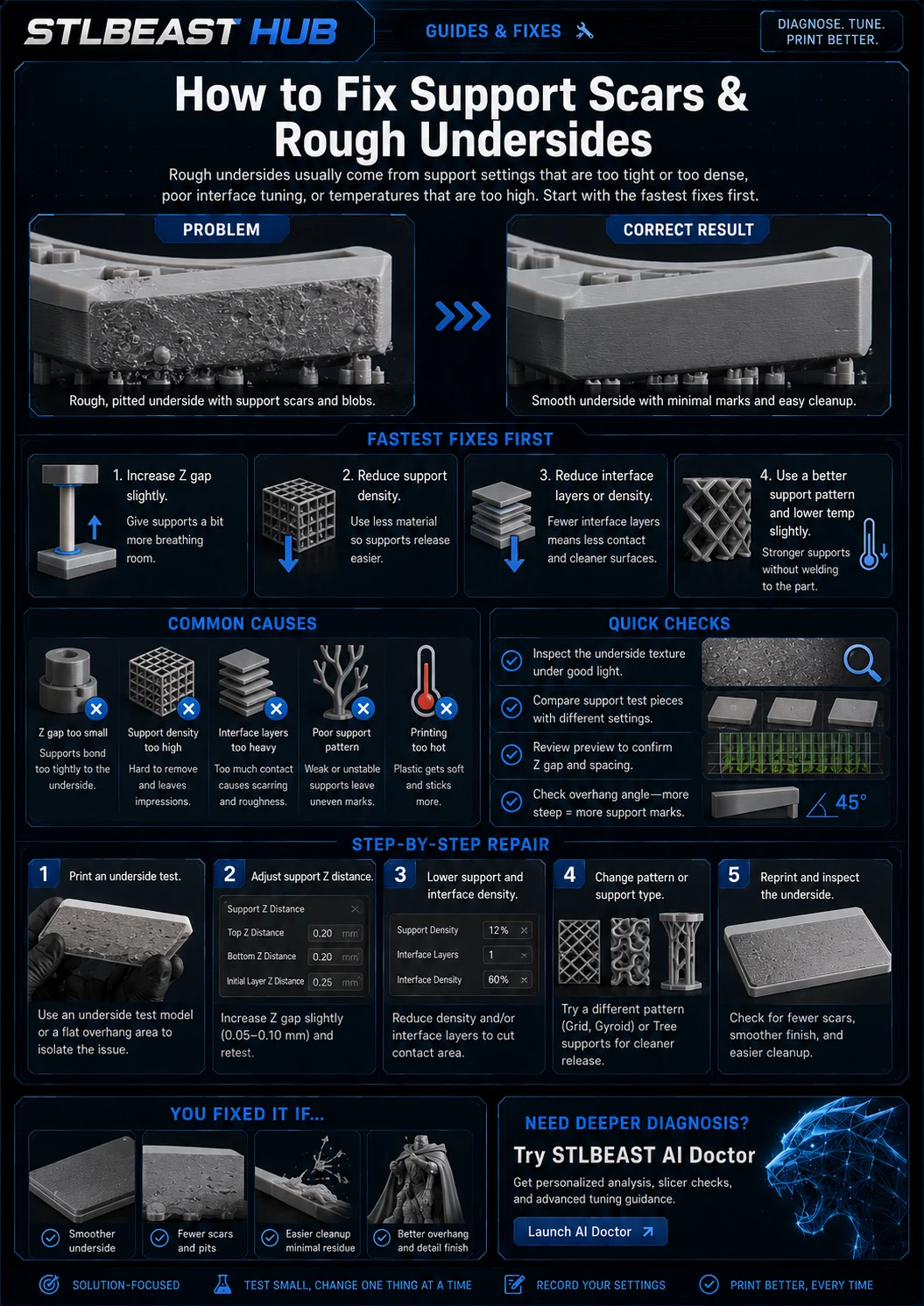 SupportsSupport Scars and Rough Undersides
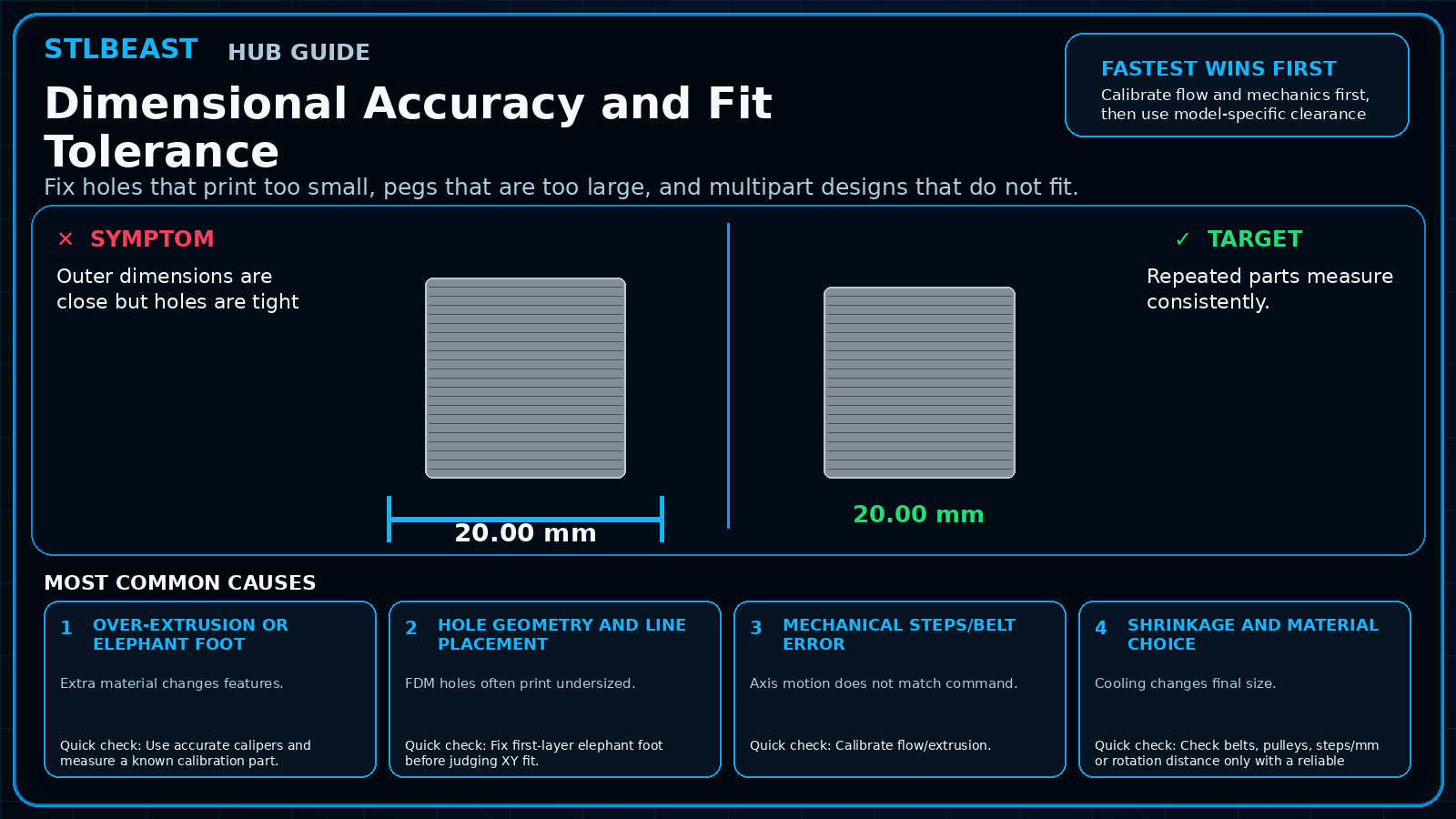 CalibrationDimensional Accuracy and Fit Tolerance