
Private on-device repair evidence
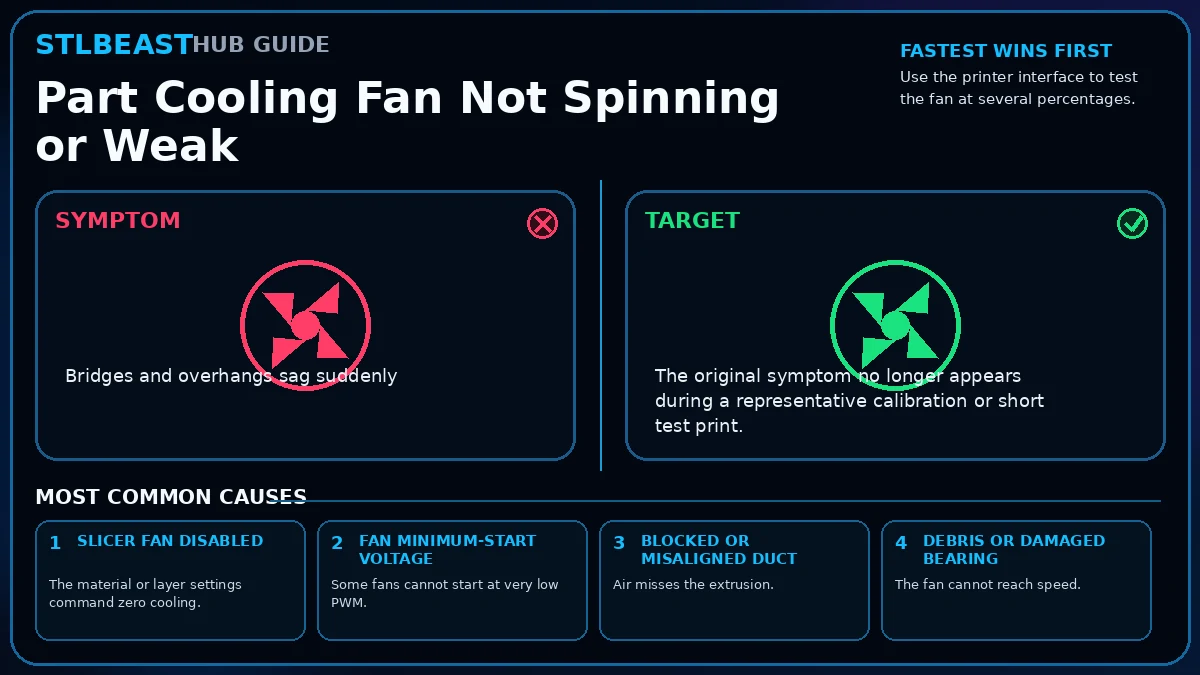
Part Cooling Fan Not Spinning or Weak
Check slicer fan commands, fan ducts, debris, connector, voltage, and fan direction before increasing cooling percentages.
Not started0 of 8 stepsNot yet saved
Record the setup that produced this result
Saved only in this browser with the repair. Nothing is uploaded.
Add before and after photos for this report
Photos stay in this open page only and are never stored or uploaded. They appear in the printed report while the page remains open.
Controlled test history
No controlled tests have been logged yet. Return to Workshop Mode and record each change before running another test.
Step completion
- 1Use the printer interface to test the fan at several percentages.Not completed
- 2Inspect and clean the blades and duct.Not completed
- 3Confirm the duct points below the nozzle without touching the print.Not completed
- 4Review first-layer and material fan settings in the slicer.Not completed
- 5Set a supported minimum fan speed if the fan stalls at low PWM.Not completed
- 6Inspect connector and cable during toolhead movement.Not completed
- 7Replace a noisy, cracked, or unreliable fan with a compatible part.Not completed
- 8Verify using a bridge or overhang test.Not completed
Observations and winning values
No notes recorded.
Verification test
- Model
- Small representative test print
- Setup
- Use the same printer, material, slicer and key settings as the failed model.
- Pass
- The original symptom is absent and the target feature is repeatable.
- If unchanged
- The symptom remains in the same location or stage.

Matched next step
Keep the useful workflow going.
Pair practical Hub guidance with Caffeine Monster and the clear three-product Character Collectibles Starter Pack.