
Private on-device repair evidence
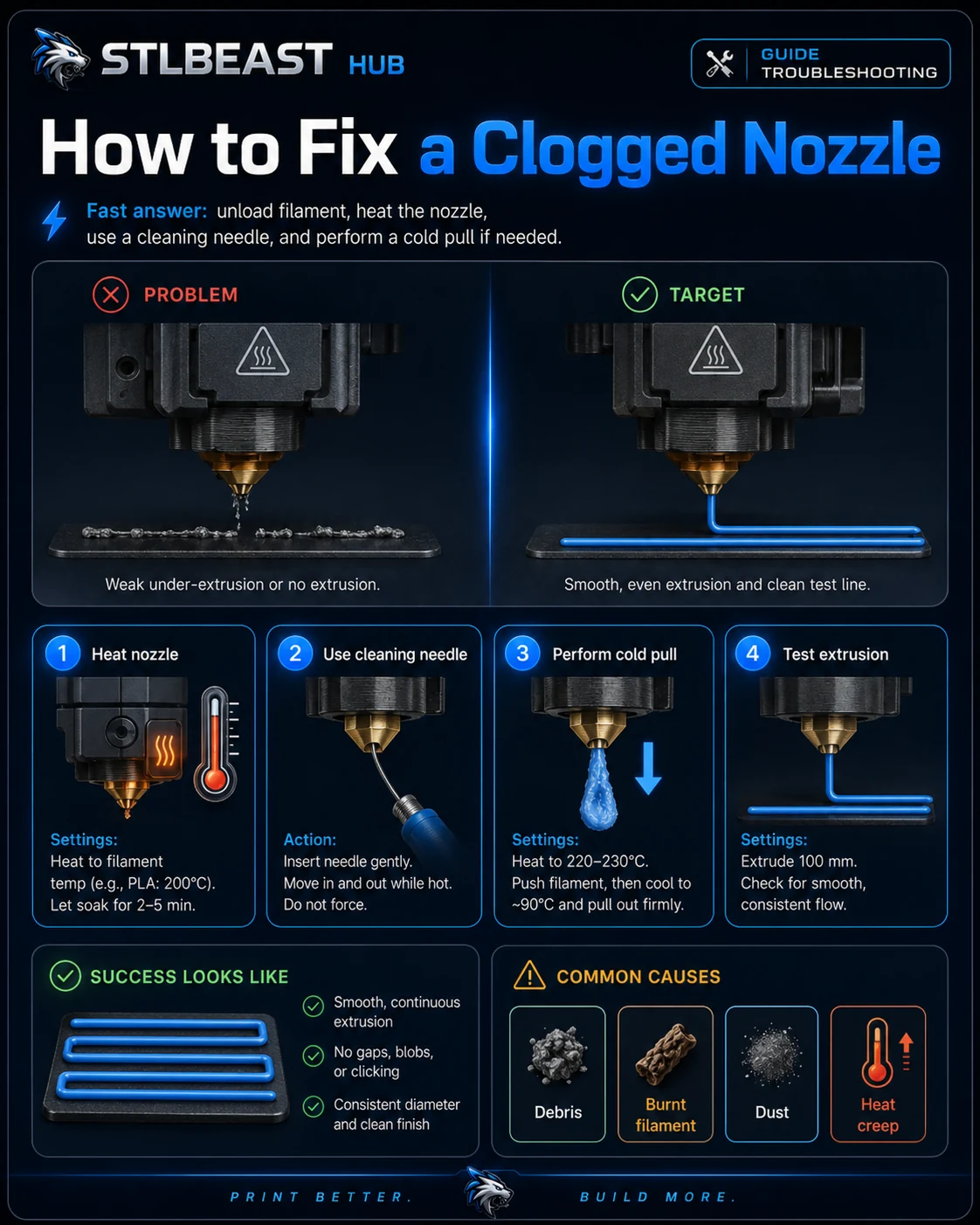
Partial or Clogged Nozzle Fix
Diagnose inconsistent extrusion, curled purge strands, missing layers, and a nozzle that stops flowing.
Not started0 of 6 stepsNot yet saved
Record the setup that produced this result
Saved only in this browser with the repair. Nothing is uploaded.
Add before and after photos for this report
Photos stay in this open page only and are never stored or uploaded. They appear in the printed report while the page remains open.
Controlled test history
No controlled tests have been logged yet. Return to Workshop Mode and record each change before running another test.
Step completion
- 1Heat the nozzle to the correct material temperature and attempt a slow manual purge.Not completed
- 2Check spool, tube, sensor, and gears before blaming the nozzle.Not completed
- 3Use the printer/hotend maker’s approved cold-pull or cleaning method.Not completed
- 4Inspect the removed filament end for a swollen plug or debris.Not completed
- 5Replace the nozzle if cleaning does not restore consistent flow.Not completed
- 6Verify hotend assembly and hot-tightening procedure according to its manufacturer.Not completed
Observations and winning values
No notes recorded.
Verification test
- Model
- 100 mm extrusion and thin-wall test
- Setup
- Use the same nozzle, material and hotend temperature planned for the print.
- Pass
- Flow is smooth and the wall is continuous with stable width.
- If unchanged
- Clicking, gaps, pulsing or inconsistent line width remains.
Matched next step
Turn the failure into a repeatable repair.
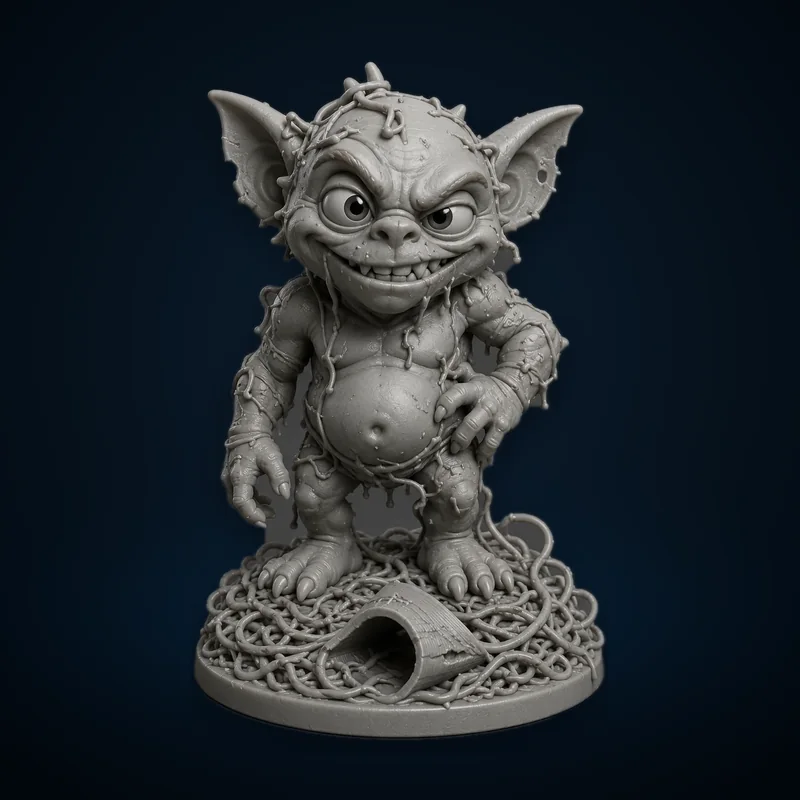
Continue the diagnosis, save the repair settings that worked, and explore the Characters & Creatures collection that includes Failed Print Gremlin.