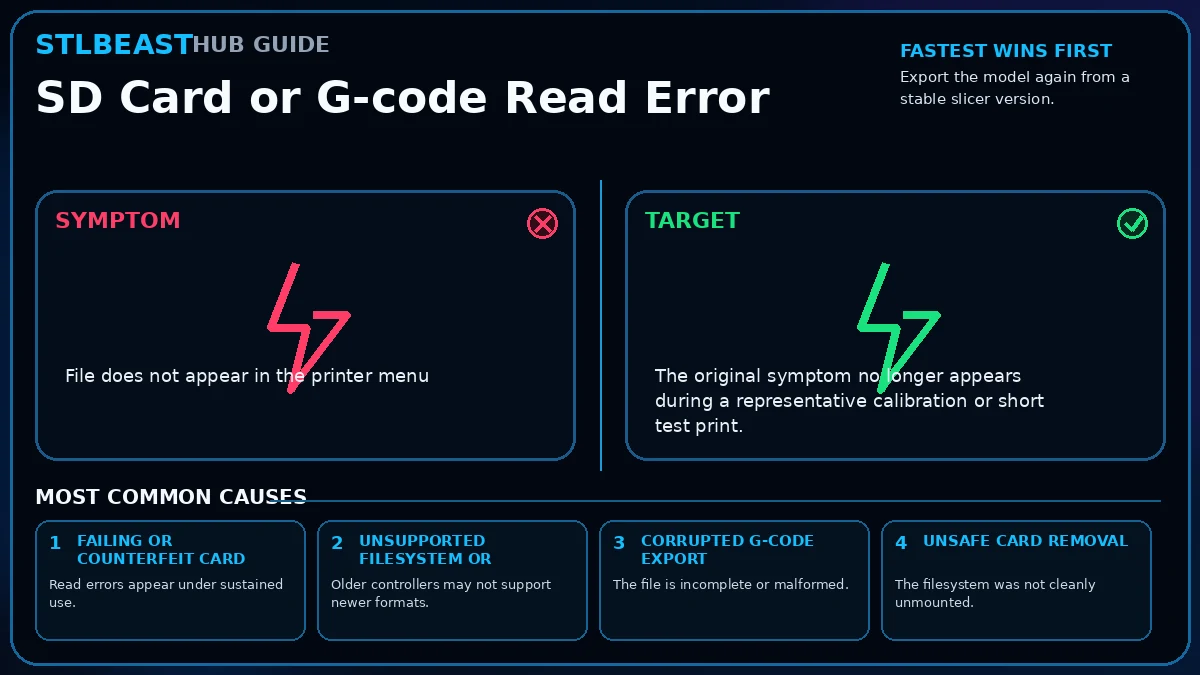
Use a small, reliable card formatted as the printer expects, export fresh G-code with a short filename, and verify the file completes in the slicer preview.
Start hereUse a small, reliable card formatted as the printer expects, export fresh G-code with a short filename, and verify the file completes in the slicer preview.
First safe actionRun the first safe check and change one variable at a time.
Proof targetA small representative test no longer shows the original symptom.
Match the failed area to the visual before changing a setting.
Repair progress0 of 8 complete
Step 1 of 8
Export the model again from a stable slicer version.
Keep the problem and target visual open while you make this change.
Why this matters
Read errors appear under sustained use.
Setting or checkFilename
Keep it short and avoid symbols unsupported by older firmware.
Expected result
The original symptom no longer appears during a representative calibration or short test print.
Step 2 of 8
Use a short filename containing letters, numbers, hyphens, and underscores only.
Keep the problem and target visual open while you make this change.
Why this matters
Older controllers may not support newer formats.
Setting or checkThumbnail format
Disable incompatible preview thumbnails if the printer crashes while browsing.
Expected result
Measurements, temperatures, motion, feed, or exposure remain stable through the complete test.
Step 3 of 8
Copy the file to a known-good card of a size supported by the printer.
Keep the problem and target visual open while you make this change.
Why this matters
The file is incomplete or malformed.
Setting or checkBinary G-code
Use only when the printer and slicer both support it.
Expected result
No new warning, collision, leak, electrical smell, unusual heat, or material damage appears.
Step 4 of 8
Format the card using the manufacturer-recommended filesystem and allocation size.
Keep the problem and target visual open while you make this change.
Why this matters
The filesystem was not cleanly unmounted.
Setting or checkFilename
Keep it short and avoid symbols unsupported by older firmware.
Expected result
The successful change is recorded with printer, material, slicer, nozzle or resin, and date.
Step 5 of 8
Safely eject the card from the computer.
Keep the problem and target visual open while you make this change.
Why this matters
Firmware parsers may reject special characters.
Setting or checkThumbnail format
Disable incompatible preview thumbnails if the printer crashes while browsing.
Expected result
The original symptom no longer appears during a representative calibration or short test print.
Step 6 of 8
Inspect the complete G-code preview before printing.
Keep the problem and target visual open while you make this change.
Why this matters
Read errors appear under sustained use.
Setting or checkBinary G-code
Use only when the printer and slicer both support it.
Expected result
Measurements, temperatures, motion, feed, or exposure remain stable through the complete test.
Step 7 of 8
Test a small file and confirm it finishes.
Keep the problem and target visual open while you make this change.
Why this matters
Older controllers may not support newer formats.
Setting or checkFilename
Keep it short and avoid symbols unsupported by older firmware.
Expected result
No new warning, collision, leak, electrical smell, unusual heat, or material damage appears.
Step 8 of 8
Replace the card if errors recur.
Keep the problem and target visual open while you make this change.
Why this matters
The file is incomplete or malformed.
Setting or checkThumbnail format
Disable incompatible preview thumbnails if the printer crashes while browsing.
Expected result
The successful change is recorded with printer, material, slicer, nozzle or resin, and date.
Controlled test log
Change one variable, then record what happened
This keeps temperature, retraction, speed, mechanical, and material tests from blending together. The history stays private in this browser.