
SD Card or G-code Read Error
Use a small, reliable card formatted as the printer expects, export fresh G-code with a short filename, and verify the file completes in the slicer preview.
Use a small, reliable card formatted as the printer expects, export fresh G-code with a short filename, and verify the file completes in the slicer preview.
See the sequence before you start
Match the visible symptom, work through the four visual checkpoints, and prove the result with a small test.
Start fast or open every detail
Quick Fix keeps the safest first checks and proof steps in view. Full Guide reveals the complete settings, printer context, advanced tests, sources and FAQs.
Quick Fix mode is active.
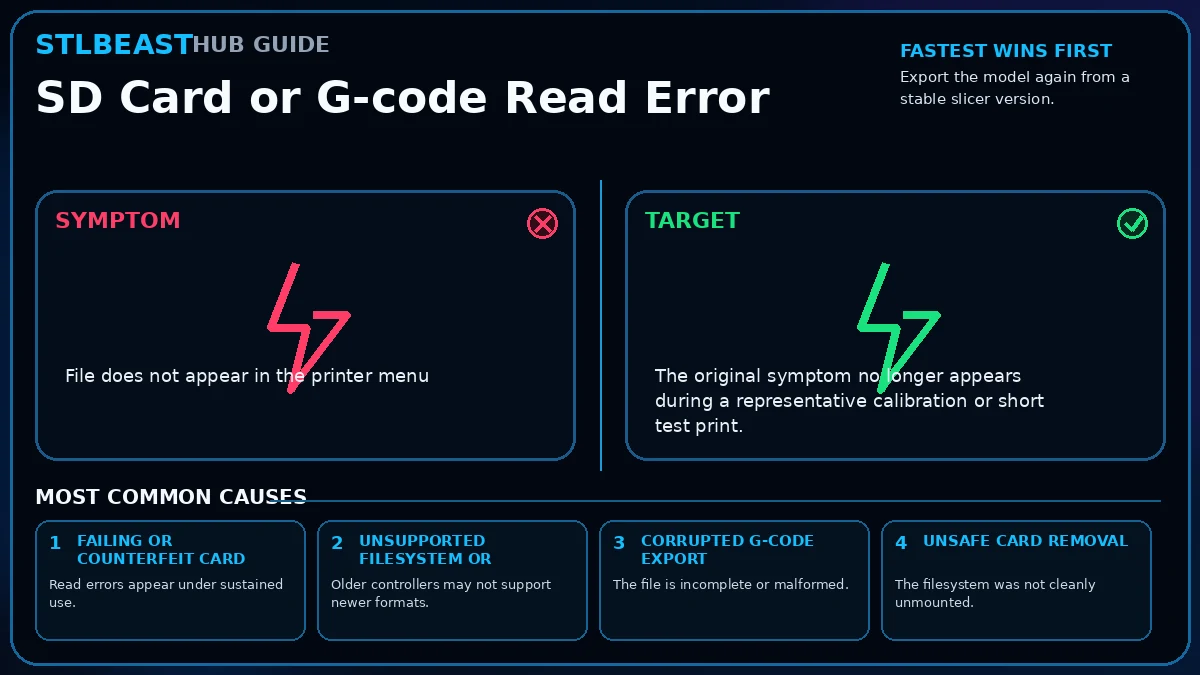
Read errors appear under sustained use.
- The original symptom no longer appears during a representative calibration or short test print.
- Measurements, temperatures, motion, feed, or exposure remain stable through the complete test.
Use the smallest useful test, keep the winning change, and record the result.
Make this guide easier to apply to your setup
Select what you use. The page highlights relevant material, slicer and printer notes without hiding the complete source-backed guide.
Choose any setup details above to emphasize matching notes and produce a safer starting summary.
Know what to do now—and what comes next
Follow one controlled path. Do not stack unrelated changes before the proof test.
- 1Confirm the visual clue
Compare the failed area with the problem and target visuals.
- 2Run the safest first checks
Run the first safe check and change one variable at a time.
- 3Print the proof test
A small representative test no longer shows the original symptom.
- 4Escalate only if needed
Use the next-route guides only when the original symptom remains.
Which description is closest to what you see?
Select the closest match. This does not replace inspection; it moves the most relevant starting point to the front.
Read errors appear under sustained use.
Before you change settings
- Confirm the exact printer, material, nozzle or resin, slicer, and recent hardware changes.
- Photograph the failure before removing the print so the evidence is not lost.
- Return extreme overrides to a known profile and change one variable at a time.
- Use a small calibration object or representative section before repeating a long print.
Recognize it, check safely, prove the fix
Use this map before changing multiple settings. The detailed procedure and source references follow below.
Fastest safe order
- Export the model again from a stable slicer version.
- Use a short filename containing letters, numbers, hyphens, and underscores only.
- Copy the file to a known-good card of a size supported by the printer.
- Format the card using the manufacturer-recommended filesystem and allocation size.
Stop immediately for
- Stay within the printer, material, resin, hotend, build-surface, electrical, ventilation, and personal-protection limits published by the manufacturers.
- Stop immediately for heater errors, smoke, electrical damage, severe binding, uncontrolled motion, or resin exposure.
Proof of success
The original symptom no longer appears during a representative calibration or short test print.
What it looks like
- File does not appear in the printer menu
- Print stops at the same layer with a read error
- The printer freezes while loading a file
- G-code name displays as corrupted characters
Most likely causes
- Failing or counterfeit cardRead errors appear under sustained use.
- Unsupported filesystem or capacityOlder controllers may not support newer formats.
- Corrupted G-code exportThe file is incomplete or malformed.
- Unsafe card removalThe filesystem was not cleanly unmounted.
- Long or unusual filenameFirmware parsers may reject special characters.
Repair sequence
Work from top to bottom. Stop when the failure is resolved, verify it with a small test and record the successful setup.
- Step 1Export the model again from a stable slicer version.
- Step 2Use a short filename containing letters, numbers, hyphens, and underscores only.
- Step 3Copy the file to a known-good card of a size supported by the printer.
- Step 4Format the card using the manufacturer-recommended filesystem and allocation size.
- Step 5Safely eject the card from the computer.
- Step 6Inspect the complete G-code preview before printing.
- Step 7Test a small file and confirm it finishes.
- Step 8Replace the card if errors recur.
Settings to review
| Setting | How to use it |
|---|---|
| Filename | Keep it short and avoid symbols unsupported by older firmware. |
| Thumbnail format | Disable incompatible preview thumbnails if the printer crashes while browsing. |
| Binary G-code | Use only when the printer and slicer both support it. |
Material notes
Storage read faults are unrelated to filament.
Network upload or virtual SD logs may reveal transfer errors.
Smaller FAT32 cards and short filenames are often most compatible.
Printer context
Check bed seating, gantry alignment, belts, wheels and first-layer consistency across the plate.
Start with the official profile; inspect belt balance, input shaping, flow, pressure advance and chamber conditions.
Confirm delta calibration, tower movement, belt tension, effector stability and full-bed mapping.
Use resin-specific exposure, lift, support, temperature, wash, cure and protective procedures.
Where to look in the slicer
Quality, Strength, Speed, Support and Filament; use built-in calibration for temperature, flow and pressure advance.
Print, Filament and Printer Settings; inspect the layer preview before export.
Quality, Walls, Top/Bottom, Material, Speed, Travel, Cooling, Support and Adhesion.
Printer/resin profile, exposure, lift/retract, support contact, raft, hollowing and drain settings.
Controlled test method
Do not repeat the full print while guessing. Use a small test that reproduces the same feature and record the result.
- Save the current profile or photograph every relevant setting.
- Choose one suspected cause from the ranked list and change only the matching variable.
- Print the smallest useful test with the same material, nozzle, plate, and environment.
- Compare the result with the target visual, keep the winning change, and then test the real model.
Confirm the repair before repeating the full print
Use the same printer, material, slicer and key settings as the failed model.
The original symptom is absent and the target feature is repeatable.
The symptom remains in the same location or stage.
Return to the ranked causes and test the next single variable.
Recheck the visual diagnosis →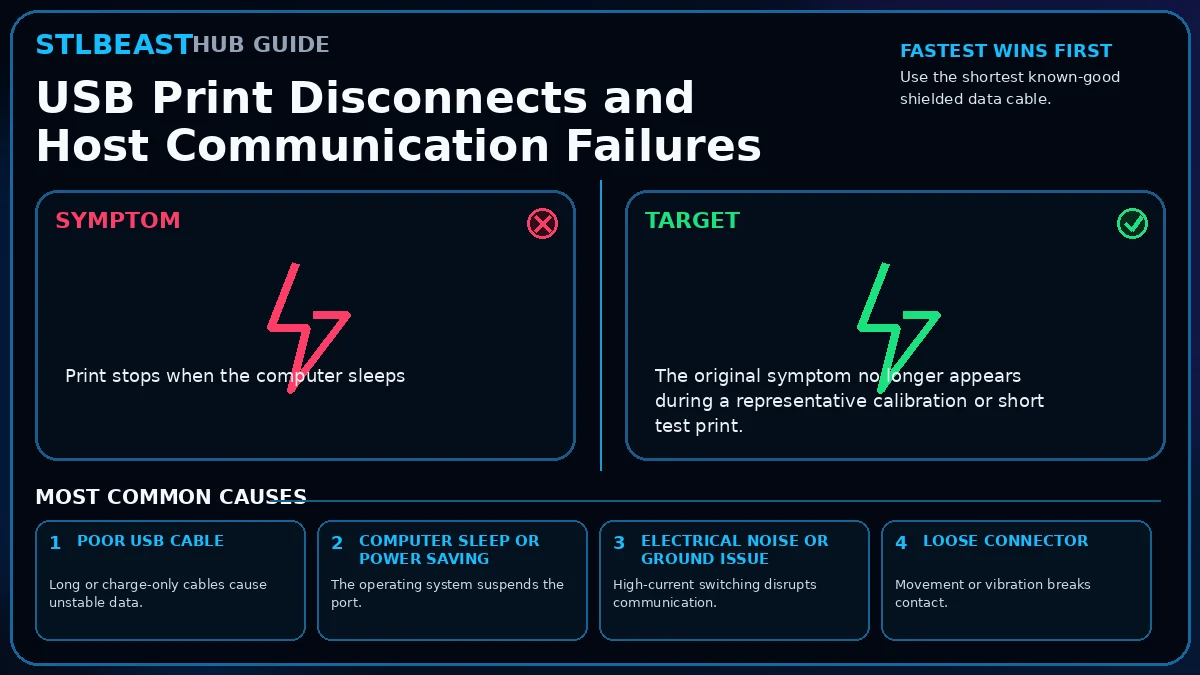 Next path 1USB Print Disconnects and Host Communication Failures
Open this related Files & Connectivity guide when the first repair path does not fully explain the remaining symptom.
Open this guide →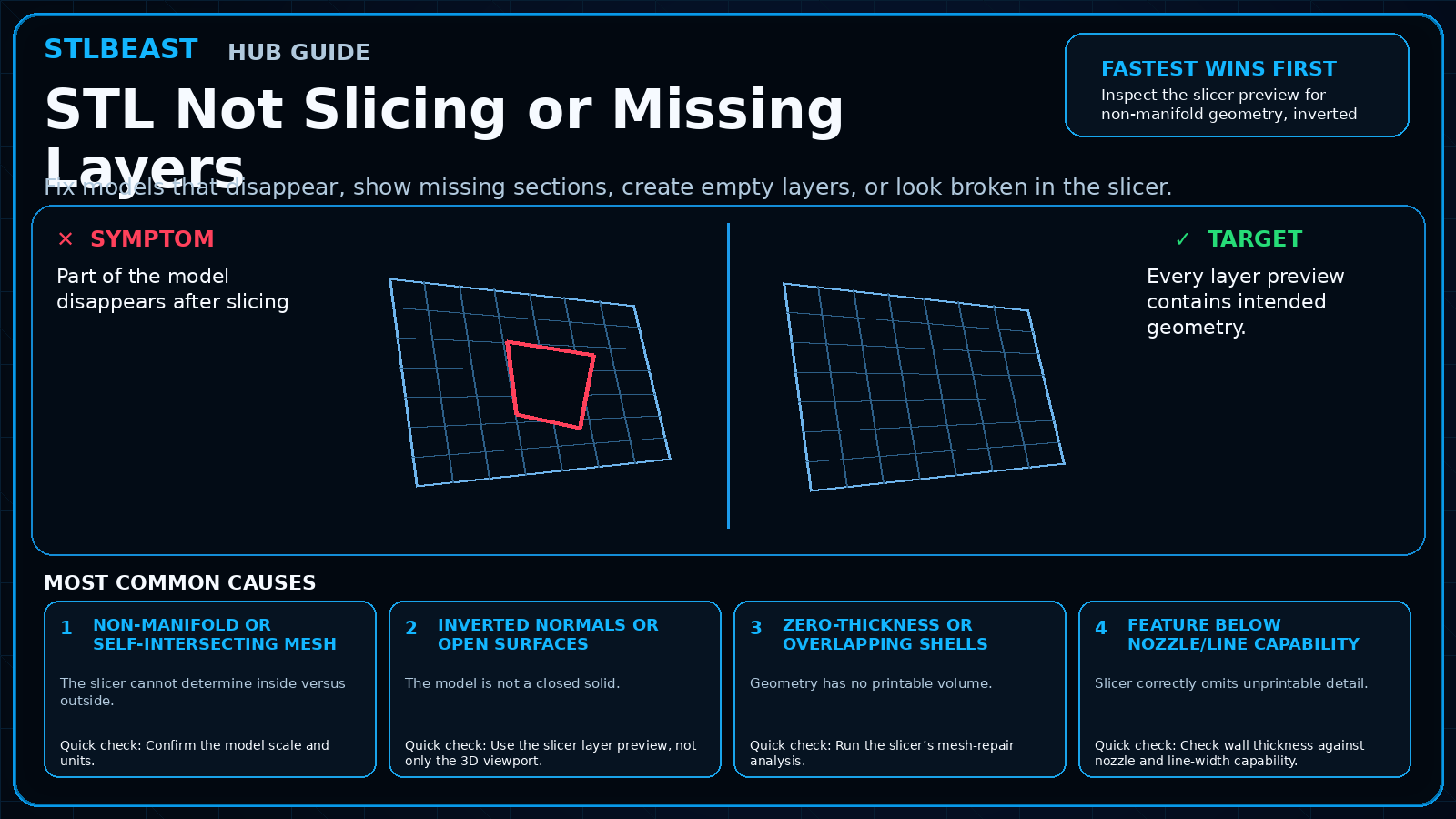 Next path 2STL Not Slicing or Missing Layers
Open this related Model Repair guide when the first repair path does not fully explain the remaining symptom.
Open this guide →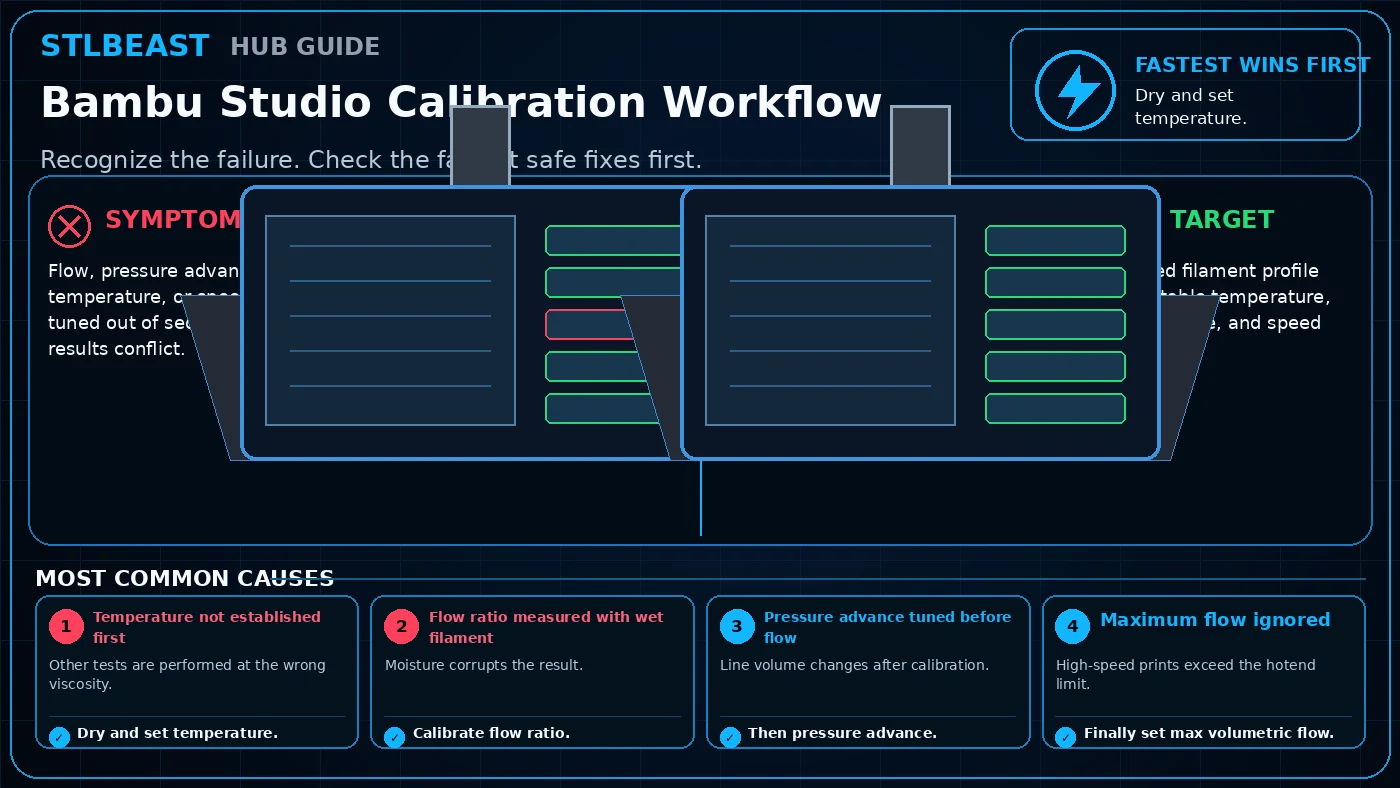 Next path 3Bambu Studio Calibration Workflow
Open this related Slicer & STL Repair guide when the first repair path does not fully explain the remaining symptom.
Open this guide →How to verify the fix
- The original symptom no longer appears during a representative calibration or short test print.
- Measurements, temperatures, motion, feed, or exposure remain stable through the complete test.
- No new warning, collision, leak, electrical smell, unusual heat, or material damage appears.
- The successful change is recorded with printer, material, slicer, nozzle or resin, and date.
Choose a result after the print so the guide can point you to the correct next action.
Prevent it next time
- Keep a known-good baseline profile and duplicate it before experimenting.
- Inspect the relevant hardware, feed path, surface, or material condition during routine maintenance.
- Change one variable at a time and use short calibration prints before repeating a long job.
- Recheck the setup after nozzle, hotend, plate, firmware, slicer, material, or major maintenance changes.
Useful public sample. Complete personalized profile for members.
Everyone can use the full guide and receive a safe starting sample. Members unlock all machine/material values, adjustment order, saved Profile Vault history and deeper AI Doctor linkage.
Frequently asked questions
What should I check first for sd card or g-code read error?
Start with the first repair step and the highest-ranked cause: failing or counterfeit card. It is the fastest low-risk way to separate the main failure from unrelated settings.
Can slicer settings alone cause sd card gcode read error?
Sometimes, but mechanical, electrical, material, and file conditions must be ruled out before using extreme slicer values as a workaround.
Should I change several settings at once?
No. Multiple simultaneous changes hide the real cause and make the successful setup difficult to reproduce.
When should I stop and seek qualified service?
Stop for heater errors, smoke, electrical damage, severe binding, liquid or resin inside electronics, damaged mains wiring, uncontrolled motion, or any condition outside the manufacturer safety procedure.
Related fixes
Tools matched to this repair path
Explore a useful STL for your next project.
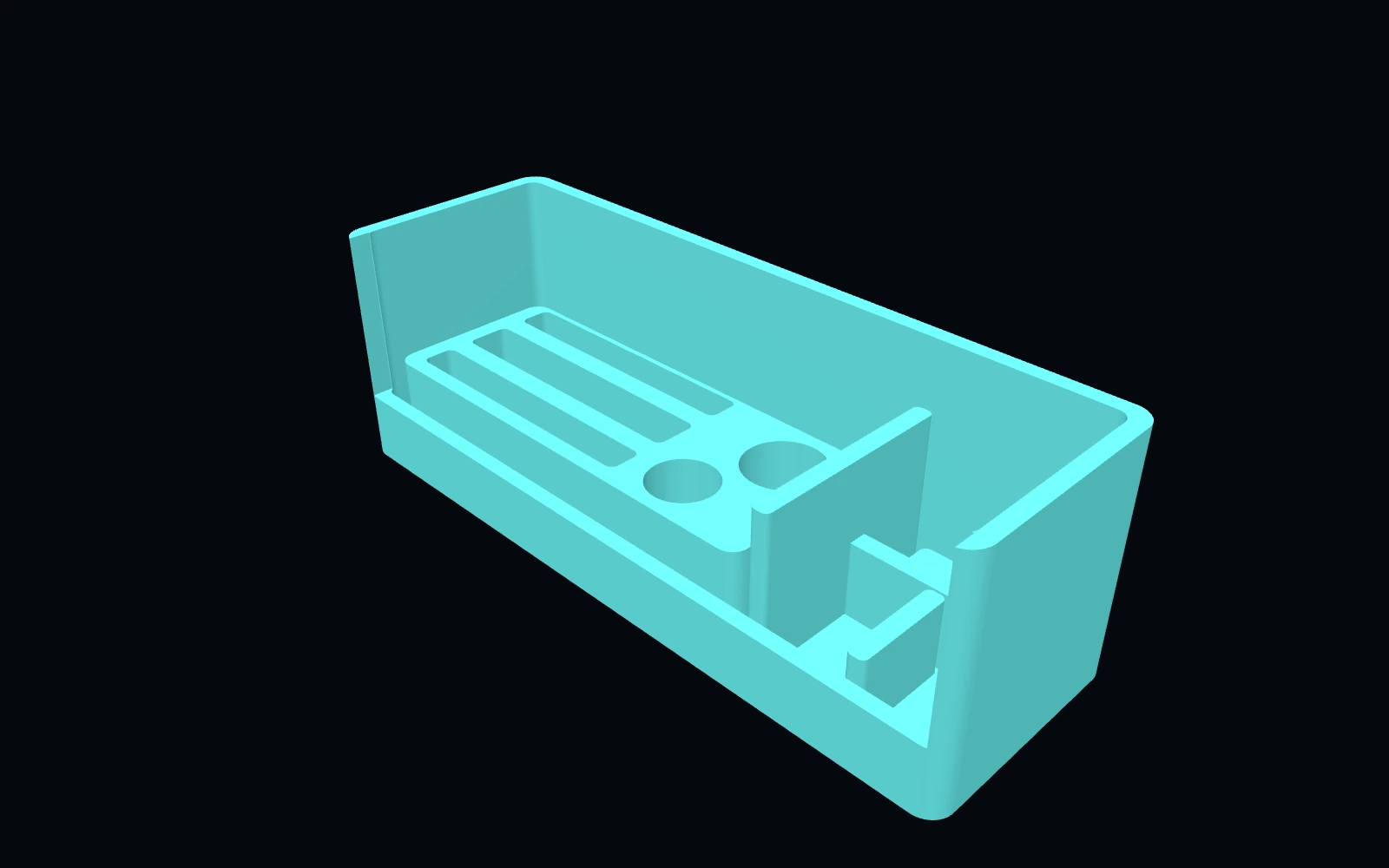 Original digital STLSTLBEAST Belt Tension & Motion Service Station V5
A motion-system work deck for belt inspection, pulley and bearing staging, and tensioner hardware service.
$9.99 CAD · View product →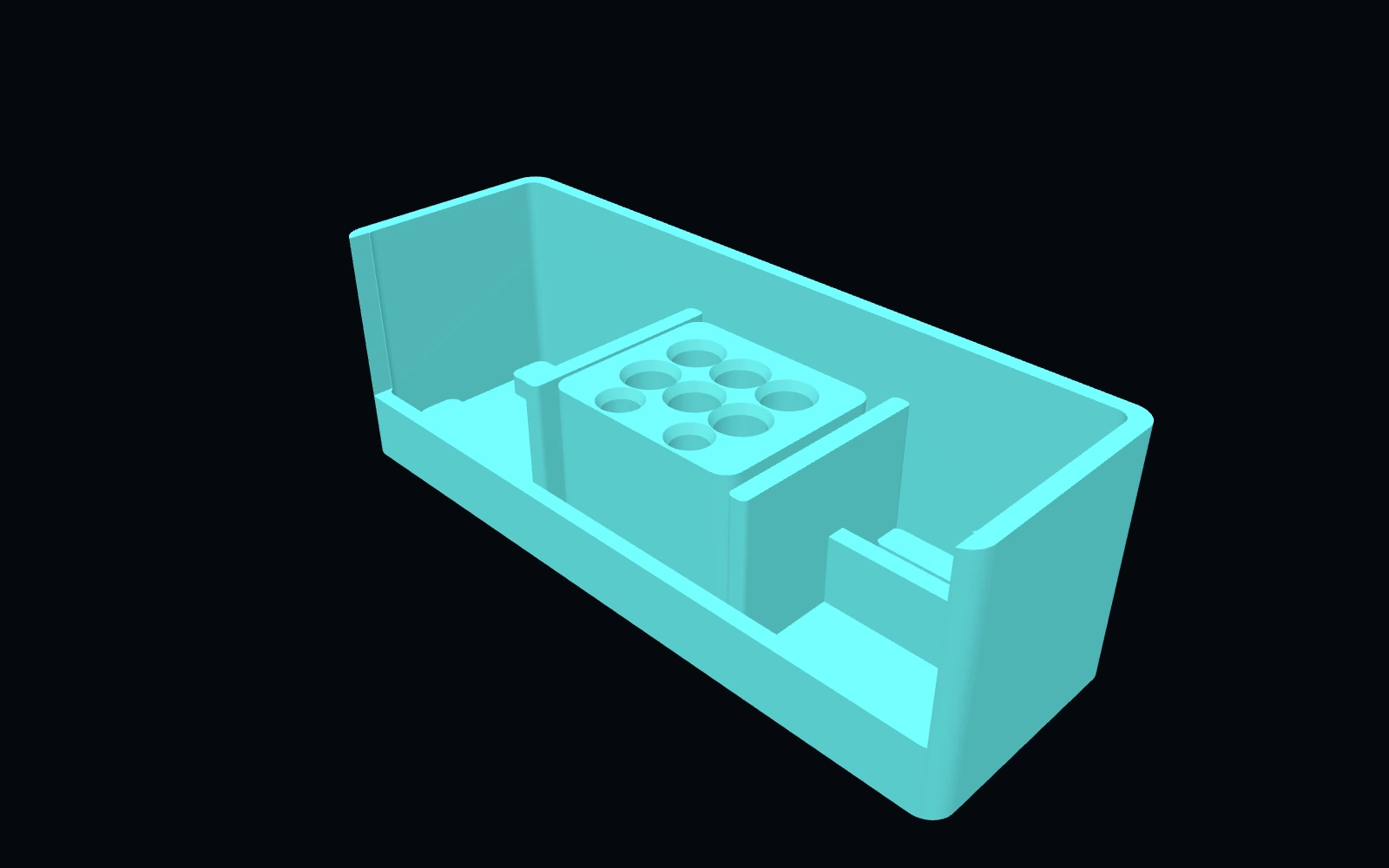 Original digital STLSTLBEAST Hotend Rebuild Station V1
A compact hotend maintenance station for nozzles, heater hardware, thermistors, spacers and rebuild tools.
$8.99 CAD · View product →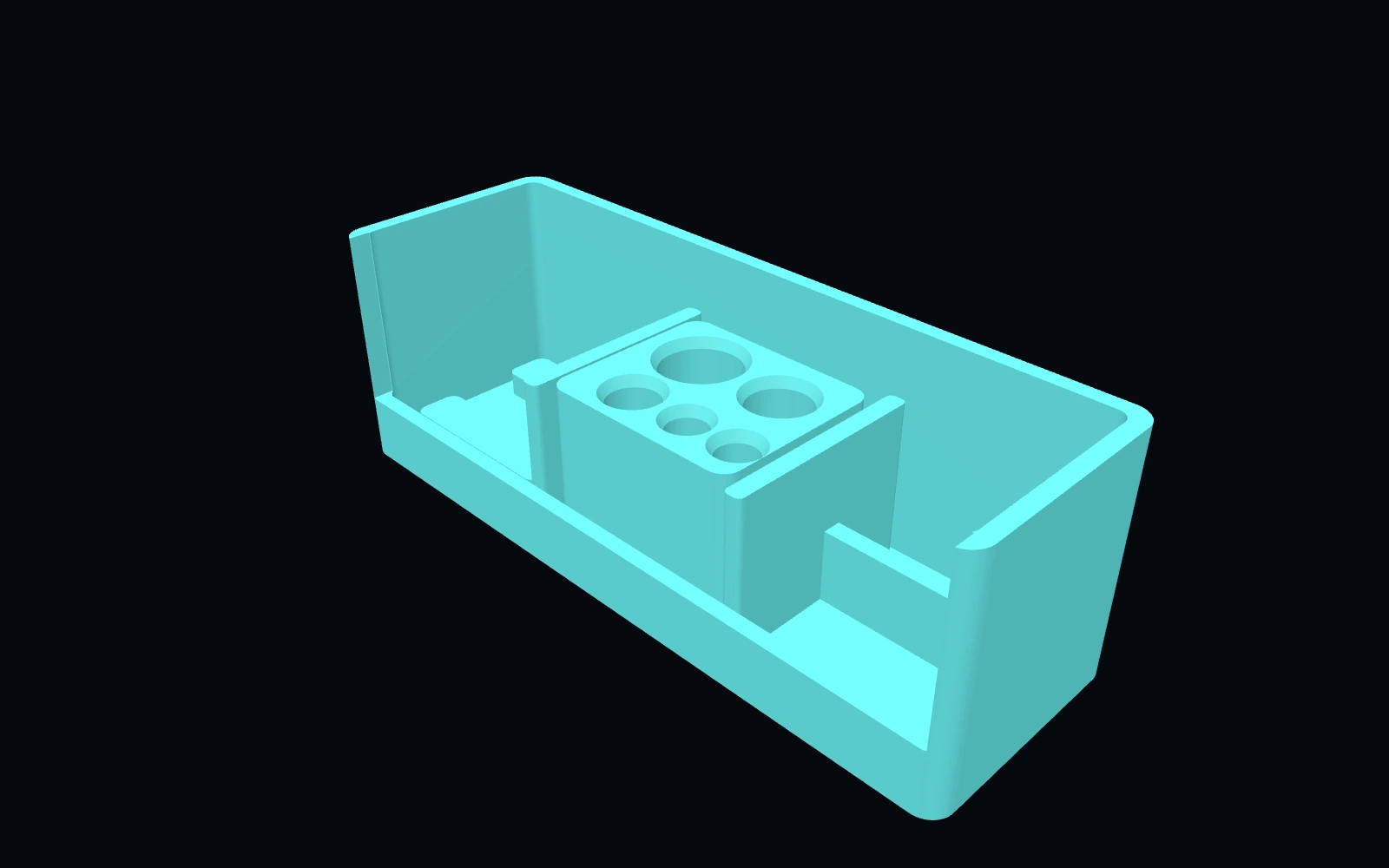 Original digital STLSTLBEAST Filament Path Rescue Station V5
A modular service station for clearing filament paths, staging cutters and picks, and organizing feed-system maintenance tools.
$8.99 CAD · View product →Did this fix your print?
Your anonymous answer improves the guide order and AI Doctor paths.
