3D Printer Under-Extrusion
Fix thin walls, missing lines, weak layers, gaps, and inconsistent flow. Use the ranked checks, controlled repair order, and proof test below to isolate the cause without stacking unrelated changes.
Inspect the filament path and nozzle before increasing flow. Under-extrusion is usually a restriction, feed problem, temperature mismatch, or speed/flow-demand problem.
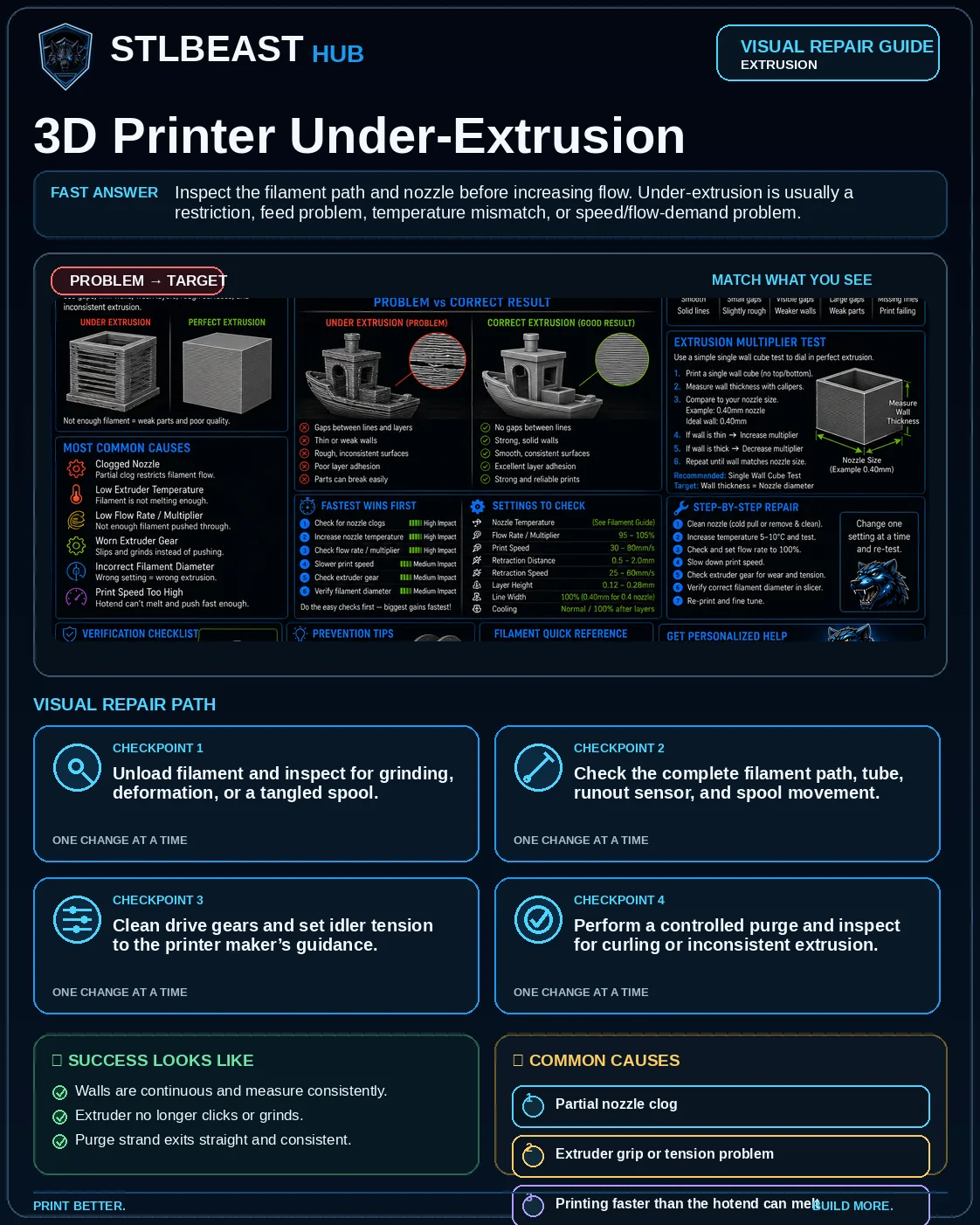
See the sequence before you start
Match the visible symptom, work through the four visual checkpoints, and prove the result with a small test.
Start fast or open every detail
Quick Fix keeps the safest first checks and proof steps in view. Full Guide reveals the complete settings, printer context, advanced tests, sources and FAQs.
Quick Fix mode is active.
Restricted flow produces thin or intermittent lines.
- Walls are continuous and measure consistently.
- Extruder no longer clicks or grinds.
Use the smallest useful test, keep the winning change, and record the result.
Make this guide easier to apply to your setup
Select what you use. The page highlights relevant material, slicer and printer notes without hiding the complete source-backed guide.
Choose any setup details above to emphasize matching notes and produce a safer starting summary.
Know what to do now—and what comes next
Follow one controlled path. Do not stack unrelated changes before the proof test.
- 1Confirm the visual clue
Compare the failed area with the problem and target visuals.
- 2Run the safest first checks
Inspect spool drag, gears and the filament path before replacing parts.
- 3Print the proof test
A 100 mm extrusion and thin wall remain continuous and even.
- 4Escalate only if needed
Use the next-route guides only when the original symptom remains.
Which description is closest to what you see?
Select the closest match. This does not replace inspection; it moves the most relevant starting point to the front.
Restricted flow produces thin or intermittent lines.
See the failure, understand the cause, and follow the correct repair order
This consistent visual story combines the issue-specific comparison, four repair checkpoints, verification criteria, and common causes. Open it full size, then use the source-backed guide below.
Select the image to open the full-resolution guide. Numeric values are safe starting ranges only; follow the detailed instructions and manufacturer limits for your equipment.
Responsive WebP delivery keeps the mobile guide readable without loading the full desktop image unnecessarily.
Before you change settings
- Confirm the exact printer, material, nozzle or resin, slicer, and recent hardware changes.
- Photograph the failure before removing the print so the evidence is not lost.
- Return extreme overrides to a known profile and change one variable at a time.
- Use a small calibration object or representative section before repeating a long print.
What it looks like
- Thin or translucent walls
- Gaps between perimeter lines
- Weak layers that split easily
- Intermittent missing material
Most likely causes
- Partial nozzle clogRestricted flow produces thin or intermittent lines.
- Extruder grip or tension problemThe drive gear slips, clicks, or grinds the filament.
- Printing faster than the hotend can meltVolumetric demand exceeds hotend capacity.
- Temperature too lowMaterial does not flow consistently.
- Filament path dragTangled spool, tight tube, or poor spool holder increases resistance.
Repair sequence
Work from top to bottom. Stop when the failure is resolved, verify it with a small test and record the successful setup.
- Step 1Unload filament and inspect for grinding, deformation, or a tangled spool.
- Step 2Check the complete filament path, tube, runout sensor, and spool movement.
- Step 3Clean drive gears and set idler tension to the printer maker’s guidance.
- Step 4Perform a controlled purge and inspect for curling or inconsistent extrusion.
- Step 5Clear a partial clog or replace the nozzle if needed.
- Step 6Return flow to profile default, then reduce speed/volumetric demand.
- Step 7Re-test temperature and flow only after the mechanical path is clear.
Settings to review
| Setting | How to use it |
|---|---|
| Maximum volumetric speed | Reduce when the hotend cannot maintain flow. |
| Nozzle temperature | Raise only within the filament range and in small increments. |
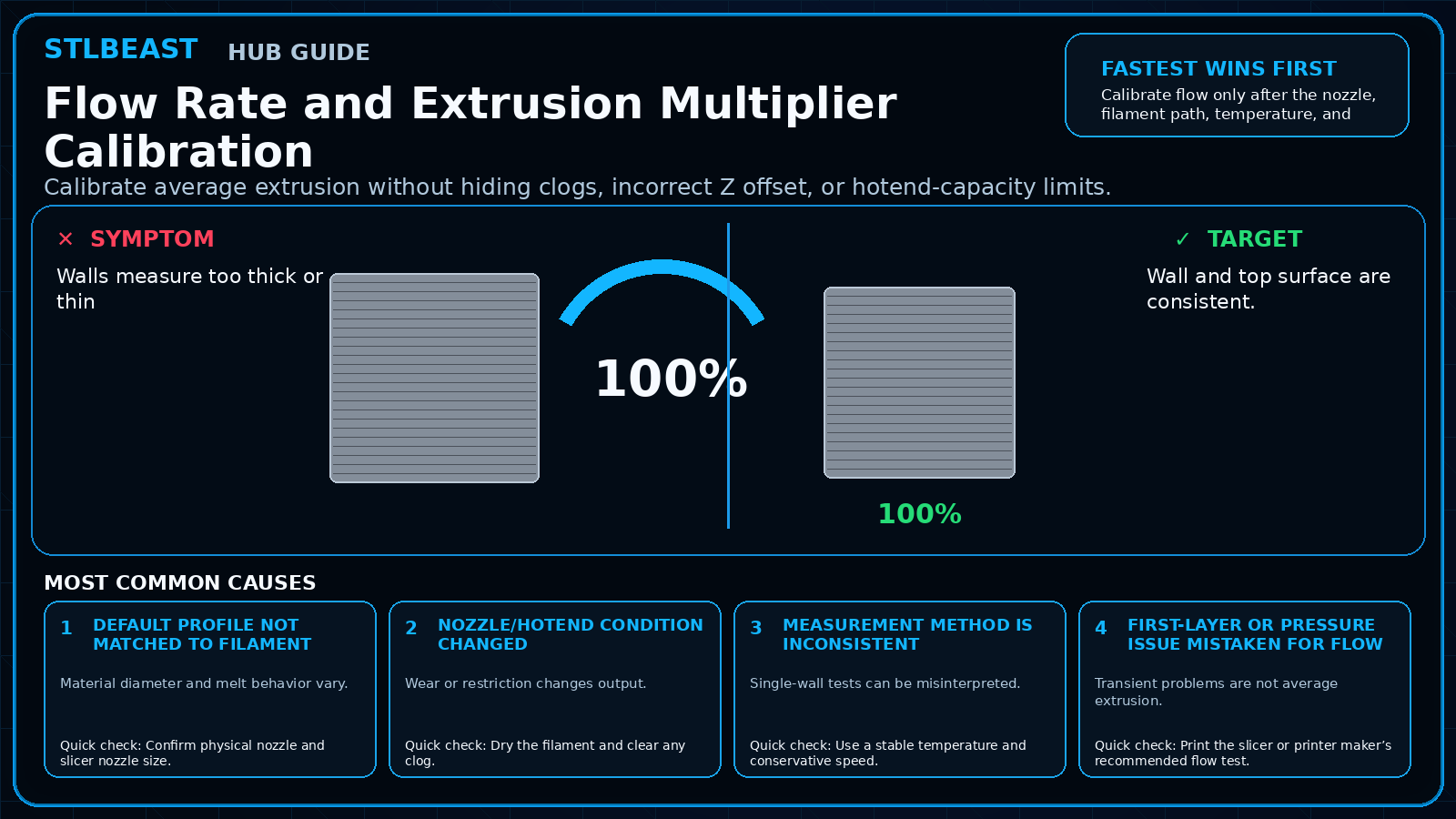
| Flow/extrusion multiplier | Do not use a large increase to hide a clog or slipping extruder. |
| Line width/layer height | Keep compatible with nozzle size and hotend capacity. |
Material notes
Heat creep can create delayed under-extrusion in warm enclosures.
Path friction and excessive speed are common.
Nozzle size and abrasion matter.
Printer context
Check bed seating, gantry alignment, belts, wheels and first-layer consistency across the plate.
Start with the official profile; inspect belt balance, input shaping, flow, pressure advance and chamber conditions.
Confirm delta calibration, tower movement, belt tension, effector stability and full-bed mapping.
Use resin-specific exposure, lift, support, temperature, wash, cure and protective procedures.
Where to look in the slicer
Quality, Strength, Speed, Support and Filament; use built-in calibration for temperature, flow and pressure advance.
Print, Filament and Printer Settings; inspect the layer preview before export.
Quality, Walls, Top/Bottom, Material, Speed, Travel, Cooling, Support and Adhesion.
Printer/resin profile, exposure, lift/retract, support contact, raft, hollowing and drain settings.
Controlled test method
Do not repeat the full print while guessing. Use a small test that reproduces the same feature and record the result.
- Save the current profile or photograph every relevant setting.
- Choose one suspected cause from the ranked list and change only the matching variable.
- Print the smallest useful test with the same material, nozzle, plate, and environment.
- Compare the result with the target visual, keep the winning change, and then test the real model.
Confirm the repair before repeating the full print
Use the same nozzle, material and hotend temperature planned for the print.
Flow is smooth and the wall is continuous with stable width.
Clicking, gaps, pulsing or inconsistent line width remains.
Inspect spool path, gears, heat break, nozzle and calibrated flow.
Recheck the visual diagnosis →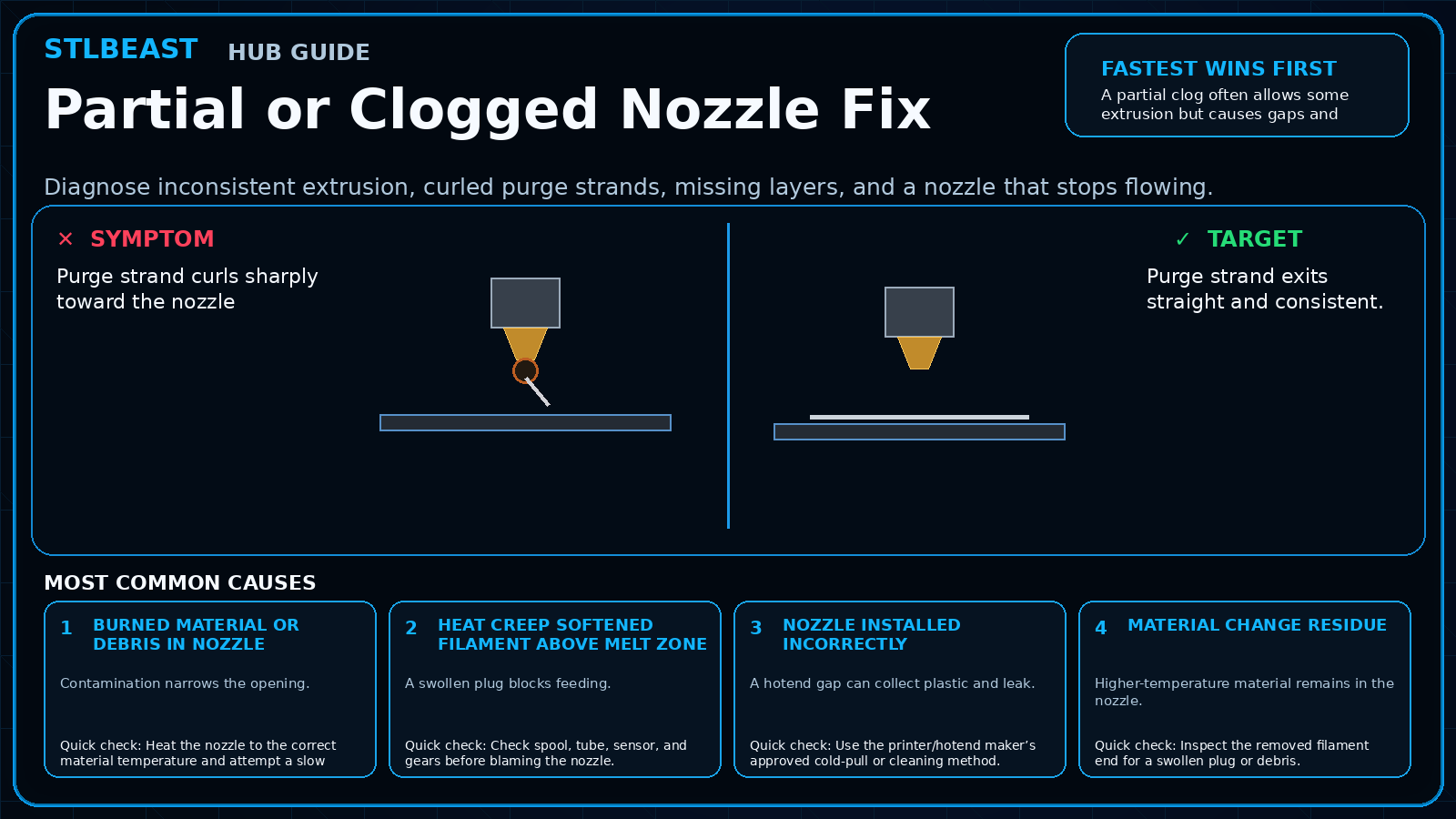 Next path 1Partial or Clogged Nozzle Fix
Use this next when flow remains weak, intermittent or uneven after the first checks.
Open this guide →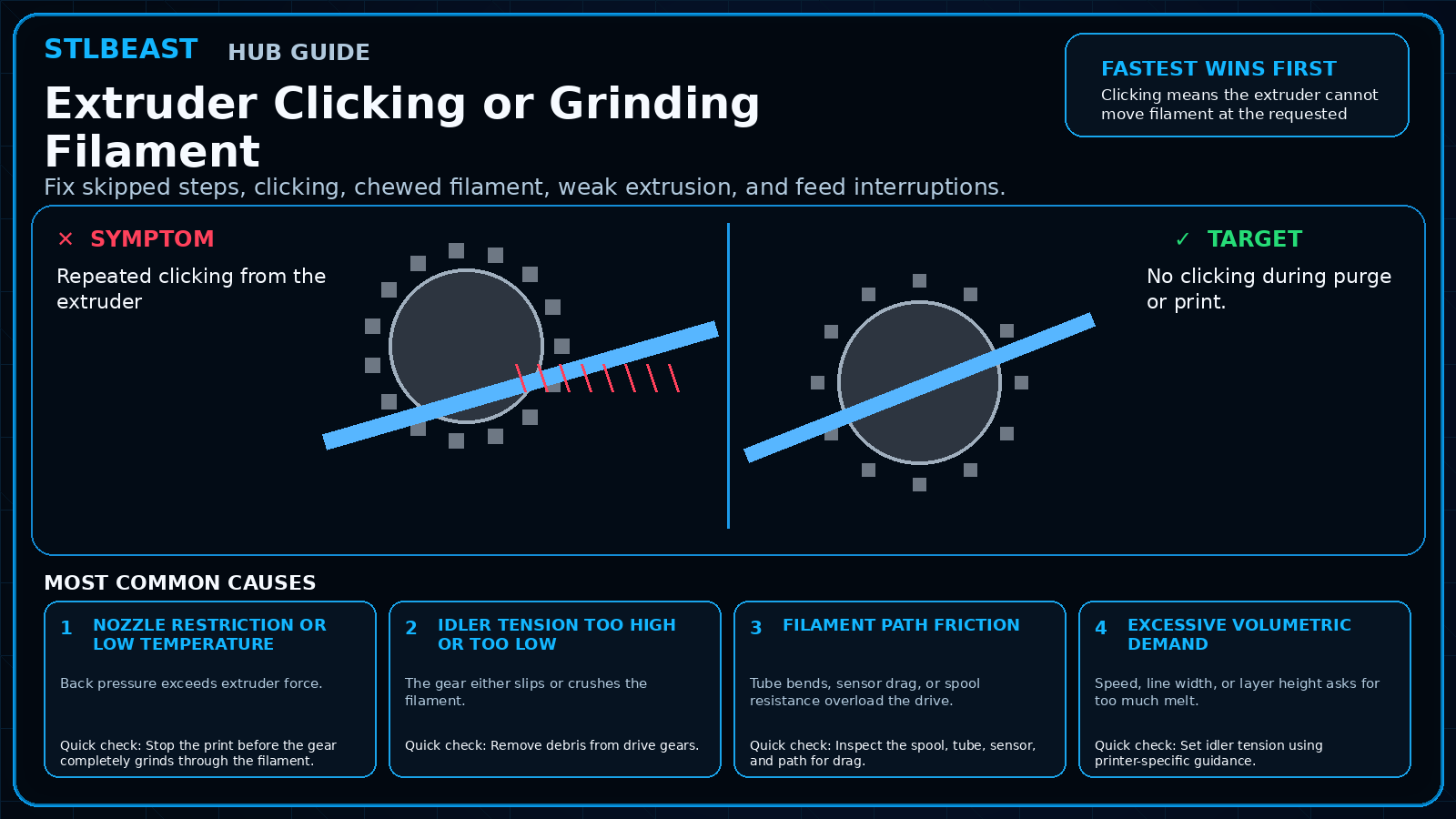 Next path 2Extruder Clicking or Grinding Filament
Use this next when the drive gear clicks, slips or damages filament.
Open this guide →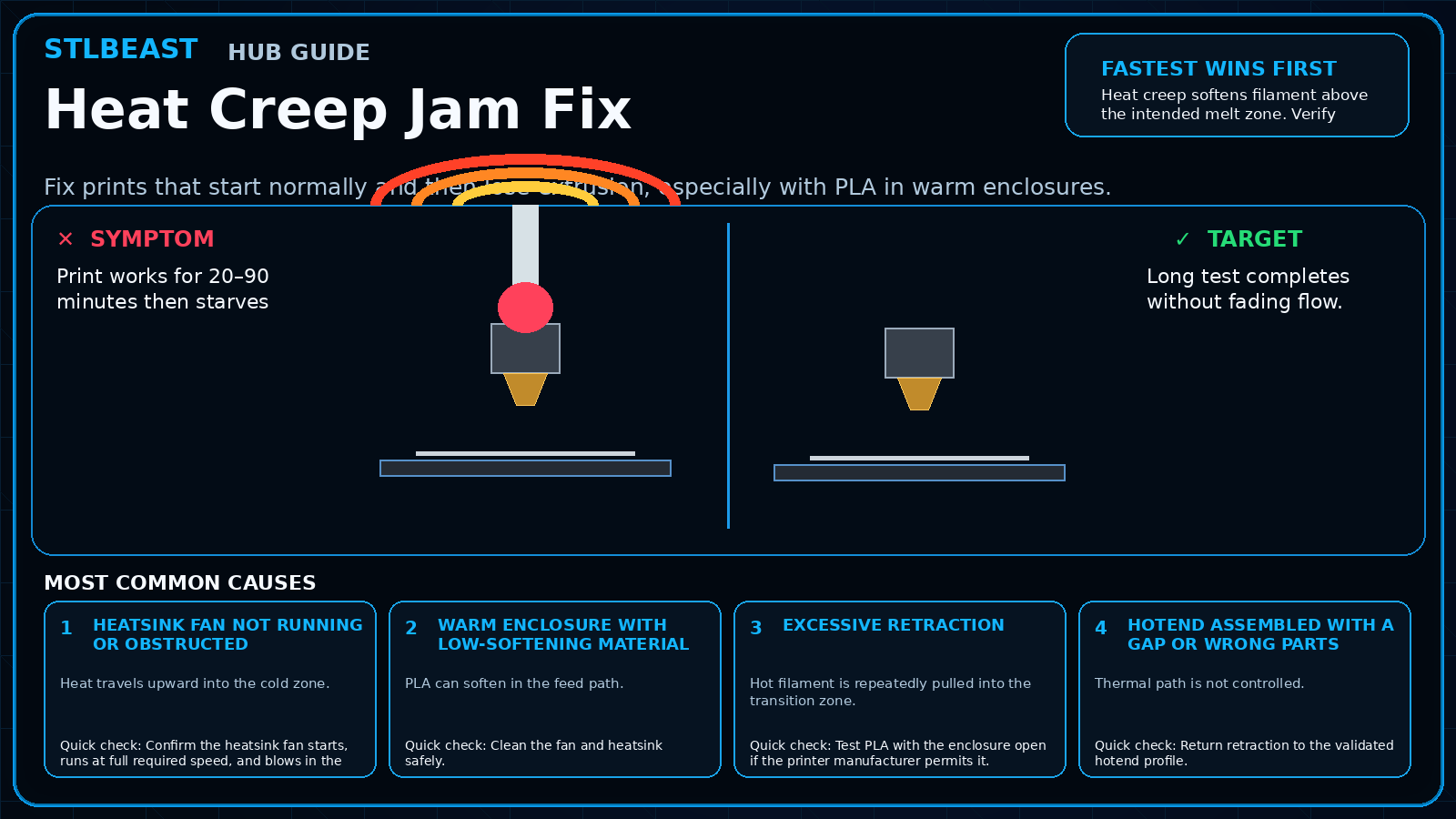 Next path 3Heat Creep Jam Fix
Use this next when flow fades after the hotend has been warm for a while.
Open this guide →How to verify the fix
- Walls are continuous and measure consistently.
- Extruder no longer clicks or grinds.
- Purge strand exits straight and consistent.
- Long print maintains flow at the same height.
Choose a result after the print so the guide can point you to the correct next action.
Prevent it next time
- Keep nozzles and gears clean.
- Use realistic volumetric limits.
- Store filament to avoid swelling and brittleness.
- Check spool movement before long jobs.
Useful public sample. Complete personalized profile for members.
Everyone can use the full guide and receive a safe starting sample. Members unlock all machine/material values, adjustment order, saved Profile Vault history and deeper AI Doctor linkage.
Sources and further reading
These references support the troubleshooting sequence. Follow the printer, slicer, filament, resin, and build-surface manufacturer limits for your exact equipment.
Frequently asked questions
Should I raise flow?
Only after confirming the nozzle and feed path are healthy.
Why does it happen only later in the print?
Heat creep, spool drag, a tangle, or increasing volumetric demand can appear after time.
Can a nozzle too close cause under-extrusion?
Yes, especially on the first layer.
Related fixes
Tools matched to this repair path
Explore a useful STL for your next project.
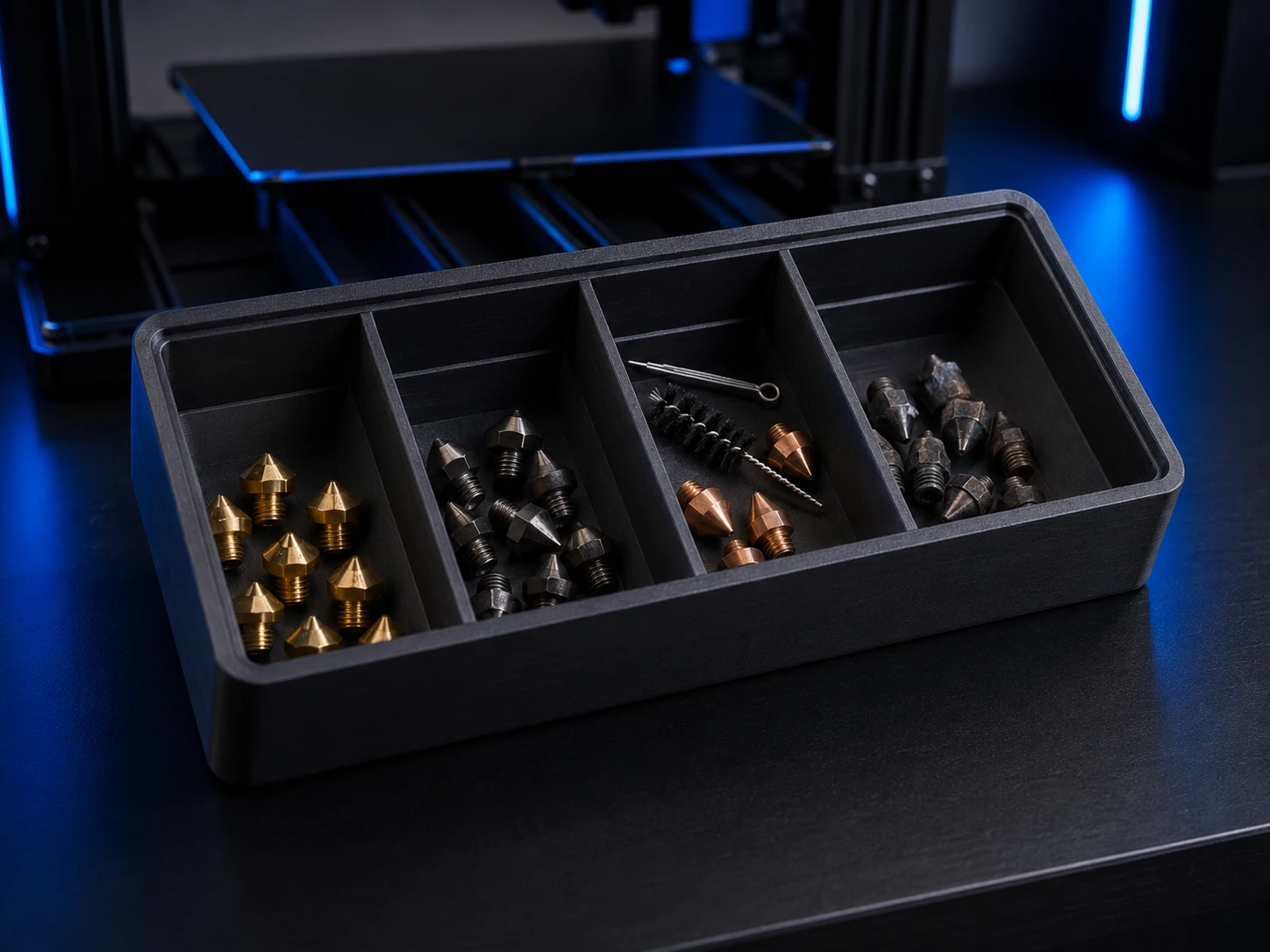 Original digital STLSTLBEAST Nozzle Triage Station V1
A physically validated four-bay station for sorting ready, inspect, clean, and retired nozzles.
$4.99 CAD · View product →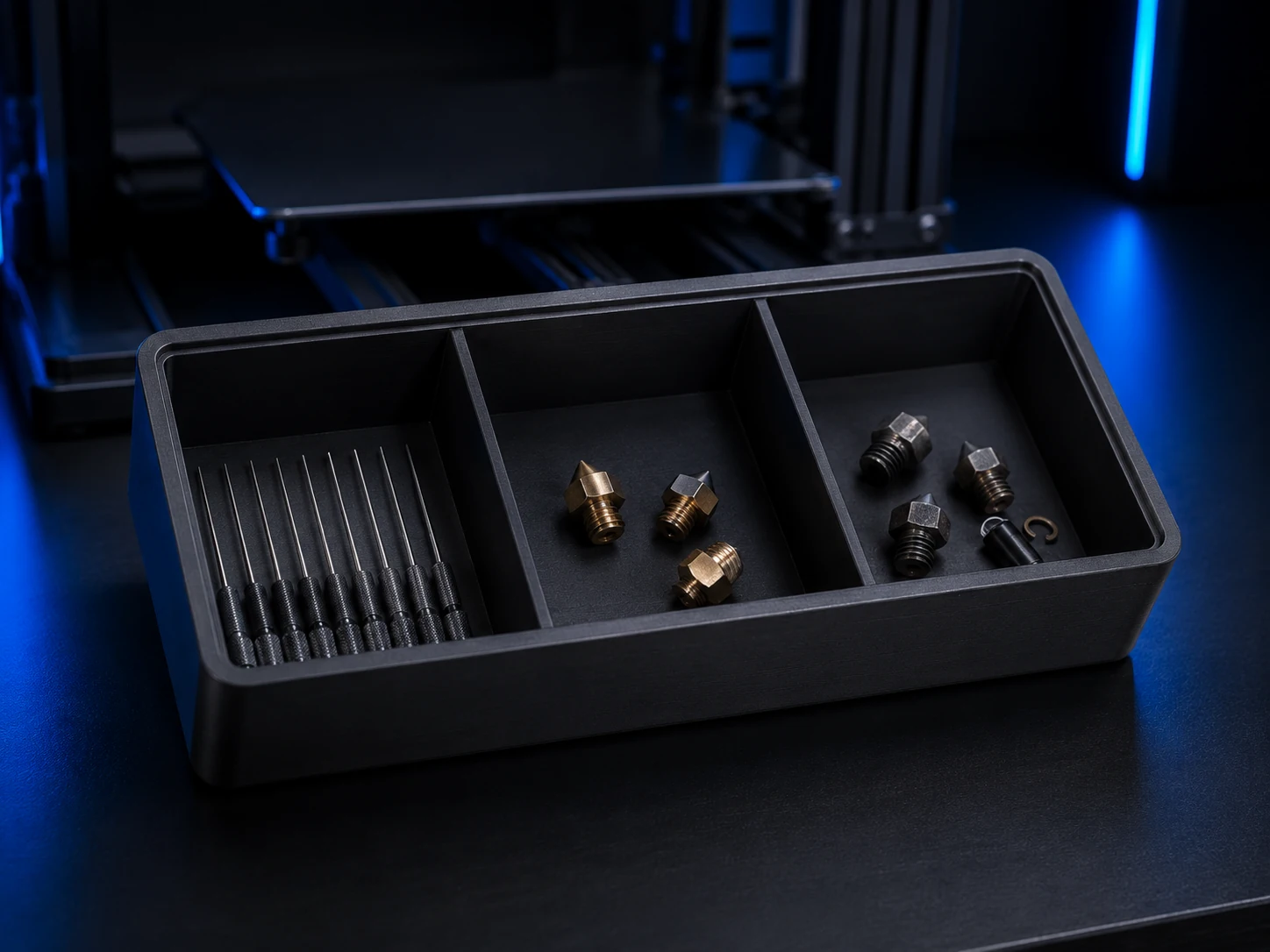 Original digital STLSTLBEAST Nozzle Rescue Dock V1
A physically validated service dock for cleaning needles, tools, removed nozzles, and maintenance debris.
$4.99 CAD · View product →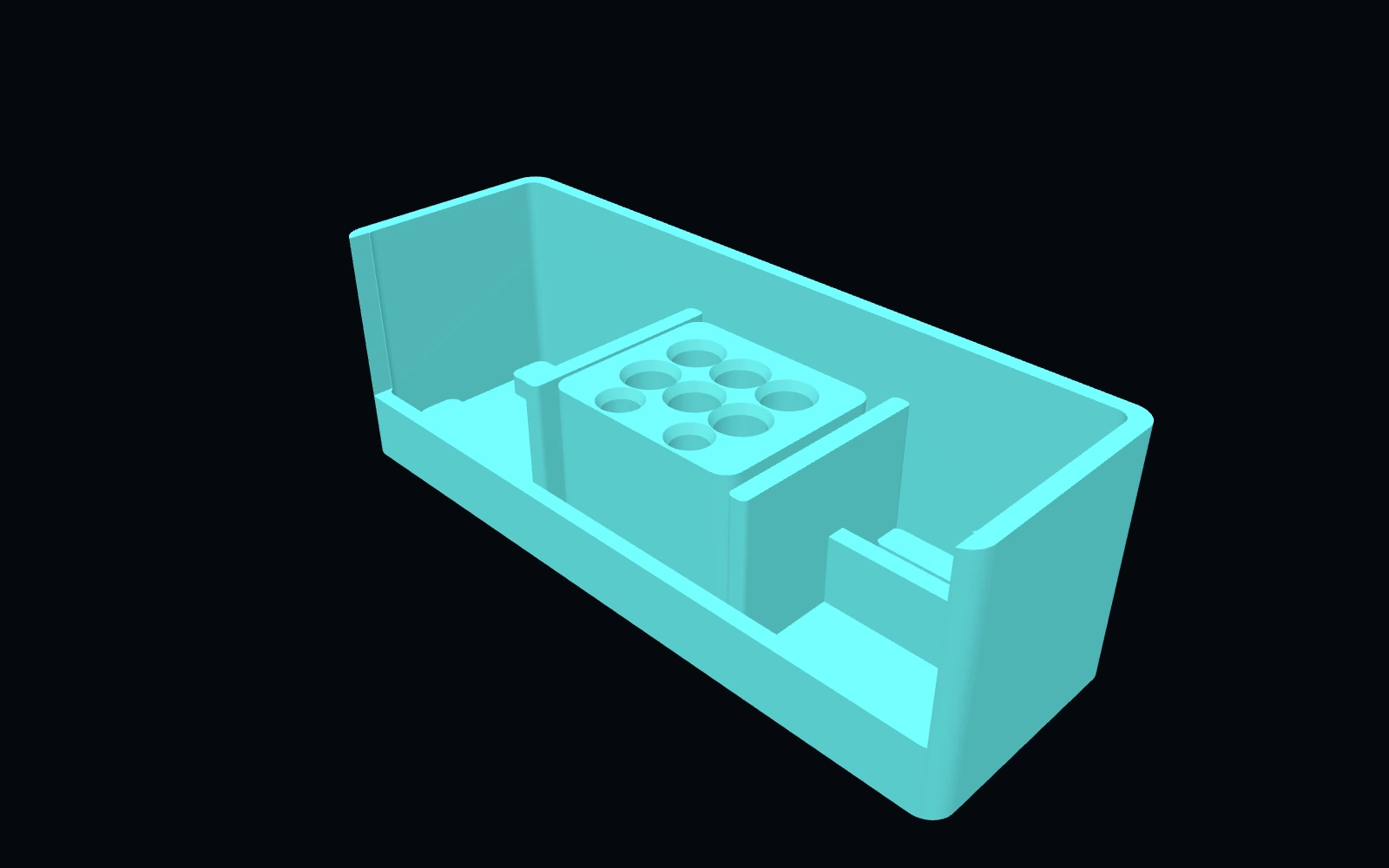 Original digital STLSTLBEAST Hotend Rebuild Station V1
A compact hotend maintenance station for nozzles, heater hardware, thermistors, spacers and rebuild tools.
$8.99 CAD · View product →Did this fix your print?
Your anonymous answer improves the guide order and AI Doctor paths.