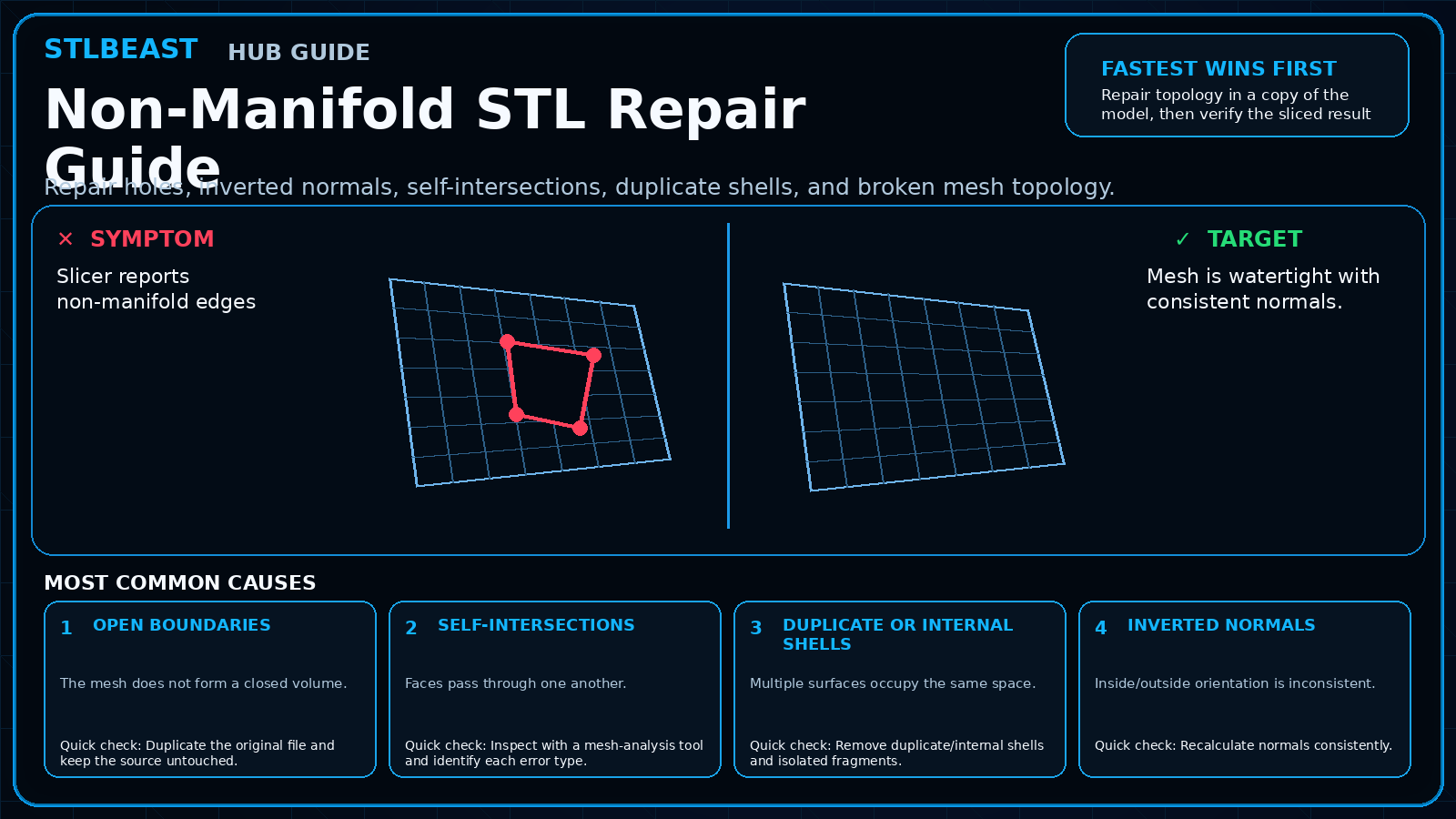
Start hereRepair topology in a copy of the model, then verify the sliced result layer by layer. A “repaired successfully” message is not enough if the shape changed.
First safe actionRun the first safe check and change one variable at a time.
Proof targetA small representative test no longer shows the original symptom.
Match the failed area to the visual before changing a setting.
Repair progress0 of 7 complete
Step 1 of 7
Duplicate the original file and keep the source untouched.
Keep the problem and target visual open while you make this change.
Why this matters
The mesh does not form a closed volume.
Setting or checkRepair tolerance
Too large can merge separate features.
Expected result
Mesh is watertight with consistent normals.
Step 2 of 7
Inspect with a mesh-analysis tool and identify each error type.
Keep the problem and target visual open while you make this change.
Why this matters
Faces pass through one another.
Setting or checkVoxel/remesh resolution
Low resolution erases detail; high resolution increases file size.
Expected result
Slicer preview matches the intended model.
Step 3 of 7
Remove duplicate/internal shells and isolated fragments.
Keep the problem and target visual open while you make this change.
Why this matters
Multiple surfaces occupy the same space.
Setting or checkDecimation
Use after repair only when it preserves shape.
Expected result
Dimensions remain correct.
Step 4 of 7
Recalculate normals consistently.
Keep the problem and target visual open while you make this change.
Why this matters
Inside/outside orientation is inconsistent.
Setting or checkRepair tolerance
Too large can merge separate features.
Expected result
No hidden internal shells remain.
Step 5 of 7
Close holes intentionally rather than using a blind global fill.
Keep the problem and target visual open while you make this change.
Why this matters
Corrupted topology confuses repair.
Setting or checkVoxel/remesh resolution
Low resolution erases detail; high resolution increases file size.
Expected result
Mesh is watertight with consistent normals.
Step 6 of 7
Resolve self-intersections or return to CAD for a clean boolean union.
Keep the problem and target visual open while you make this change.
Why this matters
The mesh does not form a closed volume.
Setting or checkDecimation
Use after repair only when it preserves shape.
Expected result
Slicer preview matches the intended model.
Step 7 of 7
Re-export, slice, and compare geometry, dimensions, and internal cavities.
Keep the problem and target visual open while you make this change.
Why this matters
Faces pass through one another.
Setting or checkRepair tolerance
Too large can merge separate features.
Expected result
Dimensions remain correct.
Controlled test log
Change one variable, then record what happened
This keeps temperature, retraction, speed, mechanical, and material tests from blending together. The history stays private in this browser.

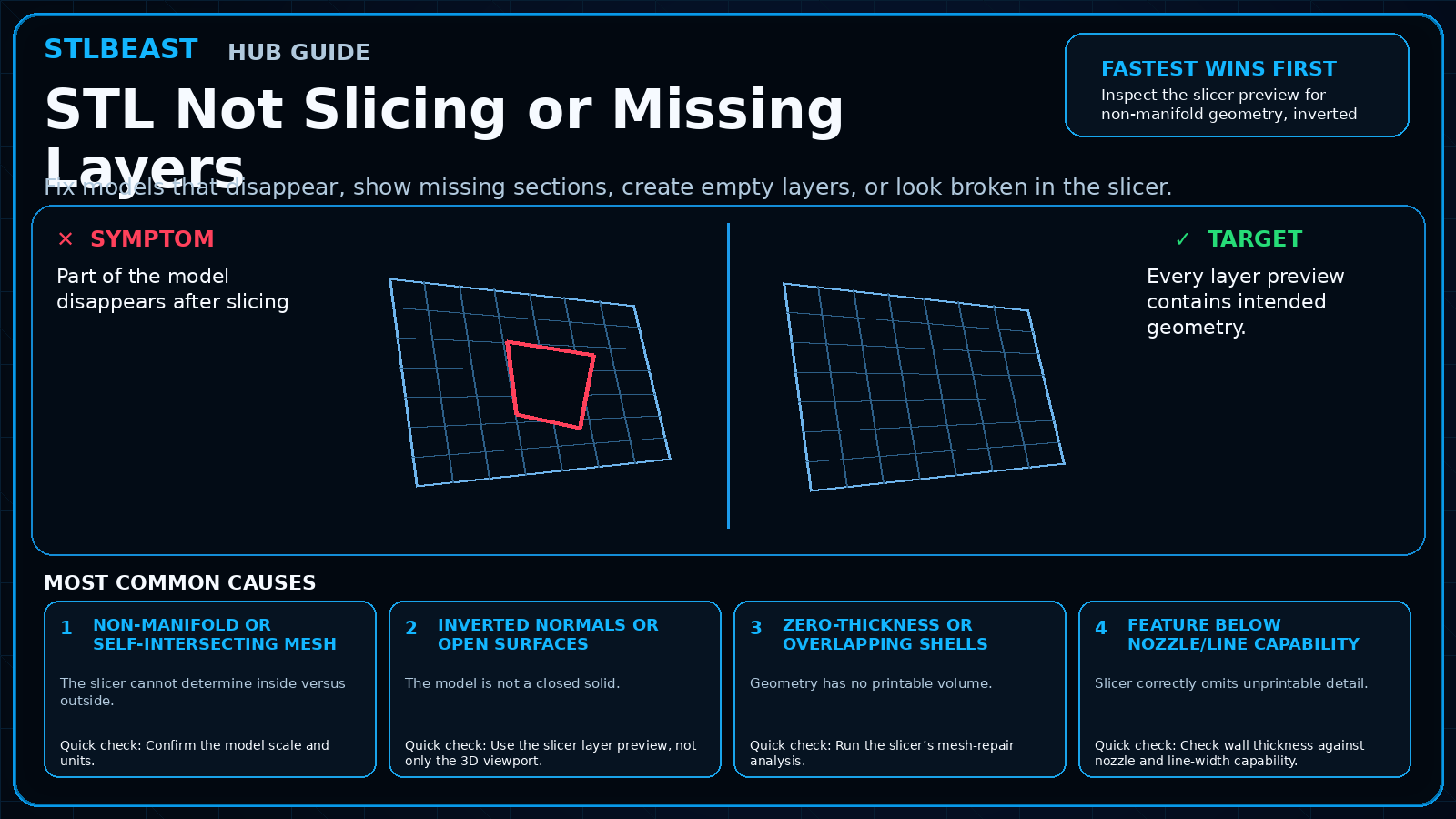 Model RepairSTL Not Slicing or Missing Layers
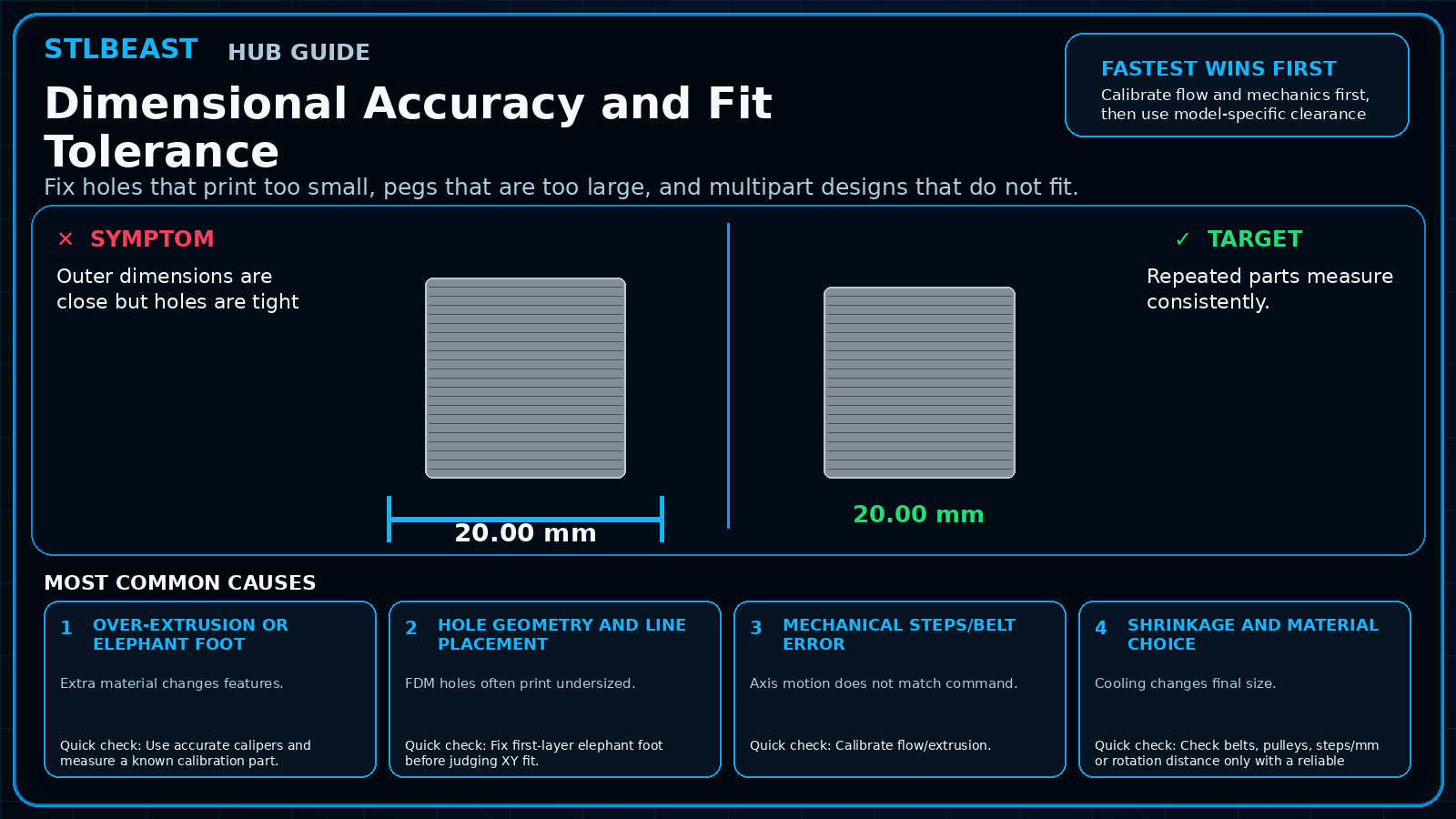 CalibrationDimensional Accuracy and Fit Tolerance
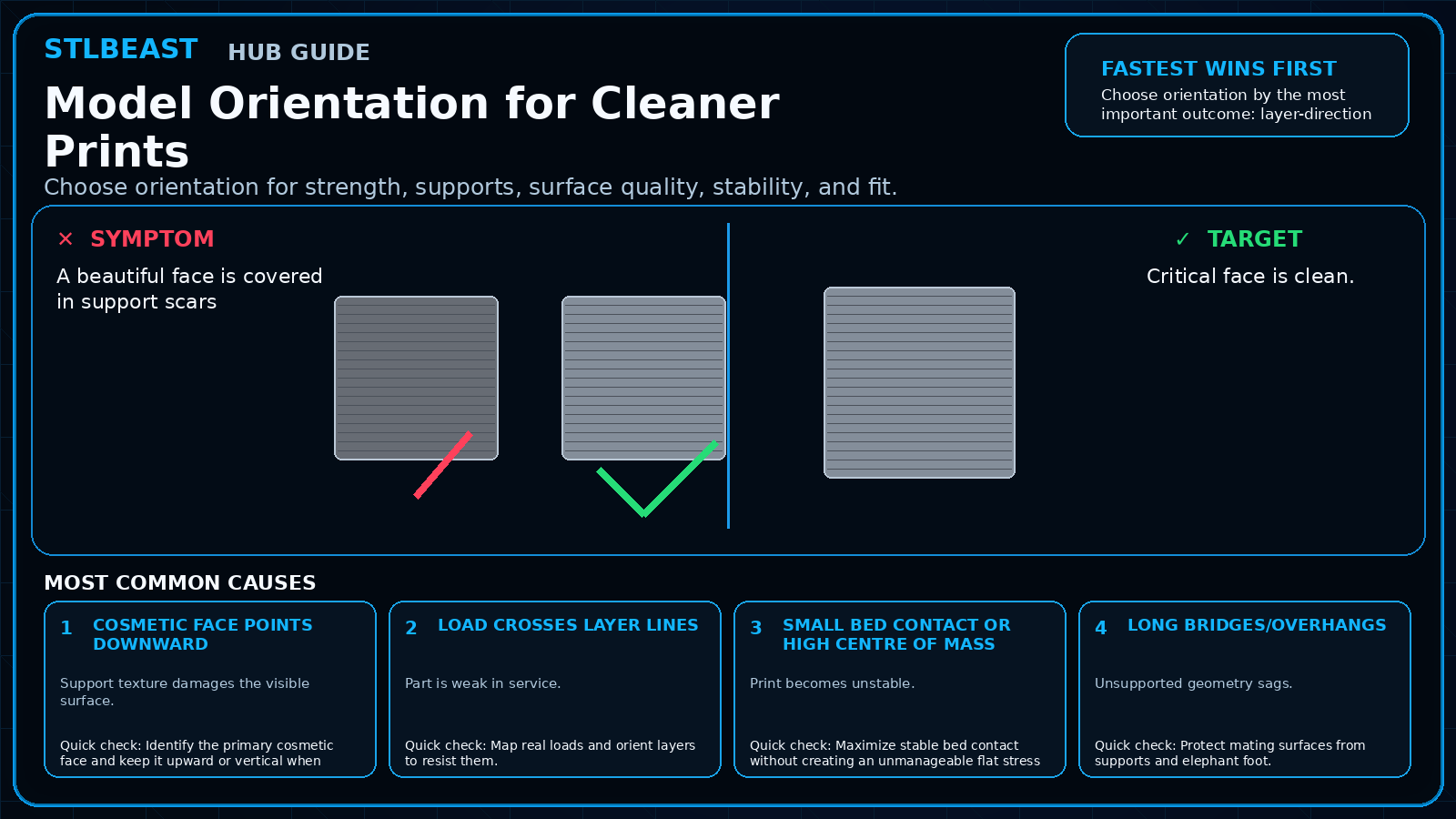 PlanningModel Orientation for Cleaner Prints