STLBEAST workshop mode
Ringing and Ghosting Fix
Reduce echo lines after corners, ripples around text, and vibration artifacts on outer walls.
Start hereCheck mechanical rigidity first, then reduce acceleration/outer-wall speed and tune input shaping only on a mechanically healthy printer.
First safe actionRun the first safe check and change one variable at a time.
Proof targetA small representative test no longer shows the original symptom.
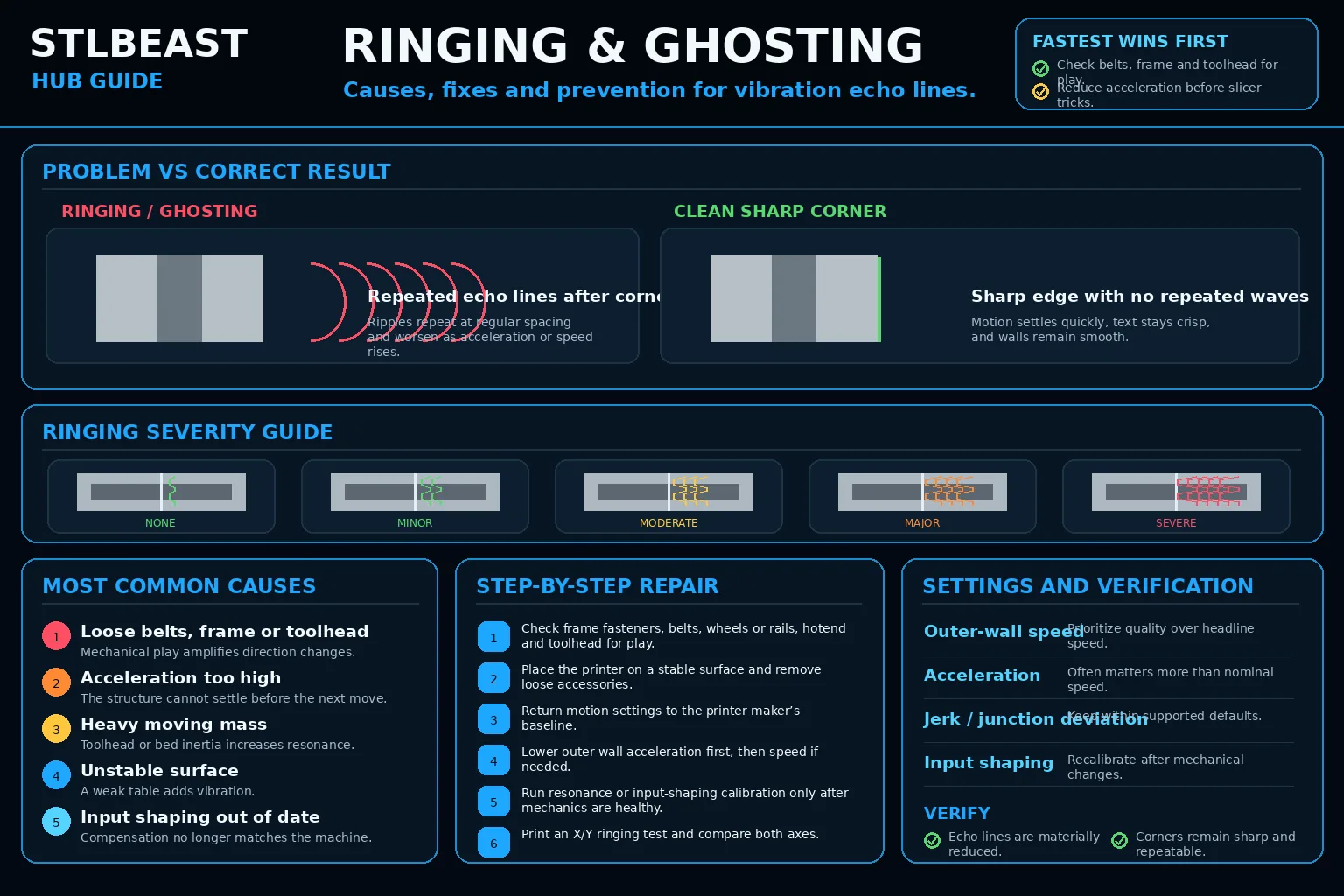 Match the failed area to the visual before changing a setting.
Repair progress0 of 7 complete
Step 1 of 7
Check frame fasteners, belts, wheels/rails, hotend, and toolhead for play.
Keep the problem and target visual open while you make this change.
Why this mattersMechanical play turns direction changes into oscillation.
Setting or checkOuter-wall speedPrioritize quality over maximum speed.
Expected resultEcho lines are materially reduced.
Keep the problem and target visual open while you make this change.
Why this mattersThe structure cannot settle before the next line.
Setting or checkAccelerationLowering often has a larger effect than lowering nominal speed.
Expected resultCorners stay sharp without severe slowdown marks.
Keep the problem and target visual open while you make this change.
Why this mattersAdded moving mass changes resonance.
Setting or checkInput shapingCalibrate after mechanical changes.
Expected resultNo loose components remain.
Keep the problem and target visual open while you make this change.
Why this mattersCompensation does not match current mechanics.
Setting or checkOuter-wall speedPrioritize quality over maximum speed.
Expected resultInput-shaping calibration is repeatable.
Keep the problem and target visual open while you make this change.
Why this mattersMechanical play turns direction changes into oscillation.
Setting or checkAccelerationLowering often has a larger effect than lowering nominal speed.
Expected resultEcho lines are materially reduced.
Keep the problem and target visual open while you make this change.
Why this mattersThe structure cannot settle before the next line.
Setting or checkInput shapingCalibrate after mechanical changes.
Expected resultCorners stay sharp without severe slowdown marks.
Keep the problem and target visual open while you make this change.
Why this mattersAdded moving mass changes resonance.
Setting or checkOuter-wall speedPrioritize quality over maximum speed.
Expected resultNo loose components remain.
Controlled test logChange one variable, then record what happened
This keeps temperature, retraction, speed, mechanical, and material tests from blending together. The history stays private in this browser.
Open proof report →No controlled tests logged yet. Record the first change before adjusting a second variable.
Do not repeat the full print yet
Prove the repair with a small test
Test modelSmall representative test print
SetupUse the same printer, material, slicer and key settings as the failed model.
Pass conditionThe original symptom is absent and the target feature is repeatable.
If it still failsThe symptom remains in the same location or stage.
Complete the repair steps, run the proof test, and record the result.
Only if the proof test still failsNext strongest repair paths
Do not stack these changes. Open one related guide based on the evidence that remains.

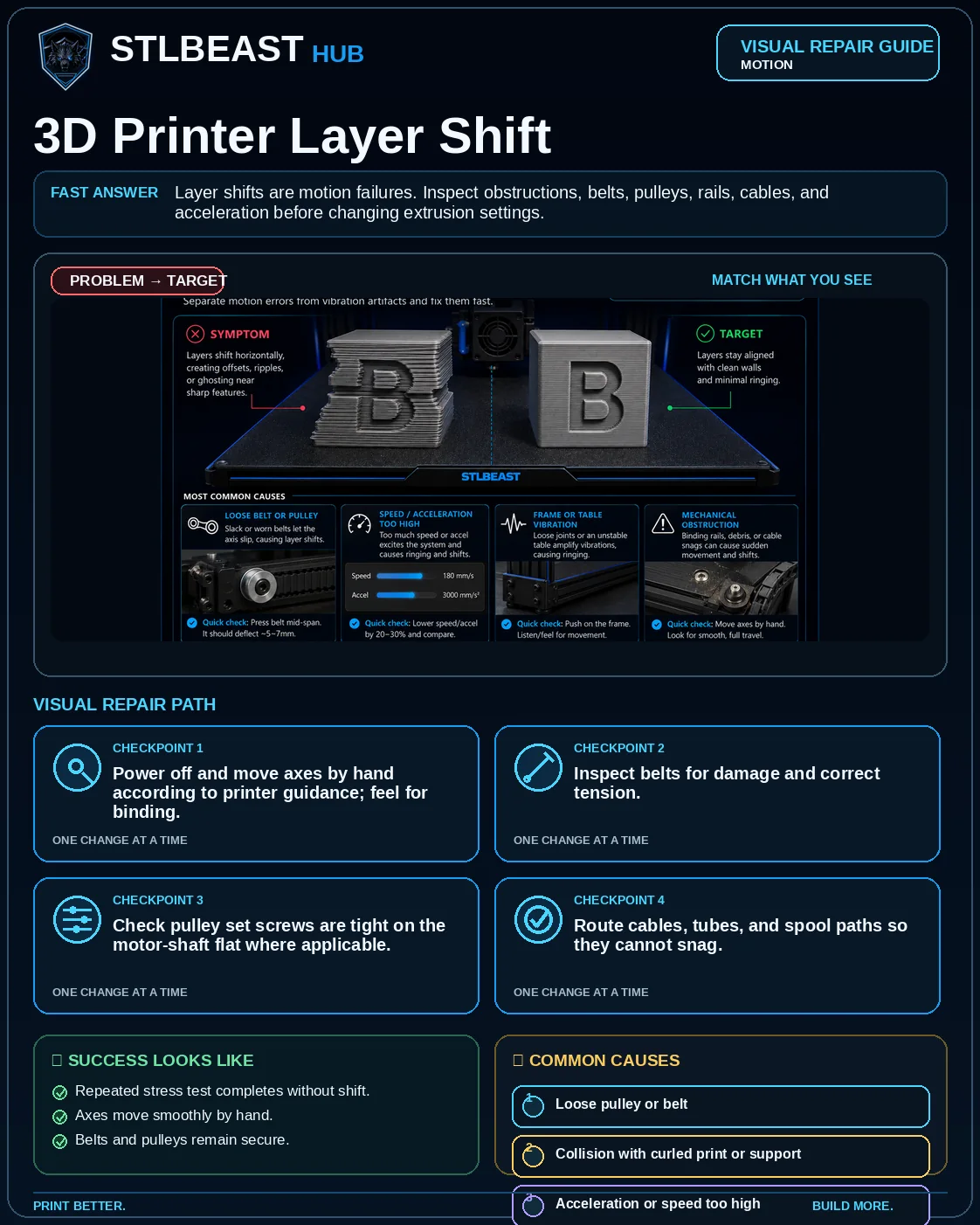 Motion3D Printer Layer Shift
 Print QualityZ-Banding and Repeating Layer Lines
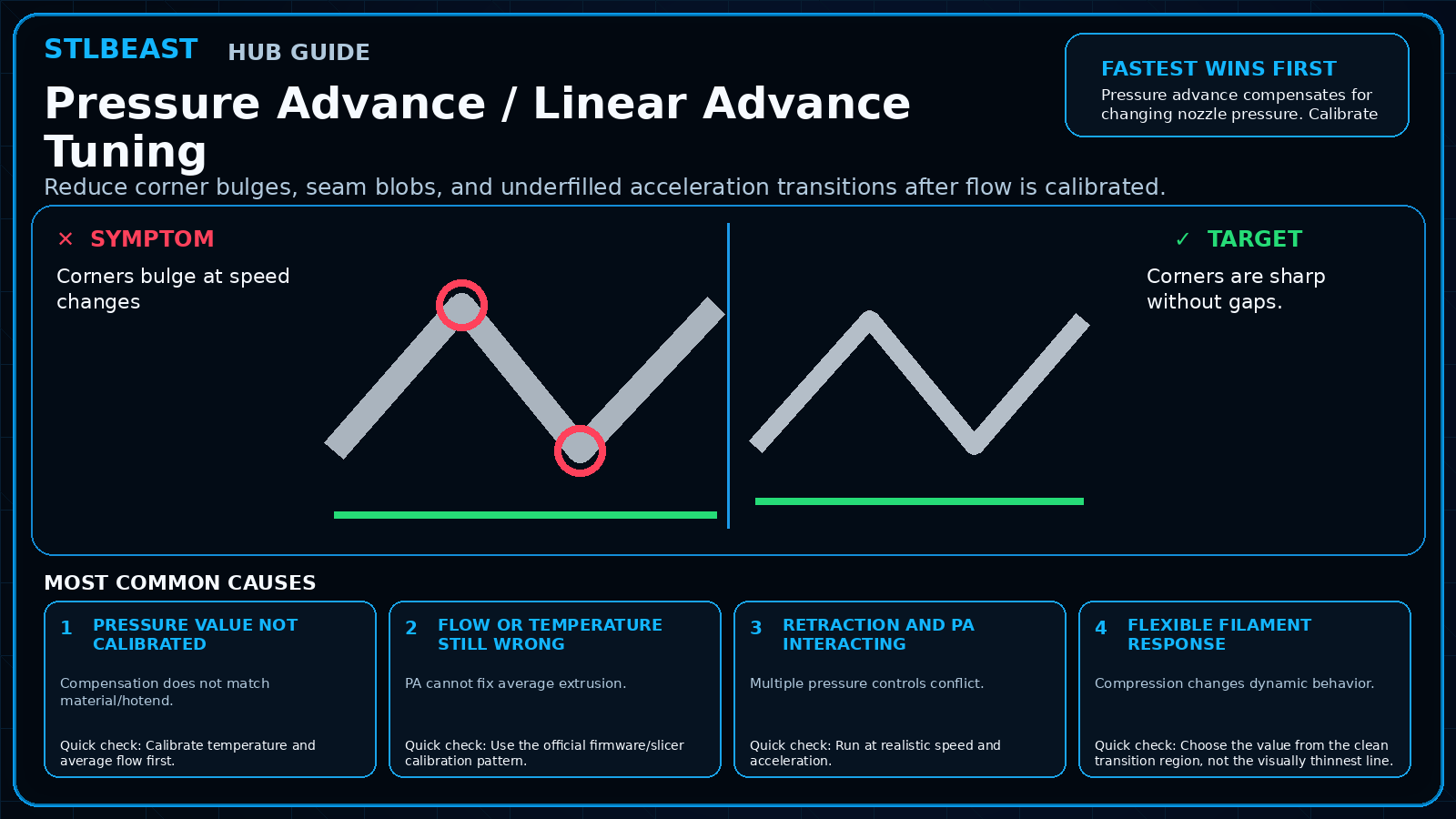 CalibrationPressure Advance / Linear Advance Tuning