
Cura & Creality Print
Widely used profiles with extensive quality, wall, travel, cooling and support controls.
Guides matched to Cura & Creality Print
Cura Support Settings Guide
A detailed STLBEAST repair guide to find the support controls that matter most in Cura. Learn how to recognize the symptom, rank the likely causes, apply safe fixes in order, verify the result, and prevent the failure from returning.
Support Interface Settings
A detailed STLBEAST repair guide to balance underside quality with easy removal. Learn how to recognize the symptom, rank the likely causes, apply safe fixes in order, verify the result, and prevent the failure from returning.
OrcaSlicer Support Settings Guide
A detailed STLBEAST repair guide to tune normal or tree supports using OrcaSlicer preview and interface controls. Learn how to recognize the symptom, rank the likely causes, apply safe fixes in order, verify the result, and prevent the failure from returning.
PrusaSlicer Support Settings Guide
A detailed STLBEAST repair guide to configure support material, interfaces, and organic supports predictably. Learn how to recognize the symptom, rank the likely causes, apply safe fixes in order, verify the result, and prevent the failure from returning.
How to Remove Supports Without Damaging the Print
Let the part cool, use the right cutters and direction, remove large branches first, support delicate features, and finish contact marks gradually instead of te.
How to Fix Stringing in 3D Prints
Stop fine hairs, heavy webs, oozing, and travel strings by testing moisture, temperature, retraction, and travel behavior in the right order.
PETG Settings Guide
Tune PETG adhesion, stringing, temperature, cooling, flow, and supports for clean strong prints.
Supports Hard to Remove
Make supports detach cleanly without destroying the underside or welding to the model.
Model Orientation for Cleaner Prints
Choose orientation for strength, supports, surface quality, stability, and fit.
TPU Flexible Filament Settings Guide
Tune flexible filament speed, feed path, retraction, temperature, and support behavior.
How to Split a Large Model for Printing
A detailed STLBEAST repair guide to divide a model into strong, alignable parts that fit the build volume. Learn how to recognize the symptom, rank the likely causes, apply safe fixes in order, verify the result, and prevent the failure from returning.
Silk PLA Settings and Troubleshooting
A detailed STLBEAST repair guide to preserve shine while maintaining layer bonding and detail. Learn how to recognize the symptom, rank the likely causes, apply safe fixes in order, verify the result, and prevent the failure from returning.
Tools matched to Cura & Creality Print
Explore a useful STL for your next project.
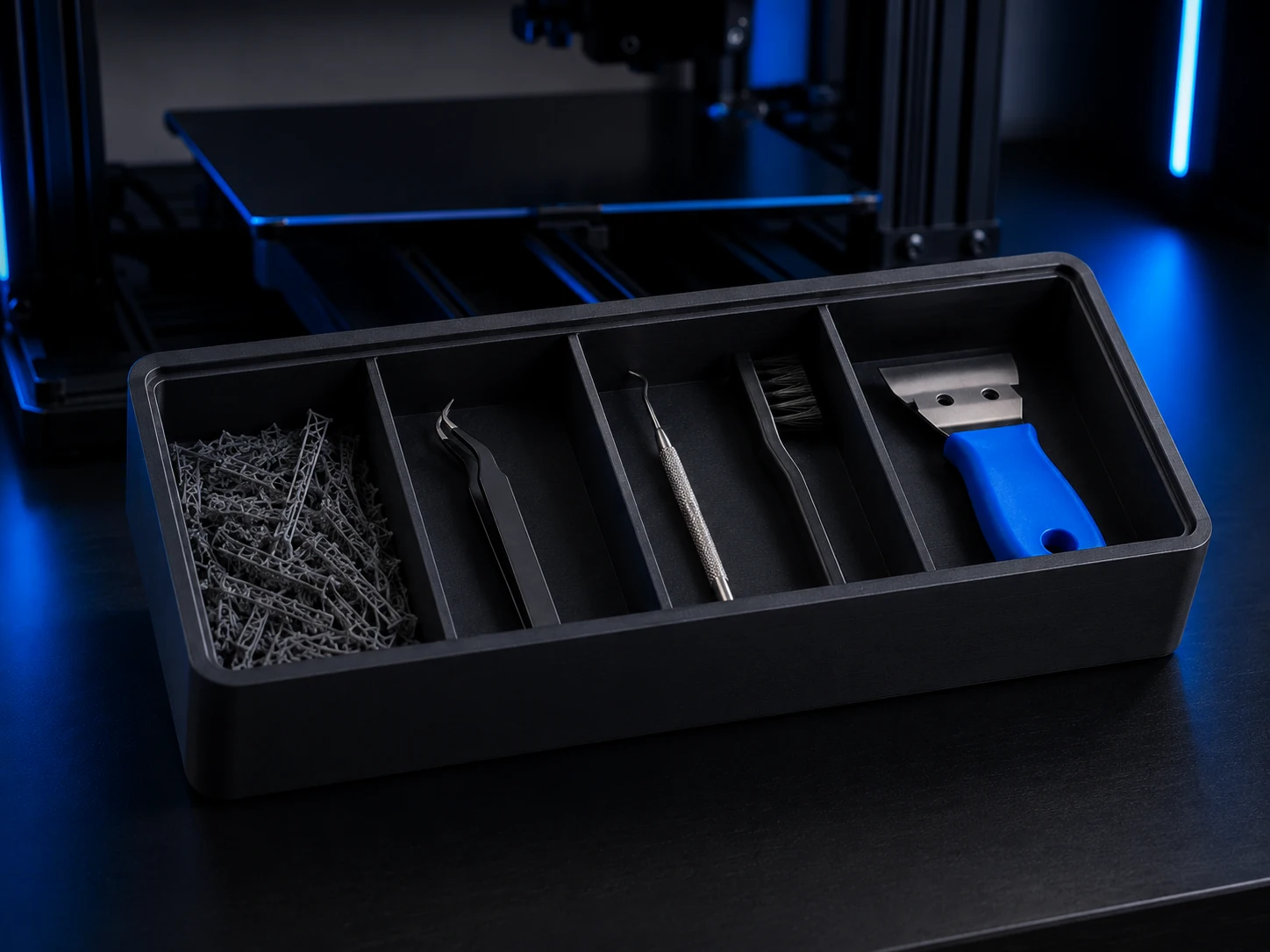 Original digital STLSTLBEAST Support Cleanup Station V1
A physically validated cleanup station for support waste, cutters, precision tools, brushes, and finishing tools.
$5.99 CAD · View product →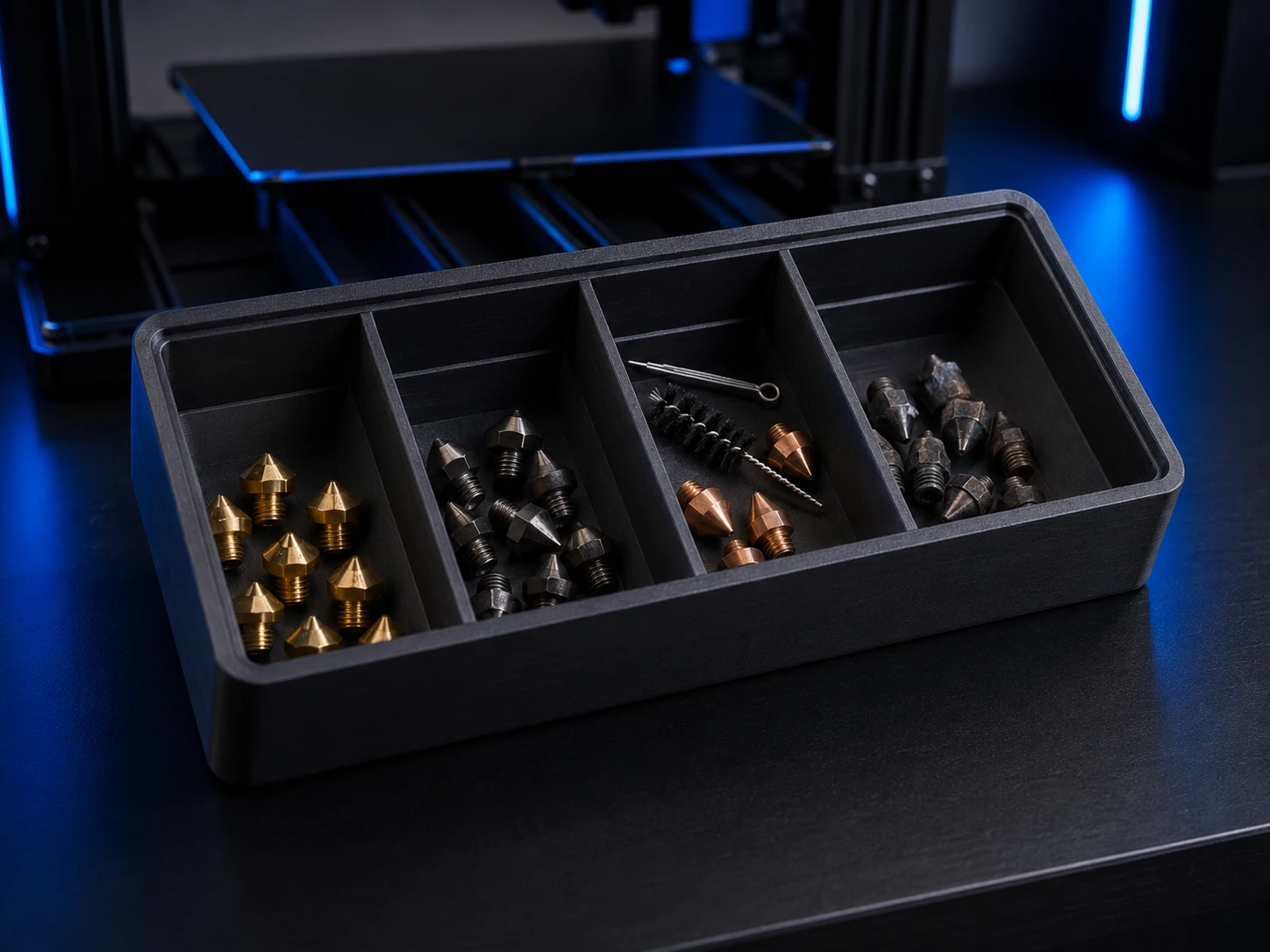 Original digital STLSTLBEAST Nozzle Triage Station V1
A physically validated four-bay station for sorting ready, inspect, clean, and retired nozzles.
$4.99 CAD · View product →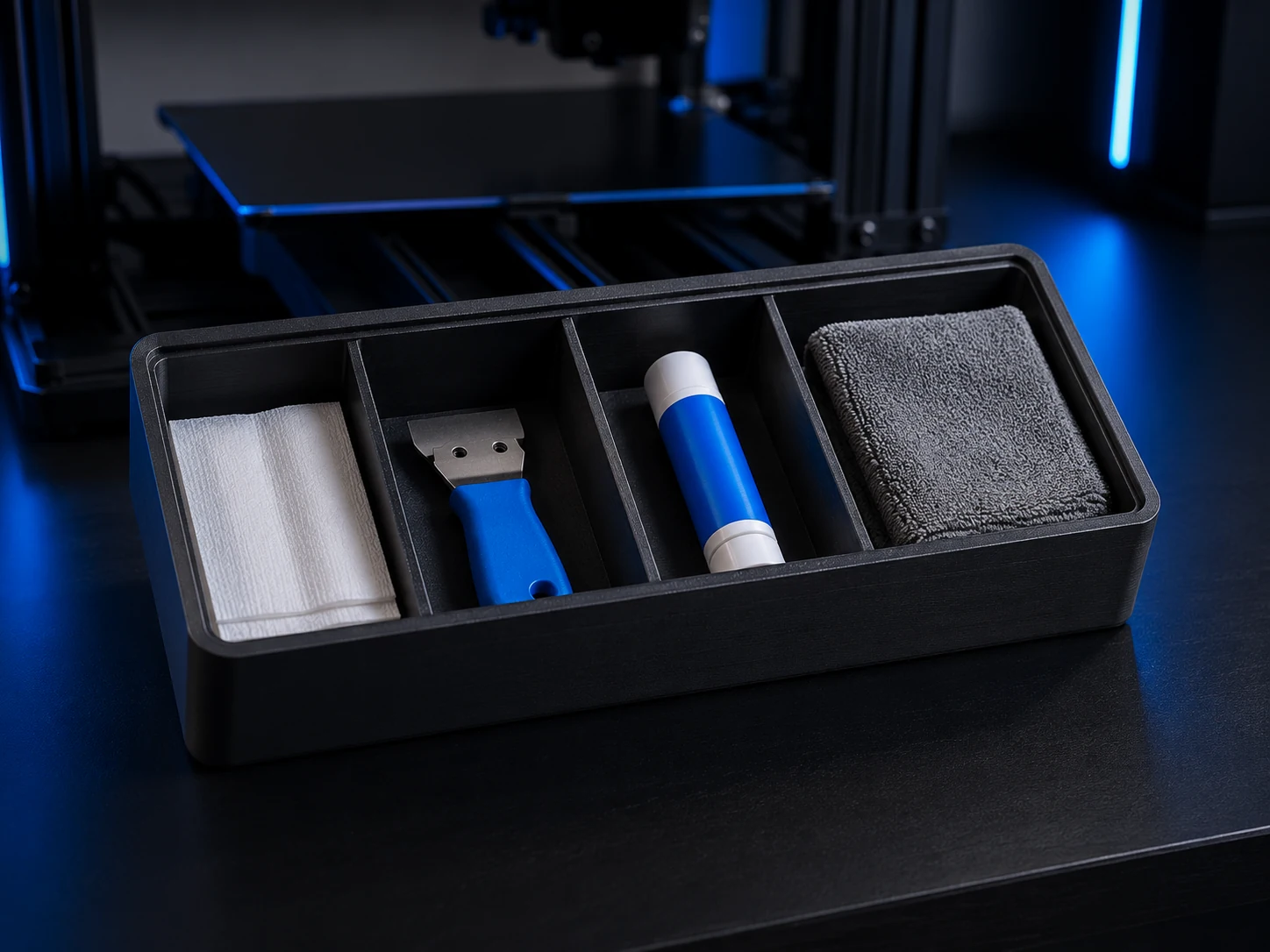 Original digital STLSTLBEAST Bed Prep Station V1
A physically validated four-zone station for wipes, scraper, adhesive, and build-plate preparation essentials.
$5.99 CAD · View product →
Keep the useful workflow going.
Pair practical Hub guidance with Caffeine Monster and the clear three-product Character Collectibles Starter Pack.