
Change one setting at a time.
Retraction, temperature, flow, speed and cooling interact. Stacking several changes can hide the true cause. Duplicate a known-good profile and use a short test before keeping a new value.
Choose the slicer, then follow the exact path for retraction, flow, pressure advance, supports, seams, cooling, speed and material behavior. Use the preview before exporting a long print.
A detailed STLBEAST repair guide to find the support controls that matter most in Cura. Learn how to recognize the symptom, rank the likely causes, apply safe fixes in order, verify the result, and prevent the failure from returning.
Slicer & STL RepairA detailed STLBEAST repair guide to tune normal or tree supports using OrcaSlicer preview and interface controls. Learn how to recognize the symptom, rank the likely causes, apply safe fixes in order, verify the result, and prevent the failure from returning.
Slicer & STL RepairA detailed STLBEAST repair guide to configure support material, interfaces, and organic supports predictably. Learn how to recognize the symptom, rank the likely causes, apply safe fixes in order, verify the result, and prevent the failure from returning.
Supports & GeometryA detailed STLBEAST repair guide to balance underside quality with easy removal. Learn how to recognize the symptom, rank the likely causes, apply safe fixes in order, verify the result, and prevent the failure from returning.
Slicer & STL RepairA detailed STLBEAST repair guide to use built-in calibration tools in a sensible order. Learn how to recognize the symptom, rank the likely causes, apply safe fixes in order, verify the result, and prevent the failure from returning.
Material SettingsTune PETG adhesion, stringing, temperature, cooling, flow, and supports for clean strong prints.
Material SettingsTune flexible filament speed, feed path, retraction, temperature, and support behavior.
SupportsMake supports detach cleanly without destroying the underside or welding to the model.
Material SettingsBuild a reliable PLA baseline for temperature, cooling, speed, retraction, first layer, and strength.
Retraction, temperature, flow, speed and cooling interact. Stacking several changes can hide the true cause. Duplicate a known-good profile and use a short test before keeping a new value.
Confirm walls, thin features, support contact, seams, travel moves, layer time and first-layer paths before sending the file to the printer.
Explore a useful STL for your next project.
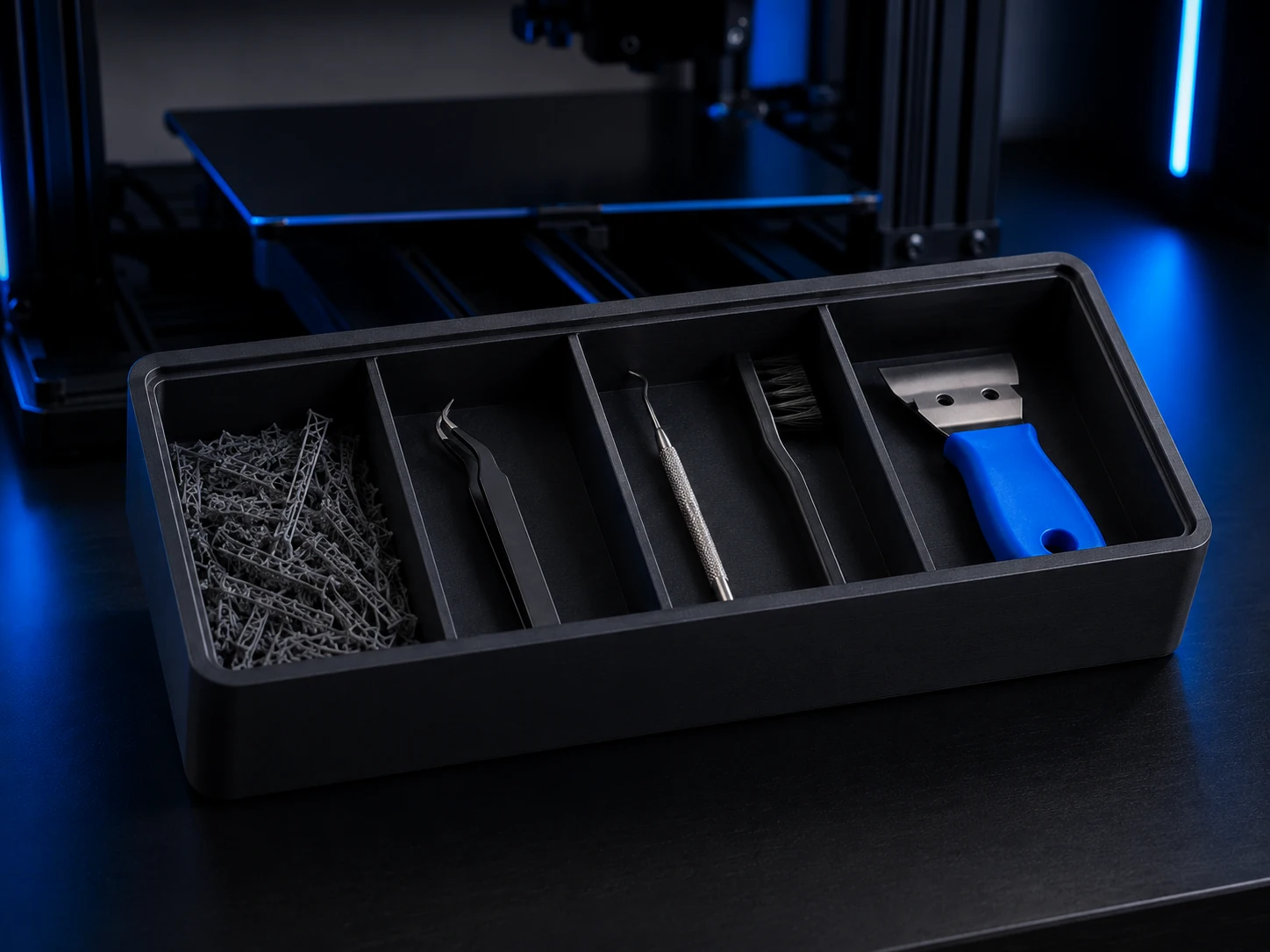 Original digital STLSTLBEAST Support Cleanup Station V1
A physically validated cleanup station for support waste, cutters, precision tools, brushes, and finishing tools.
$5.99 CAD · View product →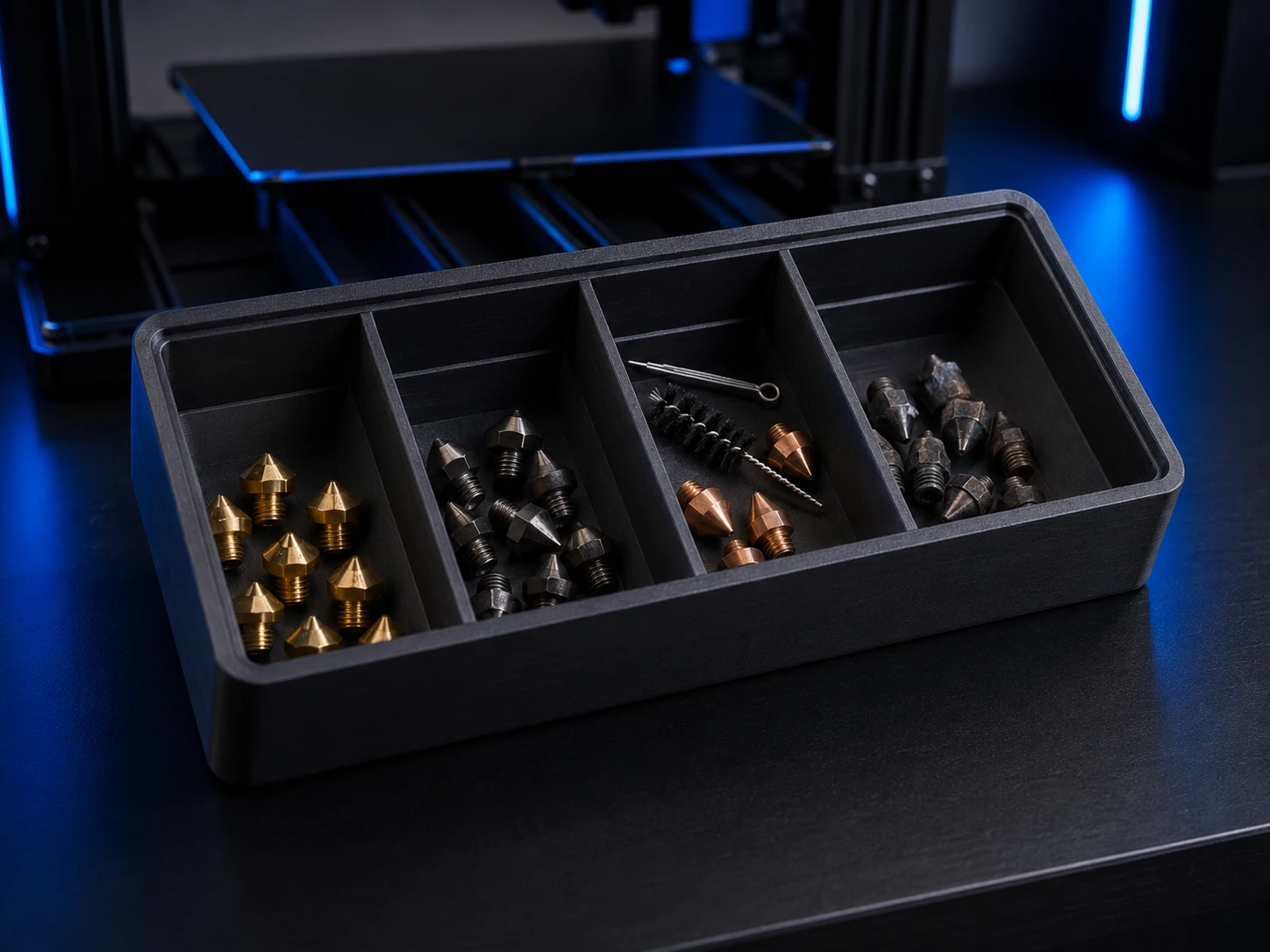 Original digital STLSTLBEAST Nozzle Triage Station V1
A physically validated four-bay station for sorting ready, inspect, clean, and retired nozzles.
$4.99 CAD · View product →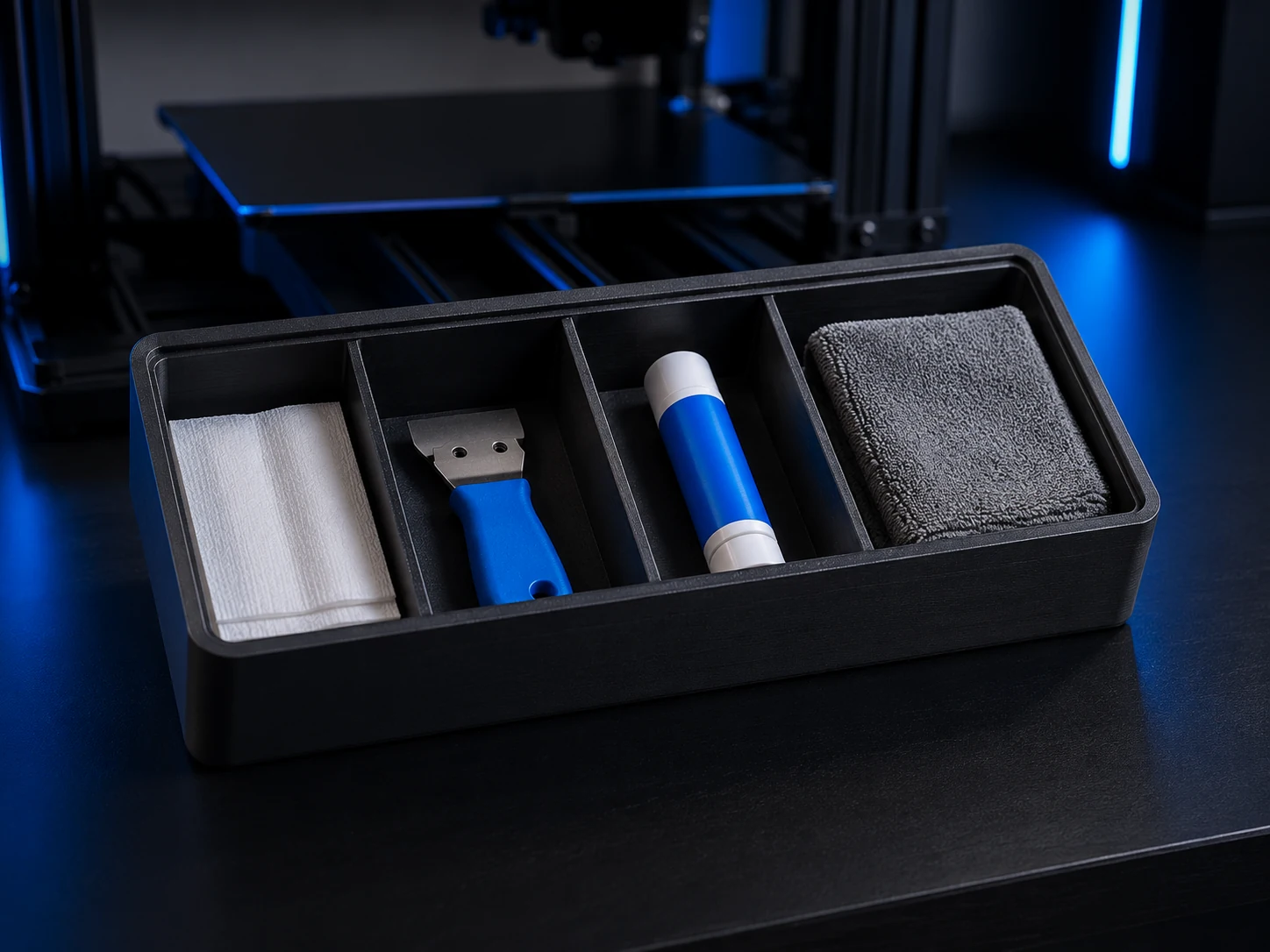 Original digital STLSTLBEAST Bed Prep Station V1
A physically validated four-zone station for wipes, scraper, adhesive, and build-plate preparation essentials.
$5.99 CAD · View product →
Pair practical Hub guidance with Caffeine Monster and the clear three-product Character Collectibles Starter Pack.