
PrusaSlicer
Structured printer, filament and print profiles with strong layer-preview tools.
Guides matched to PrusaSlicer
PrusaSlicer Support Settings Guide
A detailed STLBEAST repair guide to configure support material, interfaces, and organic supports predictably. Learn how to recognize the symptom, rank the likely causes, apply safe fixes in order, verify the result, and prevent the failure from returning.
TPU Flexible Filament Settings Guide
Tune flexible filament speed, feed path, retraction, temperature, and support behavior.
Support Interface Settings
A detailed STLBEAST repair guide to balance underside quality with easy removal. Learn how to recognize the symptom, rank the likely causes, apply safe fixes in order, verify the result, and prevent the failure from returning.
Cura Support Settings Guide
A detailed STLBEAST repair guide to find the support controls that matter most in Cura. Learn how to recognize the symptom, rank the likely causes, apply safe fixes in order, verify the result, and prevent the failure from returning.
OrcaSlicer Support Settings Guide
A detailed STLBEAST repair guide to tune normal or tree supports using OrcaSlicer preview and interface controls. Learn how to recognize the symptom, rank the likely causes, apply safe fixes in order, verify the result, and prevent the failure from returning.
Wet Filament Symptoms and Drying
Identify moisture before changing slicer settings, then dry and store filament safely.
Supports Hard to Remove
Make supports detach cleanly without destroying the underside or welding to the model.
PETG Settings Guide
Tune PETG adhesion, stringing, temperature, cooling, flow, and supports for clean strong prints.
Z-Seam Placement and Visibility Fix
A detailed STLBEAST repair guide to control where perimeter starts and ends are placed. Learn how to recognize the symptom, rank the likely causes, apply safe fixes in order, verify the result, and prevent the failure from returning.
Silk PLA Settings and Troubleshooting
A detailed STLBEAST repair guide to preserve shine while maintaining layer bonding and detail. Learn how to recognize the symptom, rank the likely causes, apply safe fixes in order, verify the result, and prevent the failure from returning.
Extruder Clicking or Grinding Filament
Fix skipped steps, clicking, chewed filament, weak extrusion, and feed interruptions.
Support Scars and Rough Undersides
Improve surfaces above supports, reduce pitting, and protect visible detail.
Tools matched to PrusaSlicer
Explore a useful STL for your next project.
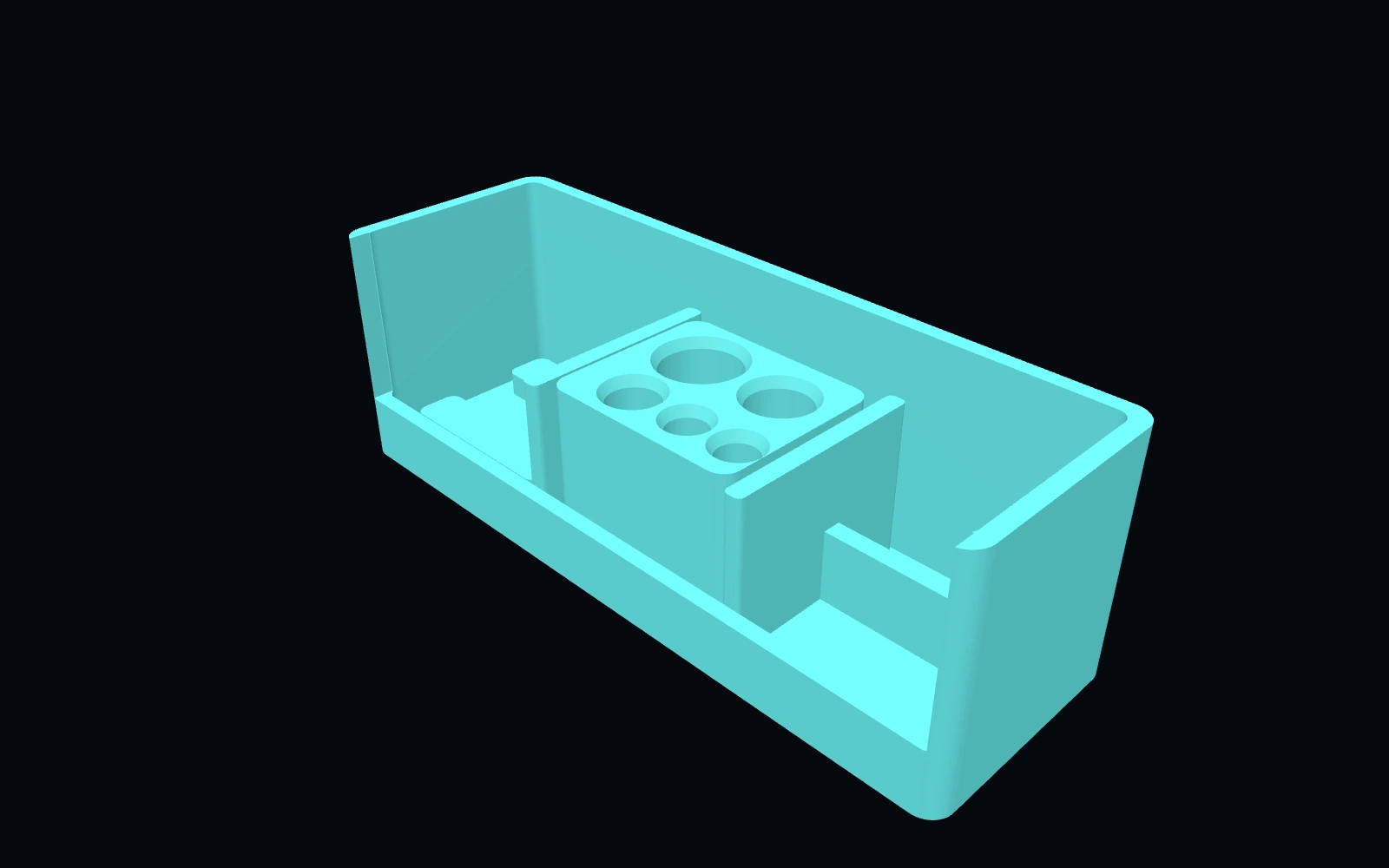 Original digital STLSTLBEAST Filament Path Rescue Station V5
A modular service station for clearing filament paths, staging cutters and picks, and organizing feed-system maintenance tools.
$8.99 CAD · View product →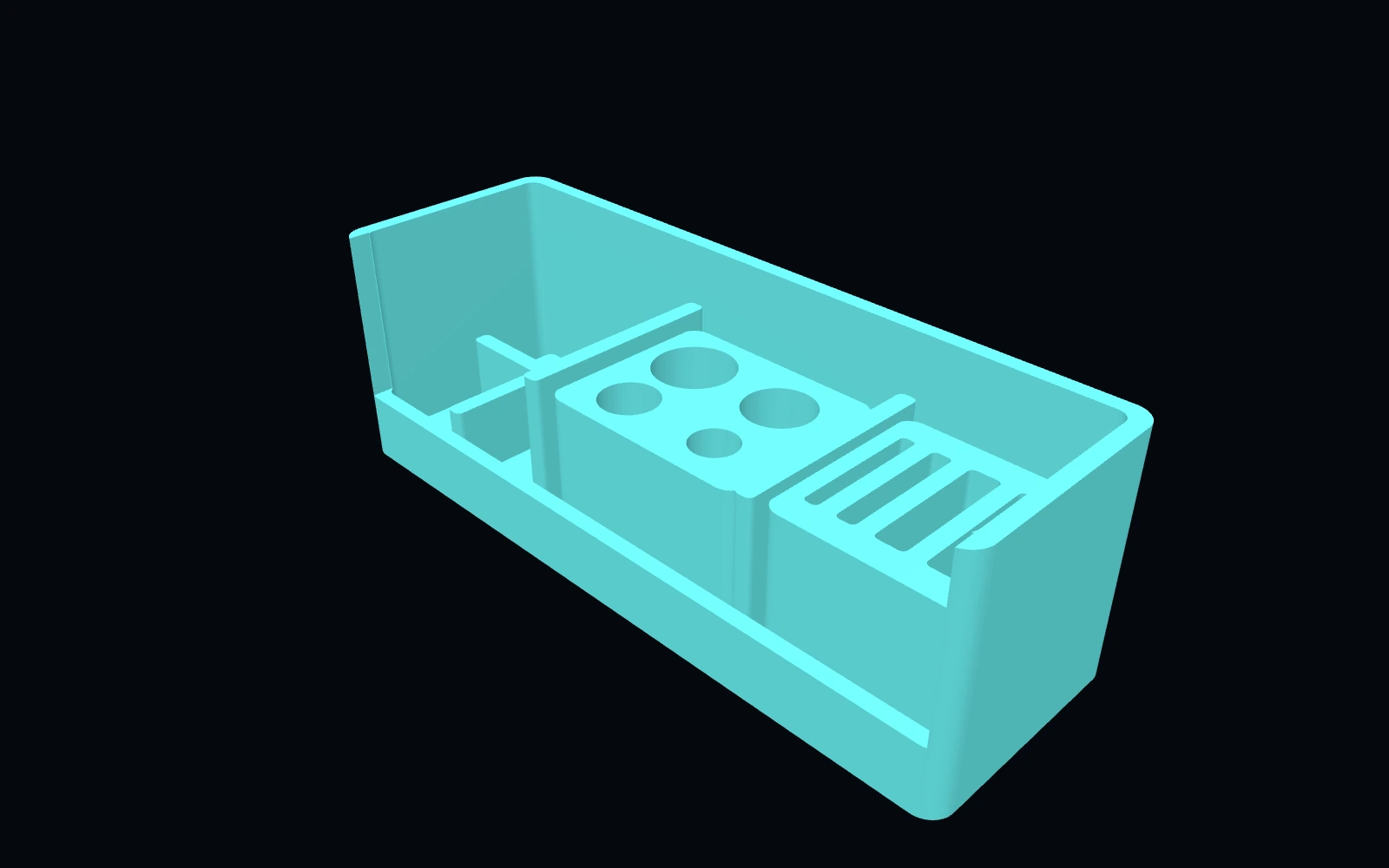 Original digital STLSTLBEAST AMS & Filament Feed Service Station V2
A multi-material feed-system station for rollers, PTFE sections, spool clips, tags, desiccant supplies and feeder hardware.
$9.99 CAD · View product →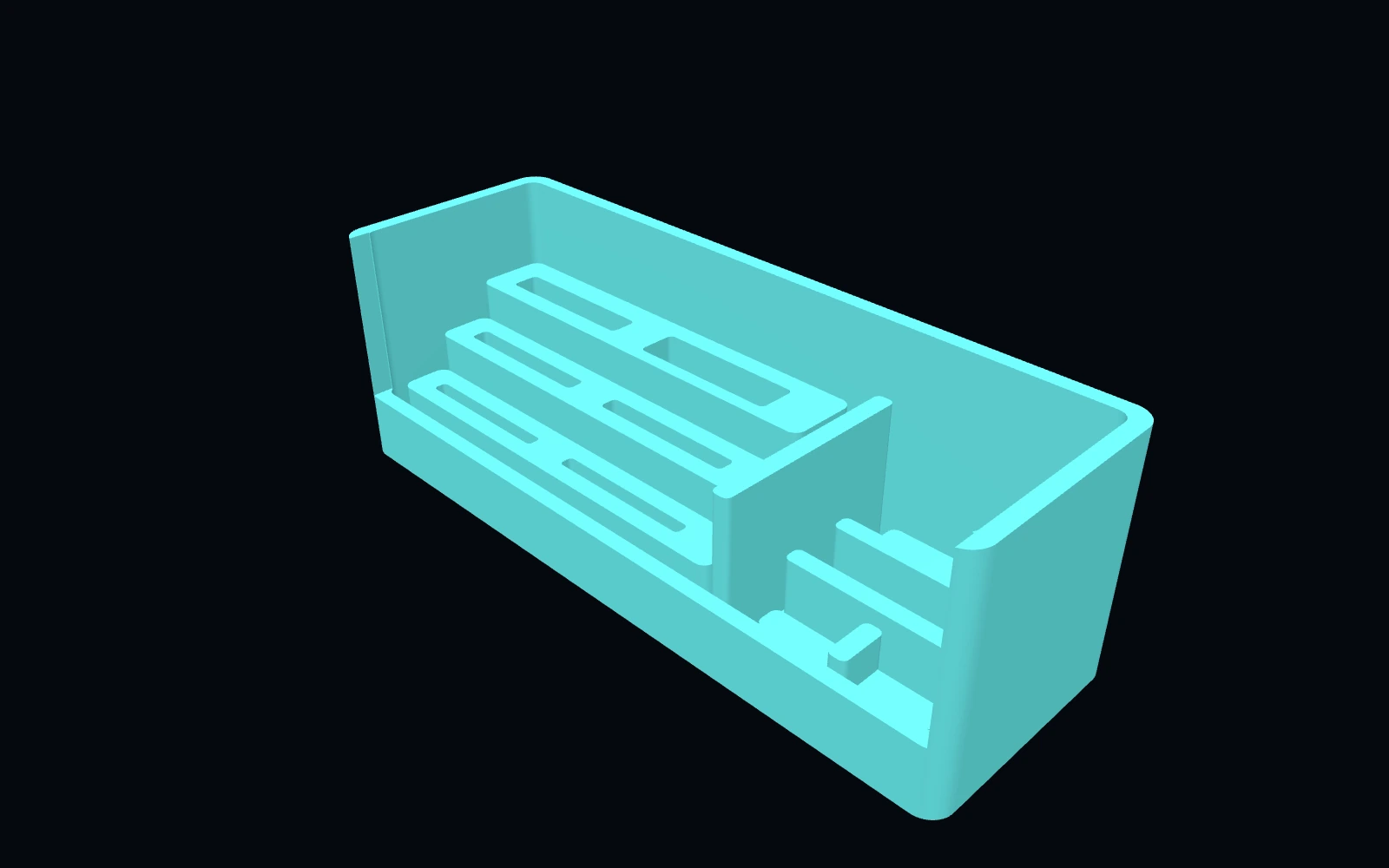 Original digital STLSTLBEAST Filament Swatch & Material ID Station V2
A stepped filament-swatch library for material cards, labels, sample strips, spool clips and identification tags.
$7.99 CAD · View product →
Keep the useful workflow going.
Pair practical Hub guidance with Caffeine Monster and the clear three-product Character Collectibles Starter Pack.