HUB.STLBEAST3D printing knowledge hubFix · learn · print
Hub 8.0 answer engine

Ask what is wrong. Get the strongest repair path.

Use normal language such as “hairy PETG print,” “clicking extruder and thin lines,” or “resin part stuck to the film.” The engine translates common descriptions into technical causes and explains why each answer matched.

Browse visually
Ranked answers

17 possible matches

Results are ranked by symptom, title, cause and equipment context.

Guided matcher
#2 answer68% match

Wood Filament Clogging and Surface Tuning

A detailed STLBEAST repair guide to prevent particle jams and tune natural-looking finish. Learn how to recognize the symptom, rank the likely causes, apply safe fixes in order, verify the result, and prevent the failure from returning.

Why this matched
  • Title matches “clog”
  • Keyword match
  • Symptom match
MaterialsModerate13 min
#3 answer60% match

Carbon-Fiber Filament Printing Guide

A detailed STLBEAST repair guide to use abrasive filled materials without sacrificing flow or hardware. Learn how to recognize the symptom, rank the likely causes, apply safe fixes in order, verify the result, and prevent the failure from returning.

Why this matched
  • Keyword match
  • Symptom match
  • Likely-cause match
MaterialsModerate13 min
#4 answer60% match

Cold Pull Nozzle Cleaning Guide

A detailed STLBEAST repair guide to remove soft contamination using a controlled pull. Learn how to recognize the symptom, rank the likely causes, apply safe fixes in order, verify the result, and prevent the failure from returning.

Why this matched
  • Keyword match
  • Symptom match
ExtrusionModerate13 min
#5 answer60% match

Extrusion Multiplier by Material

A detailed STLBEAST repair guide to save realistic flow values for each filament rather than one global value. Learn how to recognize the symptom, rank the likely causes, apply safe fixes in order, verify the result, and prevent the failure from returning.

Why this matched
  • Keyword match
  • Likely-cause match
CalibrationModerate14 min
#6 answer60% match

How to Change a 3D Printer Nozzle Safely

A detailed STLBEAST repair guide to replace a nozzle without leaks, thread damage, or wrong Z offset. Learn how to recognize the symptom, rank the likely causes, apply safe fixes in order, verify the result, and prevent the failure from returning.

Why this matched
  • Keyword match
  • Symptom match
ExtrusionModerate13 min
#7 answer60% match

Inconsistent Extrusion During a Print

A detailed STLBEAST repair guide to find intermittent restrictions and feed variation. Learn how to recognize the symptom, rank the likely causes, apply safe fixes in order, verify the result, and prevent the failure from returning.

Why this matched
  • Keyword match
  • Likely-cause match
ExtrusionModerate13 min
#8 answer60% match

Silk PLA Settings and Troubleshooting

A detailed STLBEAST repair guide to preserve shine while maintaining layer bonding and detail. Learn how to recognize the symptom, rank the likely causes, apply safe fixes in order, verify the result, and prevent the failure from returning.

Why this matched
  • Keyword match
  • Symptom match
MaterialsModerate13 min
#10 answer59% match

Hotend Heatsink Fan Not Spinning

Stop long prints until the heatsink fan is restored; clean the fan, check its connector and voltage, confirm firmware control, and replace a noisy or stalled un.

Why this matched
  • Symptom match
Cooling & FansIntermediate13 min
#12 answer51% match

Extruder Motor Overheating

A detailed STLBEAST repair guide to reduce unnecessary load and heat without losing feed reliability. Learn how to recognize the symptom, rank the likely causes, apply safe fixes in order, verify the result, and prevent the failure from returning.

Why this matched
  • Likely-cause match
ExtrusionModerate13 min
#14 answer51% match

Inconsistent Layer Lines

A detailed STLBEAST repair guide to identify random versus repeating layer variation. Learn how to recognize the symptom, rank the likely causes, apply safe fixes in order, verify the result, and prevent the failure from returning.

Why this matched
  • Likely-cause match
Surface QualityModerate12 min
Member intelligence

Turn one search into a complete printer-specific repair case.

Members can connect ranked answers to saved printers, previous failed repairs, full Printer Settings, AI Doctor case history and community-confirmed configurations.

See member access
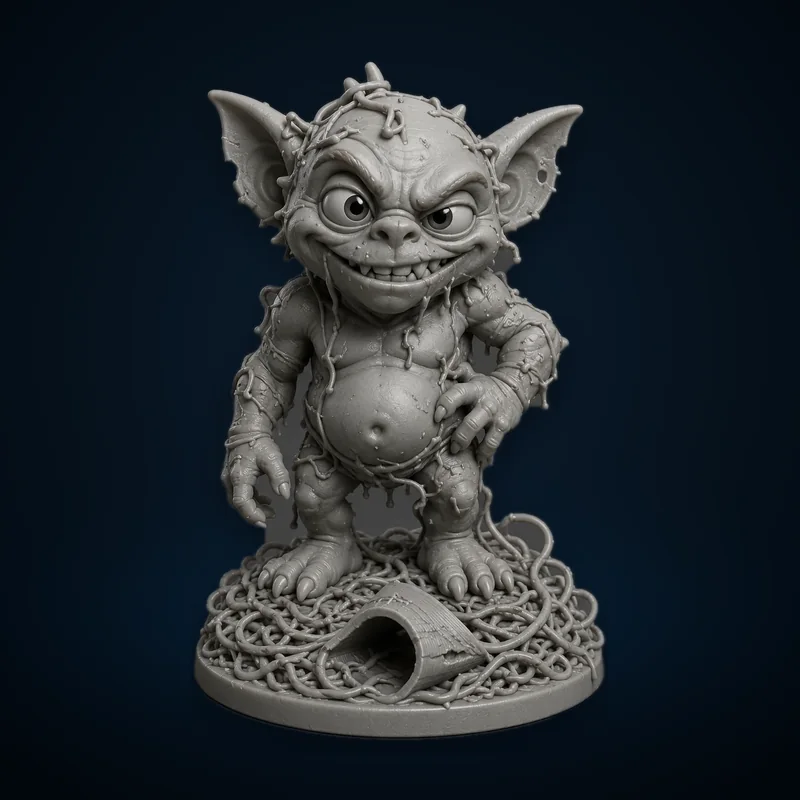
Failed Print Gremlin
Matched next step

Turn the failure into a repeatable repair.

Continue the diagnosis, save the repair settings that worked, and explore the Characters & Creatures collection that includes Failed Print Gremlin.

STLBEAST ecosystemSolve the print on Hub. Discover the next project in the Store.