Extruder Clicking or Grinding Filament
Fix skipped steps, clicking, chewed filament, weak extrusion, and feed interruptions.
- Title matches “extruder”
- Keyword match
- Symptom match
Use normal language such as “hairy PETG print,” “clicking extruder and thin lines,” or “resin part stuck to the film.” The engine translates common descriptions into technical causes and explains why each answer matched.
Results are ranked by symptom, title, cause and equipment context.
Fix skipped steps, clicking, chewed filament, weak extrusion, and feed interruptions.
Fix prints that start normally and then lose extrusion, especially with PLA in warm enclosures.
A detailed STLBEAST repair guide to remove fragments and prevent brittle feed failures. Learn how to recognize the symptom, rank the likely causes, apply safe fixes in order, verify the result, and prevent the failure from returning.
A detailed STLBEAST repair guide to reduce unnecessary load and heat without losing feed reliability. Learn how to recognize the symptom, rank the likely causes, apply safe fixes in order, verify the result, and prevent the failure from returning.
Set enough idler pressure to feed consistently without crushing, flattening, or grinding the filament, then verify with a measured extrusion test.
A detailed STLBEAST repair guide to restore grip without crushing the filament. Learn how to recognize the symptom, rank the likely causes, apply safe fixes in order, verify the result, and prevent the failure from returning.
A detailed STLBEAST repair guide to restore a clear and aligned filament path. Learn how to recognize the symptom, rank the likely causes, apply safe fixes in order, verify the result, and prevent the failure from returning.
A detailed STLBEAST repair guide to keep TPU/TPE constrained from drive gear to hotend. Learn how to recognize the symptom, rank the likely causes, apply safe fixes in order, verify the result, and prevent the failure from returning.
A detailed STLBEAST repair guide to choose support geometry based on contact, stability, and cleanup. Learn how to recognize the symptom, rank the likely causes, apply safe fixes in order, verify the result, and prevent the failure from returning.
A detailed STLBEAST repair guide to separate moisture, age, heat, and path stress causes. Learn how to recognize the symptom, rank the likely causes, apply safe fixes in order, verify the result, and prevent the failure from returning.
A detailed STLBEAST repair guide to find the support controls that matter most in Cura. Learn how to recognize the symptom, rank the likely causes, apply safe fixes in order, verify the result, and prevent the failure from returning.
A detailed STLBEAST repair guide to find intermittent restrictions and feed variation. Learn how to recognize the symptom, rank the likely causes, apply safe fixes in order, verify the result, and prevent the failure from returning.
A detailed STLBEAST repair guide to find the hotend melt-rate ceiling for a material. Learn how to recognize the symptom, rank the likely causes, apply safe fixes in order, verify the result, and prevent the failure from returning.
A detailed STLBEAST repair guide to tune normal or tree supports using OrcaSlicer preview and interface controls. Learn how to recognize the symptom, rank the likely causes, apply safe fixes in order, verify the result, and prevent the failure from returning.
A detailed STLBEAST repair guide to identify changes that occur only after printing for a while. Learn how to recognize the symptom, rank the likely causes, apply safe fixes in order, verify the result, and prevent the failure from returning.
Trace the complete feed path, remove spool resistance and broken filament, inspect drive rollers and PTFE connections, then test one slot and one filament at a.
Replace worn coupler teeth or damaged PTFE, fully seat the tube against the internal stop, install the locking clip, and remove excessive feed resistance.
Align the selector and filament tips, reduce path friction, calibrate sensor positions, clean drive gears, and verify reliable single-filament loading before mu.
Identify an over-squished first layer, scraping nozzle, blocked extrusion, ridges, and elephant-foot symptoms.
Diagnose inconsistent extrusion, curled purge strands, missing layers, and a nozzle that stops flowing.
Tune flexible filament speed, feed path, retraction, temperature, and support behavior.
Fix thin walls, missing lines, weak layers, gaps, and inconsistent flow.
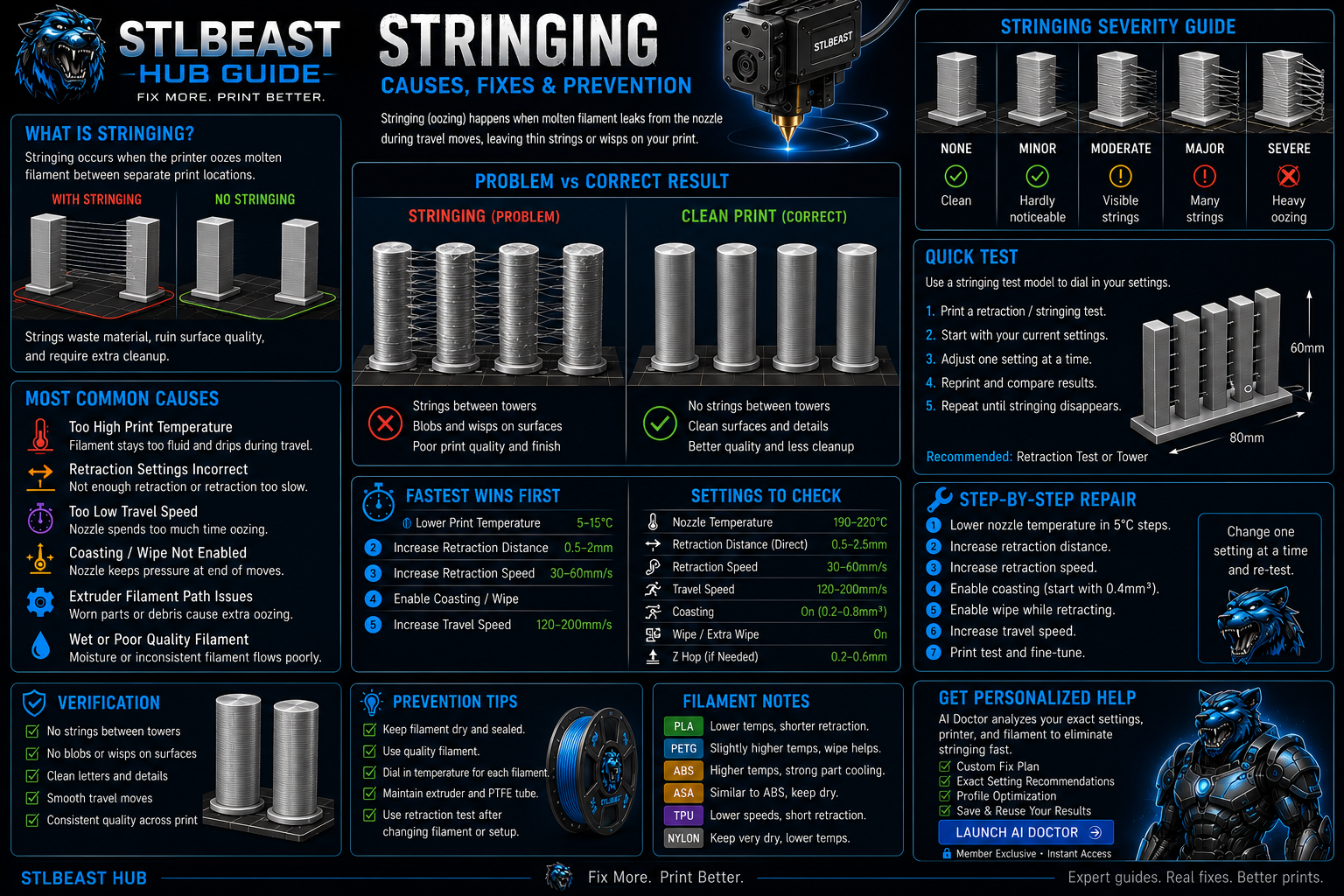
Stop fine hairs, heavy webs, oozing, and travel strings by testing moisture, temperature, retraction, and travel behavior in the right order.
A detailed STLBEAST repair guide to use branching supports effectively on complex figures and organic forms. Learn how to recognize the symptom, rank the likely causes, apply safe fixes in order, verify the result, and prevent the failure from returning.
Fix prints that detach, shift, collapse, or continue extruding loose filament into a tangled spaghetti failure.
Members can connect ranked answers to saved printers, previous failed repairs, full Printer Settings, AI Doctor case history and community-confirmed configurations.