3D Printer Layer Shift
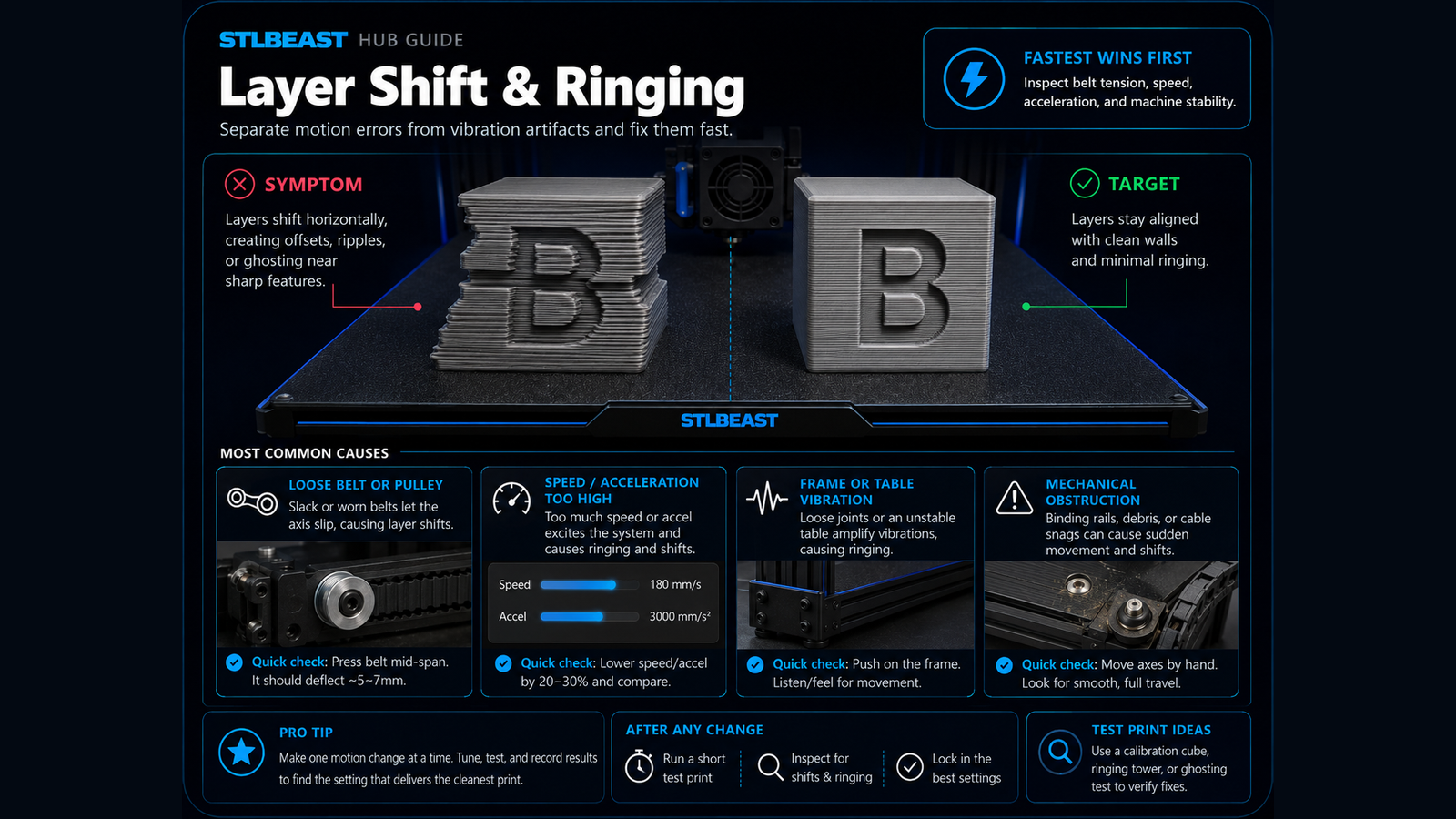
Fix sudden sideways offsets, shifted layers, skipped motion, and prints that move out of alignment.
- Title matches “layer shift”
- Keyword match
- Direct-answer match
Use normal language such as “hairy PETG print,” “clicking extruder and thin lines,” or “resin part stuck to the film.” The engine translates common descriptions into technical causes and explains why each answer matched.
Results are ranked by symptom, title, cause and equipment context.
Fix sudden sideways offsets, shifted layers, skipped motion, and prints that move out of alignment.
A detailed STLBEAST repair guide to identify random versus repeating layer variation. Learn how to recognize the symptom, rank the likely causes, apply safe fixes in order, verify the result, and prevent the failure from returning.
A detailed STLBEAST repair guide to restore accurate motion without over-tensioning. Learn how to recognize the symptom, rank the likely causes, apply safe fixes in order, verify the result, and prevent the failure from returning.
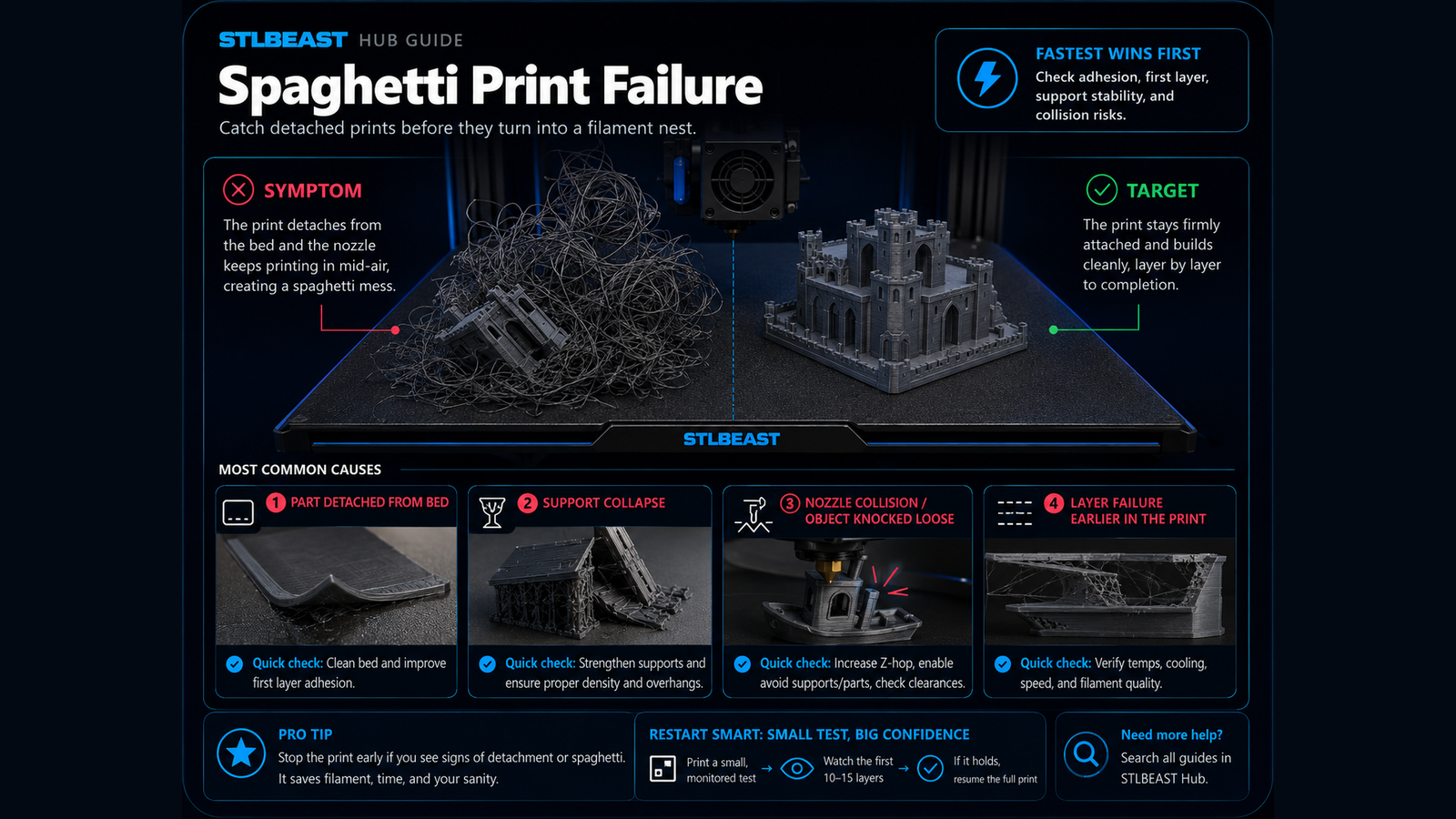
Fix prints that detach, shift, collapse, or continue extruding loose filament into a tangled spaghetti failure.
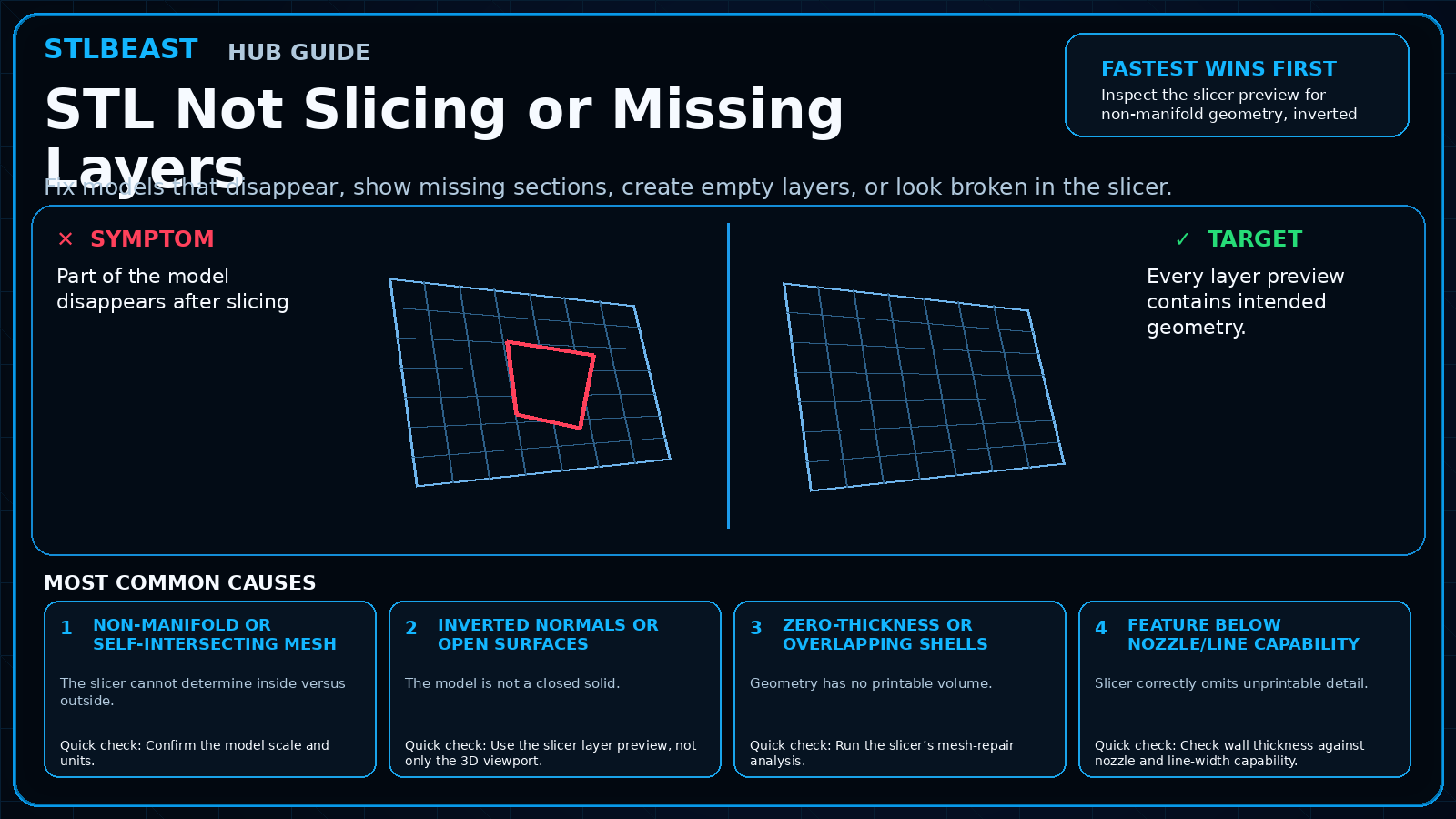
Fix models that disappear, show missing sections, create empty layers, or look broken in the slicer.
A detailed STLBEAST repair guide to balance paired belts without introducing racking. Learn how to recognize the symptom, rank the likely causes, apply safe fixes in order, verify the result, and prevent the failure from returning.
Power down, remove mechanical load, inspect belts, lead screws, connectors, motor wiring, driver current, and axis binding before commanding more movement.
A detailed STLBEAST repair guide to separate normal motor tones from binding, driver, or current problems. Learn how to recognize the symptom, rank the likely causes, apply safe fixes in order, verify the result, and prevent the failure from returning.
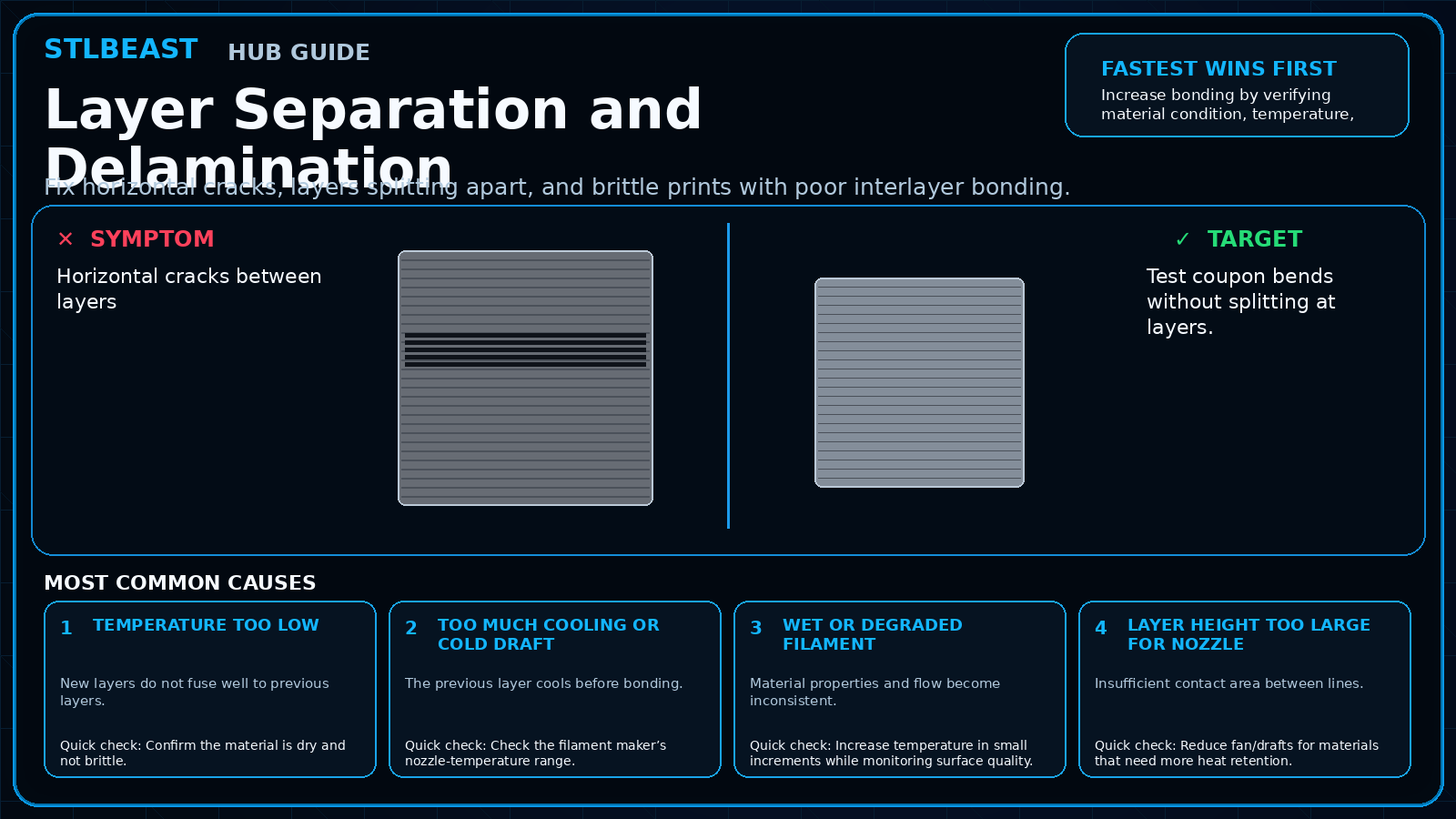
Fix horizontal cracks, layers splitting apart, and brittle prints with poor interlayer bonding.
A detailed STLBEAST repair guide to restore layer bonding and reduce peel stress. Learn how to recognize the symptom, rank the likely causes, apply safe fixes in order, verify the result, and prevent the failure from returning.
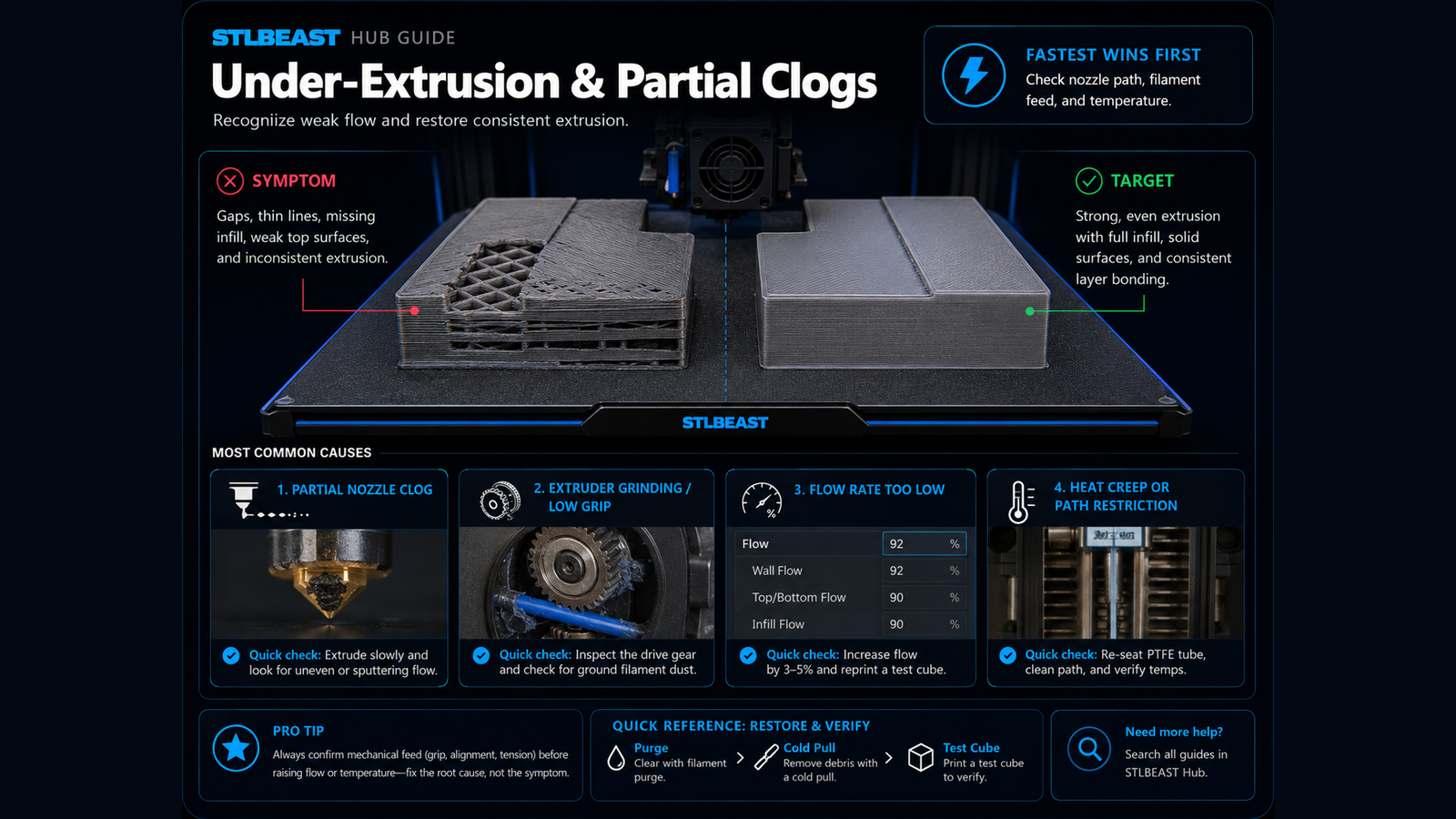
Fix thin walls, missing lines, weak layers, gaps, and inconsistent flow.
A detailed STLBEAST repair guide to remove play that destabilizes layers and first-layer height. Learn how to recognize the symptom, rank the likely causes, apply safe fixes in order, verify the result, and prevent the failure from returning.
A detailed STLBEAST repair guide to cool tiny layers before the next pass. Learn how to recognize the symptom, rank the likely causes, apply safe fixes in order, verify the result, and prevent the failure from returning.
A detailed STLBEAST repair guide to control moisture, warping, and adhesion for nylon. Learn how to recognize the symptom, rank the likely causes, apply safe fixes in order, verify the result, and prevent the failure from returning.
A detailed STLBEAST repair guide to balance detail, bridging, strength, and warping by material. Learn how to recognize the symptom, rank the likely causes, apply safe fixes in order, verify the result, and prevent the failure from returning.
A detailed STLBEAST repair guide to configure support material, interfaces, and organic supports predictably. Learn how to recognize the symptom, rank the likely causes, apply safe fixes in order, verify the result, and prevent the failure from returning.
A detailed STLBEAST repair guide to reduce overgrown bottom layers while preserving plate adhesion. Learn how to recognize the symptom, rank the likely causes, apply safe fixes in order, verify the result, and prevent the failure from returning.
A detailed STLBEAST repair guide to find every disconnected region before printing. Learn how to recognize the symptom, rank the likely causes, apply safe fixes in order, verify the result, and prevent the failure from returning.
A detailed STLBEAST repair guide to reduce peel failures without making prints unnecessarily slow. Learn how to recognize the symptom, rank the likely causes, apply safe fixes in order, verify the result, and prevent the failure from returning.
A detailed STLBEAST repair guide to keep viscosity and cure response within the resin maker range. Learn how to recognize the symptom, rank the likely causes, apply safe fixes in order, verify the result, and prevent the failure from returning.
A detailed STLBEAST repair guide to prevent the nozzle from dragging across finished top layers. Learn how to recognize the symptom, rank the likely causes, apply safe fixes in order, verify the result, and prevent the failure from returning.
A detailed STLBEAST repair guide to identify changes that occur only after printing for a while. Learn how to recognize the symptom, rank the likely causes, apply safe fixes in order, verify the result, and prevent the failure from returning.
A detailed STLBEAST repair guide to choose the lowest temperature that gives clean flow and strong bonding. Learn how to recognize the symptom, rank the likely causes, apply safe fixes in order, verify the result, and prevent the failure from returning.
A detailed STLBEAST repair guide to restore smooth vertical travel and prevent banding or missed layers. Learn how to recognize the symptom, rank the likely causes, apply safe fixes in order, verify the result, and prevent the failure from returning.
Clean the plate and screen area, loosen the plate as specified, home against the approved leveling surface, square the plate, tighten evenly, and set zero only.
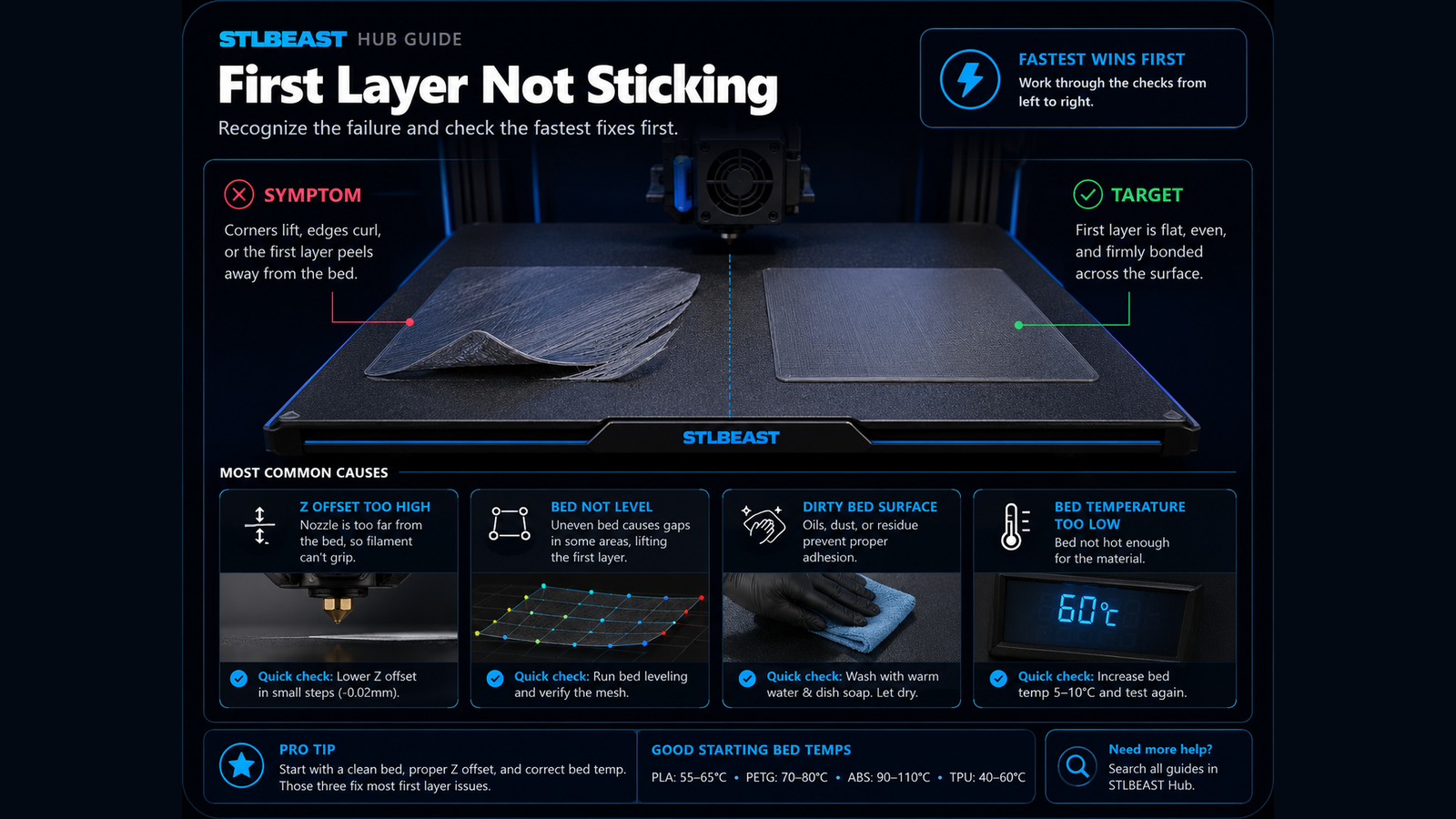
Fix poor bed adhesion, lifting first layers, loose corners, and prints that detach from the build plate.
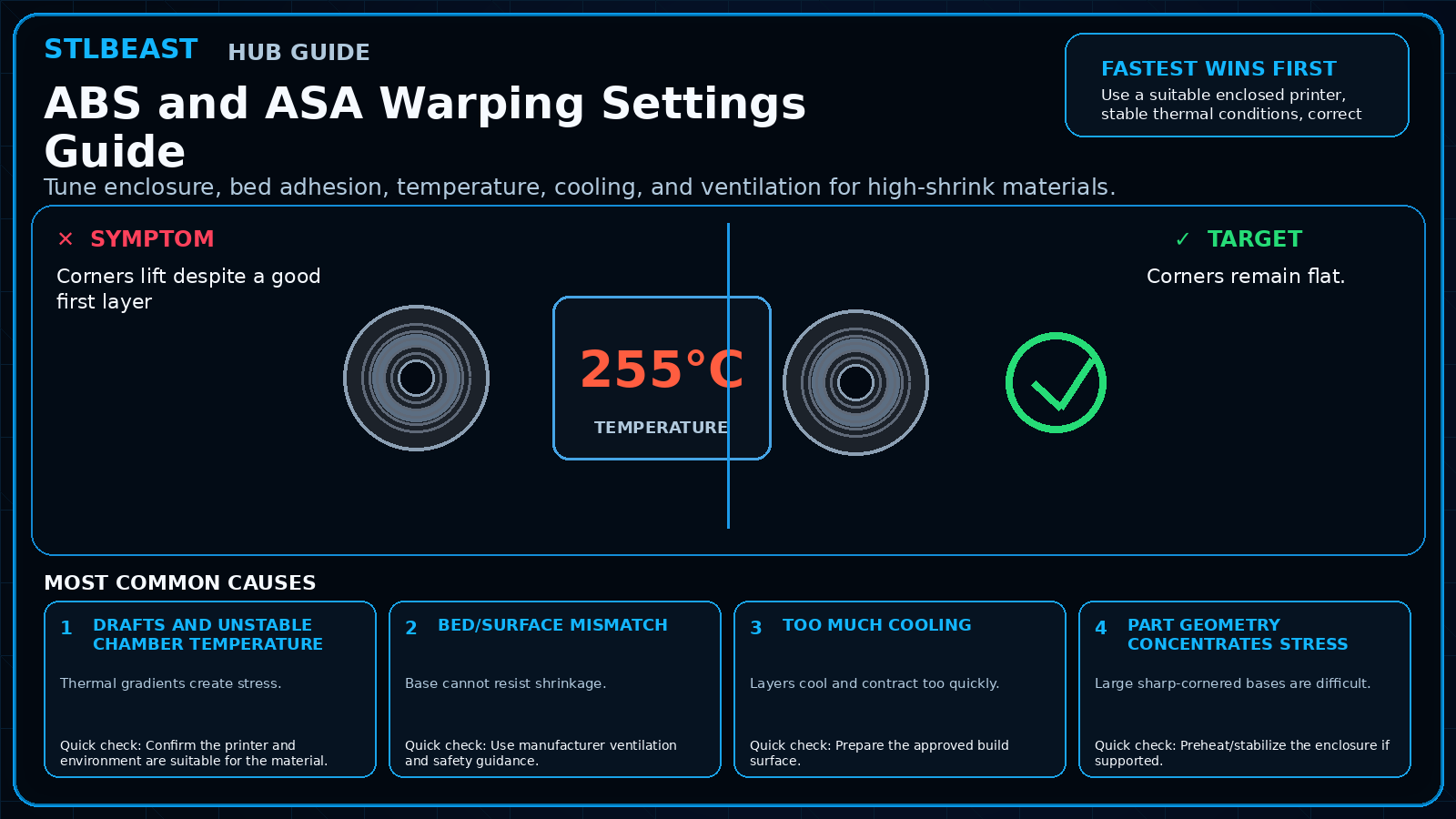
Tune enclosure, bed adhesion, temperature, cooling, and ventilation for high-shrink materials.
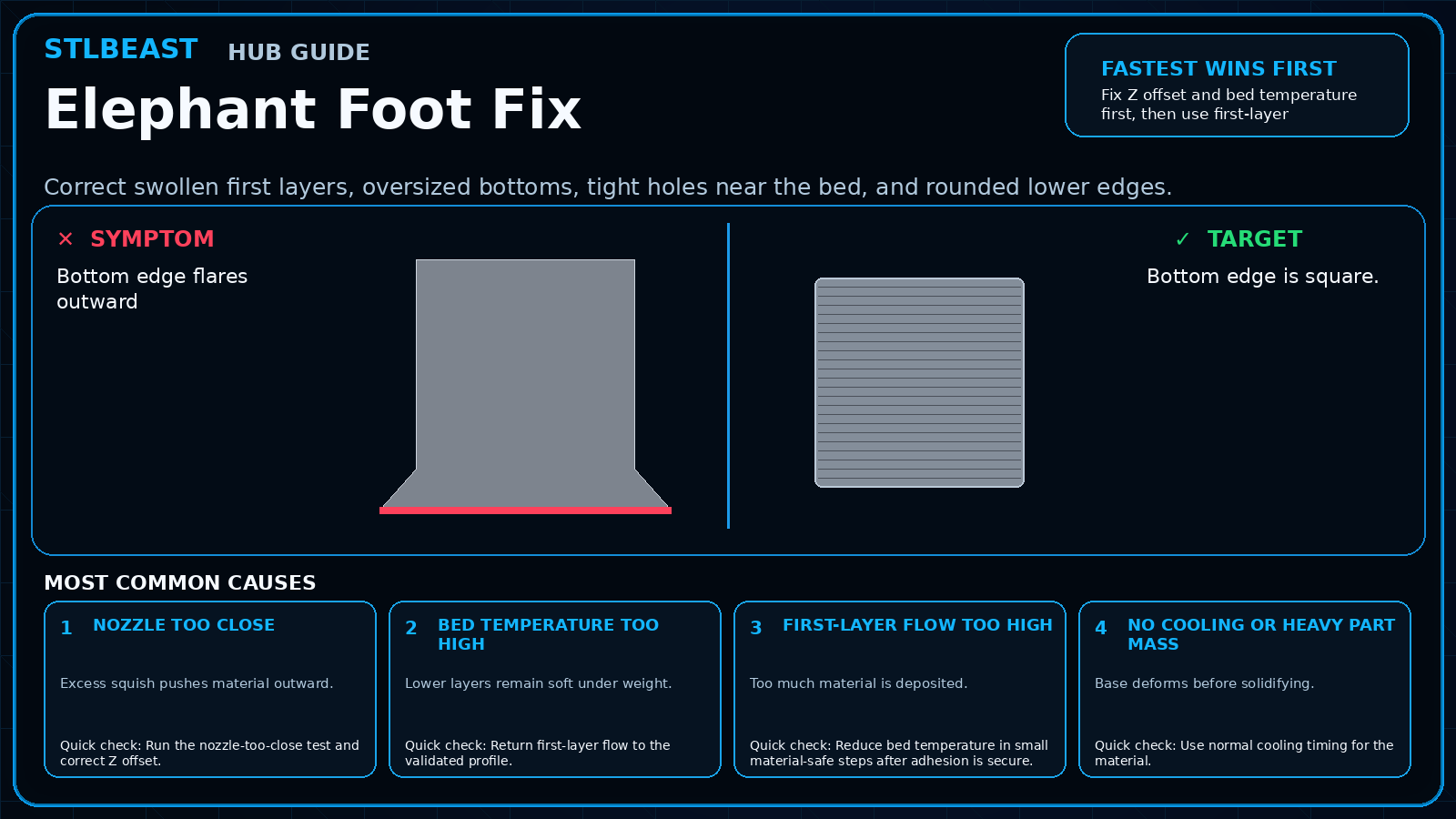
Correct swollen first layers, oversized bottoms, tight holes near the bed, and rounded lower edges.
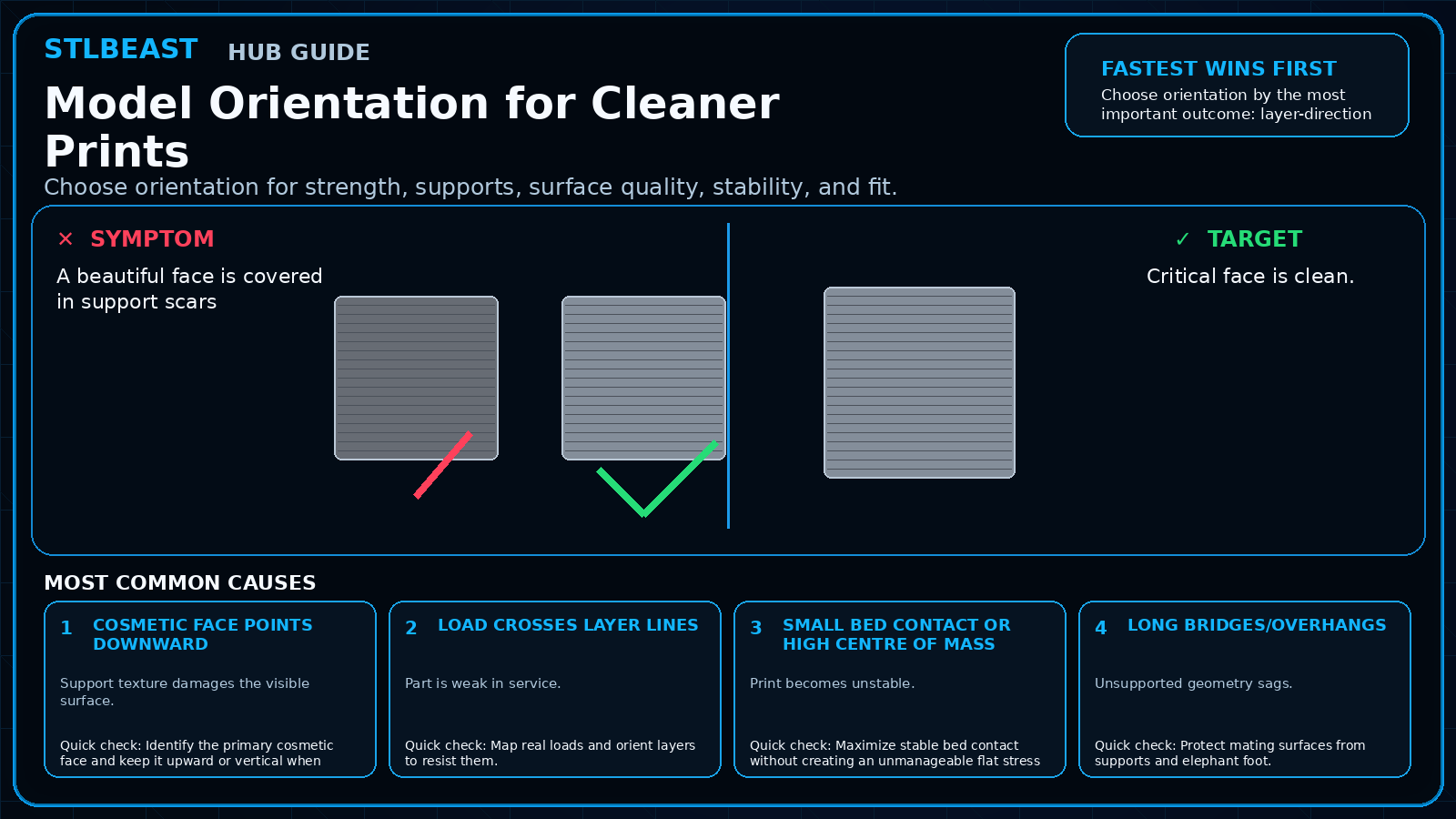
Choose orientation for strength, supports, surface quality, stability, and fit.
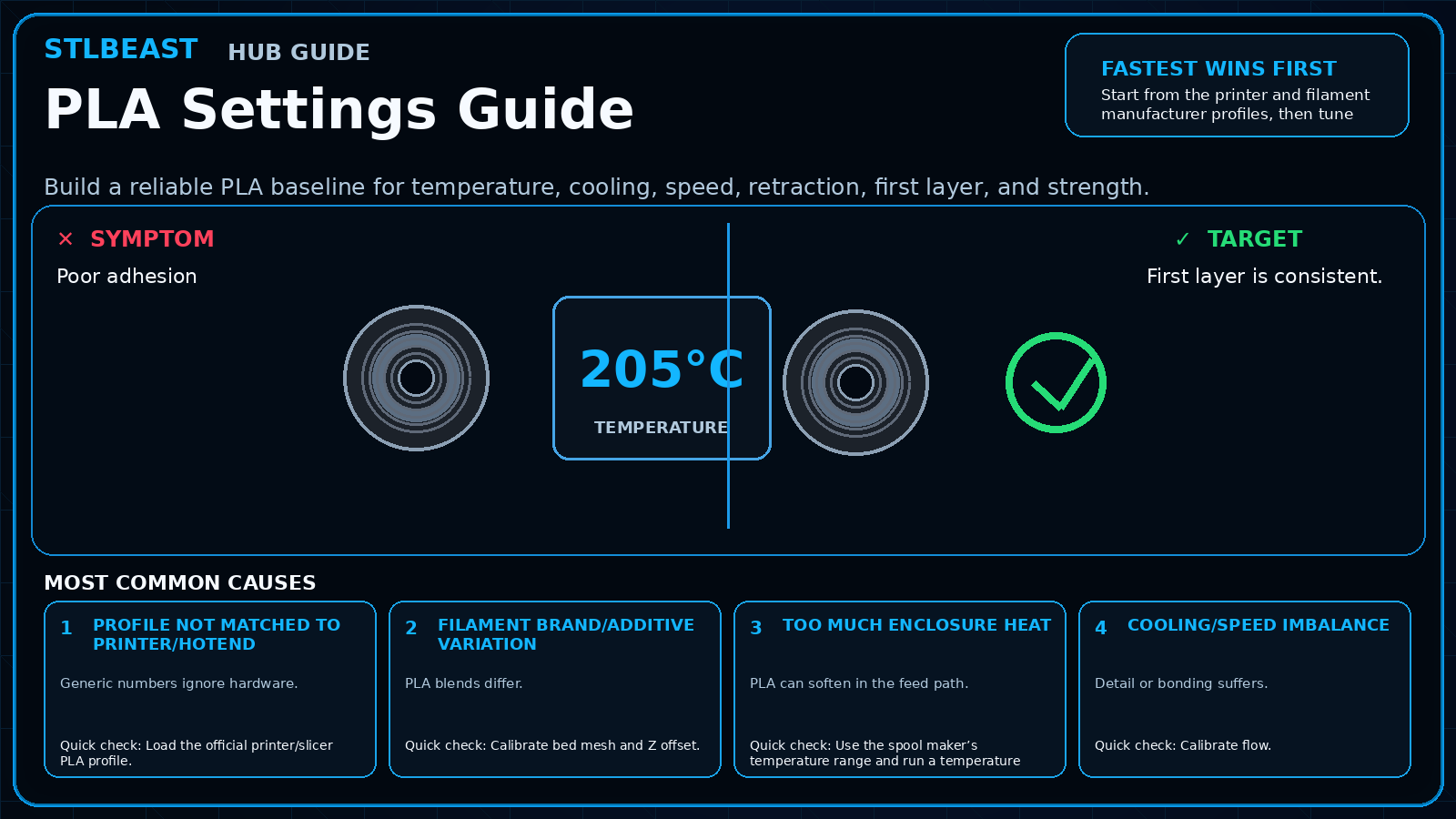
Build a reliable PLA baseline for temperature, cooling, speed, retraction, first layer, and strength.
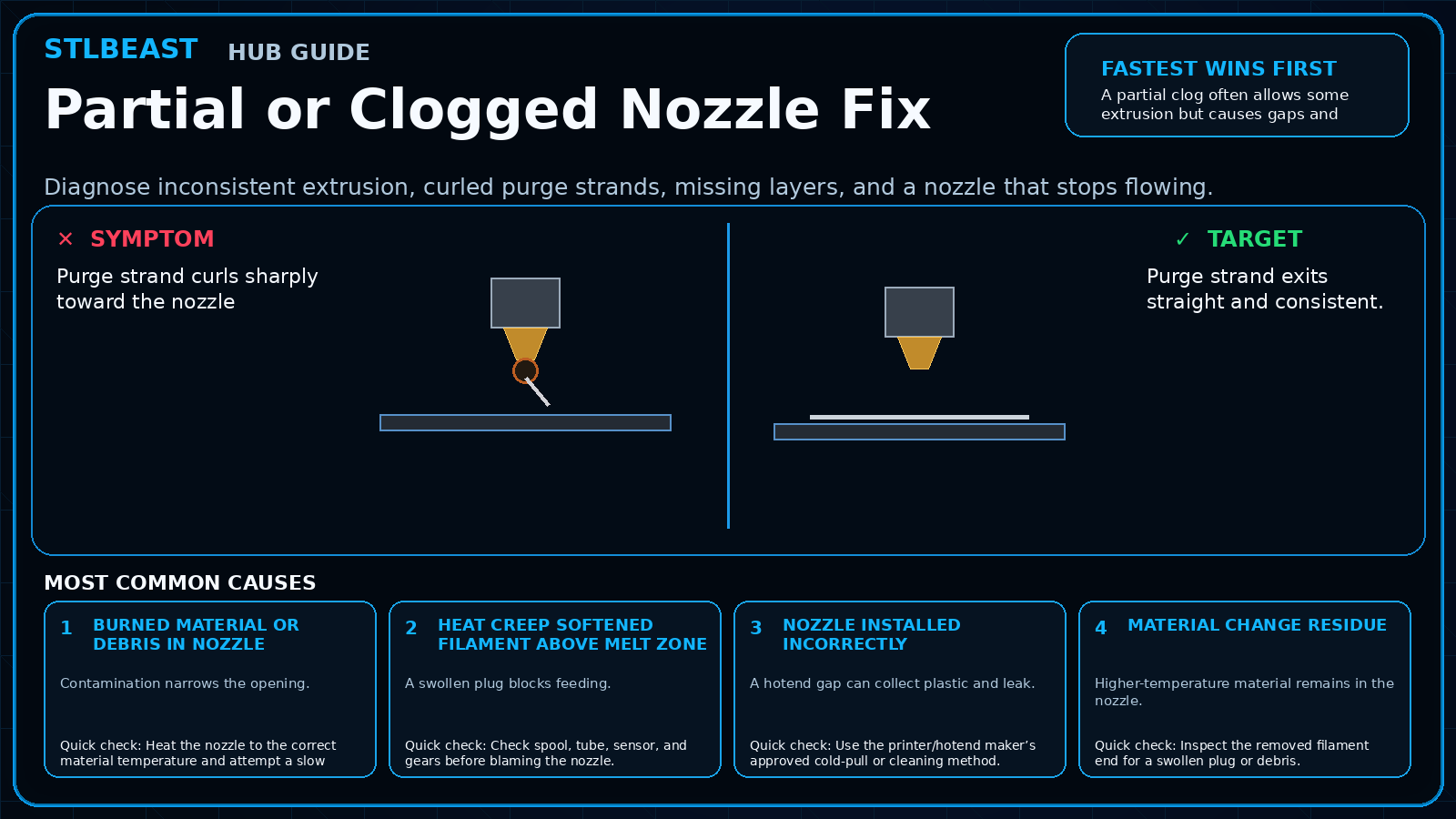
Diagnose inconsistent extrusion, curled purge strands, missing layers, and a nozzle that stops flowing.
Fix first-layer squish, flow, seam blobs, clearance, support intrusion, and cooling, then verify with a small print-in-place calibration model.
A detailed STLBEAST repair guide to calibrate tower geometry, endstops, and bed plane systematically. Learn how to recognize the symptom, rank the likely causes, apply safe fixes in order, verify the result, and prevent the failure from returning.
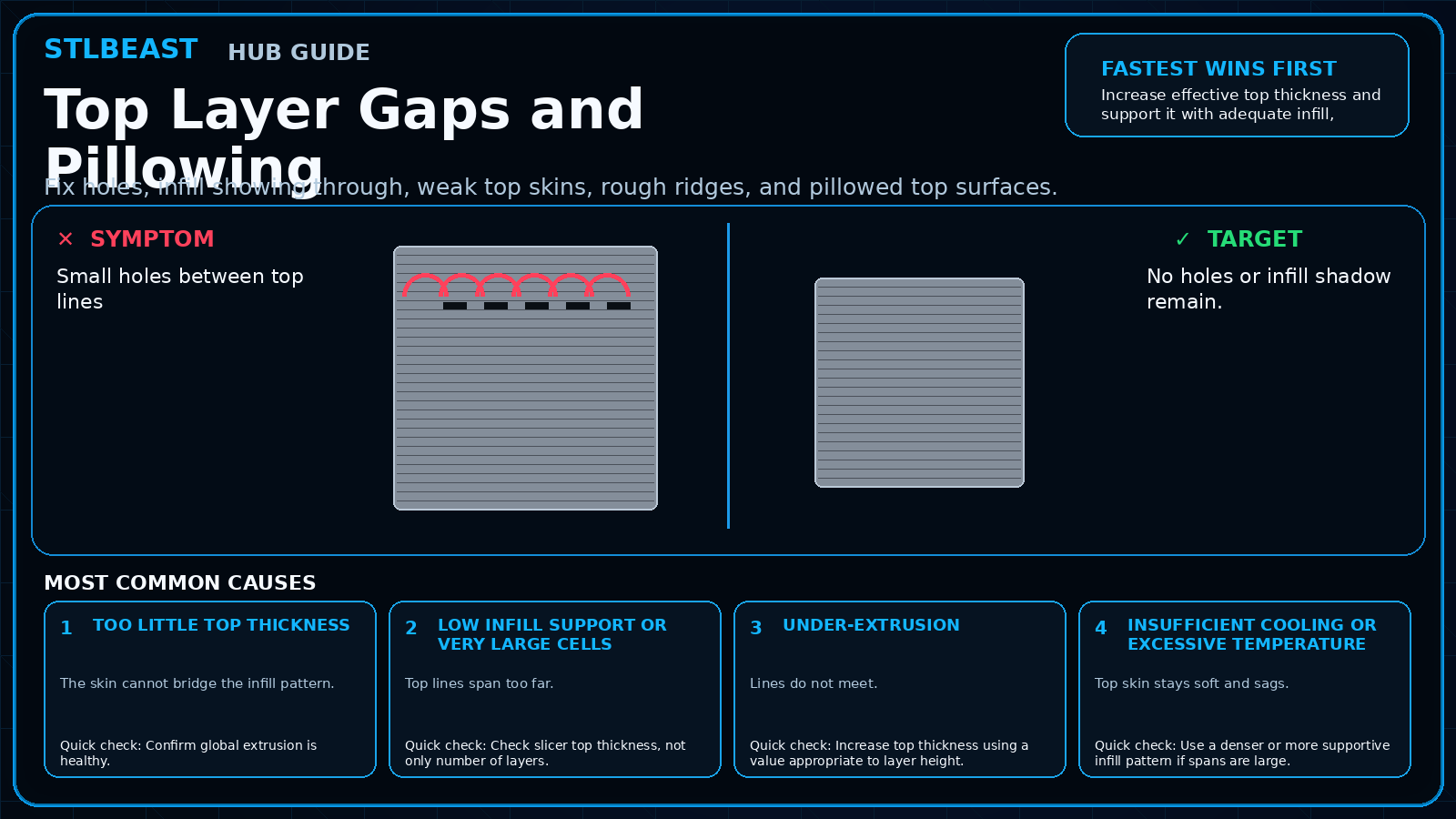
Fix holes, infill showing through, weak top skins, rough ridges, and pillowed top surfaces.
A detailed STLBEAST repair guide to find the support controls that matter most in Cura. Learn how to recognize the symptom, rank the likely causes, apply safe fixes in order, verify the result, and prevent the failure from returning.
Clean, dry, sand, and test the part; apply thin compatible primer coats, inspect defects, sand again if needed, then build colour in light layers.
Increase continuous walls and bottom layers, correct under-extrusion and seams, orient to reduce leak paths, and pressure-test safely before using the part.
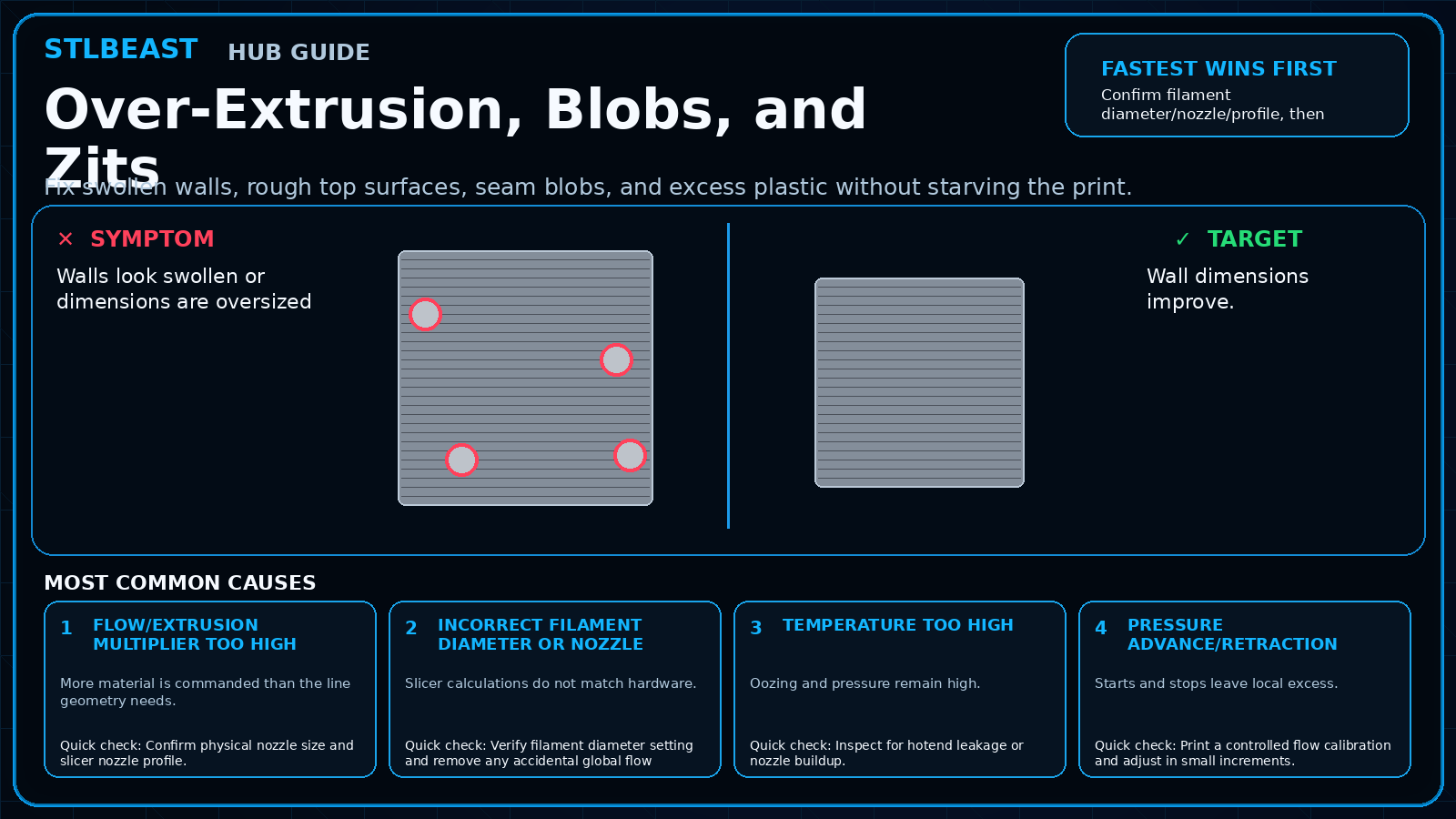
Fix swollen walls, rough top surfaces, seam blobs, and excess plastic without starving the print.
A detailed STLBEAST repair guide to design and tune functional threads for the process. Learn how to recognize the symptom, rank the likely causes, apply safe fixes in order, verify the result, and prevent the failure from returning.
A detailed STLBEAST repair guide to preserve tiny geometry without overheating or motion blur. Learn how to recognize the symptom, rank the likely causes, apply safe fixes in order, verify the result, and prevent the failure from returning.
A detailed STLBEAST repair guide to restore bottom-layer adhesion without excessive exposure. Learn how to recognize the symptom, rank the likely causes, apply safe fixes in order, verify the result, and prevent the failure from returning.
Drain and filter the resin, clean the vat safely, inspect the release film under good light, and replace it when cloudy, deeply scratched, loose, creased, or pu.
Choose a material rated for UV and service temperature, print for layer strength, protect the surface when appropriate, and test the actual environment before r.
A detailed STLBEAST repair guide to stabilize temperature, speed, and cooling to keep surface finish consistent. Learn how to recognize the symptom, rank the likely causes, apply safe fixes in order, verify the result, and prevent the failure from returning.
A detailed STLBEAST repair guide to print high-temperature material within machine limits. Learn how to recognize the symptom, rank the likely causes, apply safe fixes in order, verify the result, and prevent the failure from returning.
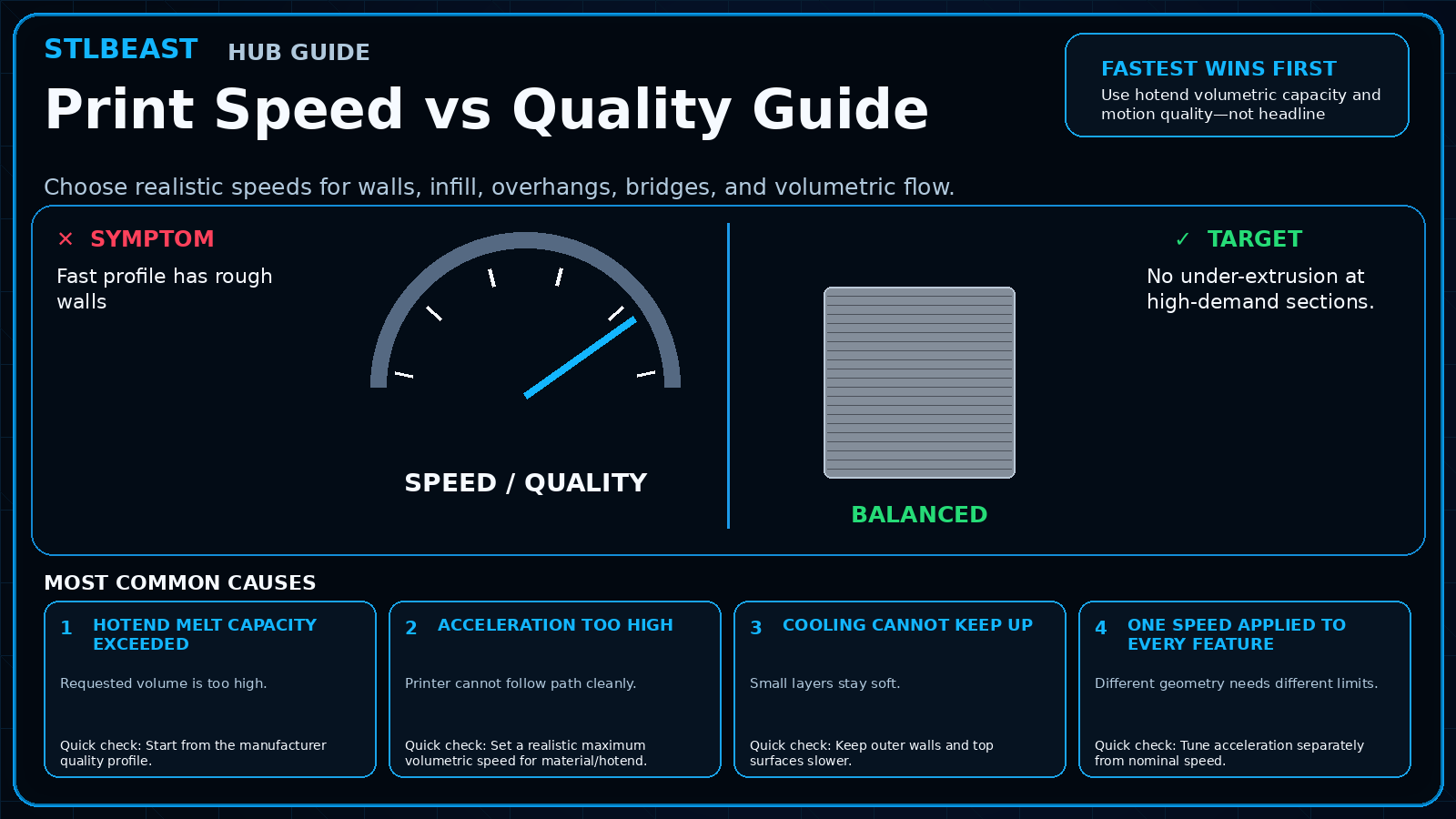
Choose realistic speeds for walls, infill, overhangs, bridges, and volumetric flow.
Improve the tower’s first layer, width, cooling, speed, and placement, then reduce unnecessary tool changes or use a safer purge strategy.
A detailed STLBEAST repair guide to find exposure that preserves detail while maintaining strength. Learn how to recognize the symptom, rank the likely causes, apply safe fixes in order, verify the result, and prevent the failure from returning.
Members can connect ranked answers to saved printers, previous failed repairs, full Printer Settings, AI Doctor case history and community-confirmed configurations.