3D Print Not Sticking to the Bed
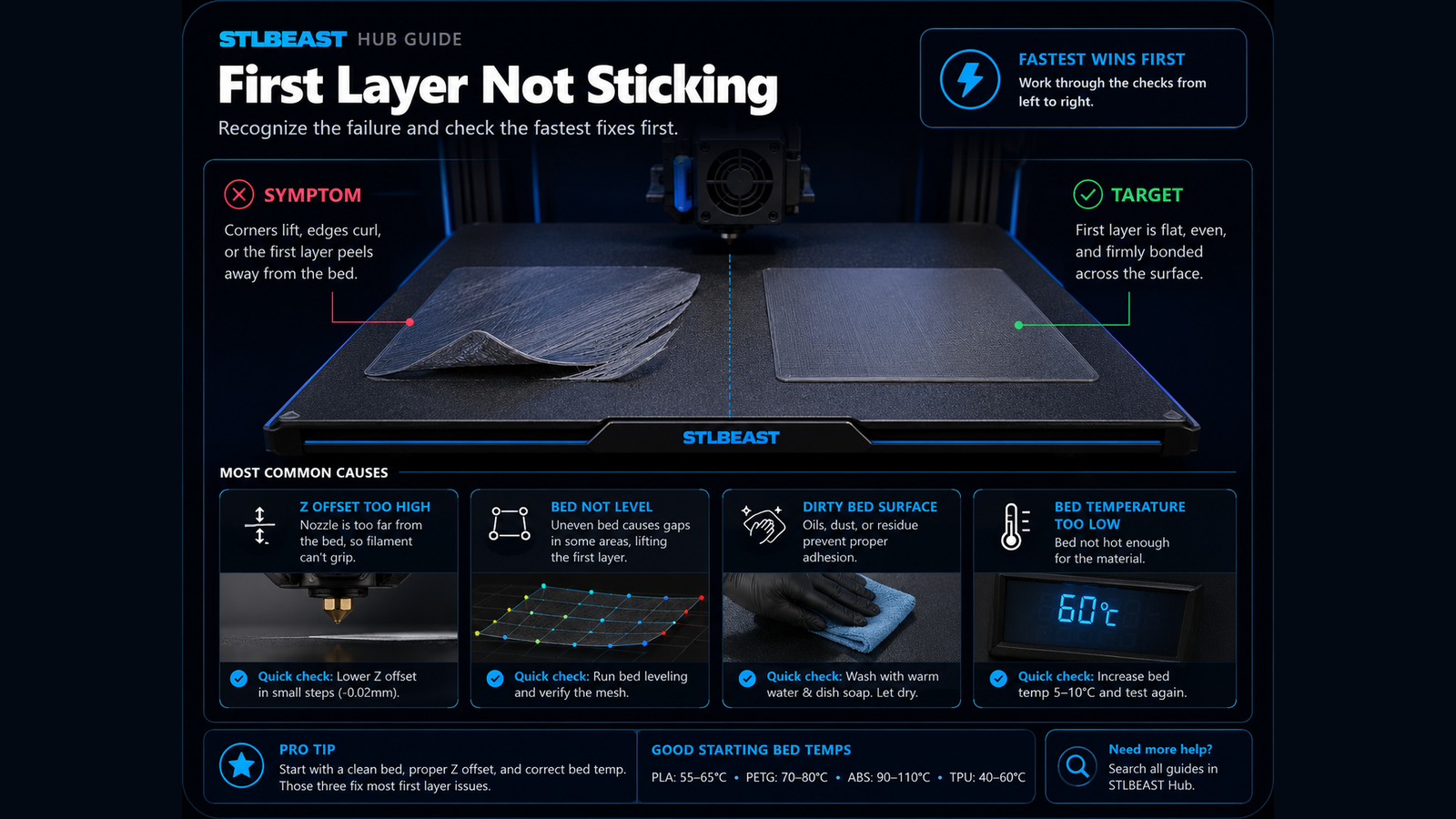
Fix poor bed adhesion, lifting first layers, loose corners, and prints that detach from the build plate.
- Symptom match
- Likely-cause match
- Title matches “not”
Use normal language such as “hairy PETG print,” “clicking extruder and thin lines,” or “resin part stuck to the film.” The engine translates common descriptions into technical causes and explains why each answer matched.
Results are ranked by symptom, title, cause and equipment context.
Fix poor bed adhesion, lifting first layers, loose corners, and prints that detach from the build plate.
A detailed STLBEAST repair guide to span gaps with straight strands that do not sag or break. Learn how to recognize the symptom, rank the likely causes, apply safe fixes in order, verify the result, and prevent the failure from returning.
A detailed STLBEAST repair guide to reduce ringing after mechanical issues are corrected. Learn how to recognize the symptom, rank the likely causes, apply safe fixes in order, verify the result, and prevent the failure from returning.
A detailed STLBEAST repair guide to close visible gaps without crushing the first layer. Learn how to recognize the symptom, rank the likely causes, apply safe fixes in order, verify the result, and prevent the failure from returning.
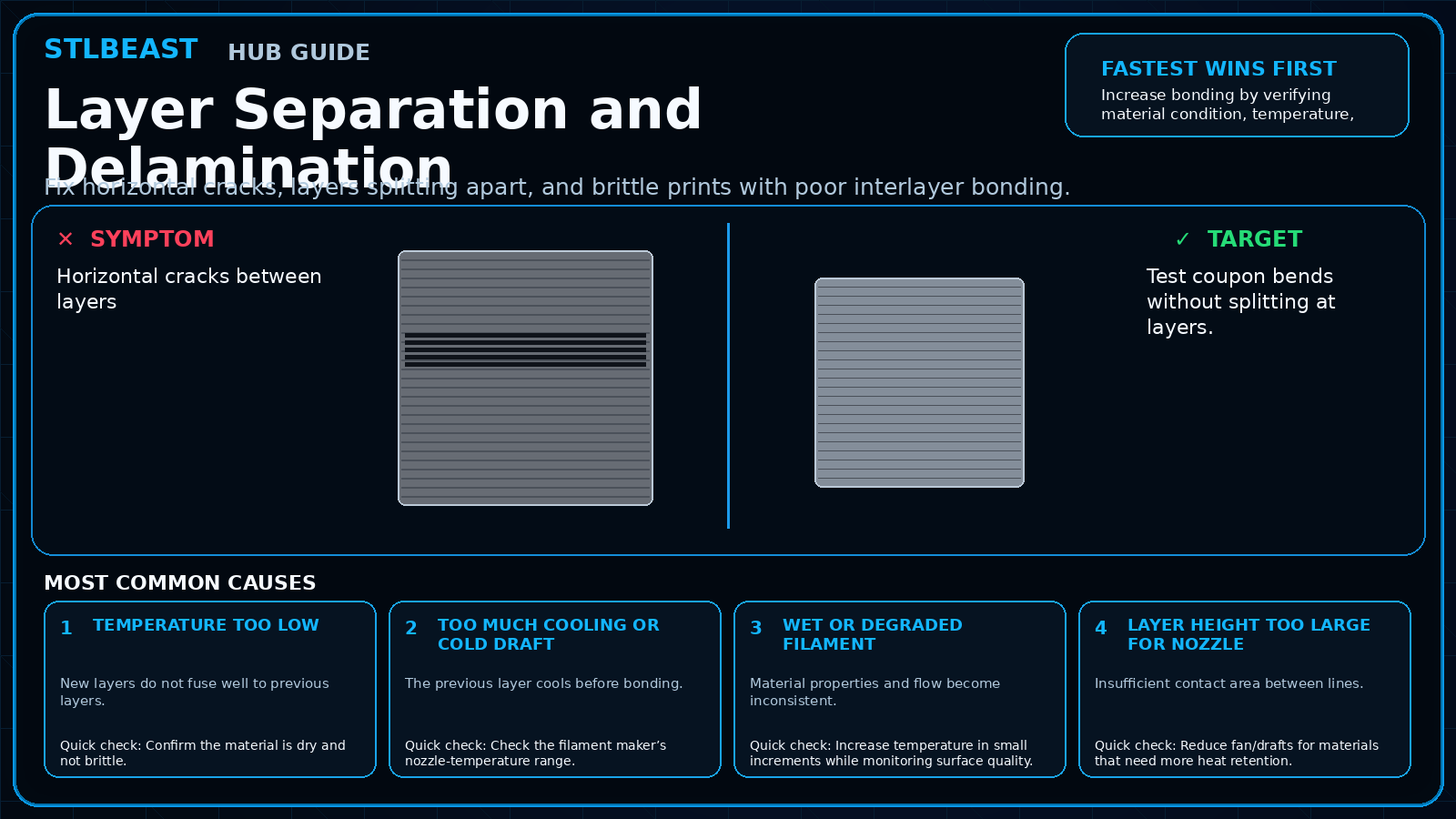
Fix horizontal cracks, layers splitting apart, and brittle prints with poor interlayer bonding.
Inspect probe mounting, deployment, wiring, nozzle cleanliness, bed surface, offsets, and firmware configuration before repeating a homing or mesh cycle.
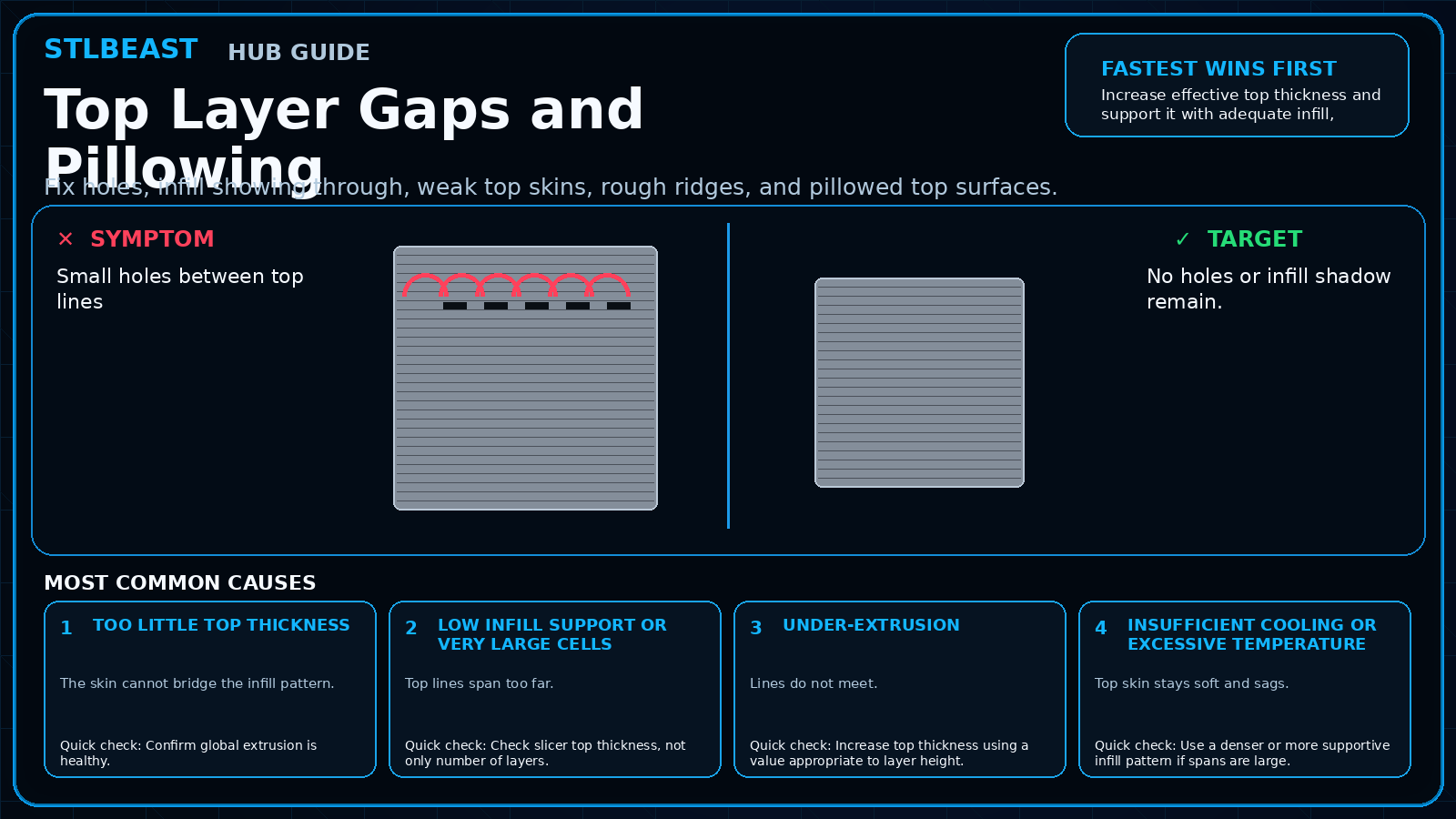
Fix holes, infill showing through, weak top skins, rough ridges, and pillowed top surfaces.
Confirm the mesh was saved, the correct profile is loaded after homing, start G-code does not clear it, and the Z axis visibly compensates during the first laye.
A detailed STLBEAST repair guide to restore a clear and aligned filament path. Learn how to recognize the symptom, rank the likely causes, apply safe fixes in order, verify the result, and prevent the failure from returning.
A detailed STLBEAST repair guide to remove raised ridges while preserving adhesion. Learn how to recognize the symptom, rank the likely causes, apply safe fixes in order, verify the result, and prevent the failure from returning.
A detailed STLBEAST repair guide to square the X gantry before compensating in software. Learn how to recognize the symptom, rank the likely causes, apply safe fixes in order, verify the result, and prevent the failure from returning.
Inspect the bed cable, connector, heater, thermistor, power delivery, mounting, and insulation before compensating with higher temperatures.
Stop long prints until the heatsink fan is restored; clean the fan, check its connector and voltage, confirm firmware control, and replace a noisy or stalled un.
Verify the heater cartridge, thermistor reading, connectors, power supply, hotend assembly, and fan airflow before changing slicer temperatures.
A detailed STLBEAST repair guide to identify random versus repeating layer variation. Learn how to recognize the symptom, rank the likely causes, apply safe fixes in order, verify the result, and prevent the failure from returning.
A detailed STLBEAST repair guide to reduce contact during travel without masking extrusion faults. Learn how to recognize the symptom, rank the likely causes, apply safe fixes in order, verify the result, and prevent the failure from returning.
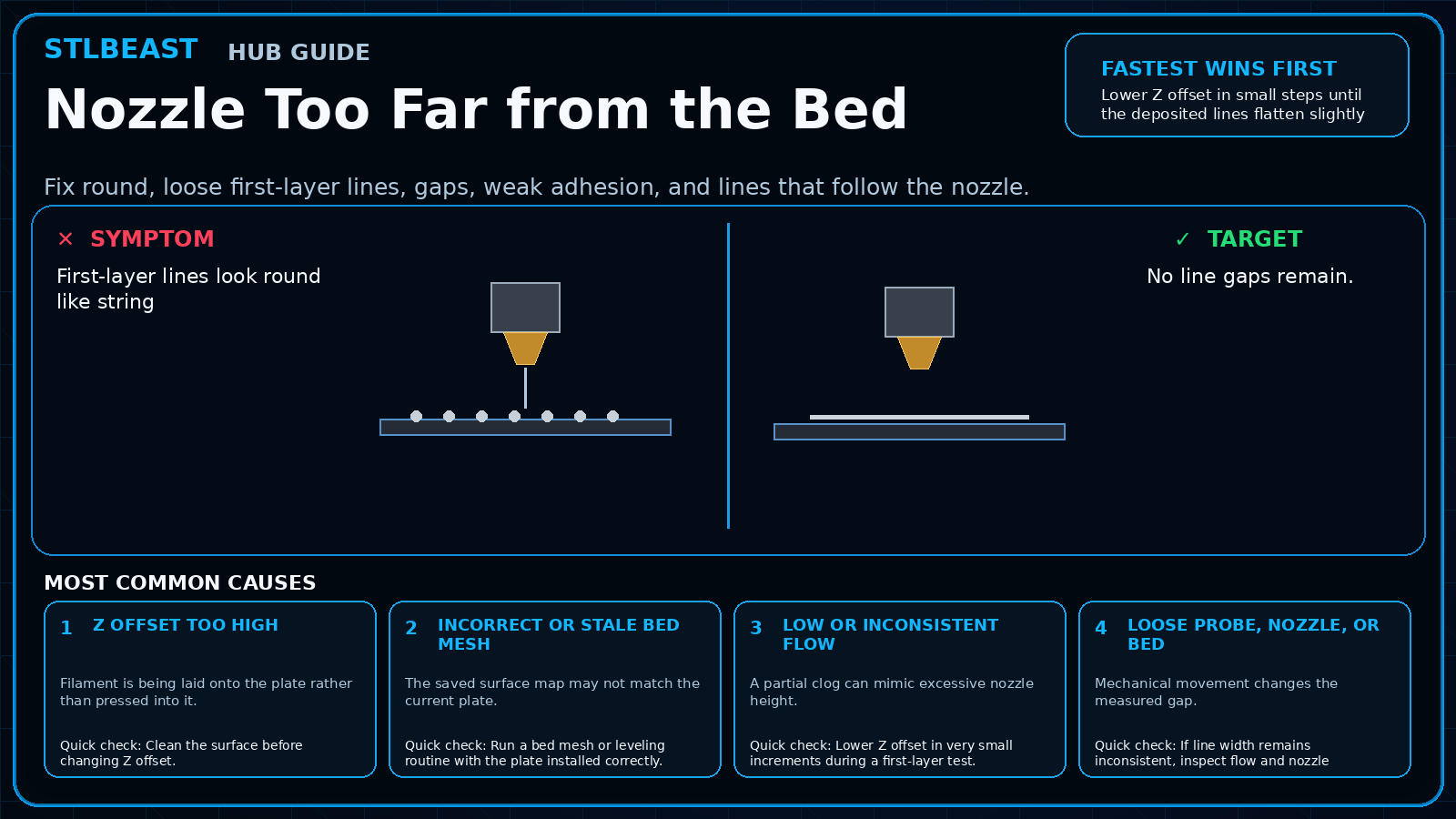
Fix round, loose first-layer lines, gaps, weak adhesion, and lines that follow the nozzle.
Check slicer fan commands, fan ducts, debris, connector, voltage, and fan direction before increasing cooling percentages.
A detailed STLBEAST repair guide to restore bottom-layer adhesion without excessive exposure. Learn how to recognize the symptom, rank the likely causes, apply safe fixes in order, verify the result, and prevent the failure from returning.
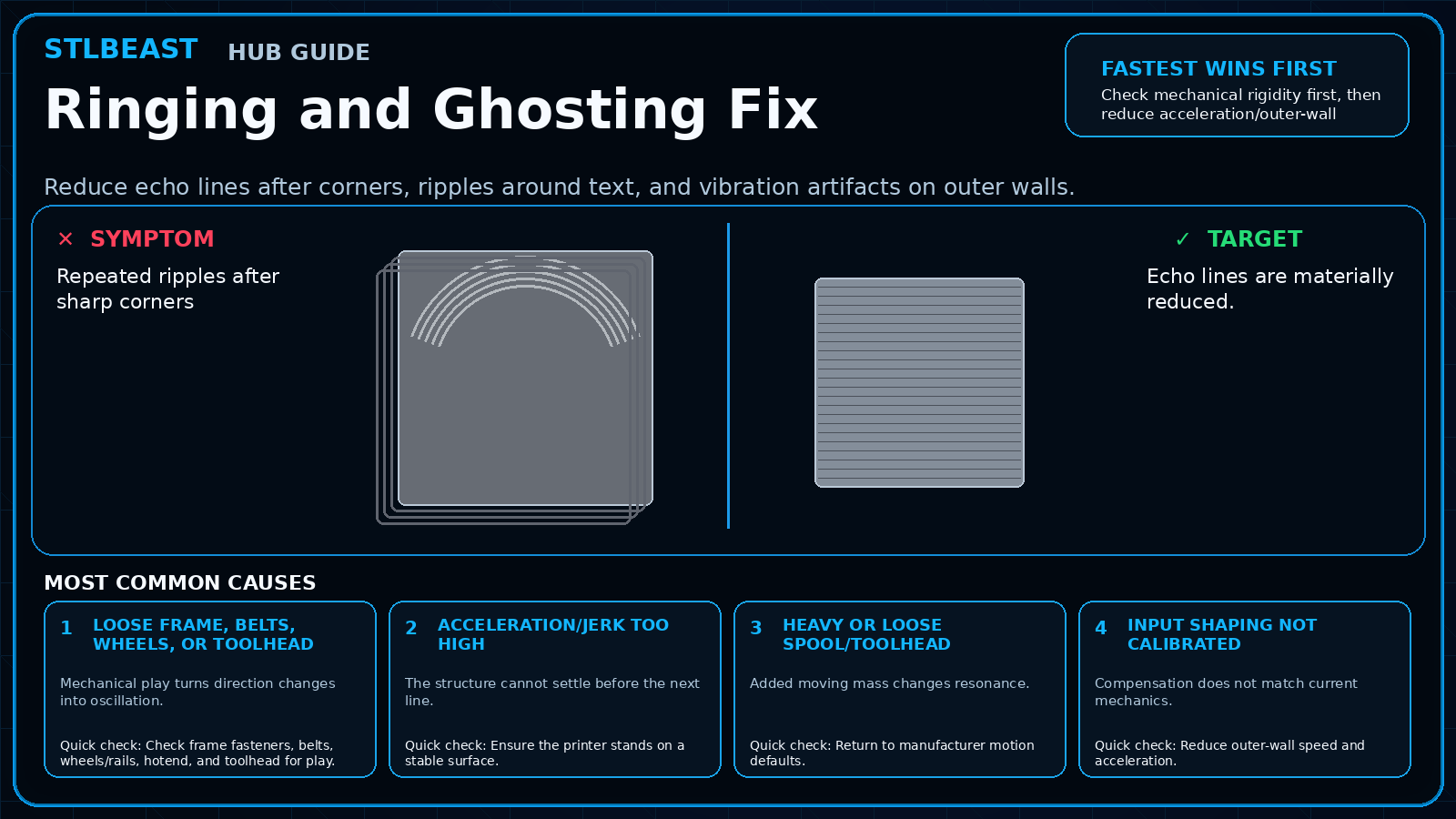
Reduce echo lines after corners, ripples around text, and vibration artifacts on outer walls.
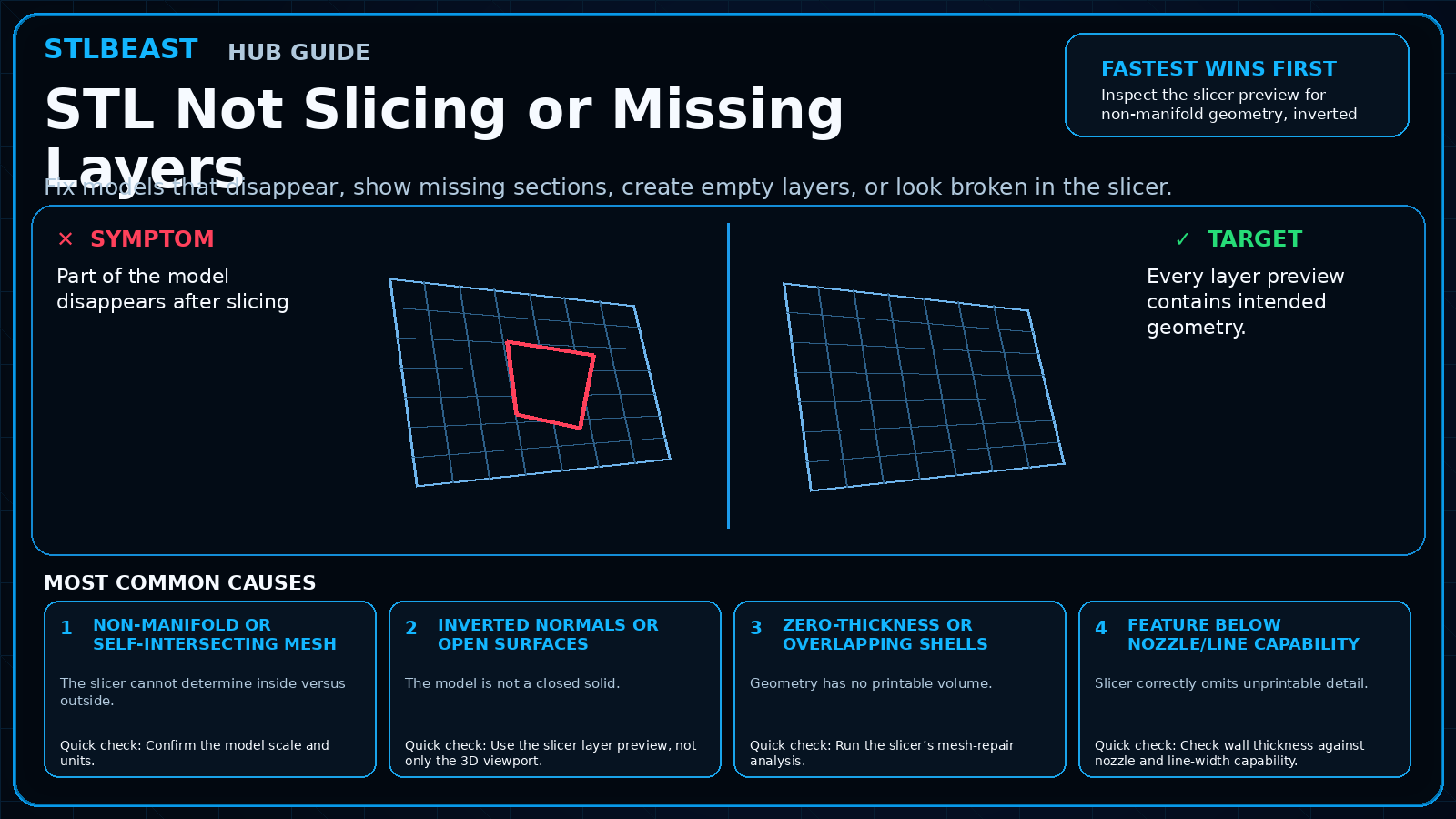
Fix models that disappear, show missing sections, create empty layers, or look broken in the slicer.
Power down, remove mechanical load, inspect belts, lead screws, connectors, motor wiring, driver current, and axis binding before commanding more movement.
A detailed STLBEAST repair guide to verify actual extrusion width using a controlled wall test. Learn how to recognize the symptom, rank the likely causes, apply safe fixes in order, verify the result, and prevent the failure from returning.
Increase continuous walls and bottom layers, correct under-extrusion and seams, orient to reduce leak paths, and pressure-test safely before using the part.
A detailed STLBEAST repair guide to stabilize extrusion and nozzle height across the plate. Learn how to recognize the symptom, rank the likely causes, apply safe fixes in order, verify the result, and prevent the failure from returning.
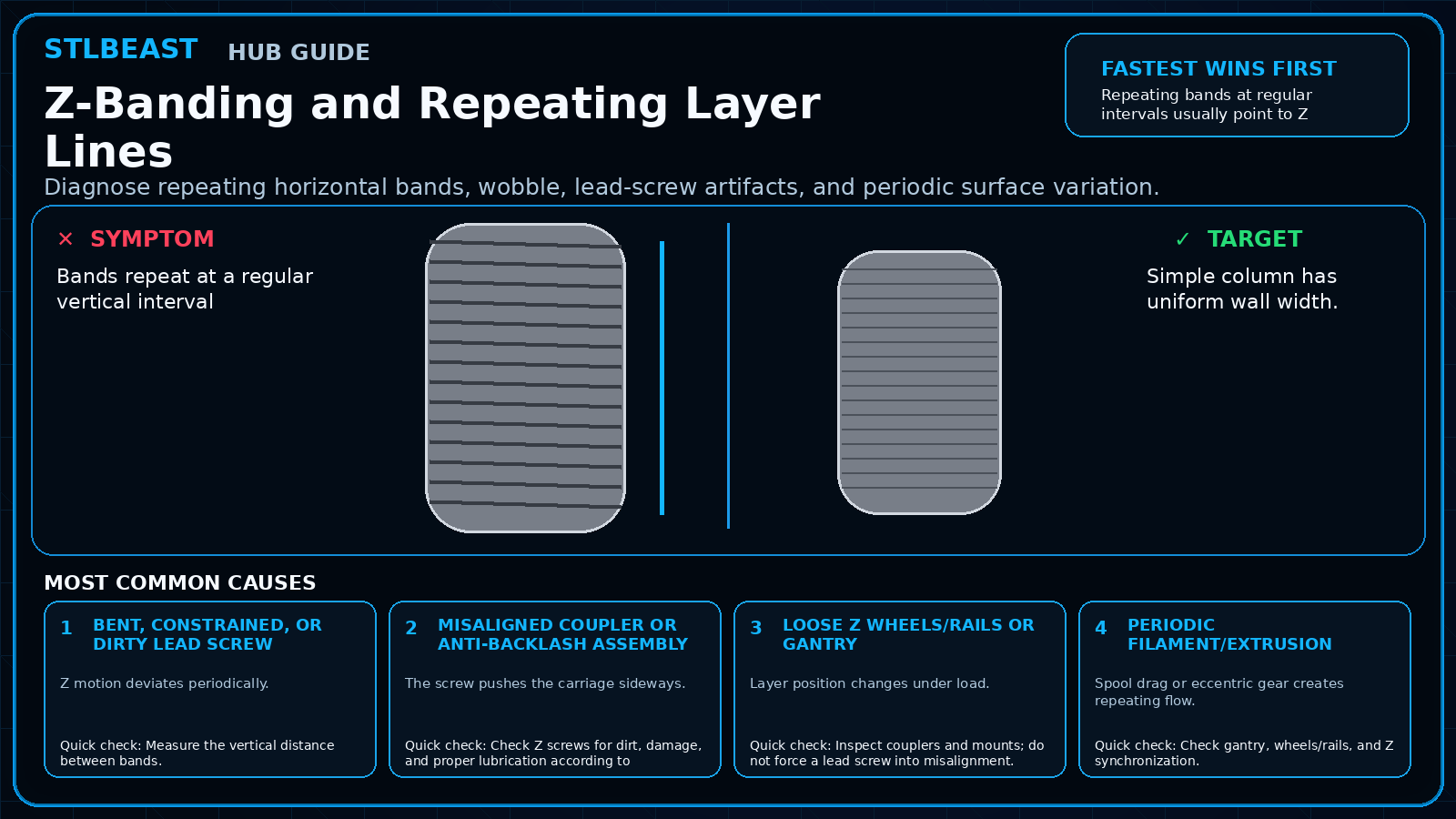
Diagnose repeating horizontal bands, wobble, lead-screw artifacts, and periodic surface variation.
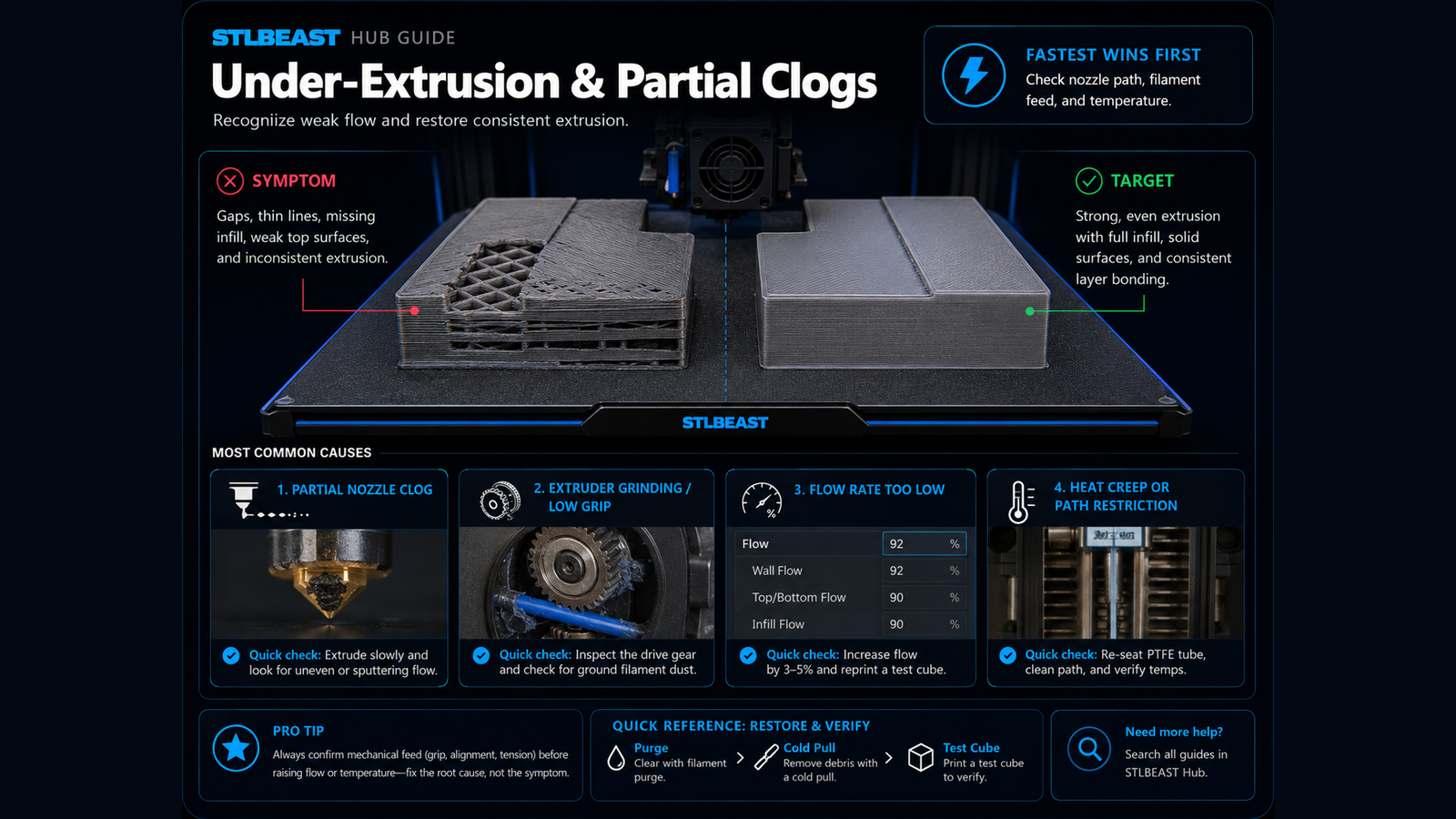
Fix thin walls, missing lines, weak layers, gaps, and inconsistent flow.
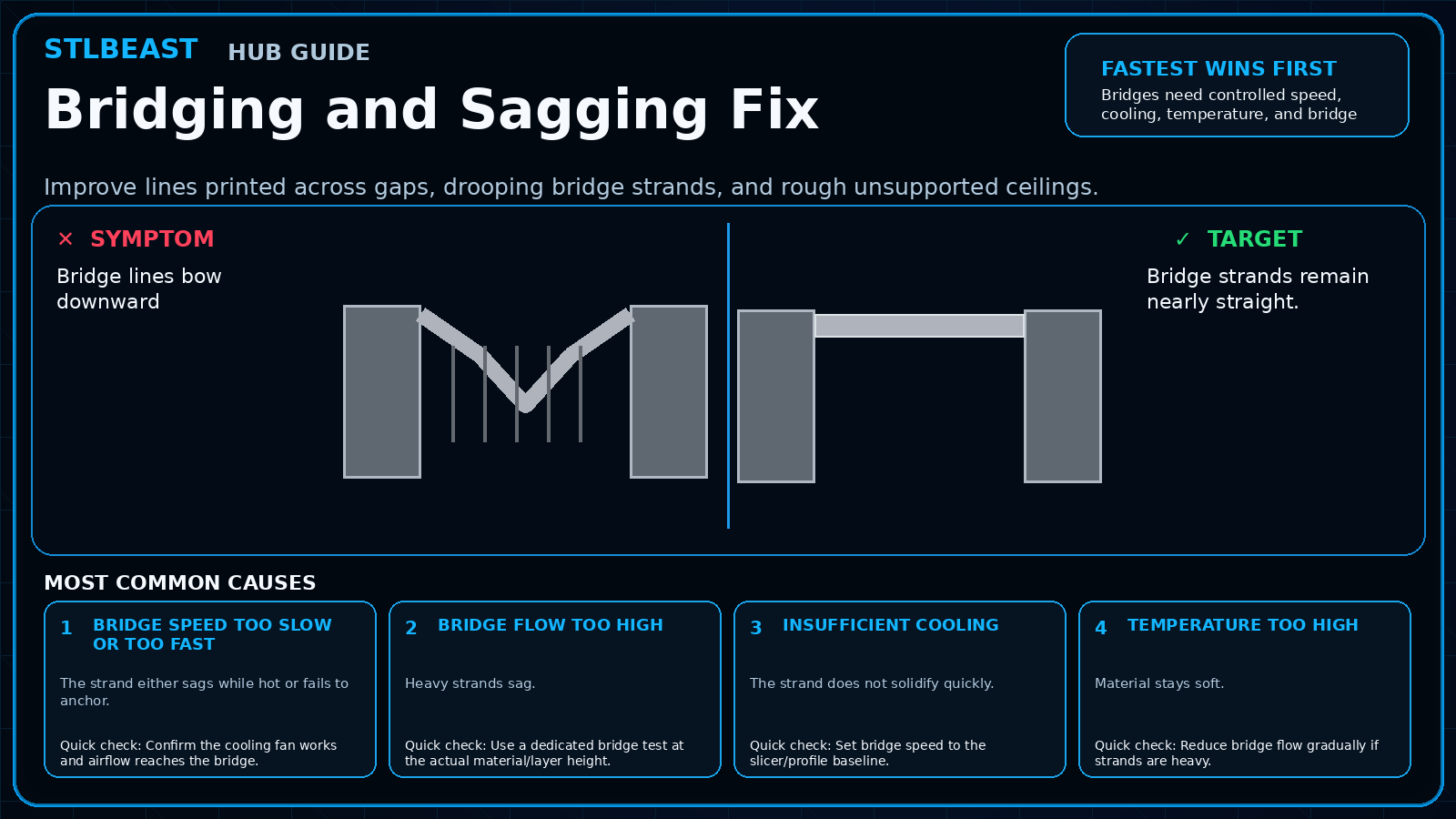
Improve lines printed across gaps, drooping bridge strands, and rough unsupported ceilings.
Increase purge only where needed, use suitable transition order, clean the nozzle, and separate heavily contrasting or translucent materials with a tuned purge.
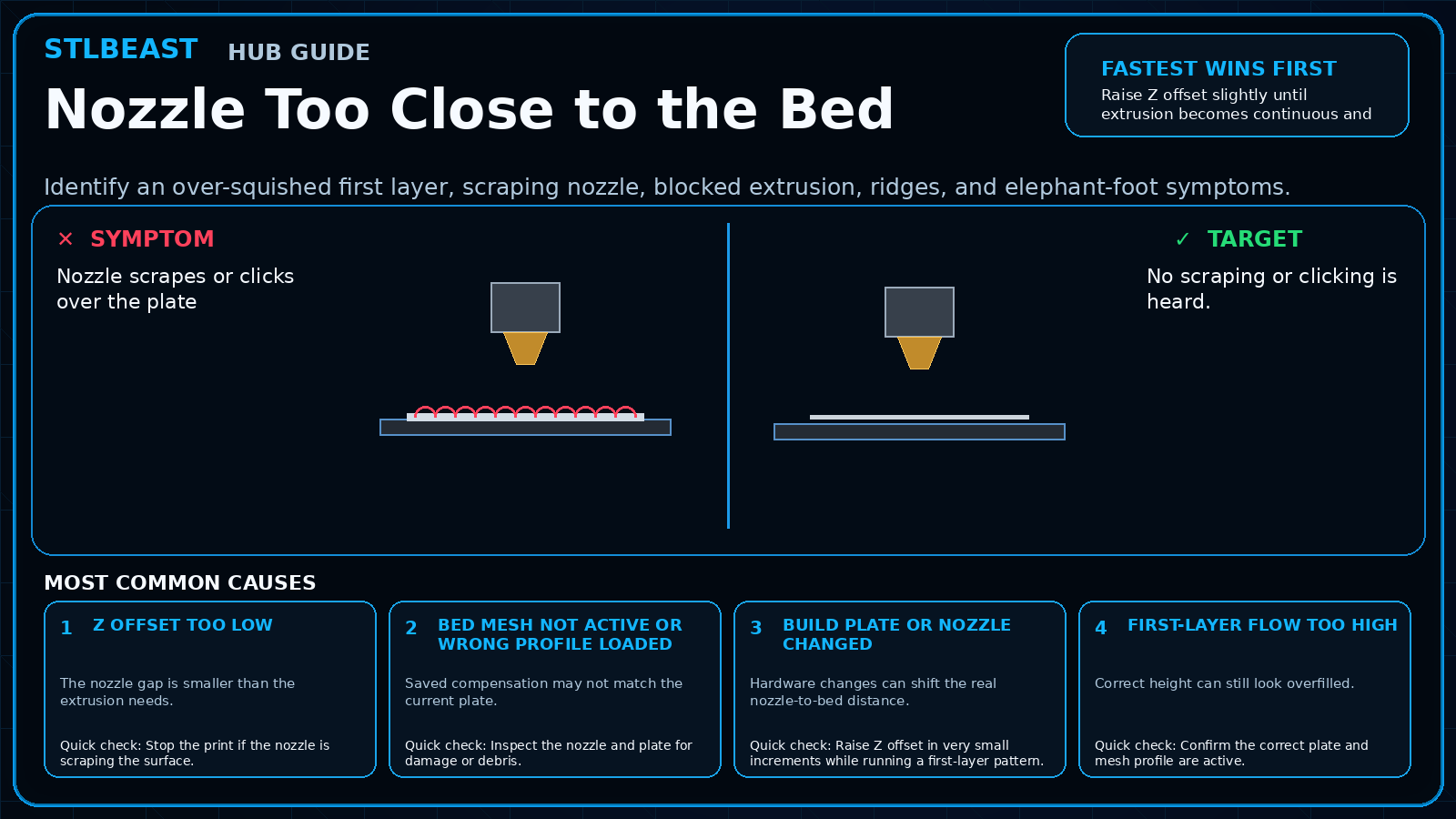
Identify an over-squished first layer, scraping nozzle, blocked extrusion, ridges, and elephant-foot symptoms.
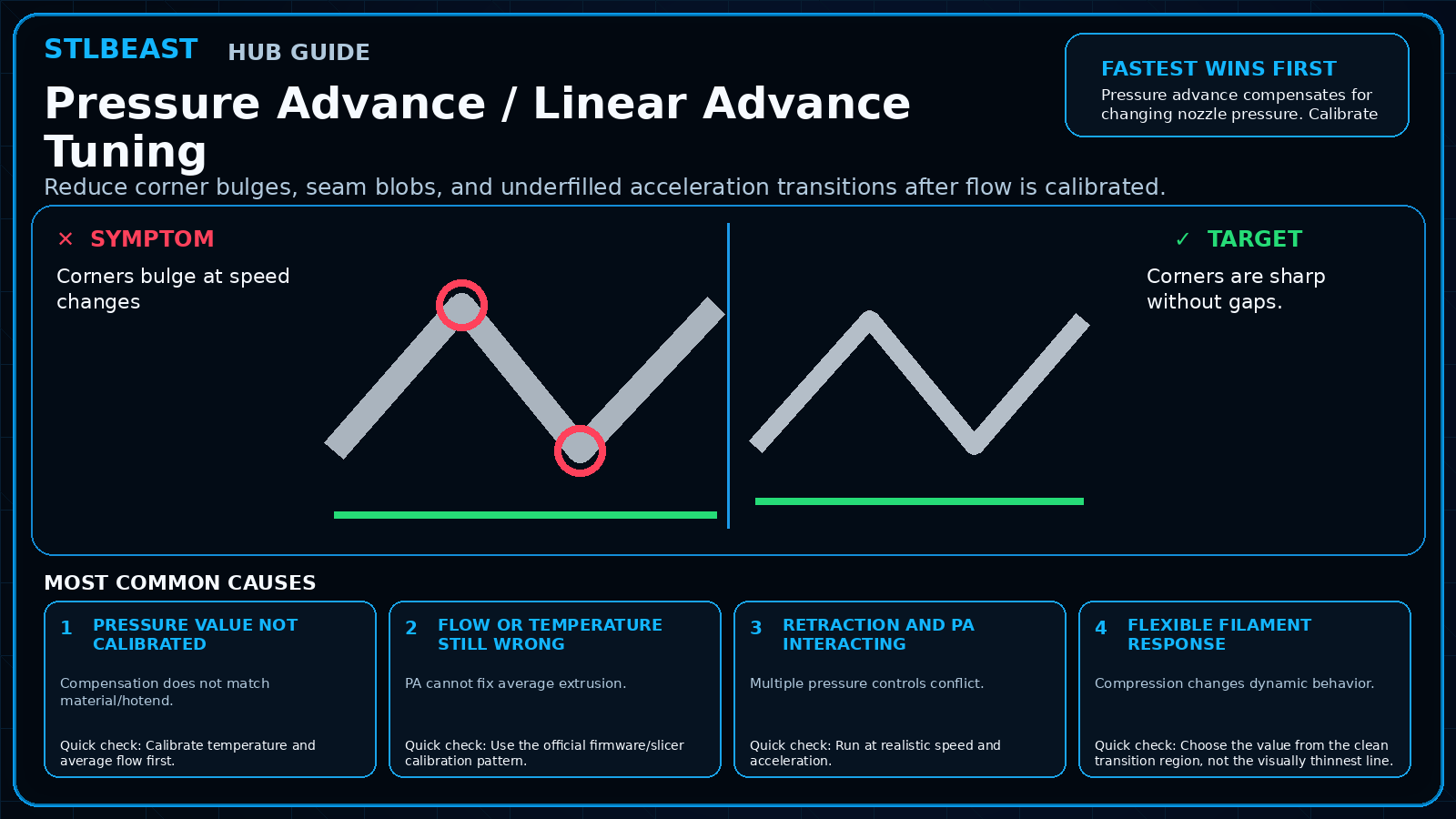
Reduce corner bulges, seam blobs, and underfilled acceleration transitions after flow is calibrated.
Clean, dry, sand, and test the part; apply thin compatible primer coats, inspect defects, sand again if needed, then build colour in light layers.
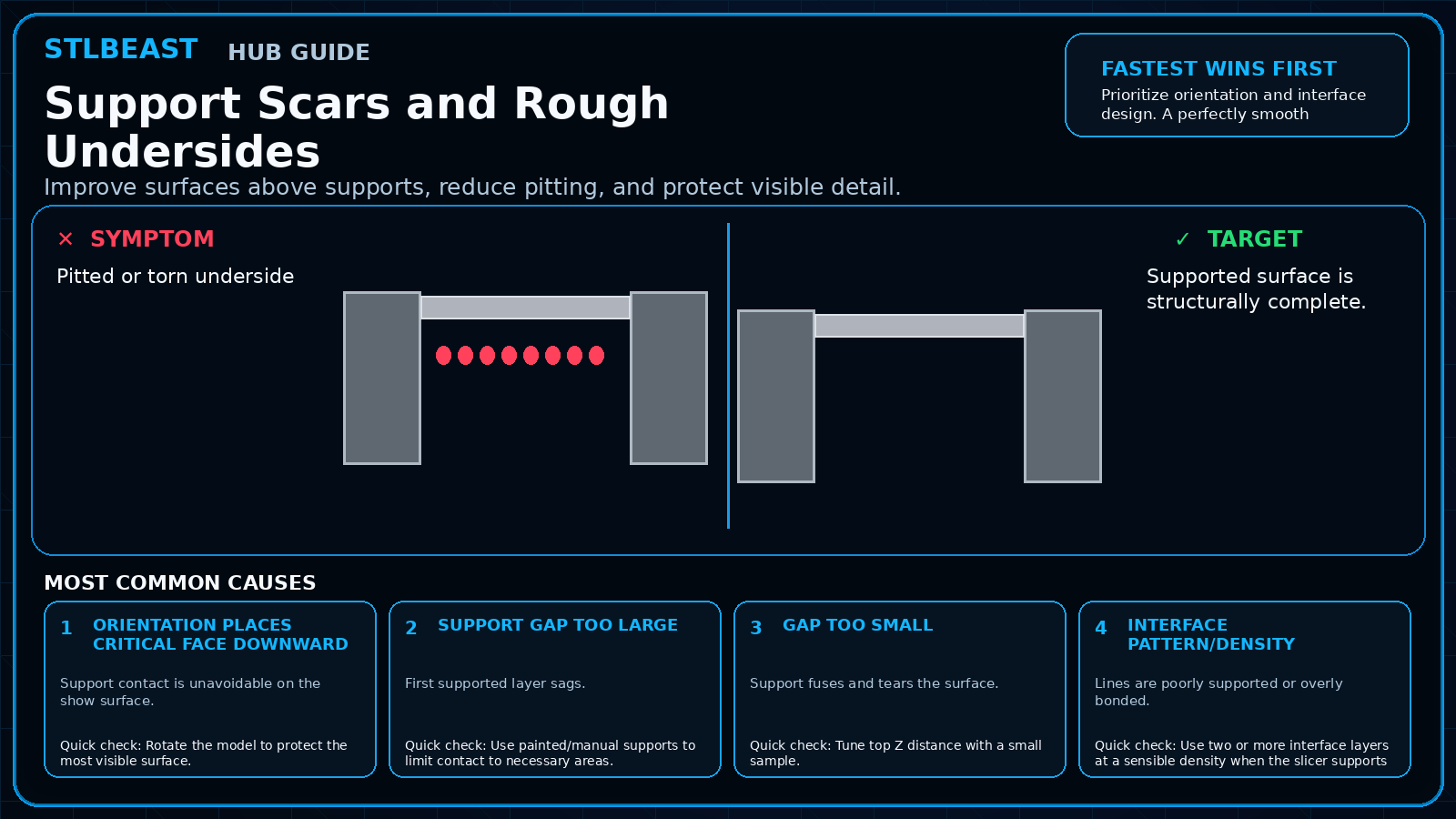
Improve surfaces above supports, reduce pitting, and protect visible detail.
A detailed STLBEAST repair guide to correct mechanical geometry before calibration. Learn how to recognize the symptom, rank the likely causes, apply safe fixes in order, verify the result, and prevent the failure from returning.
A detailed STLBEAST repair guide to increase motion performance without ringing, shifts, or instability. Learn how to recognize the symptom, rank the likely causes, apply safe fixes in order, verify the result, and prevent the failure from returning.
A detailed STLBEAST repair guide to use built-in calibration tools in a sensible order. Learn how to recognize the symptom, rank the likely causes, apply safe fixes in order, verify the result, and prevent the failure from returning.
A detailed STLBEAST repair guide to remove fragments and prevent brittle feed failures. Learn how to recognize the symptom, rank the likely causes, apply safe fixes in order, verify the result, and prevent the failure from returning.
A detailed STLBEAST repair guide to remove weak transitions, color contamination, and blobs after filament swaps. Learn how to recognize the symptom, rank the likely causes, apply safe fixes in order, verify the result, and prevent the failure from returning.
A detailed STLBEAST repair guide to find the support controls that matter most in Cura. Learn how to recognize the symptom, rank the likely causes, apply safe fixes in order, verify the result, and prevent the failure from returning.
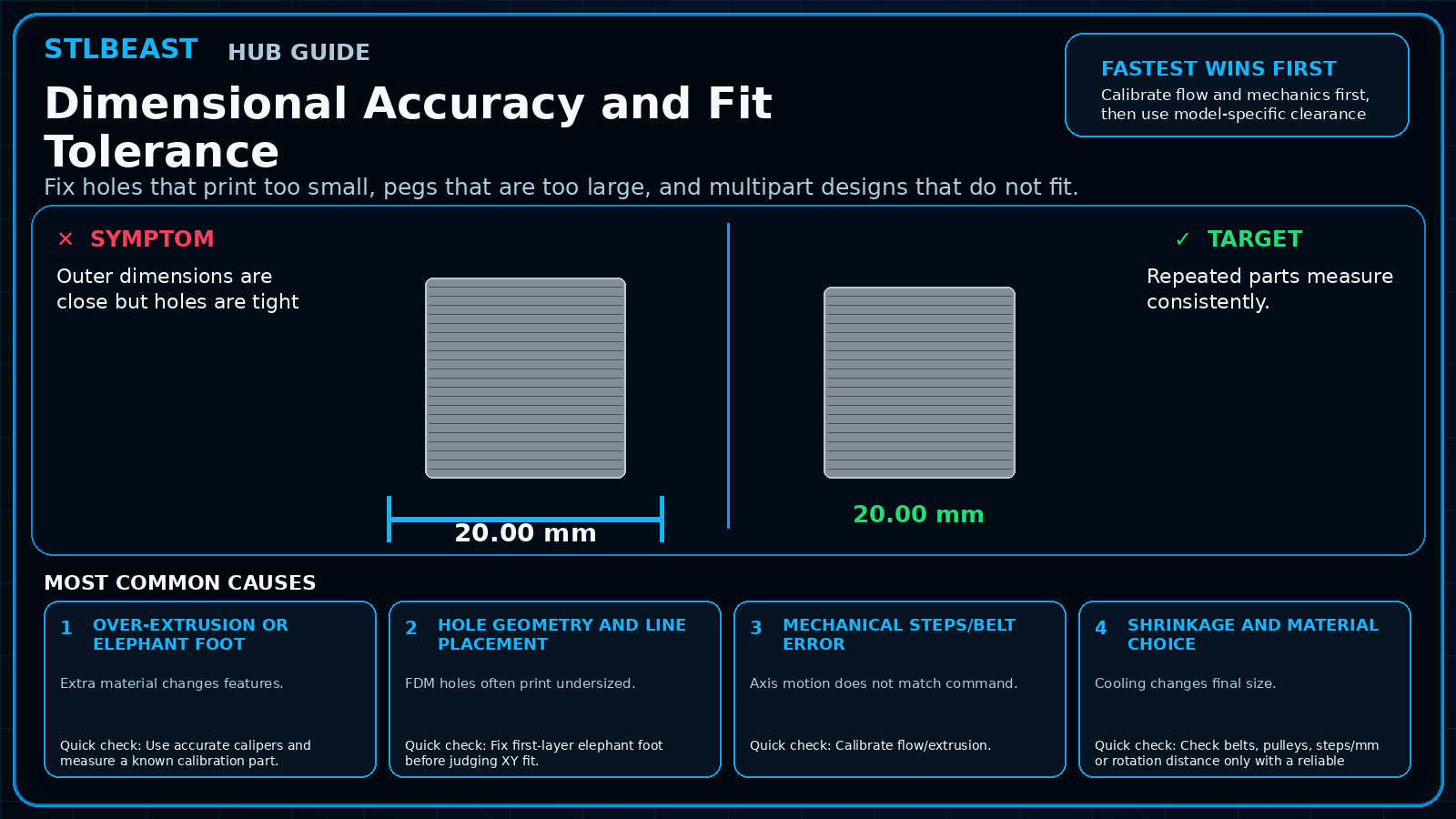
Fix holes that print too small, pegs that are too large, and multipart designs that do not fit.
A detailed STLBEAST repair guide to save realistic flow values for each filament rather than one global value. Learn how to recognize the symptom, rank the likely causes, apply safe fixes in order, verify the result, and prevent the failure from returning.
A detailed STLBEAST repair guide to remove the obstruction without damaging fittings or the hotend. Learn how to recognize the symptom, rank the likely causes, apply safe fixes in order, verify the result, and prevent the failure from returning.
A detailed STLBEAST repair guide to calibrate volume only after Z offset and leveling are correct. Learn how to recognize the symptom, rank the likely causes, apply safe fixes in order, verify the result, and prevent the failure from returning.
A detailed STLBEAST repair guide to improve wall overlap around small internal geometry. Learn how to recognize the symptom, rank the likely causes, apply safe fixes in order, verify the result, and prevent the failure from returning.
A detailed STLBEAST repair guide to balance cleanliness, temperature, and release on glass. Learn how to recognize the symptom, rank the likely causes, apply safe fixes in order, verify the result, and prevent the failure from returning.
A detailed STLBEAST repair guide to replace a nozzle without leaks, thread damage, or wrong Z offset. Learn how to recognize the symptom, rank the likely causes, apply safe fixes in order, verify the result, and prevent the failure from returning.
A detailed STLBEAST repair guide to divide a model into strong, alignable parts that fit the build volume. Learn how to recognize the symptom, rank the likely causes, apply safe fixes in order, verify the result, and prevent the failure from returning.
A detailed STLBEAST repair guide to control instantaneous corner behavior without excessive slowdown. Learn how to recognize the symptom, rank the likely causes, apply safe fixes in order, verify the result, and prevent the failure from returning.
Members can connect ranked answers to saved printers, previous failed repairs, full Printer Settings, AI Doctor case history and community-confirmed configurations.