STL Not Slicing or Missing Layers
Fix models that disappear, show missing sections, create empty layers, or look broken in the slicer.
- Keyword match
- Symptom match
- Direct-answer match
Use normal language such as “hairy PETG print,” “clicking extruder and thin lines,” or “resin part stuck to the film.” The engine translates common descriptions into technical causes and explains why each answer matched.
Results are ranked by symptom, title, cause and equipment context.
Fix models that disappear, show missing sections, create empty layers, or look broken in the slicer.
Reduce echo lines after corners, ripples around text, and vibration artifacts on outer walls.
A detailed STLBEAST repair guide to make narrow geometry printable without distorting the design. Learn how to recognize the symptom, rank the likely causes, apply safe fixes in order, verify the result, and prevent the failure from returning.
A detailed STLBEAST repair guide to improve wall overlap around small internal geometry. Learn how to recognize the symptom, rank the likely causes, apply safe fixes in order, verify the result, and prevent the failure from returning.
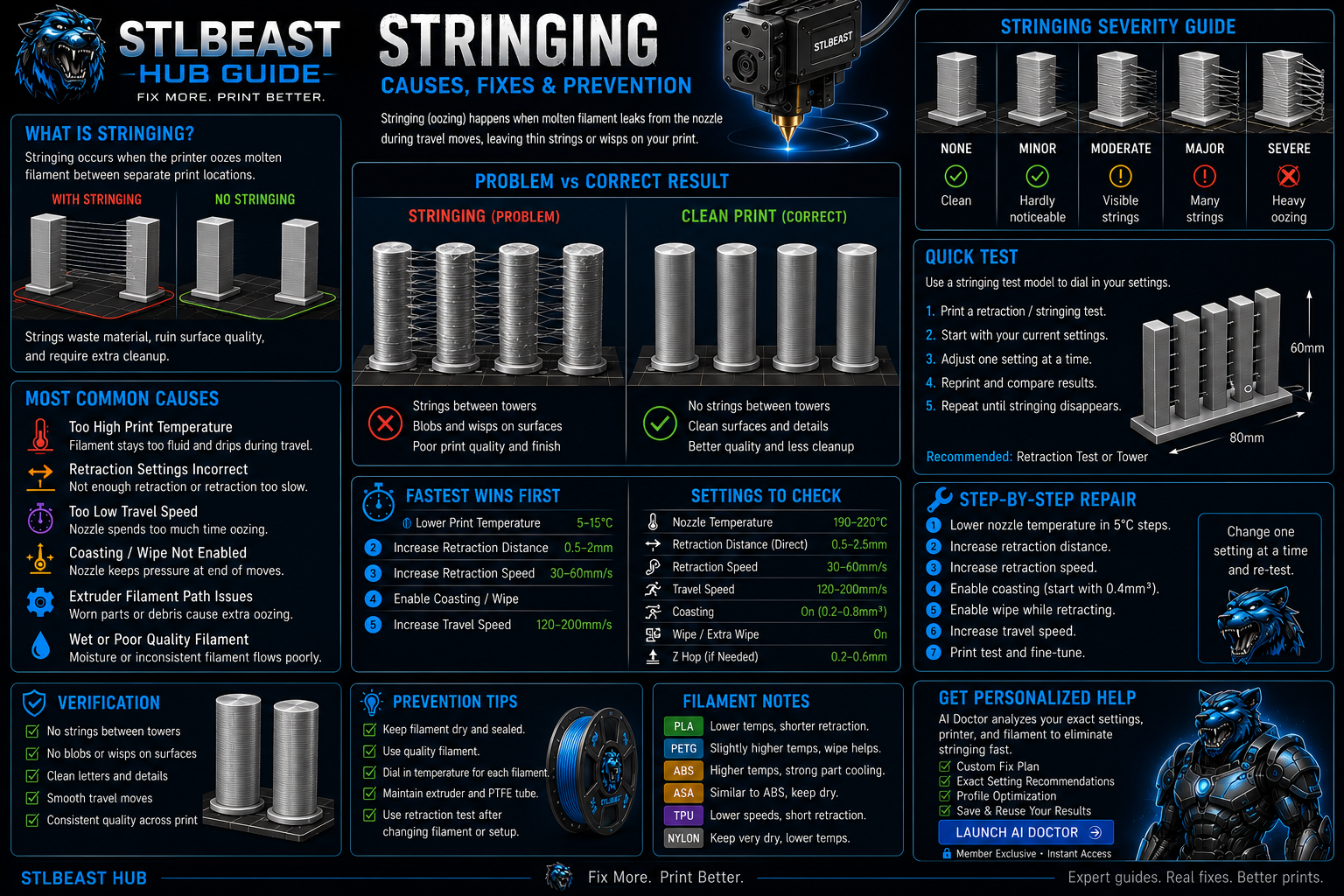
Stop fine hairs, heavy webs, oozing, and travel strings by testing moisture, temperature, retraction, and travel behavior in the right order.
Reduce PETG webs, blobs, wisps, and nozzle buildup without making layers brittle or over-retracting the filament.
Fix first-layer squish, flow, seam blobs, clearance, support intrusion, and cooling, then verify with a small print-in-place calibration model.
Fix thin walls, missing lines, weak layers, gaps, and inconsistent flow.
A detailed STLBEAST repair guide to increase motion performance without ringing, shifts, or instability. Learn how to recognize the symptom, rank the likely causes, apply safe fixes in order, verify the result, and prevent the failure from returning.
A detailed STLBEAST repair guide to reduce ringing after mechanical issues are corrected. Learn how to recognize the symptom, rank the likely causes, apply safe fixes in order, verify the result, and prevent the failure from returning.
A detailed STLBEAST repair guide to reduce contact during travel without masking extrusion faults. Learn how to recognize the symptom, rank the likely causes, apply safe fixes in order, verify the result, and prevent the failure from returning.
Diagnose inconsistent extrusion, curled purge strands, missing layers, and a nozzle that stops flowing.
A detailed STLBEAST repair guide to verify actual extrusion width using a controlled wall test. Learn how to recognize the symptom, rank the likely causes, apply safe fixes in order, verify the result, and prevent the failure from returning.
A detailed STLBEAST repair guide to print high-temperature material within machine limits. Learn how to recognize the symptom, rank the likely causes, apply safe fixes in order, verify the result, and prevent the failure from returning.
A detailed STLBEAST repair guide to tune distance and speed without creating heat creep or grinding. Learn how to recognize the symptom, rank the likely causes, apply safe fixes in order, verify the result, and prevent the failure from returning.
A detailed STLBEAST repair guide to choose the lowest temperature that gives clean flow and strong bonding. Learn how to recognize the symptom, rank the likely causes, apply safe fixes in order, verify the result, and prevent the failure from returning.
A detailed STLBEAST repair guide to save realistic flow values for each filament rather than one global value. Learn how to recognize the symptom, rank the likely causes, apply safe fixes in order, verify the result, and prevent the failure from returning.
Calibrate average extrusion without hiding clogs, incorrect Z offset, or hotend-capacity limits.
Fix horizontal cracks, layers splitting apart, and brittle prints with poor interlayer bonding.
A detailed STLBEAST repair guide to restore smooth perimeter extrusion and stable motion. Learn how to recognize the symptom, rank the likely causes, apply safe fixes in order, verify the result, and prevent the failure from returning.
Increase continuous walls and bottom layers, correct under-extrusion and seams, orient to reduce leak paths, and pressure-test safely before using the part.
Improve lines printed across gaps, drooping bridge strands, and rough unsupported ceilings.
Fix prints that start normally and then lose extrusion, especially with PLA in warm enclosures.
Fix swollen walls, rough top surfaces, seam blobs, and excess plastic without starving the print.
A detailed STLBEAST repair guide to control where perimeter starts and ends are placed. Learn how to recognize the symptom, rank the likely causes, apply safe fixes in order, verify the result, and prevent the failure from returning.
Fix poor bed adhesion, lifting first layers, loose corners, and prints that detach from the build plate.
A detailed STLBEAST repair guide to restore a clear and aligned filament path. Learn how to recognize the symptom, rank the likely causes, apply safe fixes in order, verify the result, and prevent the failure from returning.
A detailed STLBEAST repair guide to square the X gantry before compensating in software. Learn how to recognize the symptom, rank the likely causes, apply safe fixes in order, verify the result, and prevent the failure from returning.
A detailed STLBEAST repair guide to find the hotend melt-rate ceiling for a material. Learn how to recognize the symptom, rank the likely causes, apply safe fixes in order, verify the result, and prevent the failure from returning.
Reduce corner bulges, seam blobs, and underfilled acceleration transitions after flow is calibrated.
A detailed STLBEAST repair guide to separate seam artifacts from moisture, pauses, and pressure errors. Learn how to recognize the symptom, rank the likely causes, apply safe fixes in order, verify the result, and prevent the failure from returning.
A detailed STLBEAST repair guide to restore layer bonding and reduce peel stress. Learn how to recognize the symptom, rank the likely causes, apply safe fixes in order, verify the result, and prevent the failure from returning.
A detailed STLBEAST repair guide to restore bottom-layer adhesion without excessive exposure. Learn how to recognize the symptom, rank the likely causes, apply safe fixes in order, verify the result, and prevent the failure from returning.
Clean and align the sensor path, inspect its connector, confirm filament diameter and flexibility, and adjust debounce or sensitivity only within the manufactur.
Choose realistic speeds for walls, infill, overhangs, bridges, and volumetric flow.
Fix prints that detach, shift, collapse, or continue extruding loose filament into a tangled spaghetti failure.
Confirm the mesh was saved, the correct profile is loaded after homing, start G-code does not clear it, and the Z axis visibly compensates during the first laye.
Correct swollen first layers, oversized bottoms, tight holes near the bed, and rounded lower edges.
Inspect the bed cable, connector, heater, thermistor, power delivery, mounting, and insulation before compensating with higher temperatures.
Stop long prints until the heatsink fan is restored; clean the fan, check its connector and voltage, confirm firmware control, and replace a noisy or stalled un.
Verify the heater cartridge, thermistor reading, connectors, power supply, hotend assembly, and fan airflow before changing slicer temperatures.
Check slicer fan commands, fan ducts, debris, connector, voltage, and fan direction before increasing cooling percentages.
Power down, remove mechanical load, inspect belts, lead screws, connectors, motor wiring, driver current, and axis binding before commanding more movement.
Tune flexible filament speed, feed path, retraction, temperature, and support behavior.
Identify moisture before changing slicer settings, then dry and store filament safely.
A detailed STLBEAST repair guide to correct mechanical geometry before calibration. Learn how to recognize the symptom, rank the likely causes, apply safe fixes in order, verify the result, and prevent the failure from returning.
A detailed STLBEAST repair guide to use built-in calibration tools in a sensible order. Learn how to recognize the symptom, rank the likely causes, apply safe fixes in order, verify the result, and prevent the failure from returning.
A detailed STLBEAST repair guide to span gaps with straight strands that do not sag or break. Learn how to recognize the symptom, rank the likely causes, apply safe fixes in order, verify the result, and prevent the failure from returning.
Members can connect ranked answers to saved printers, previous failed repairs, full Printer Settings, AI Doctor case history and community-confirmed configurations.